AvaloniaEdit
11.1.0

Dieses Projekt ist ein Hafen von Avalonedit, einem WPF-basierten Texteditor für Avalonia.
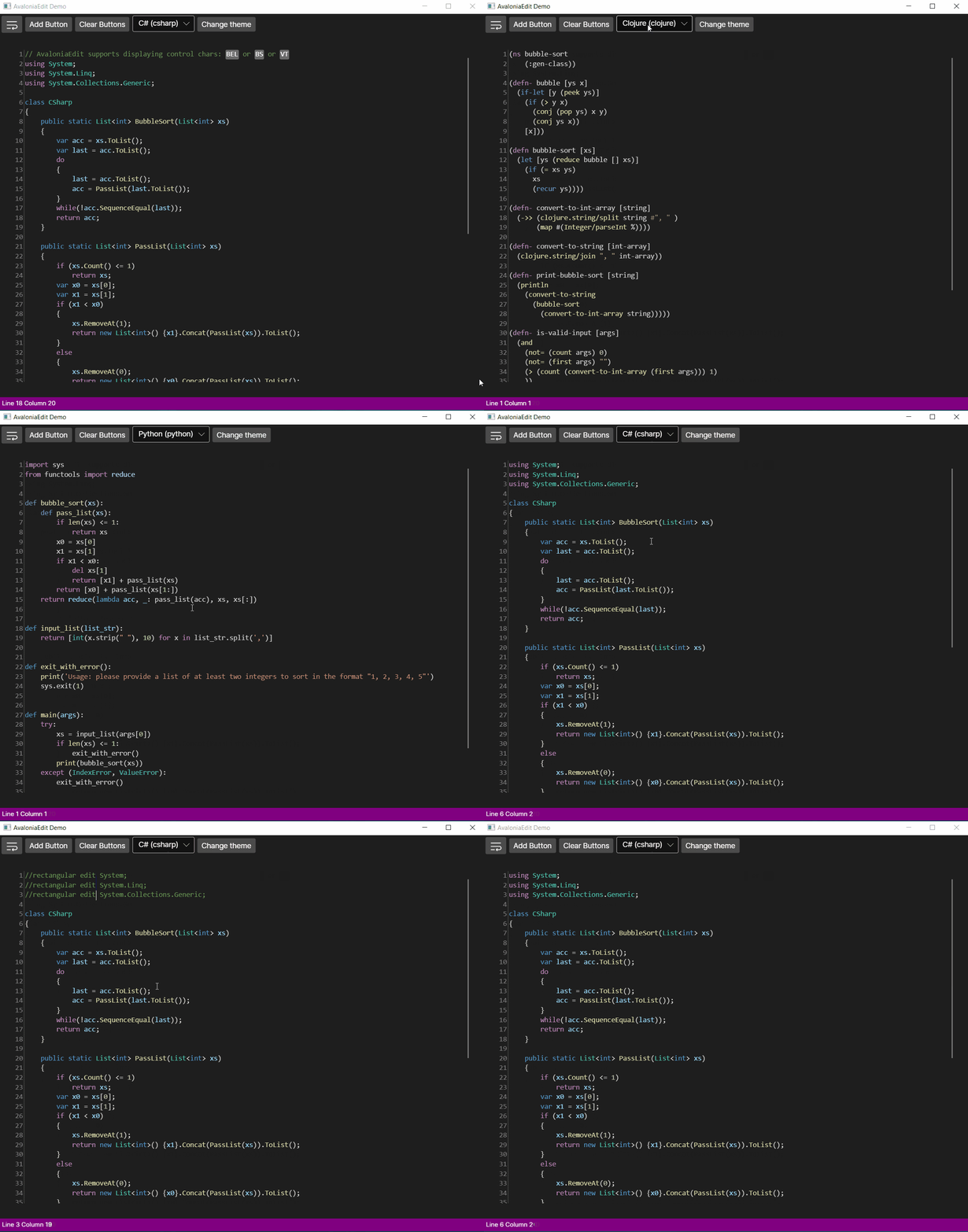
Avaloniadit unterstützt Funktionen wie:
Und viele, viele mehr!
Avaloniaedit besteht derzeit aus 2 Paketen
<PackageReference Include="Avalonia.AvaloniaEdit" Version="xyzt" /><Application.Styles> in Ihre App.xaml ein:0.10.xy -basierte Versionen verwenden, schließen Sie <StyleInclude Source="avares://AvaloniaEdit/AvaloniaEdit.xaml" />11.xy -basierte Versionen sind, enthalten Sie <StyleInclude Source="avares://AvaloniaEdit/Themes/Fluent/AvaloniaEdit.xaml" />< Window xmlns = " https://github.com/avaloniaui "
...
xmlns : AvaloniaEdit = " clr-namespace:AvaloniaEdit;assembly=AvaloniaEdit "
...>
...
< AvaloniaEdit : TextEditor Text = " Hello AvaloniaEdit! "
ShowLineNumbers = " True "
FontFamily = " Cascadia Code,Consolas,Menlo,Monospace " />
...
</ Window >Sie können die Demo -Anwendung als Referenz sehen.
Wenn Sie zunächst Grammatiken verwenden möchten, die von Textmatesharp unterstützt werden, sollten Sie die folgenden Pakete installieren:
Wenn Sie Ihre eigenen Grammatiken unterstützen möchten, müssen Sie nur das Paket AvaloniaEdit.textmate installieren und IreGistryOptions-Schnittstelle implementieren.
 //First of all you need to have a reference for your TextEditor for it to be used inside AvaloniaEdit.TextMate project.
var _textEditor = this . FindControl < TextEditor > ( "Editor" ) ;

//Here we initialize RegistryOptions with the theme we want to use.
var  _registryOptions = new RegistryOptions ( ThemeName . DarkPlus ) ;

//Initial setup of TextMate.
var _textMateInstallation = _textEditor . InstallTextMate ( _registryOptions ) ;

//Here we are getting the language by the extension and right after that we are initializing grammar with this language.
//And that's all ?, you are ready to use AvaloniaEdit with syntax highlighting!
_textMateInstallation . SetGrammar ( _registryOptions . GetScopeByLanguageId ( _registryOptions . GetLanguageByExtension ( ".cs" ) . Id ) ) ;