AvaloniaEdit
11.1.0

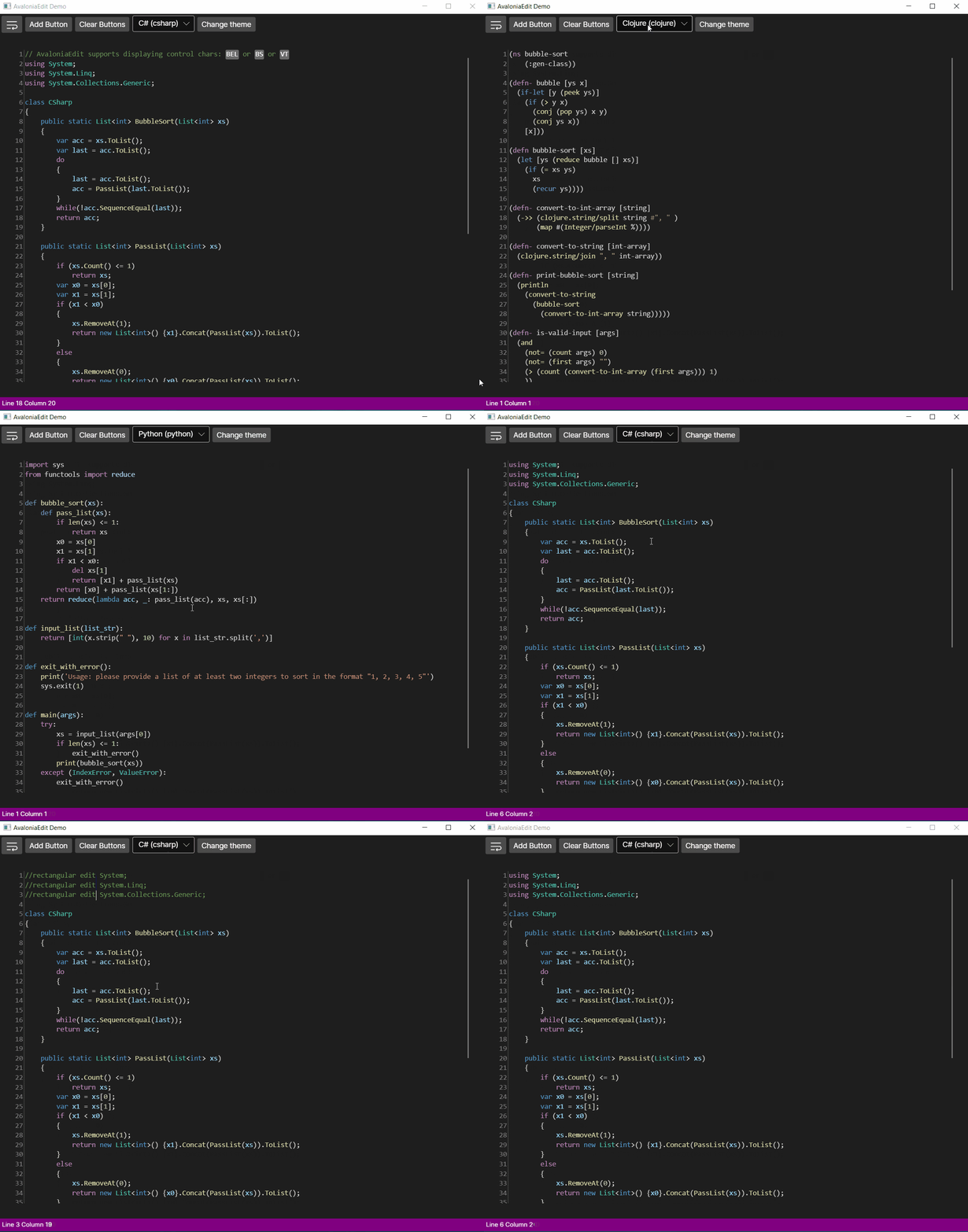
โครงการนี้เป็นพอร์ตของ Avalonedit ซึ่งเป็นตัวแก้ไขข้อความที่ใช้ WPF สำหรับ Avalonia
AvaloniaEdit สนับสนุนคุณสมบัติเช่น:
และอีกมากมายอีกมากมาย!
ปัจจุบัน AvaloniaEdit ประกอบด้วย 2 แพ็คเกจ
<PackageReference Include="Avalonia.AvaloniaEdit" Version="xyzt" /><Application.Styles> ใน App.xaml ของคุณ:0.10.xy ให้รวม <StyleInclude Source="avares://AvaloniaEdit/AvaloniaEdit.xaml" />11.xy ให้รวม <StyleInclude Source="avares://AvaloniaEdit/Themes/Fluent/AvaloniaEdit.xaml" />< Window xmlns = " https://github.com/avaloniaui "
...
xmlns : AvaloniaEdit = " clr-namespace:AvaloniaEdit;assembly=AvaloniaEdit "
...>
...
< AvaloniaEdit : TextEditor Text = " Hello AvaloniaEdit! "
ShowLineNumbers = " True "
FontFamily = " Cascadia Code,Consolas,Menlo,Monospace " />
...
</ Window >คุณสามารถดูแอปพลิเคชันตัวอย่างเป็นข้อมูลอ้างอิง
ก่อนอื่นหากคุณต้องการใช้ไวยากรณ์ที่รองรับโดย TextMatesHarp ควรติดตั้งแพ็คเกจต่อไปนี้:
หรือหากคุณต้องการสนับสนุนไวยากรณ์ของคุณเองคุณเพียงแค่ต้องติดตั้งแพ็คเกจ AvaloniaEdit.TextMate และใช้อินเทอร์เฟซ IREGIARTYOPTIONS ซึ่งปัจจุบันเป็นวิธีที่ง่ายที่สุดในกรณีที่คุณต้องการใช้ AvaloniaEdit กับชุดไวยากรณ์ที่แตกต่างจาก TextMatesharp.
 //First of all you need to have a reference for your TextEditor for it to be used inside AvaloniaEdit.TextMate project.
var _textEditor = this . FindControl < TextEditor > ( "Editor" ) ;

//Here we initialize RegistryOptions with the theme we want to use.
var  _registryOptions = new RegistryOptions ( ThemeName . DarkPlus ) ;

//Initial setup of TextMate.
var _textMateInstallation = _textEditor . InstallTextMate ( _registryOptions ) ;

//Here we are getting the language by the extension and right after that we are initializing grammar with this language.
//And that's all ?, you are ready to use AvaloniaEdit with syntax highlighting!
_textMateInstallation . SetGrammar ( _registryOptions . GetScopeByLanguageId ( _registryOptions . GetLanguageByExtension ( ".cs" ) . Id ) ) ;