google fonts preview
2022-12-03

一个生成Google字体的预览图像的脚本。
生成的预览图像可在“发行”部分下载。或按照下面的说明自己生成预览图像。
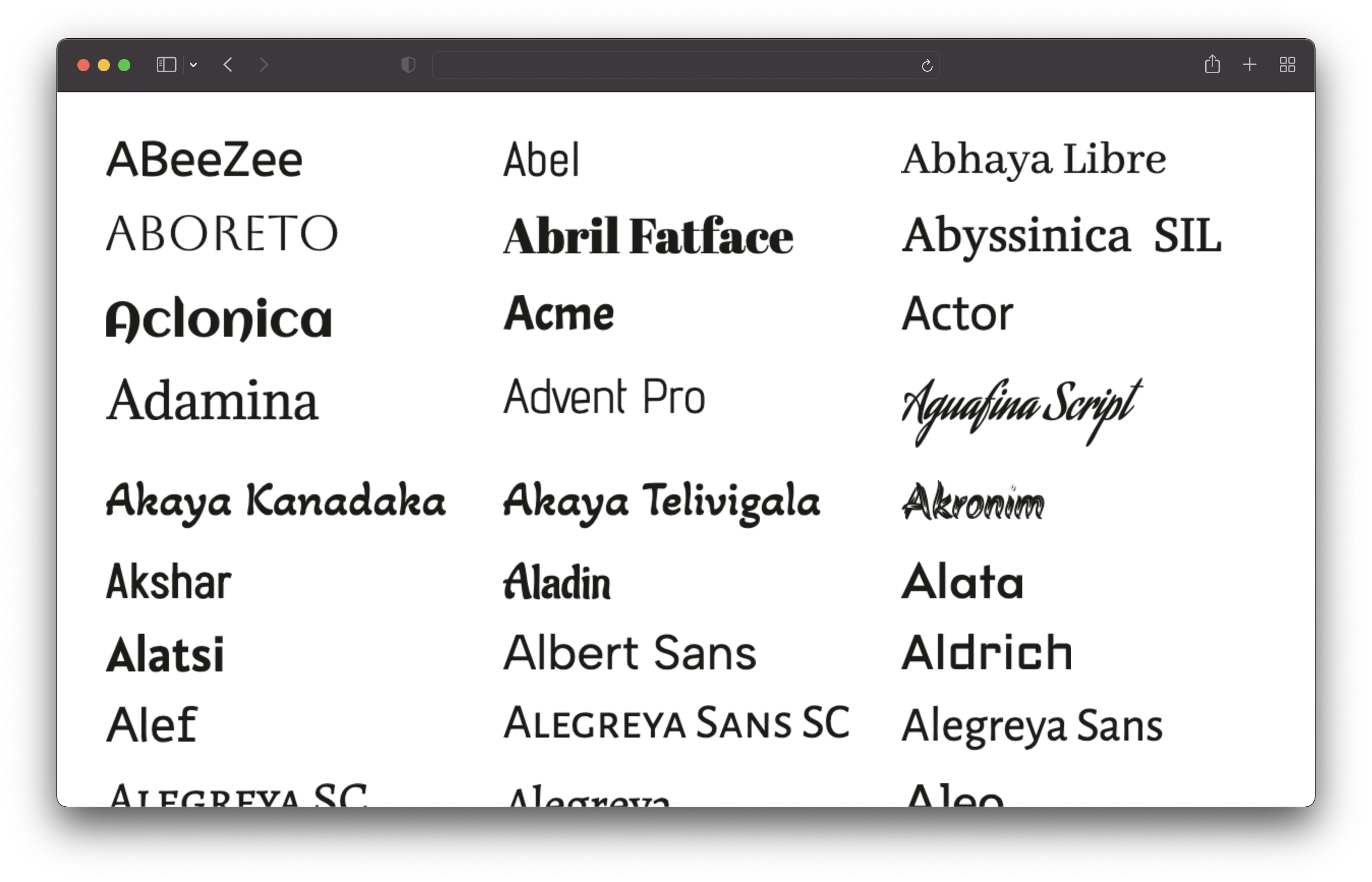
克隆此存储库并运行以下命令:
 # 1. Install dependencies
npm install

# 2. Run the script to generate the preview images
npm run generate这将获取所有字体并为所有字体生成预览图像。这将需要一段时间(我的机器上约25分钟)。图像将保存在/output/previews目录中。
您需要安装node.js v16或更新。
您可以通过编辑config.json文件来自定义预览:
 {
  // Text of the preview images.
  // If empty, the font name will be used.
  previewText : "" ,

  // The text color of the preview text.
  textColor : "#1b1b18" ,

  // The font size of the preview text.
  // Has to be a valid CSS font-size value.
  fontSize : "48px" ,

  // The format and file extension of the preview images.
  // Either "png" or "jpeg".
  format : "png" ,

  // The quality of the preview images (only used for JPEG).
  quality : 100 ,

  // If the background should be transparent (only used for PNG).
  transparent : true ,
} 仅包括sans-serif,serif,显示,笔迹和单拼字体。图标字体被排除在外。








