google fonts preview
2022-12-03

Un script para generar imágenes de vista previa de Google Fonts.
Las imágenes de vista previa generada están disponibles para descargar en la sección de lanzamiento. O siga las instrucciones a continuación para generar las imágenes de vista previa usted mismo.
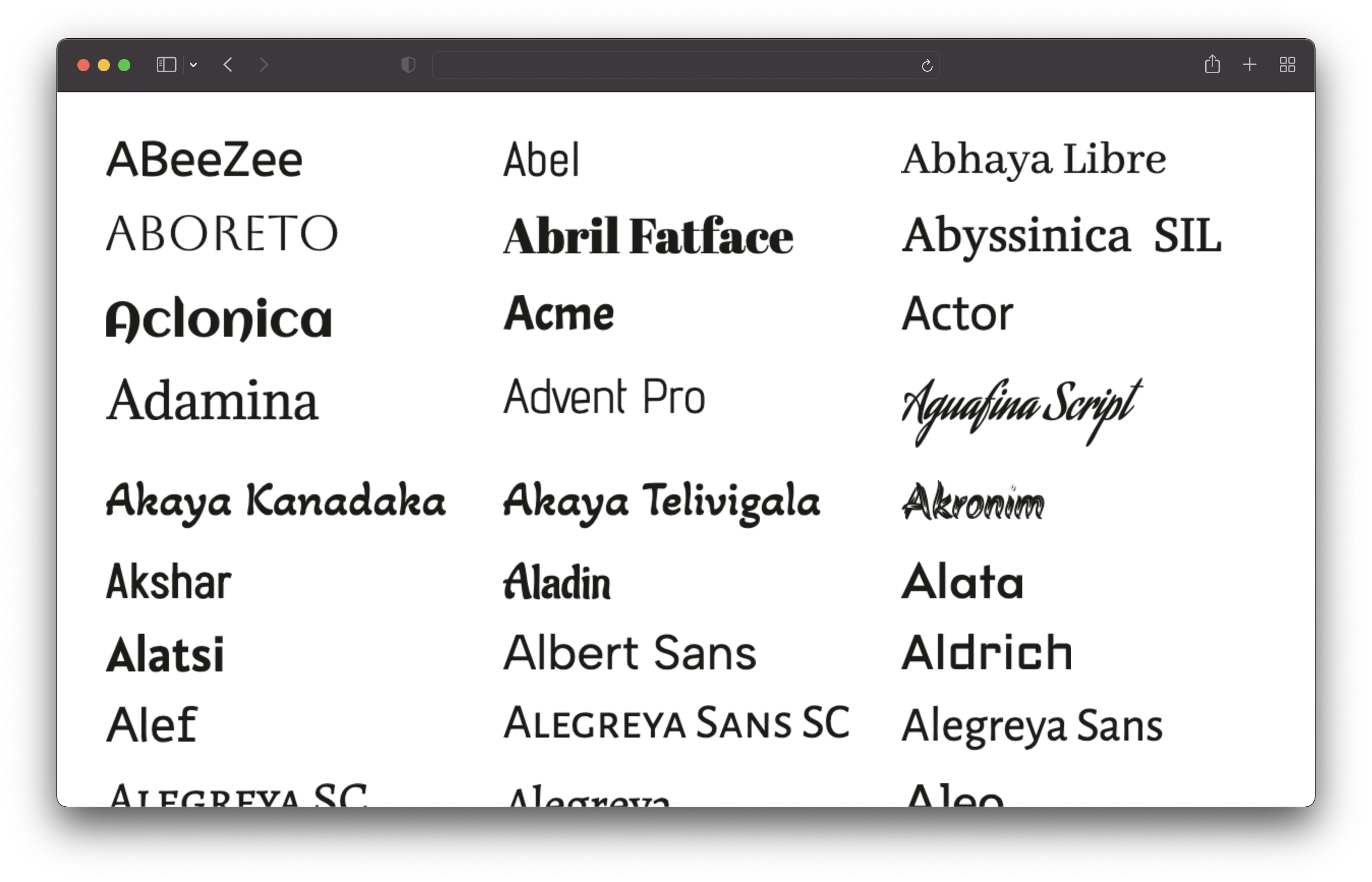
Clone este repositorio y ejecute los siguientes comandos:
 # 1. Install dependencies
npm install

# 2. Run the script to generate the preview images
npm run generate
Esto obtendrá todas las fuentes y generará imágenes de vista previa para todas ellas. Esto llevará un tiempo (~ 25 minutos en mi máquina). Las imágenes se guardarán en el directorio /output/previews .
Debe tener Node.js V16 o más nuevo instalado.
Puede personalizar las vistas previas editando el archivo config.json :
 {
  // Text of the preview images.
  // If empty, the font name will be used.
  previewText : "" ,

  // The text color of the preview text.
  textColor : "#1b1b18" ,

  // The font size of the preview text.
  // Has to be a valid CSS font-size value.
  fontSize : "48px" ,

  // The format and file extension of the preview images.
  // Either "png" or "jpeg".
  format : "png" ,

  // The quality of the preview images (only used for JPEG).
  quality : 100 ,

  // If the background should be transparent (only used for PNG).
  transparent : true ,
} Solo se incluyen sans-serif, serif, exhibición, escritura a mano y fuentes monoespaciales. Se excluyen las fuentes de iconos.








