google fonts preview
2022-12-03

สคริปต์เพื่อสร้างภาพตัวอย่างของ Google Fonts
ภาพตัวอย่างที่สร้างขึ้นพร้อมใช้งานสำหรับการดาวน์โหลดในส่วนการเปิดตัว หรือทำตามคำแนะนำด้านล่างเพื่อสร้างภาพตัวอย่างด้วยตัวคุณเอง
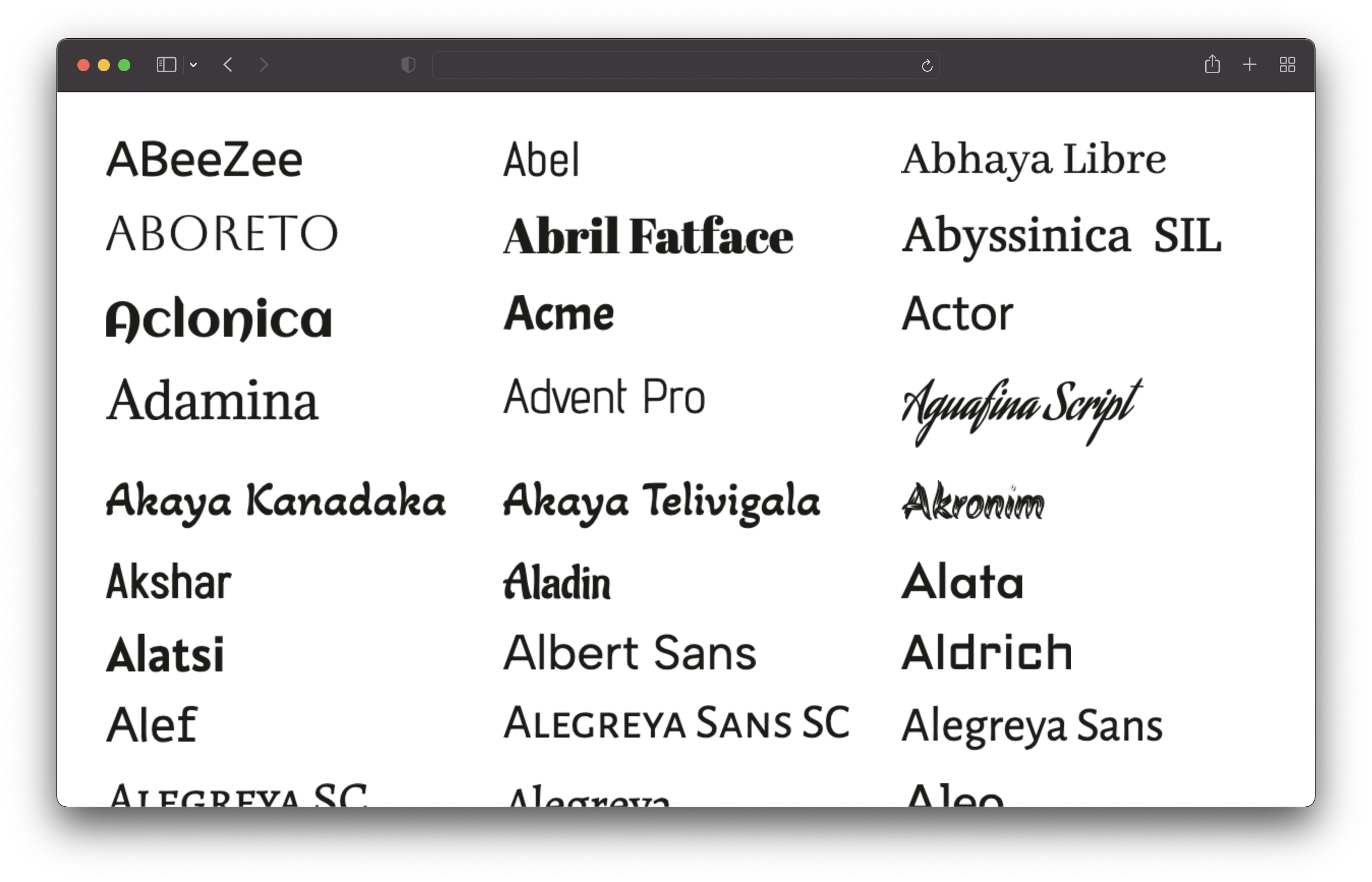
โคลนที่เก็บนี้และเรียกใช้คำสั่งต่อไปนี้:
 # 1. Install dependencies
npm install

# 2. Run the script to generate the preview images
npm run generate
สิ่งนี้จะดึงฟอนต์ทั้งหมดและสร้างภาพตัวอย่างสำหรับพวกเขาทั้งหมด จะใช้เวลาสักครู่ (~ 25 นาทีบนเครื่องของฉัน) รูปภาพจะถูกบันทึกไว้ในไดเรกทอรี /output/previews
คุณต้องมี node.js v16 หรือติดตั้งใหม่กว่า
คุณสามารถปรับแต่งตัวอย่างโดยแก้ไขไฟล์ config.json :
 {
  // Text of the preview images.
  // If empty, the font name will be used.
  previewText : "" ,

  // The text color of the preview text.
  textColor : "#1b1b18" ,

  // The font size of the preview text.
  // Has to be a valid CSS font-size value.
  fontSize : "48px" ,

  // The format and file extension of the preview images.
  // Either "png" or "jpeg".
  format : "png" ,

  // The quality of the preview images (only used for JPEG).
  quality : 100 ,

  // If the background should be transparent (only used for PNG).
  transparent : true ,
} มีเพียงแบบอักษร Sans-Serif, Serif, Display, Handwriting และ Monospace แบบอักษรไอคอนจะถูกยกเว้น








