google fonts preview
2022-12-03

Google 글꼴의 미리보기 이미지를 생성하는 스크립트.
생성 된 미리보기 이미지는 릴리스 섹션에서 다운로드 할 수 있습니다. 또는 미리보기 이미지를 직접 생성하려면 아래 지침을 따르십시오.
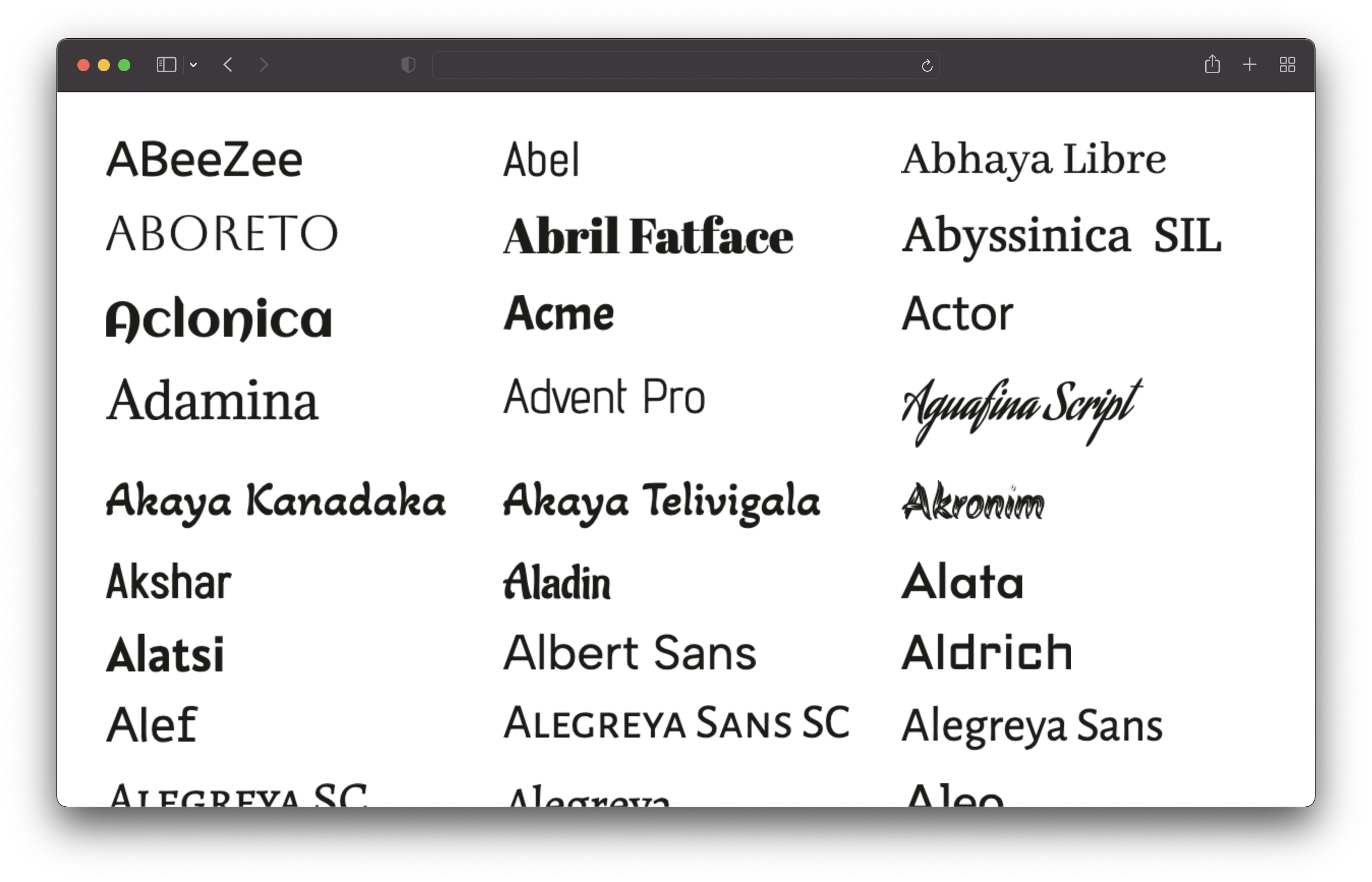
이 저장소를 복제하고 다음 명령을 실행하십시오.
 # 1. Install dependencies
npm install

# 2. Run the script to generate the preview images
npm run generate
이것은 모든 글꼴을 가져오고 모든 글꼴을 생성합니다. 시간이 걸립니다 (내 컴퓨터에서 ~ 25 분). 이미지는 /output/previews 디렉토리에 저장됩니다.
node.js v16 또는 최신 설치가 필요합니다.
config.json 파일을 편집하여 미리보기를 사용자 정의 할 수 있습니다.
 {
  // Text of the preview images.
  // If empty, the font name will be used.
  previewText : "" ,

  // The text color of the preview text.
  textColor : "#1b1b18" ,

  // The font size of the preview text.
  // Has to be a valid CSS font-size value.
  fontSize : "48px" ,

  // The format and file extension of the preview images.
  // Either "png" or "jpeg".
  format : "png" ,

  // The quality of the preview images (only used for JPEG).
  quality : 100 ,

  // If the background should be transparent (only used for PNG).
  transparent : true ,
} Sans-Serif, Serif, Display, 필기 및 단편 글꼴 만 포함되어 있습니다. 아이콘 글꼴은 제외됩니다.








