google fonts preview
2022-12-03

Googleフォントのプレビュー画像を生成するスクリプト。
生成されたプレビュー画像は、リリースセクションでダウンロードできます。または、以下の指示に従って、自分でプレビュー画像を生成します。
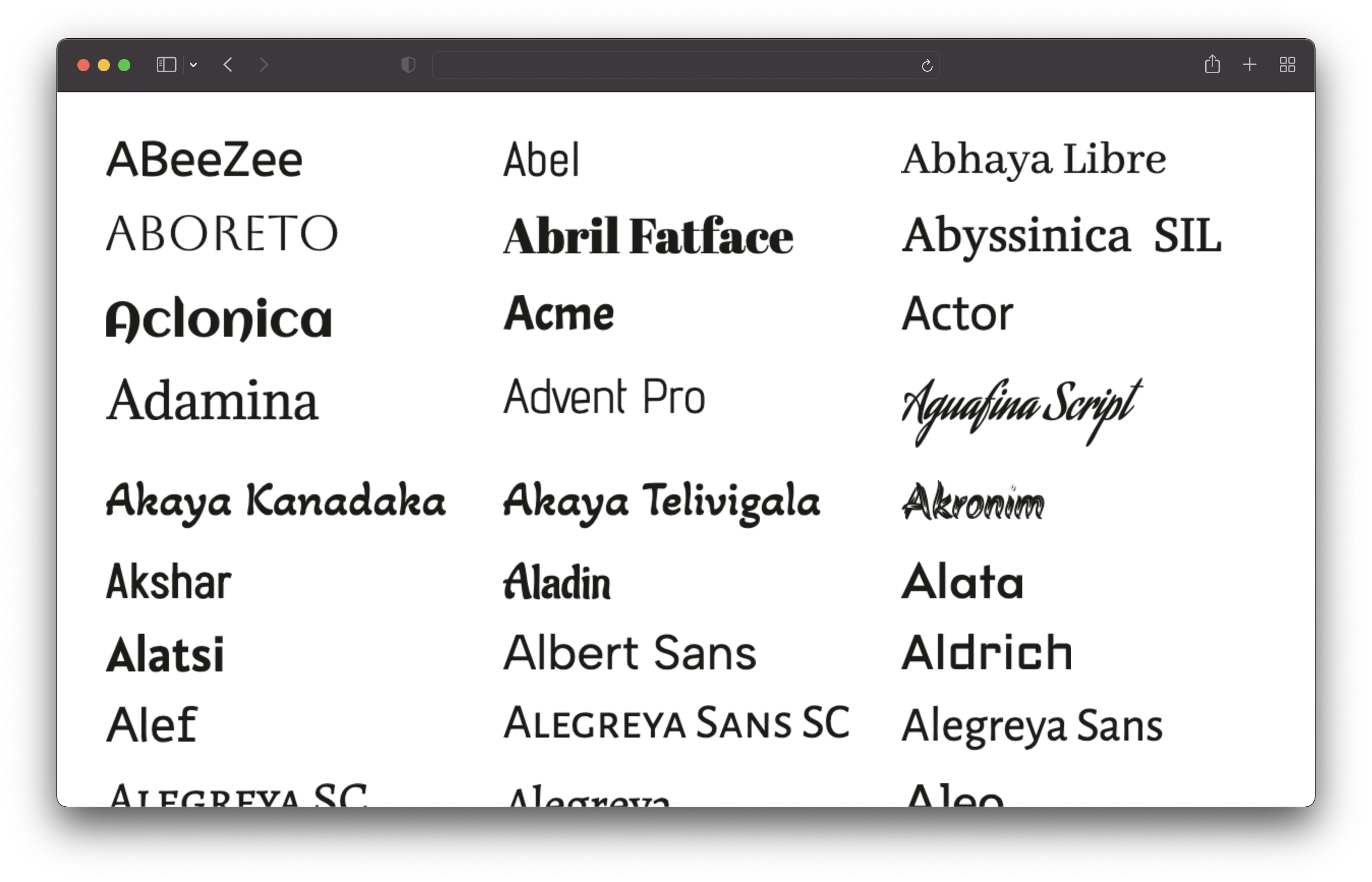
このリポジトリをクローンし、次のコマンドを実行します。
 # 1. Install dependencies
npm install

# 2. Run the script to generate the preview images
npm run generateこれにより、すべてのフォントが取得され、すべてのフォントのプレビュー画像が生成されます。これにはしばらく時間がかかります(マシンで約25分)。画像は/output/previewsディレクトリに保存されます。
node.js v16以下をインストールする必要があります。
config.jsonファイルを編集して、プレビューをカスタマイズできます。
 {
  // Text of the preview images.
  // If empty, the font name will be used.
  previewText : "" ,

  // The text color of the preview text.
  textColor : "#1b1b18" ,

  // The font size of the preview text.
  // Has to be a valid CSS font-size value.
  fontSize : "48px" ,

  // The format and file extension of the preview images.
  // Either "png" or "jpeg".
  format : "png" ,

  // The quality of the preview images (only used for JPEG).
  quality : 100 ,

  // If the background should be transparent (only used for PNG).
  transparent : true ,
} sans-serif、serif、display、手書き、モノスペースフォントのみが含まれています。アイコンフォントは除外されます。








