ngx bootstrap icons
v.1.9.2

npm i ngx-bootstrap-icons --save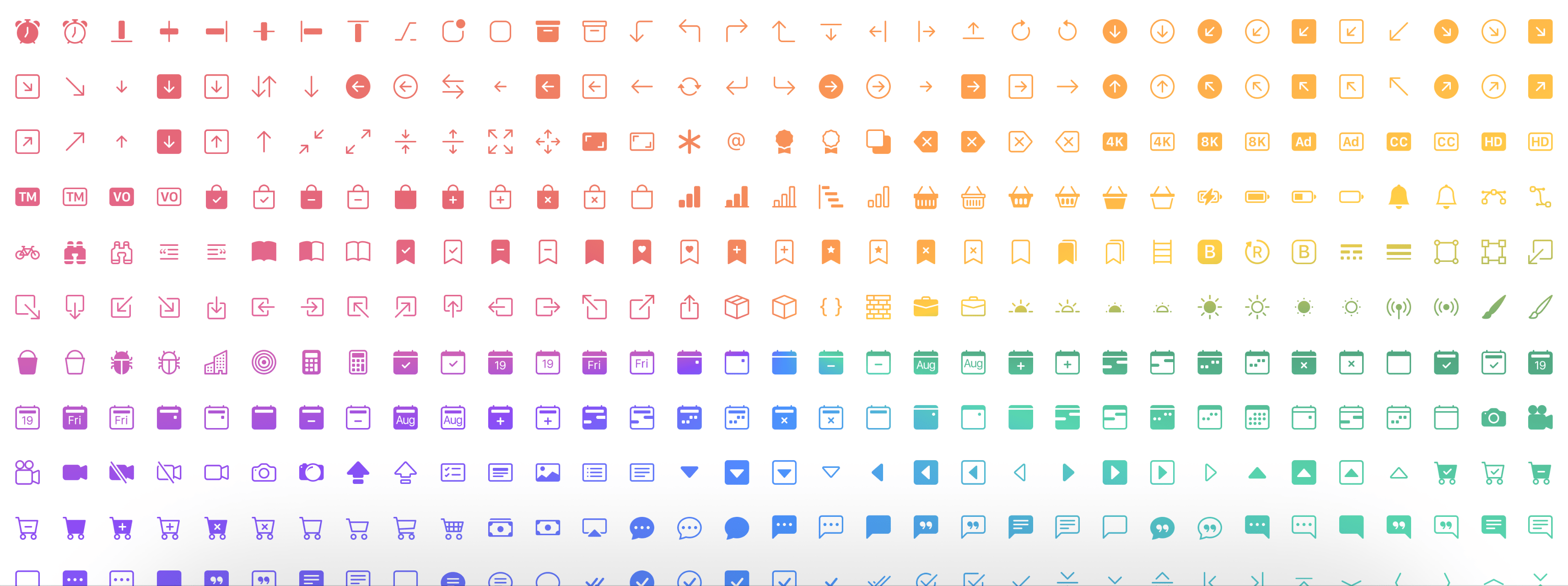
演示在这里
npm i ngx-bootstrap-icons --save import { NgxBootstrapIconsModule } from 'ngx-bootstrap-icons' ; 您可以单独导入所有图标(未推荐)或每个图标。
import { allIcons } from 'ngx-bootstrap-icons' ; import { alarm , alarmFill , alignBottom } from 'ngx-bootstrap-icons' ;
// Select some icons (use an object, not an array)
const icons = {
alarm ,
alarmFill ,
alignBottom
} ; import { NgxBootstrapIconsModule , allIcons } from 'ngx-bootstrap-icons' ;
@ NgModule ( {
declarations : [
AppComponent
] ,
imports : [
BrowserModule ,
AppRoutingModule ,
NgxBootstrapIconsModule . pick ( allIcons )
] ,
providers : [ ] ,
bootstrap : [ AppComponent ]
} )
export class AppModule { } import { NgxBootstrapIconsModule } from 'ngx-bootstrap-icons' ;
 import { alarm , alarmFill , alignBottom } from 'ngx-bootstrap-icons' ;
// Select some icons (use an object, not an array)
const icons = {
  alarm ,
  alarmFill ,
  alignBottom
} ;
@ NgModule ( {
declarations : [
AppComponent
] ,
imports : [
BrowserModule ,
AppRoutingModule ,
NgxBootstrapIconsModule . pick ( icons )
] ,
providers : [ ] ,
bootstrap : [ AppComponent ]
} )
export class AppModule { }
/**
Another way.
--------------
Import NgxBootstrapIconsModule.pick(icons) inside of the AppModule
Import NgxBootstrapIconsModule (without the pick() method) inside of any FeatureModule where will be used.
Now you can import icons in one place only (root module) and successfully use the component anywhere you want.
**/ import { NgxBootstrapIconsModule , ColorTheme } from 'ngx-bootstrap-icons' ;
import { alarm , alarmFill , alignBottom } from 'ngx-bootstrap-icons' ;
// Select some icons (use an object, not an array)
const icons = {
alarm ,
alarmFill ,
alignBottom
} ;
@ NgModule ( {
declarations : [
AppComponent
] ,
imports : [
BrowserModule ,
AppRoutingModule ,
NgxBootstrapIconsModule . pick ( icons , {
width : '2em' ,
height : '2em' ,
theme : ColorTheme . Danger ,
} )
] ,
providers : [ ] ,
bootstrap : [ AppComponent ]
} )
export class AppModule { } | 输入原始计的名称 | 类型 | 必需的 | 默认值 | 描述 |
|---|---|---|---|---|
| 宽度 | string | false | null | 图标默认宽度 |
| 高度 | string | false | null | 图标默认高度 |
| 主题 | enum | false | null | 默认颜色主题 |
< i - bs name = "alarm-fill" > < / i - bs >或(使用您的预先标签)
< i i - bs name = "alarm-fill" > < / i >或选择使用我们的枚举进行自动完成支持
 import { iconNamesEnum } from 'ngx-bootstrap-icons' ;

public iconNames = iconNamesEnum ;

< i - bs [ name ] = "iconNames.AlarmFill" > < / i - bs >
另外,您可以使用图标的宽度和高度(默认宽度和高度为1REM)
 < i - bs
  name = "alarm-fill"
  width = "2rem"
  height = "2rem" >
< / i - bs >
<i
i-bs
name="alarm-fill"
width="2rem"
height="2rem">
</i>
| 输入原始计的名称 | 类型 | 必需的 | 默认值 | 描述 |
|---|---|---|---|---|
| 姓名 | string | true | null | 标志的名称 |
| 宽度 | string | false | null | 图标的宽度。 SVG使用的默认值 |
| 高度 | string | false | null | 图标的高度。 SVG使用的默认值 |
| resetDefaultDimensions | boolean | false | false | 如果设置了此参数,则将删除SVG图标的默认维度 |








