ngx bootstrap icons
v.1.9.2

npm i ngx-bootstrap-icons --save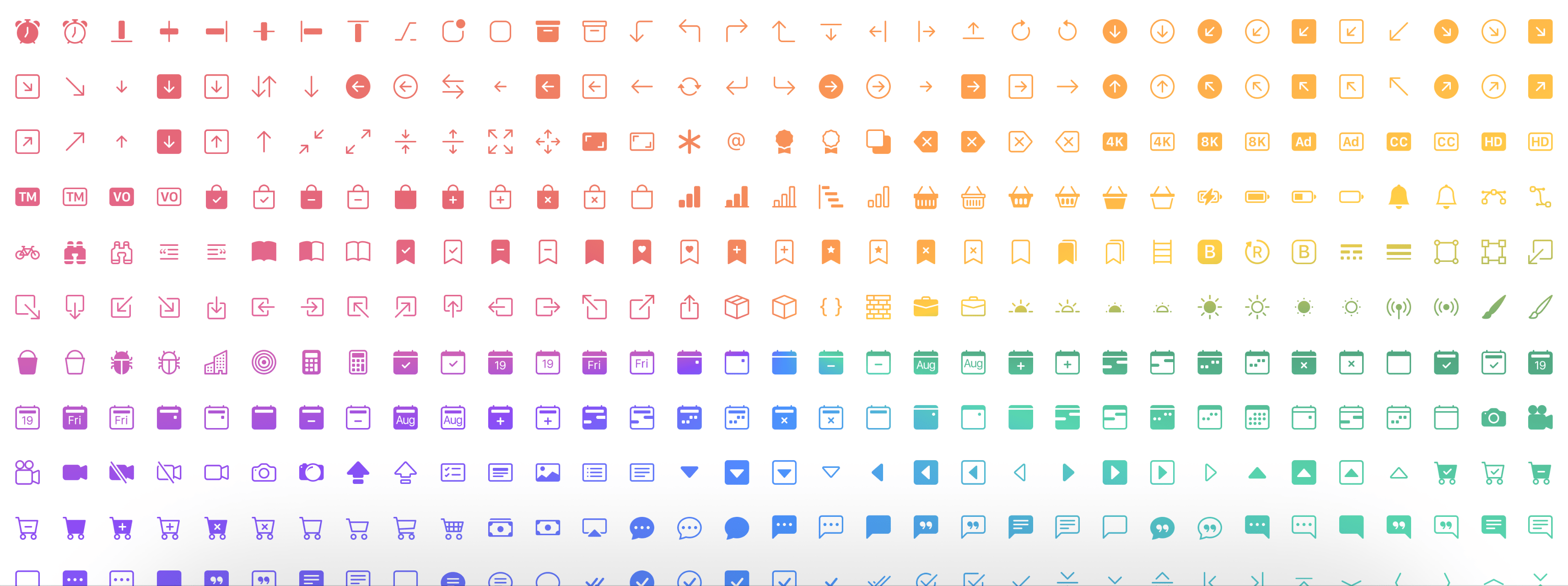
여기 데모
npm i ngx-bootstrap-icons --save import { NgxBootstrapIconsModule } from 'ngx-bootstrap-icons' ; 모든 아이콘 (인식되지 않음) 또는 각 아이콘을 개별적으로 가져올 수 있습니다.
import { allIcons } from 'ngx-bootstrap-icons' ; import { alarm , alarmFill , alignBottom } from 'ngx-bootstrap-icons' ;
// Select some icons (use an object, not an array)
const icons = {
alarm ,
alarmFill ,
alignBottom
} ; import { NgxBootstrapIconsModule , allIcons } from 'ngx-bootstrap-icons' ;
@ NgModule ( {
declarations : [
AppComponent
] ,
imports : [
BrowserModule ,
AppRoutingModule ,
NgxBootstrapIconsModule . pick ( allIcons )
] ,
providers : [ ] ,
bootstrap : [ AppComponent ]
} )
export class AppModule { } import { NgxBootstrapIconsModule } from 'ngx-bootstrap-icons' ;
 import { alarm , alarmFill , alignBottom } from 'ngx-bootstrap-icons' ;
// Select some icons (use an object, not an array)
const icons = {
  alarm ,
  alarmFill ,
  alignBottom
} ;
@ NgModule ( {
declarations : [
AppComponent
] ,
imports : [
BrowserModule ,
AppRoutingModule ,
NgxBootstrapIconsModule . pick ( icons )
] ,
providers : [ ] ,
bootstrap : [ AppComponent ]
} )
export class AppModule { }
/**
Another way.
--------------
Import NgxBootstrapIconsModule.pick(icons) inside of the AppModule
Import NgxBootstrapIconsModule (without the pick() method) inside of any FeatureModule where will be used.
Now you can import icons in one place only (root module) and successfully use the component anywhere you want.
**/ import { NgxBootstrapIconsModule , ColorTheme } from 'ngx-bootstrap-icons' ;
import { alarm , alarmFill , alignBottom } from 'ngx-bootstrap-icons' ;
// Select some icons (use an object, not an array)
const icons = {
alarm ,
alarmFill ,
alignBottom
} ;
@ NgModule ( {
declarations : [
AppComponent
] ,
imports : [
BrowserModule ,
AppRoutingModule ,
NgxBootstrapIconsModule . pick ( icons , {
width : '2em' ,
height : '2em' ,
theme : ColorTheme . Danger ,
} )
] ,
providers : [ ] ,
bootstrap : [ AppComponent ]
} )
export class AppModule { } | 입력 기생충의 이름 | 유형 | 필수의 | 기본값 | 설명 |
|---|---|---|---|---|
| 너비 | string | false | null | 아이콘 기본 너비 |
| 키 | string | false | null | 아이콘 기본 높이 |
| 주제 | enum | false | null | 기본 색상 테마 |
< i - bs name = "alarm-fill" > < / i - bs >또는 (선식 태그와 함께)
< i i - bs name = "alarm-fill" > < / i >또는 선택적으로 자동 완성 지원을 위해 우리의 열거를 사용하십시오
 import { iconNamesEnum } from 'ngx-bootstrap-icons' ;

public iconNames = iconNamesEnum ;

< i - bs [ name ] = "iconNames.AlarmFill" > < / i - bs >
또한 아이콘에 너비와 높이를 사용할 수 있습니다 (기본적으로 너비와 높이는 1REM).
 < i - bs
  name = "alarm-fill"
  width = "2rem"
  height = "2rem" >
< / i - bs >
<i
i-bs
name="alarm-fill"
width="2rem"
height="2rem">
</i>
| 입력 기생충의 이름 | 유형 | 필수의 | 기본값 | 설명 |
|---|---|---|---|---|
| 이름 | string | true | null | 아이콘의 이름 |
| 너비 | string | false | null | 아이콘의 너비. SVG에서 사용되는 기본값 |
| 키 | string | false | null | 아이콘의 높이. SVG에서 사용되는 기본값 |
| ResetDefaultDimensions | boolean | false | false | 이 매개 변수가 설정되면 SVG 아이콘의 기본 치수가 제거됩니다. |








