ngx bootstrap icons
v.1.9.2

npm i ngx-bootstrap-icons --save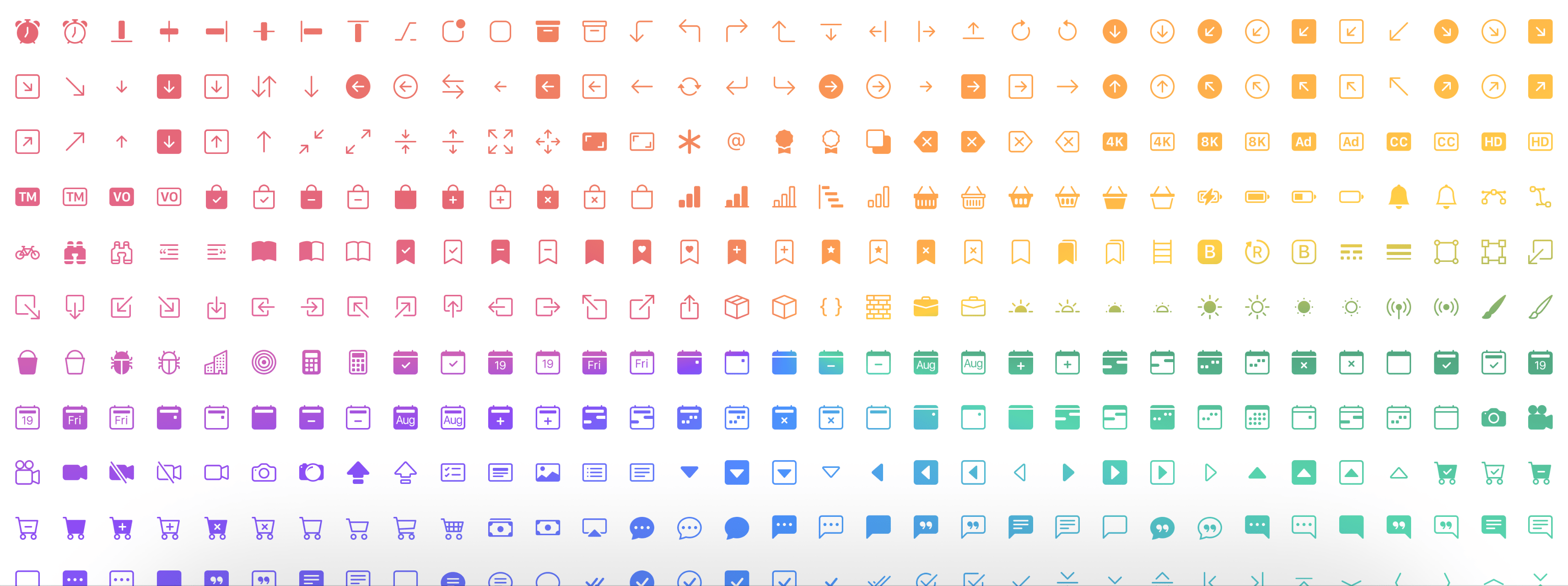
ここにデモ
npm i ngx-bootstrap-icons --save import { NgxBootstrapIconsModule } from 'ngx-bootstrap-icons' ; すべてのアイコン(推奨されない)または各アイコンを個別にインポートできます。
import { allIcons } from 'ngx-bootstrap-icons' ; import { alarm , alarmFill , alignBottom } from 'ngx-bootstrap-icons' ;
// Select some icons (use an object, not an array)
const icons = {
alarm ,
alarmFill ,
alignBottom
} ; import { NgxBootstrapIconsModule , allIcons } from 'ngx-bootstrap-icons' ;
@ NgModule ( {
declarations : [
AppComponent
] ,
imports : [
BrowserModule ,
AppRoutingModule ,
NgxBootstrapIconsModule . pick ( allIcons )
] ,
providers : [ ] ,
bootstrap : [ AppComponent ]
} )
export class AppModule { } import { NgxBootstrapIconsModule } from 'ngx-bootstrap-icons' ;
 import { alarm , alarmFill , alignBottom } from 'ngx-bootstrap-icons' ;
// Select some icons (use an object, not an array)
const icons = {
  alarm ,
  alarmFill ,
  alignBottom
} ;
@ NgModule ( {
declarations : [
AppComponent
] ,
imports : [
BrowserModule ,
AppRoutingModule ,
NgxBootstrapIconsModule . pick ( icons )
] ,
providers : [ ] ,
bootstrap : [ AppComponent ]
} )
export class AppModule { }
/**
Another way.
--------------
Import NgxBootstrapIconsModule.pick(icons) inside of the AppModule
Import NgxBootstrapIconsModule (without the pick() method) inside of any FeatureModule where will be used.
Now you can import icons in one place only (root module) and successfully use the component anywhere you want.
**/ import { NgxBootstrapIconsModule , ColorTheme } from 'ngx-bootstrap-icons' ;
import { alarm , alarmFill , alignBottom } from 'ngx-bootstrap-icons' ;
// Select some icons (use an object, not an array)
const icons = {
alarm ,
alarmFill ,
alignBottom
} ;
@ NgModule ( {
declarations : [
AppComponent
] ,
imports : [
BrowserModule ,
AppRoutingModule ,
NgxBootstrapIconsModule . pick ( icons , {
width : '2em' ,
height : '2em' ,
theme : ColorTheme . Danger ,
} )
] ,
providers : [ ] ,
bootstrap : [ AppComponent ]
} )
export class AppModule { } | 入力プラメーターの名前 | タイプ | 必須 | デフォルト値 | 説明 |
|---|---|---|---|---|
| 幅 | string | false | null | アイコンのデフォルト幅 |
| 身長 | string | false | null | アイコンのデフォルトの高さ |
| テーマ | enum | false | null | デフォルトの色のテーマ |
< i - bs name = "alarm-fill" > < / i - bs >または(あなたの事前にフィクションのタグで)
< i i - bs name = "alarm-fill" > < / i >または、オートコンプリートサポートのためにオプションで列挙を使用します
 import { iconNamesEnum } from 'ngx-bootstrap-icons' ;

public iconNames = iconNamesEnum ;

< i - bs [ name ] = "iconNames.AlarmFill" > < / i - bs >
また、アイコンに幅と高さを使用できます(デフォルトでは幅と高さは1REMです)
 < i - bs
  name = "alarm-fill"
  width = "2rem"
  height = "2rem" >
< / i - bs >
<i
i-bs
name="alarm-fill"
width="2rem"
height="2rem">
</i>
| 入力プラメーターの名前 | タイプ | 必須 | デフォルト値 | 説明 |
|---|---|---|---|---|
| 名前 | string | true | null | アイコンの名前 |
| 幅 | string | false | null | アイコンの幅。 SVGから使用されるデフォルト値 |
| 身長 | string | false | null | アイコンの高さ。 SVGから使用されるデフォルト値 |
| ResetDefaultDimensions | boolean | false | false | このパラメーターが設定されている場合、SVGアイコンのデフォルトの寸法が削除されます |








