ngx bootstrap icons
v.1.9.2

npm i ngx-bootstrap-icons --save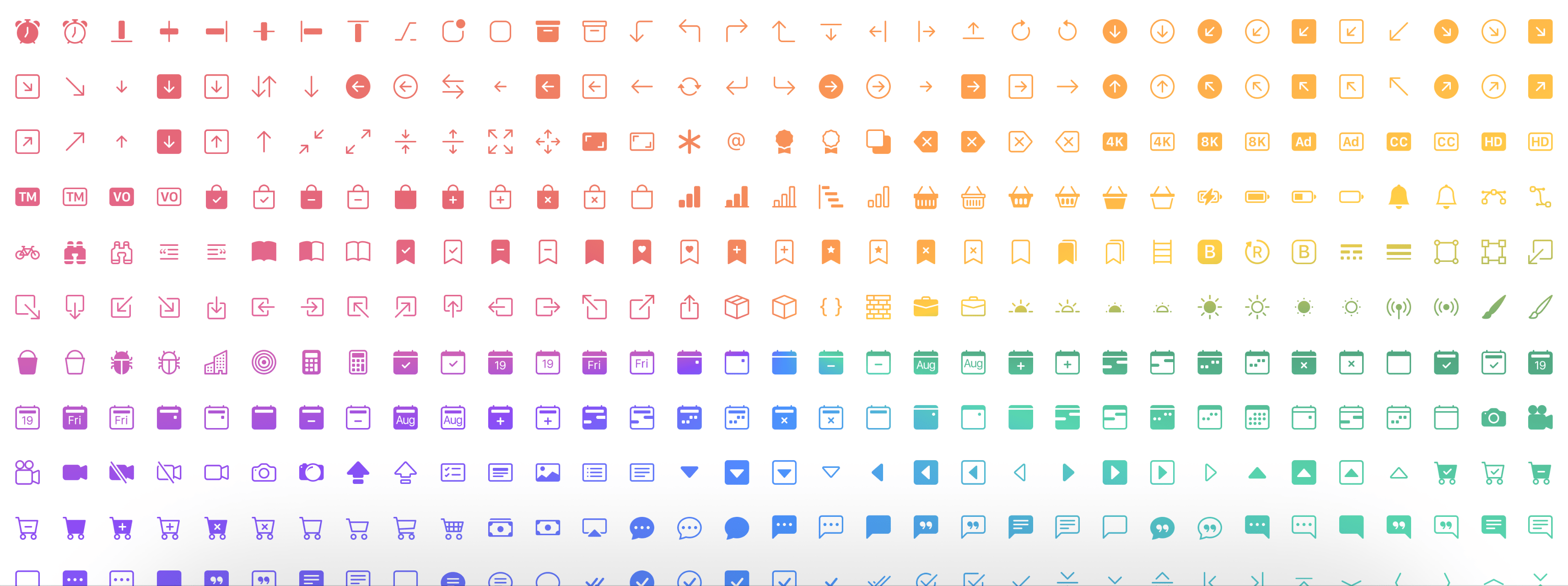
การสาธิตที่นี่
npm i ngx-bootstrap-icons --save import { NgxBootstrapIconsModule } from 'ngx-bootstrap-icons' ; คุณสามารถนำเข้าไอคอนทั้งหมด (ไม่แนะนำ) หรือไอคอนแต่ละรายการ
import { allIcons } from 'ngx-bootstrap-icons' ; import { alarm , alarmFill , alignBottom } from 'ngx-bootstrap-icons' ;
// Select some icons (use an object, not an array)
const icons = {
alarm ,
alarmFill ,
alignBottom
} ; import { NgxBootstrapIconsModule , allIcons } from 'ngx-bootstrap-icons' ;
@ NgModule ( {
declarations : [
AppComponent
] ,
imports : [
BrowserModule ,
AppRoutingModule ,
NgxBootstrapIconsModule . pick ( allIcons )
] ,
providers : [ ] ,
bootstrap : [ AppComponent ]
} )
export class AppModule { } import { NgxBootstrapIconsModule } from 'ngx-bootstrap-icons' ;
 import { alarm , alarmFill , alignBottom } from 'ngx-bootstrap-icons' ;
// Select some icons (use an object, not an array)
const icons = {
  alarm ,
  alarmFill ,
  alignBottom
} ;
@ NgModule ( {
declarations : [
AppComponent
] ,
imports : [
BrowserModule ,
AppRoutingModule ,
NgxBootstrapIconsModule . pick ( icons )
] ,
providers : [ ] ,
bootstrap : [ AppComponent ]
} )
export class AppModule { }
/**
Another way.
--------------
Import NgxBootstrapIconsModule.pick(icons) inside of the AppModule
Import NgxBootstrapIconsModule (without the pick() method) inside of any FeatureModule where will be used.
Now you can import icons in one place only (root module) and successfully use the component anywhere you want.
**/ import { NgxBootstrapIconsModule , ColorTheme } from 'ngx-bootstrap-icons' ;
import { alarm , alarmFill , alignBottom } from 'ngx-bootstrap-icons' ;
// Select some icons (use an object, not an array)
const icons = {
alarm ,
alarmFill ,
alignBottom
} ;
@ NgModule ( {
declarations : [
AppComponent
] ,
imports : [
BrowserModule ,
AppRoutingModule ,
NgxBootstrapIconsModule . pick ( icons , {
width : '2em' ,
height : '2em' ,
theme : ColorTheme . Danger ,
} )
] ,
providers : [ ] ,
bootstrap : [ AppComponent ]
} )
export class AppModule { } | ชื่อของการบุกรุกอินพุต | พิมพ์ | ที่จำเป็น | ค่าเริ่มต้น | คำอธิบาย |
|---|---|---|---|---|
| ความกว้าง | string | false | null | ไอคอนความกว้างเริ่มต้น |
| ความสูง | string | false | null | ไอคอนความสูงเริ่มต้น |
| ธีม | enum | false | null | ชุดรูปแบบสีเริ่มต้น |
< i - bs name = "alarm-fill" > < / i - bs >หรือ (ด้วยแท็กที่คุณต้องการ)
< i i - bs name = "alarm-fill" > < / i >หรือเลือกใช้ enums ของเราสำหรับการสนับสนุนการเติมข้อความอัตโนมัติ
 import { iconNamesEnum } from 'ngx-bootstrap-icons' ;

public iconNames = iconNamesEnum ;

< i - bs [ name ] = "iconNames.AlarmFill" > < / i - bs >
นอกจากนี้คุณสามารถใช้ความกว้างและความสูงสำหรับไอคอน (ตามความกว้างเริ่มต้นและความสูงเป็น 1REM)
 < i - bs
  name = "alarm-fill"
  width = "2rem"
  height = "2rem" >
< / i - bs >
<i
i-bs
name="alarm-fill"
width="2rem"
height="2rem">
</i>
| ชื่อของการบุกรุกอินพุต | พิมพ์ | ที่จำเป็น | ค่าเริ่มต้น | คำอธิบาย |
|---|---|---|---|---|
| ชื่อ | string | true | null | ชื่อของไอคอน |
| ความกว้าง | string | false | null | ความกว้างของไอคอน ค่าเริ่มต้นที่ใช้จาก SVG |
| ความสูง | string | false | null | ความสูงของไอคอน ค่าเริ่มต้นที่ใช้จาก SVG |
| ResetDefaultDimensions | boolean | false | false | หากตั้งค่าพารามิเตอร์นี้มิติเริ่มต้นของไอคอน SVG จะถูกลบออก |








