ngx bootstrap icons
v.1.9.2

npm i ngx-bootstrap-icons --save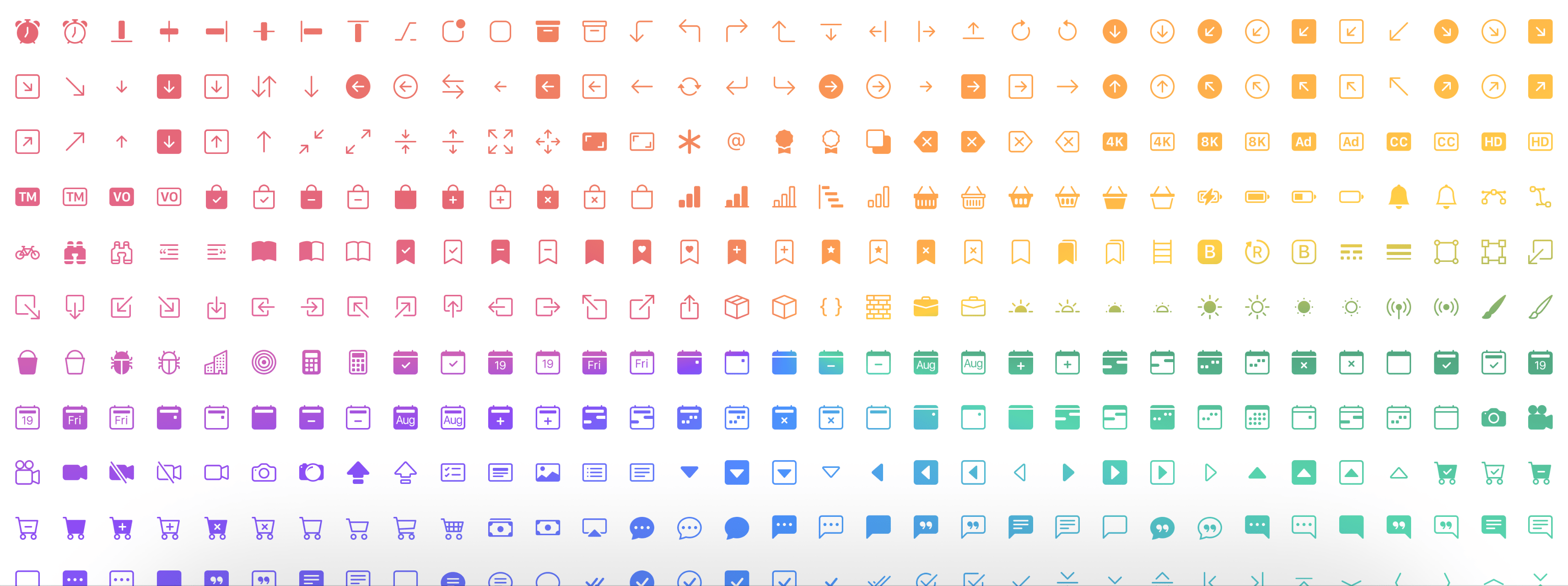
Demo hier
npm i ngx-bootstrap-icons --save import { NgxBootstrapIconsModule } from 'ngx-bootstrap-icons' ; Sie können alle Symbole (nicht empfohlen) oder jedes Symbol einzeln importieren.
import { allIcons } from 'ngx-bootstrap-icons' ; import { alarm , alarmFill , alignBottom } from 'ngx-bootstrap-icons' ;
// Select some icons (use an object, not an array)
const icons = {
alarm ,
alarmFill ,
alignBottom
} ; import { NgxBootstrapIconsModule , allIcons } from 'ngx-bootstrap-icons' ;
@ NgModule ( {
declarations : [
AppComponent
] ,
imports : [
BrowserModule ,
AppRoutingModule ,
NgxBootstrapIconsModule . pick ( allIcons )
] ,
providers : [ ] ,
bootstrap : [ AppComponent ]
} )
export class AppModule { } import { NgxBootstrapIconsModule } from 'ngx-bootstrap-icons' ;
 import { alarm , alarmFill , alignBottom } from 'ngx-bootstrap-icons' ;
// Select some icons (use an object, not an array)
const icons = {
  alarm ,
  alarmFill ,
  alignBottom
} ;
@ NgModule ( {
declarations : [
AppComponent
] ,
imports : [
BrowserModule ,
AppRoutingModule ,
NgxBootstrapIconsModule . pick ( icons )
] ,
providers : [ ] ,
bootstrap : [ AppComponent ]
} )
export class AppModule { }
/**
Another way.
--------------
Import NgxBootstrapIconsModule.pick(icons) inside of the AppModule
Import NgxBootstrapIconsModule (without the pick() method) inside of any FeatureModule where will be used.
Now you can import icons in one place only (root module) and successfully use the component anywhere you want.
**/ import { NgxBootstrapIconsModule , ColorTheme } from 'ngx-bootstrap-icons' ;
import { alarm , alarmFill , alignBottom } from 'ngx-bootstrap-icons' ;
// Select some icons (use an object, not an array)
const icons = {
alarm ,
alarmFill ,
alignBottom
} ;
@ NgModule ( {
declarations : [
AppComponent
] ,
imports : [
BrowserModule ,
AppRoutingModule ,
NgxBootstrapIconsModule . pick ( icons , {
width : '2em' ,
height : '2em' ,
theme : ColorTheme . Danger ,
} )
] ,
providers : [ ] ,
bootstrap : [ AppComponent ]
} )
export class AppModule { } | Name des Eingangsprarameters | Typ | Erforderlich | Standardwert | Beschreibung |
|---|---|---|---|---|
| Breite | string | false | null | Icon Standardbreite |
| Höhe | string | false | null | Icon Standardhöhe |
| Thema | enum | false | null | Standard -Farbthema |
< i - bs name = "alarm-fill" > < / i - bs >oder (mit Ihrem vorgefertigten Tag)
< i i - bs name = "alarm-fill" > < / i >oder verwenden Sie optional unsere Aufzüge für die automatische Unterstützung
 import { iconNamesEnum } from 'ngx-bootstrap-icons' ;

public iconNames = iconNamesEnum ;

< i - bs [ name ] = "iconNames.AlarmFill" > < / i - bs >
Sie können auch Breite und Höhe für das Symbol verwenden (standardmäßig Breite und Höhe sind 1REM)
 < i - bs
  name = "alarm-fill"
  width = "2rem"
  height = "2rem" >
< / i - bs >
<i
i-bs
name="alarm-fill"
width="2rem"
height="2rem">
</i>
| Name des Eingangsprarameters | Typ | Erforderlich | Standardwert | Beschreibung |
|---|---|---|---|---|
| Name | string | true | null | Name des Symbols |
| Breite | string | false | null | Breite der Ikone. Standardwert von SVG verwendet |
| Höhe | string | false | null | Höhe der Ikone. Standardwert von SVG verwendet |
| ResetDefaultDimensions | boolean | false | false | Wenn dieser Parameter festgelegt ist, werden Standardabmessungen des SVG -Symbols entfernt |








