ngx bootstrap icons
v.1.9.2

npm i ngx-bootstrap-icons --save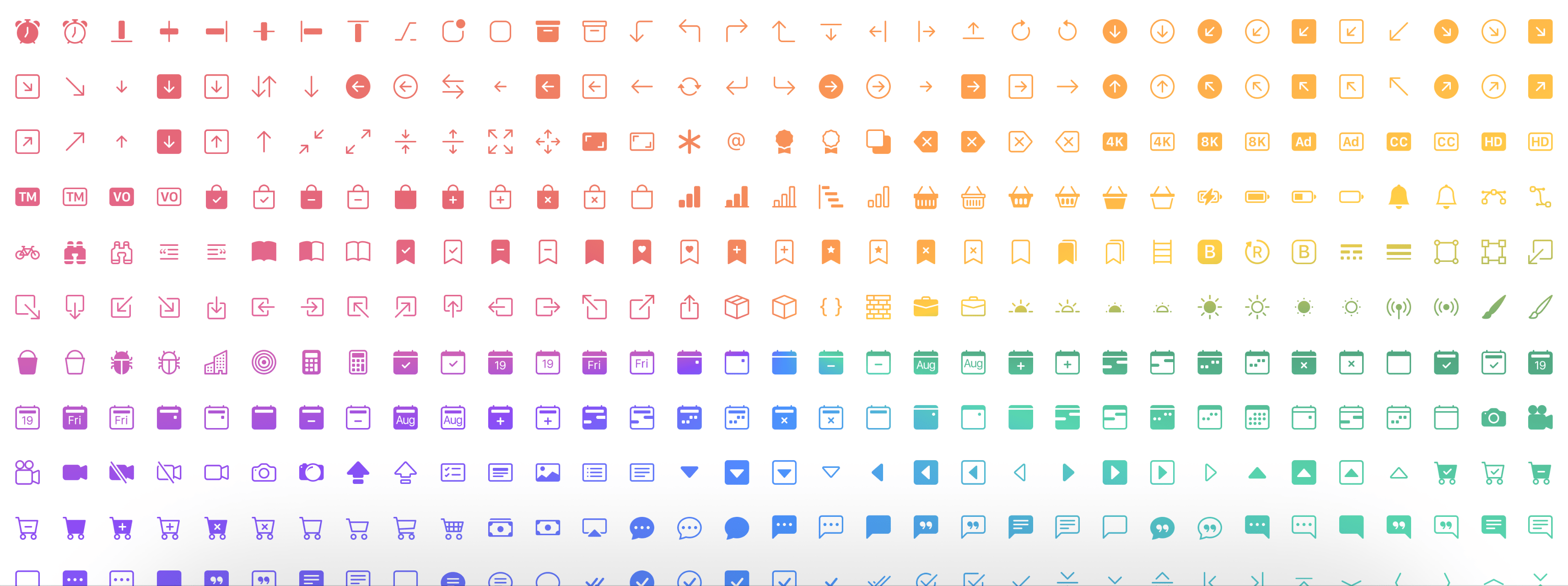
Demo di sini
npm i ngx-bootstrap-icons --save import { NgxBootstrapIconsModule } from 'ngx-bootstrap-icons' ; Anda dapat mengimpor semua ikon (tidak direkomendasikan) atau setiap ikon secara individual.
import { allIcons } from 'ngx-bootstrap-icons' ; import { alarm , alarmFill , alignBottom } from 'ngx-bootstrap-icons' ;
// Select some icons (use an object, not an array)
const icons = {
alarm ,
alarmFill ,
alignBottom
} ; import { NgxBootstrapIconsModule , allIcons } from 'ngx-bootstrap-icons' ;
@ NgModule ( {
declarations : [
AppComponent
] ,
imports : [
BrowserModule ,
AppRoutingModule ,
NgxBootstrapIconsModule . pick ( allIcons )
] ,
providers : [ ] ,
bootstrap : [ AppComponent ]
} )
export class AppModule { } import { NgxBootstrapIconsModule } from 'ngx-bootstrap-icons' ;
 import { alarm , alarmFill , alignBottom } from 'ngx-bootstrap-icons' ;
// Select some icons (use an object, not an array)
const icons = {
  alarm ,
  alarmFill ,
  alignBottom
} ;
@ NgModule ( {
declarations : [
AppComponent
] ,
imports : [
BrowserModule ,
AppRoutingModule ,
NgxBootstrapIconsModule . pick ( icons )
] ,
providers : [ ] ,
bootstrap : [ AppComponent ]
} )
export class AppModule { }
/**
Another way.
--------------
Import NgxBootstrapIconsModule.pick(icons) inside of the AppModule
Import NgxBootstrapIconsModule (without the pick() method) inside of any FeatureModule where will be used.
Now you can import icons in one place only (root module) and successfully use the component anywhere you want.
**/ import { NgxBootstrapIconsModule , ColorTheme } from 'ngx-bootstrap-icons' ;
import { alarm , alarmFill , alignBottom } from 'ngx-bootstrap-icons' ;
// Select some icons (use an object, not an array)
const icons = {
alarm ,
alarmFill ,
alignBottom
} ;
@ NgModule ( {
declarations : [
AppComponent
] ,
imports : [
BrowserModule ,
AppRoutingModule ,
NgxBootstrapIconsModule . pick ( icons , {
width : '2em' ,
height : '2em' ,
theme : ColorTheme . Danger ,
} )
] ,
providers : [ ] ,
bootstrap : [ AppComponent ]
} )
export class AppModule { } | Nama prarameter input | Jenis | Diperlukan | Nilai default | Keterangan |
|---|---|---|---|---|
| lebar | string | false | null | Lebar default ikon |
| tinggi | string | false | null | Tinggi default ikon |
| tema | enum | false | null | tema warna default |
< i - bs name = "alarm-fill" > < / i - bs >atau (dengan tag preffered Anda)
< i i - bs name = "alarm-fill" > < / i >atau secara opsional menggunakan ENUMS kami untuk Dukungan AutoComplete
 import { iconNamesEnum } from 'ngx-bootstrap-icons' ;

public iconNames = iconNamesEnum ;

< i - bs [ name ] = "iconNames.AlarmFill" > < / i - bs >
Anda juga dapat menggunakan lebar dan tinggi untuk ikon (secara default lebar dan tinggi adalah 1rem)
 < i - bs
  name = "alarm-fill"
  width = "2rem"
  height = "2rem" >
< / i - bs >
<i
i-bs
name="alarm-fill"
width="2rem"
height="2rem">
</i>
| Nama prarameter input | Jenis | Diperlukan | Nilai default | Keterangan |
|---|---|---|---|---|
| nama | string | true | null | nama ikon |
| lebar | string | false | null | Lebar ikon. Nilai default yang digunakan dari svg |
| tinggi | string | false | null | tinggi ikon. Nilai default yang digunakan dari svg |
| resetDefaultDimensions | boolean | false | false | Jika parameter ini diatur, dimensi default ikon SVG akan dihapus |








