Twitter Sentiment Analysis on Flask App
1.0.0

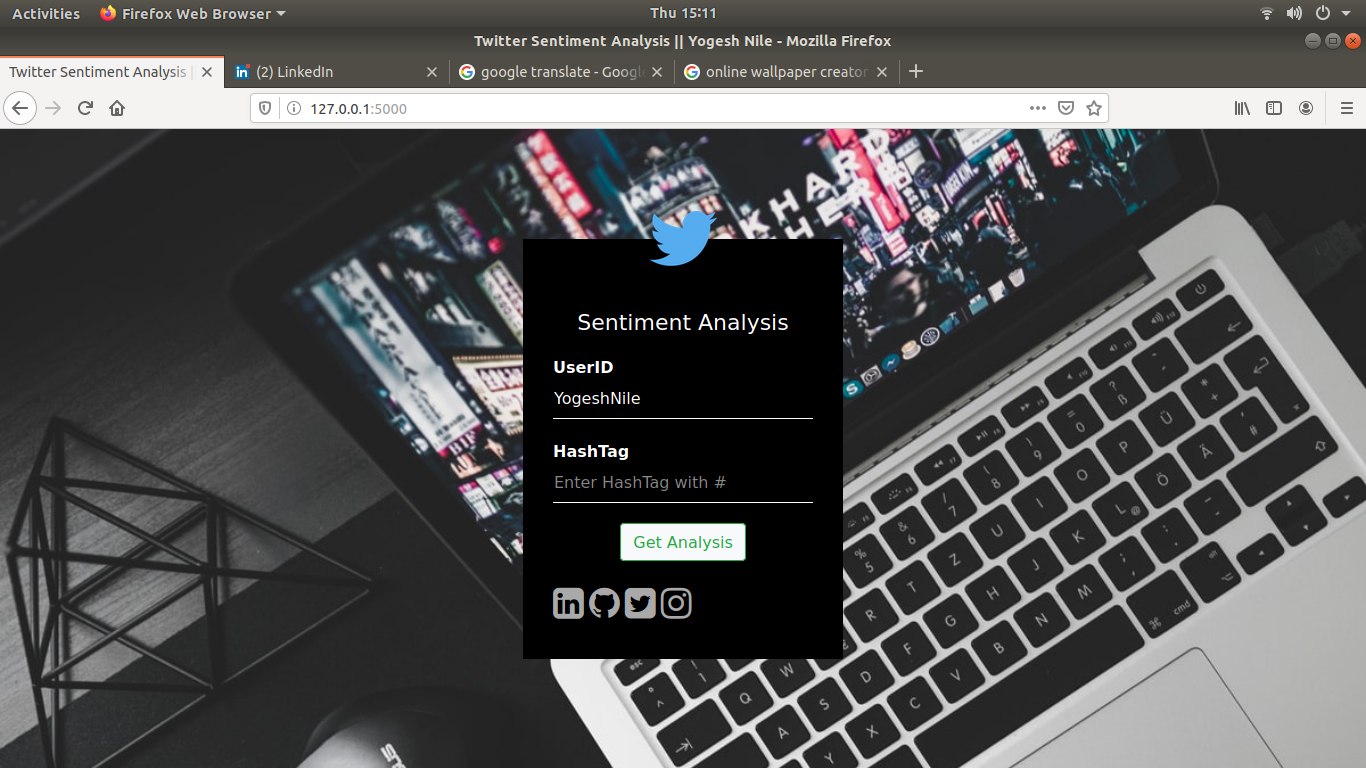
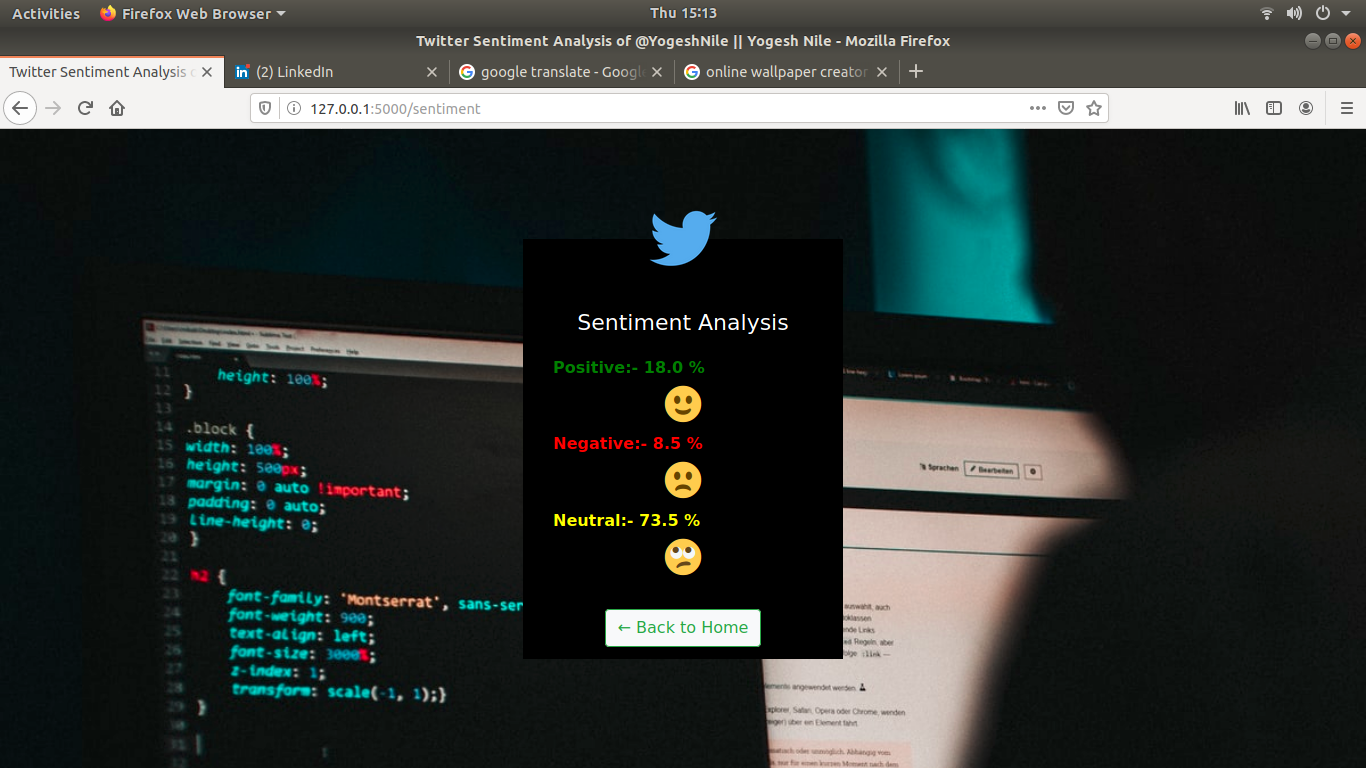
在此存储库中,我在烧瓶应用程序(Web Base)上创建了Twitter情绪分析。
您也可以查看演示网站单击此处
 .
├── images
│   ├── 1.png
│   ├── 2.png
│   ├── 3.png
│   ├── 4.png
│   └── 5.png
├── LICENSE
├── main.py
├── README.md
├── static
│   ├── logo.png
│   └── style.css
└── templates
    ├── index.html
    └── sentiment.html

3 directories, 12 files





python GUI应用程序上的Twitter情感分析单击此处
python jupyter笔记本上的Twitter情感分析单击此处
我没有提供Twitter API键。您在Twitter开发人员帐户上有Twitter API键。获取API键
获取API键并放入以下代码部分
 def sentiment ():
    userid = request . form . get ( 'userid' )
    hashtag = request . form . get ( 'hashtag' )

    if userid == "" and hashtag == "" :
        error = "Please Enter any one value"
        return render_template ( 'index.html' , error = error )

    if not userid == "" and not hashtag == "" :
        error = "Both entry not allowed"
        return render_template ( 'index.html' , error = error )

    #=====================Insert Twitter API Here==========================
    consumerKey = ""
    consumerSecret = ""
    accessToken = ""
    accessTokenSecret = ""
    #=====================Insert Twitter API End===========================

    authenticate = tweepy . OAuthHandler ( consumerKey , consumerSecret )
    authenticate . set_access_token ( accessToken , accessTokenSecret )
    api = tweepy . API ( authenticate , wait_on_rate_limit = True )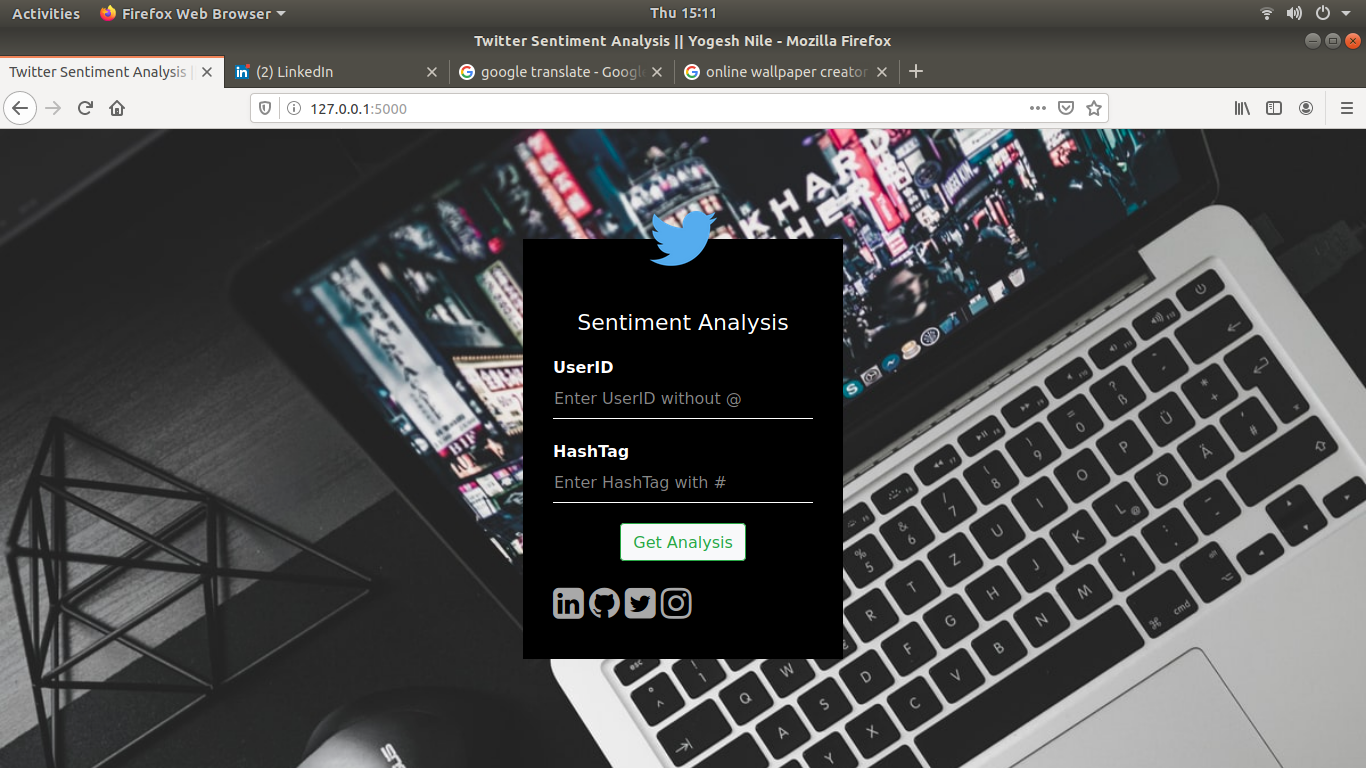
如果您找到一个错误(网站无法处理查询和 /或给出不希望的结果),请在此处通过包括您的搜索查询和预期结果来打开一个问题。
如果您想请求新功能,请随时在此处打开问题。请包括样本查询及其相应的结果。
在互联网上被称为Yogesh Nile






