anki canvas
v0.8

这是一个基于触摸的画布,用于在Ankidroid和桌面Anki中绘制形状。
与Ankidroid自己的本机白板相比,该板旨在做笔记,这是针对用户必须画出作为卡答案的用例(例如:汉字/汉兹绘图练习,记住汉字等)。
您需要安装以下ANKI插件。从Anki转到工具>附加组件>获取附加组...然后插入插件的代码。
从“版本”页面下载预制的ANKI甲板并将其导入ANKI(双击甲板应起作用)。
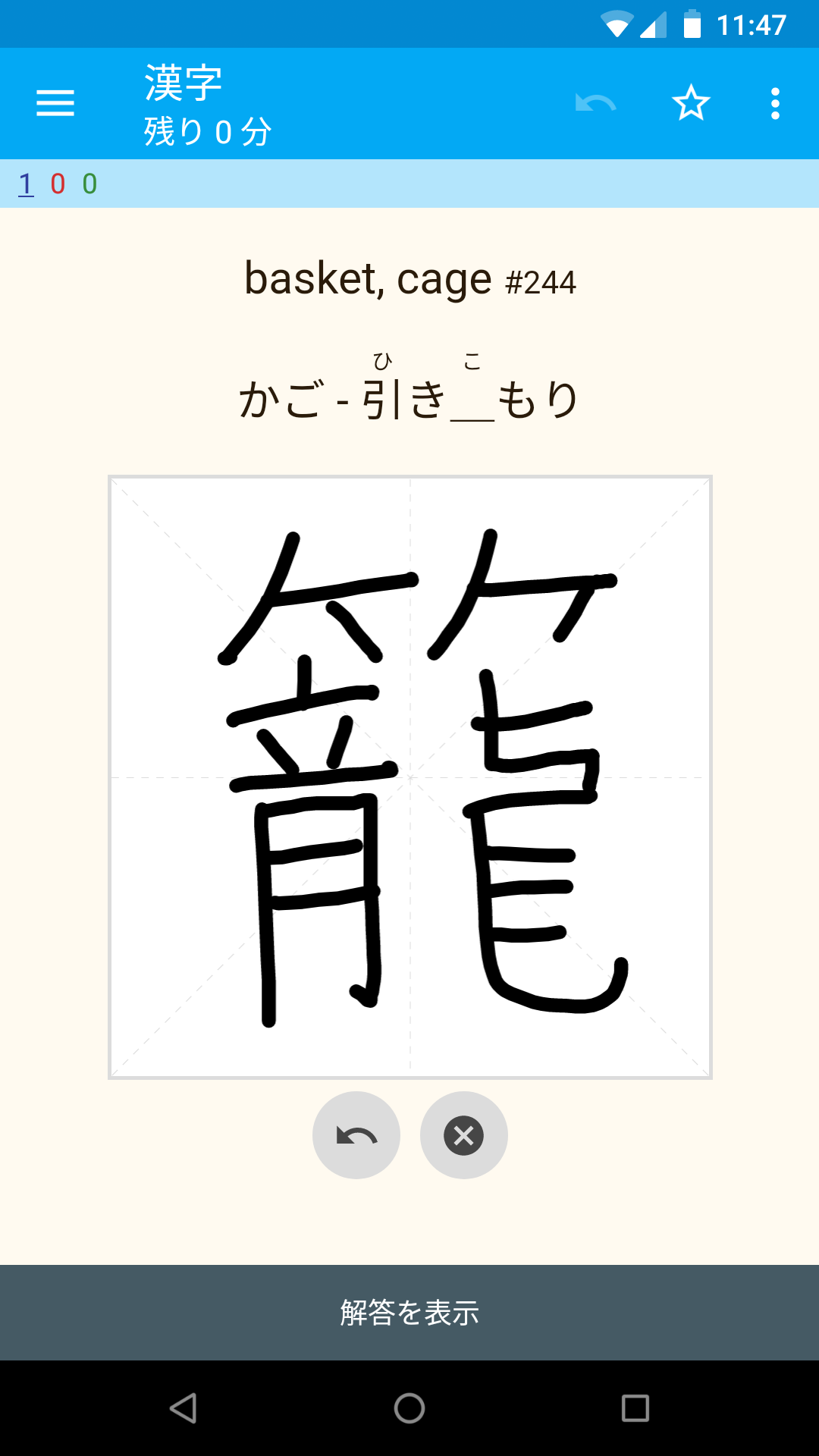
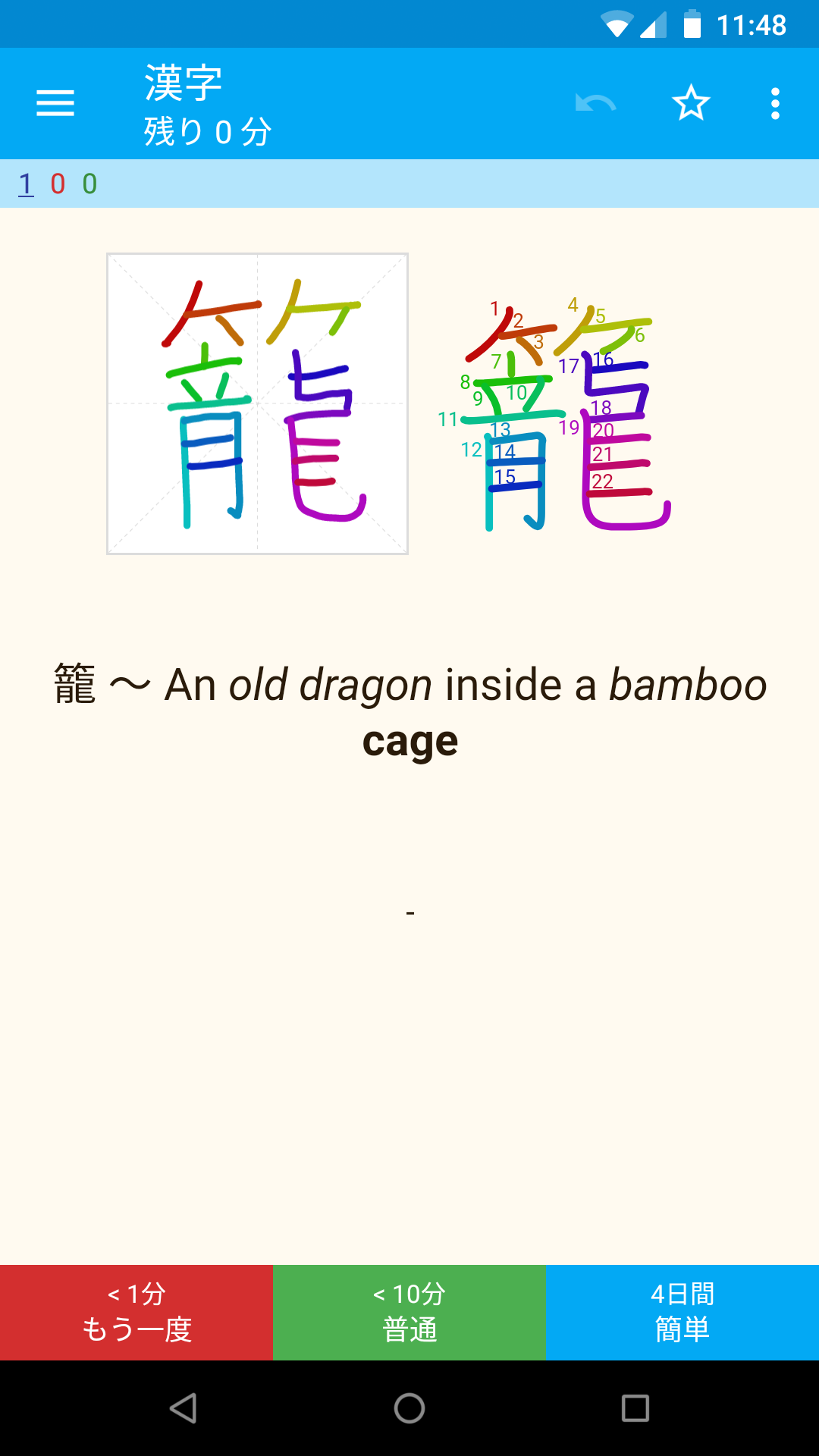
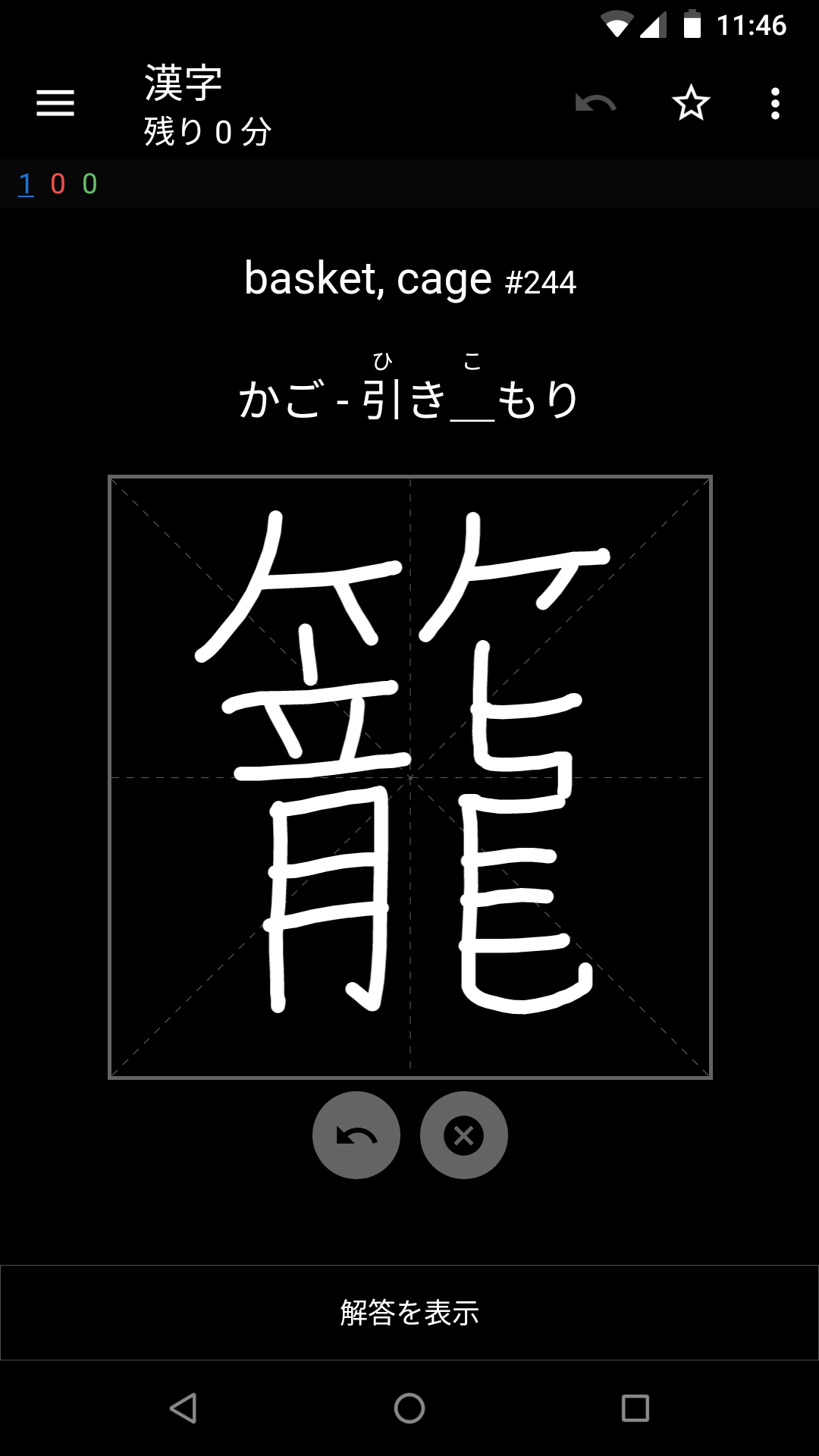
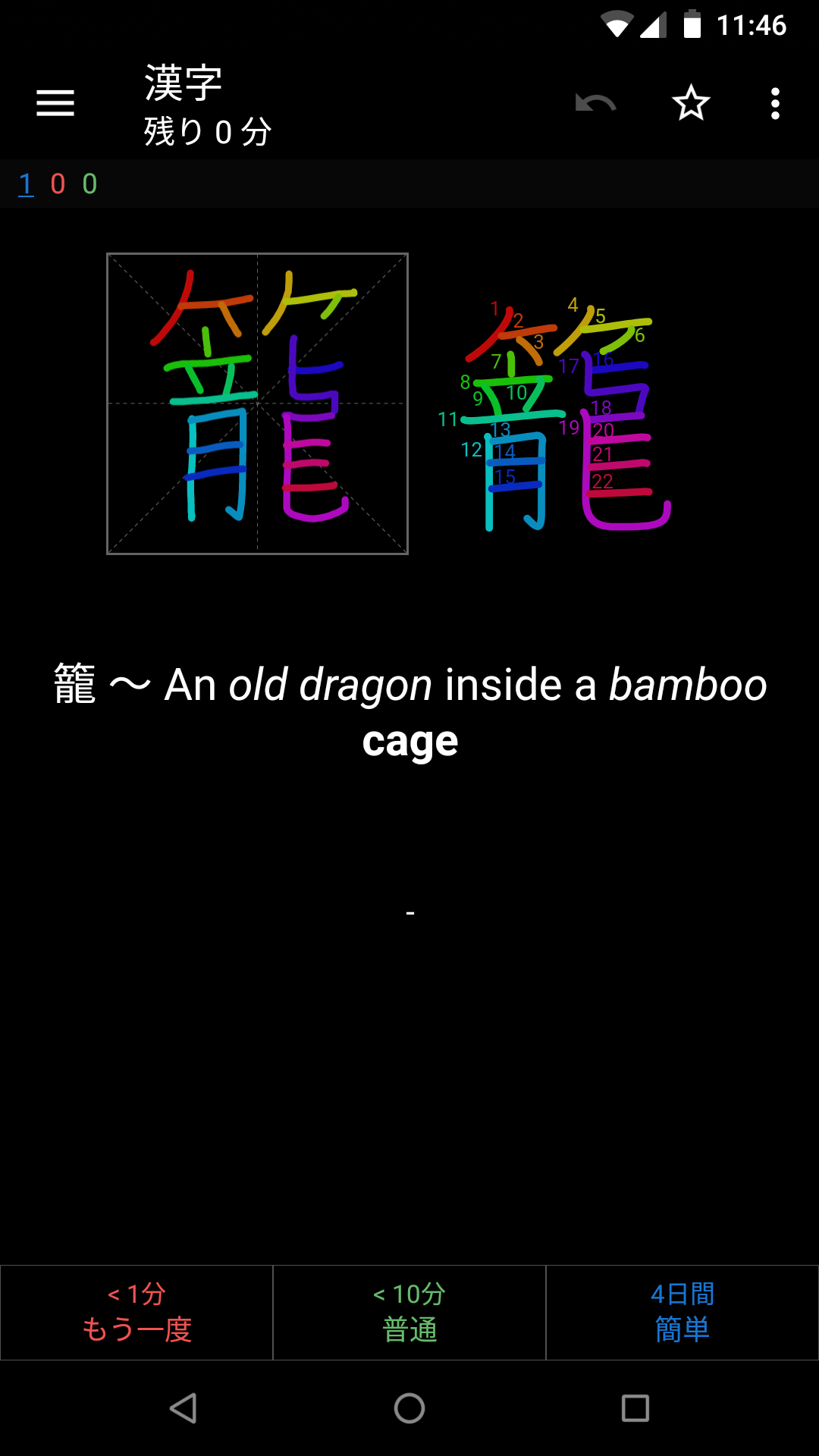
您可以轻松自定义Ankicanvas接收的一些变量。打开卡片布局,然后在前后模板中编辑AnkiCanvasOptions JavaScript对象。
当前默认选项对象如下:
 < script >
window . AnkiCanvasOptions = {
  frontCanvasSize : 300 ,
  frontLineWidth : 7 ,
  backCanvasSize : 150 ,
  backLineWidth : 3.5 ,

  // 'auto' is a special value that will automatically select either 'light' or
  // 'dark' depending on Anki's "Night Mode" status. If you wish to force a
  // colorScheme, you can pass it's name from the colorSchemes settings below.
  colorScheme : 'auto' ,

  // You can modify the default colorSchemes in the dictionary below, or even
  // add your own colorSchemes beyond light and dark.
  colorSchemes : {
    light : {
      brush : '#000' ,
      grid : '#dcdcdc' ,
      gridBg : '#fff' ,
      buttonIcon : '#464646' ,
      buttonBg : '#dcdcdc' ,
      frontBrushColorizer : 'none' , // none | spectrum | contrast
      backBrushColorizer : 'spectrum' ,
    } ,
    dark : {
      brush : '#fff' ,
      grid : '#646464' ,
      gridBg : '#000' ,
      buttonIcon : '#000' ,
      buttonBg : '#646464' ,
      frontBrushColorizer : 'none' ,
      backBrushColorizer : 'spectrum' ,
    } ,
  } ,
}
</ script >




