react native appsync s3
1.0.0

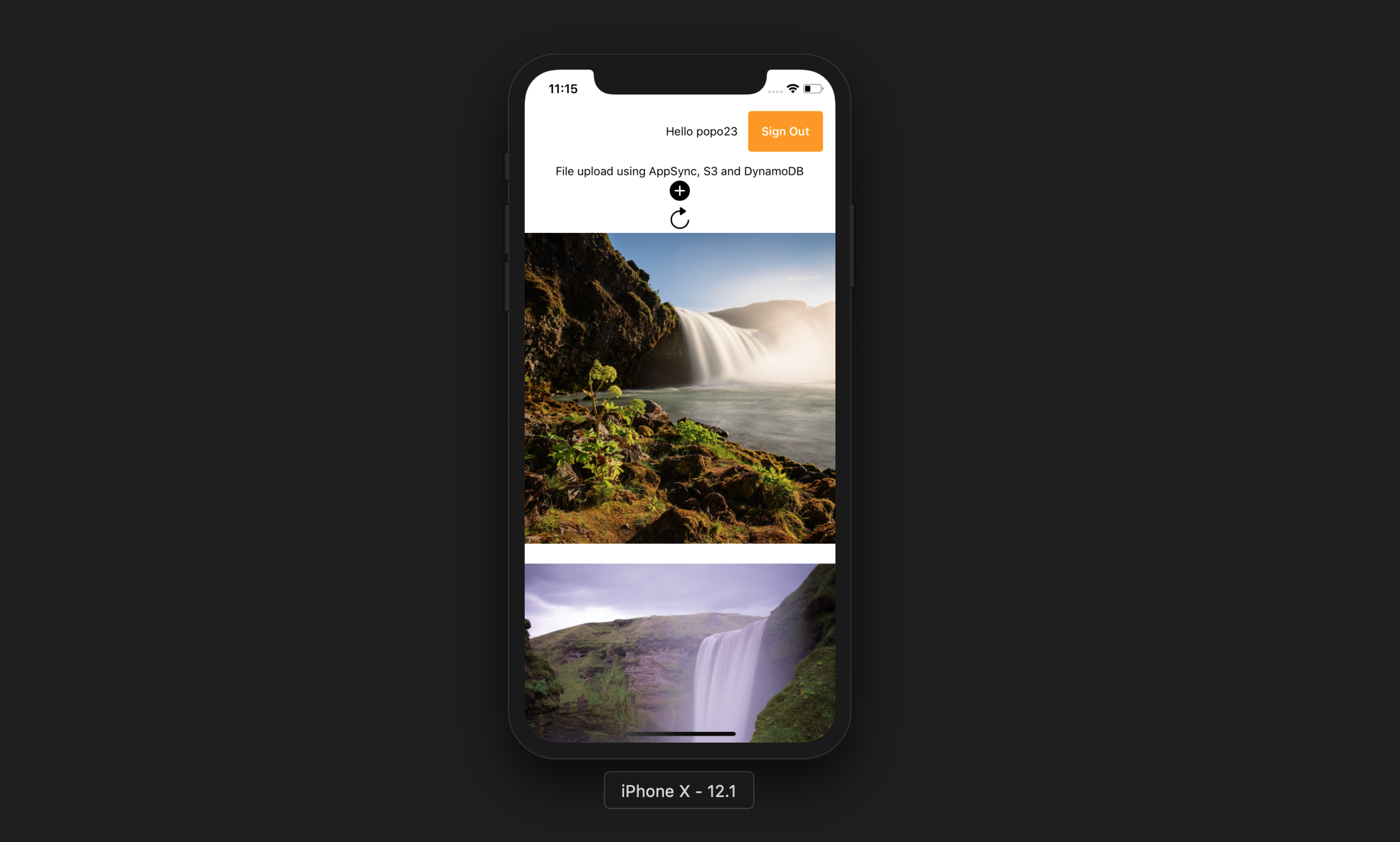
该应用程序允许用户执行以下操作:
博览会CLI
npm install -g expo-cliAWS帐户
NPM节点JS
AWS放大CLI
npm install -g @aws-amplify/cliamplify configure (链接逐步视频)。 git clone https://github.com/yhenni1989/react-native-appsync-s3.git
cd react-native-appsync-s3
 yarn add aws-amplify aws-amplify-react-native

# or

npm install aws-amplify aws-amplify-react-native
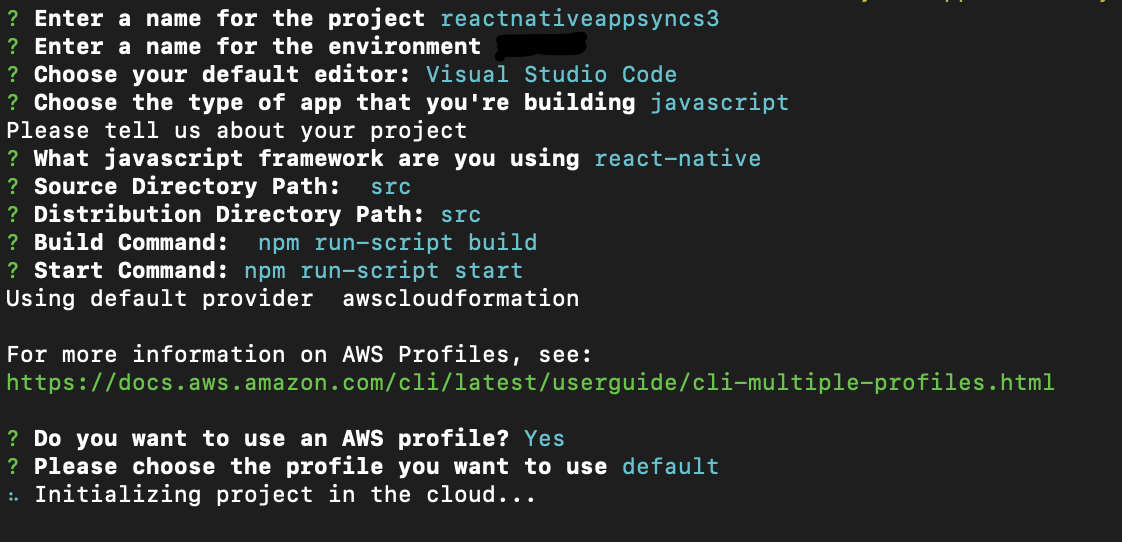
amplify init
遵循与以下相同的说明。
 amplify add auth

# When prompt, choose: Yes, use the default configuration.
 amplify add storage

# Choose: Content (Images, audio, video, etc.)
# Give access to only authenticated users.
# Give users read/write acces.
 amplify add api

# Choose GraphQL as the API service.
# Choose an authorization type for the API: Amazon Cognito User Pool
# Do you have an annotated GraphQL schema? Yes
# Provide your schema file path: src/graphQL/schema.graphql
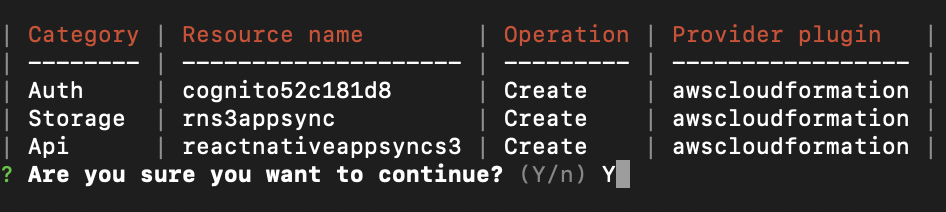
amplify push
Do you want to generate code for your newly created GraphQL API: No.
AWS Amplify CLI将创建一个Amazon Cognito用户池和身份池,一个Amazon S3存储桶,用于存储每个用户照片以及AWS AppSync GraphQl API,该AppSync GraphQl API使用Amazon DynampiDB存储数据。
 yarn

# or

npm install
src/myKeys.js文件中复制您的访问权限和秘密键。 const keys = {
accessKey : 'blablabla' ,
secretKey : 'blablabla' ,
}
export default keys ; expo start --ios
# or
expo start --android
如果应用程序成功运行,您应该能够按“添加”按钮,允许访问设备库,然后从设备中选择图片。这将将图片上传到S3,然后进行GraphQl调用,将记录输入DynamoDB。
然后,您可以按“刷新”按钮在屏幕上显示图片。





