react native appsync s3
1.0.0

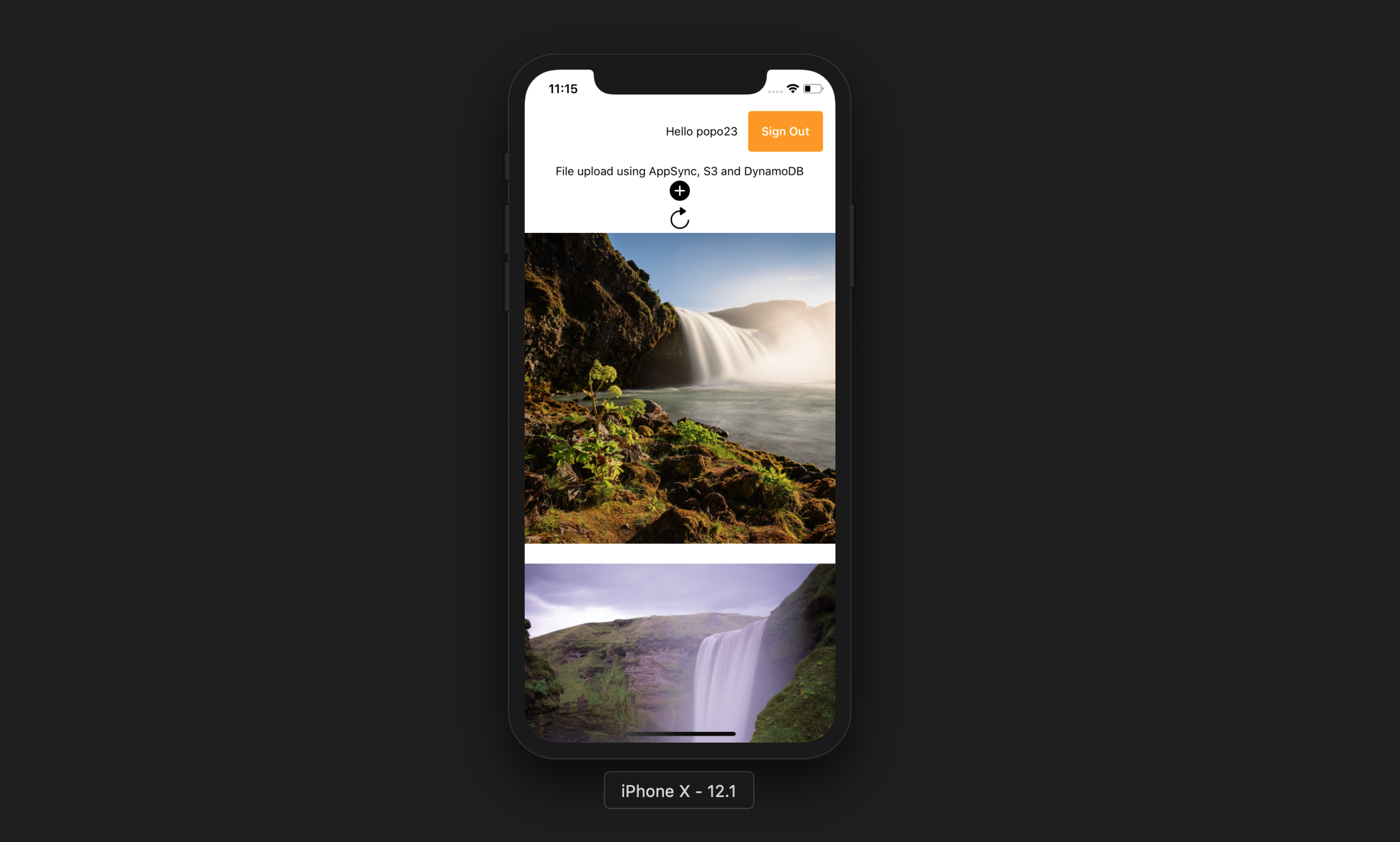
This app allows the user to do the following:
Expo CLI
npm install -g expo-cliAWS account
Node JS with NPM
AWS Amplify CLI
npm install -g @aws-amplify/cliamplify configure (link for a step by step video).git clone https://github.com/yhenni1989/react-native-appsync-s3.git
cd react-native-appsync-s3
yarn add aws-amplify aws-amplify-react-native

# or

npm install aws-amplify aws-amplify-react-native
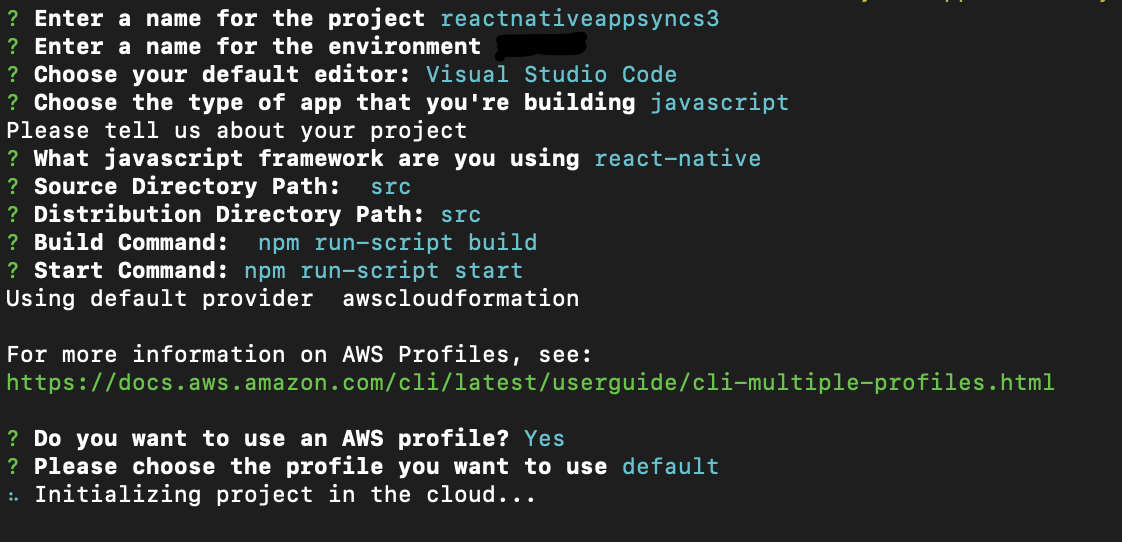
amplify init
Follow the same instructions as below.
amplify add auth

# When prompt, choose: Yes, use the default configuration.
amplify add storage

# Choose: Content (Images, audio, video, etc.)
# Give access to only authenticated users.
# Give users read/write acces.
amplify add api

# Choose GraphQL as the API service.
# Choose an authorization type for the API: Amazon Cognito User Pool
# Do you have an annotated GraphQL schema? Yes
# Provide your schema file path: src/graphQL/schema.graphql
amplify push
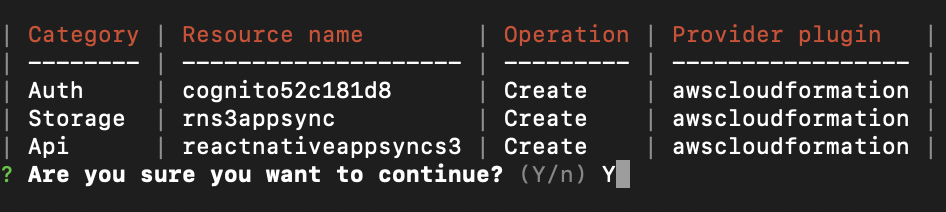
Do you want to generate code for your newly created GraphQL API: No.
The AWS Amplify CLI will create an Amazon Cognito User Pool and Identity Pool, an Amazon S3 bucket to store each users photos and an AWS AppSync GraphQL API that uses Amazon DynamoDB to store data.
yarn

# or

npm install
src/myKeys.js file of your project.const keys = {
accessKey: 'blablabla',
secretKey: 'blablabla',
}
export default keys;expo start --ios
# or
expo start --android
If the application runs successfully you should be able to press the add button, allow access to device library, and select a picture from your device. This will upload the picture to S3 then make a GraphQL call to enter the record into DynamoDB.
You can then press the refresh button to display the picture on the screen.





