react native appsync s3
1.0.0

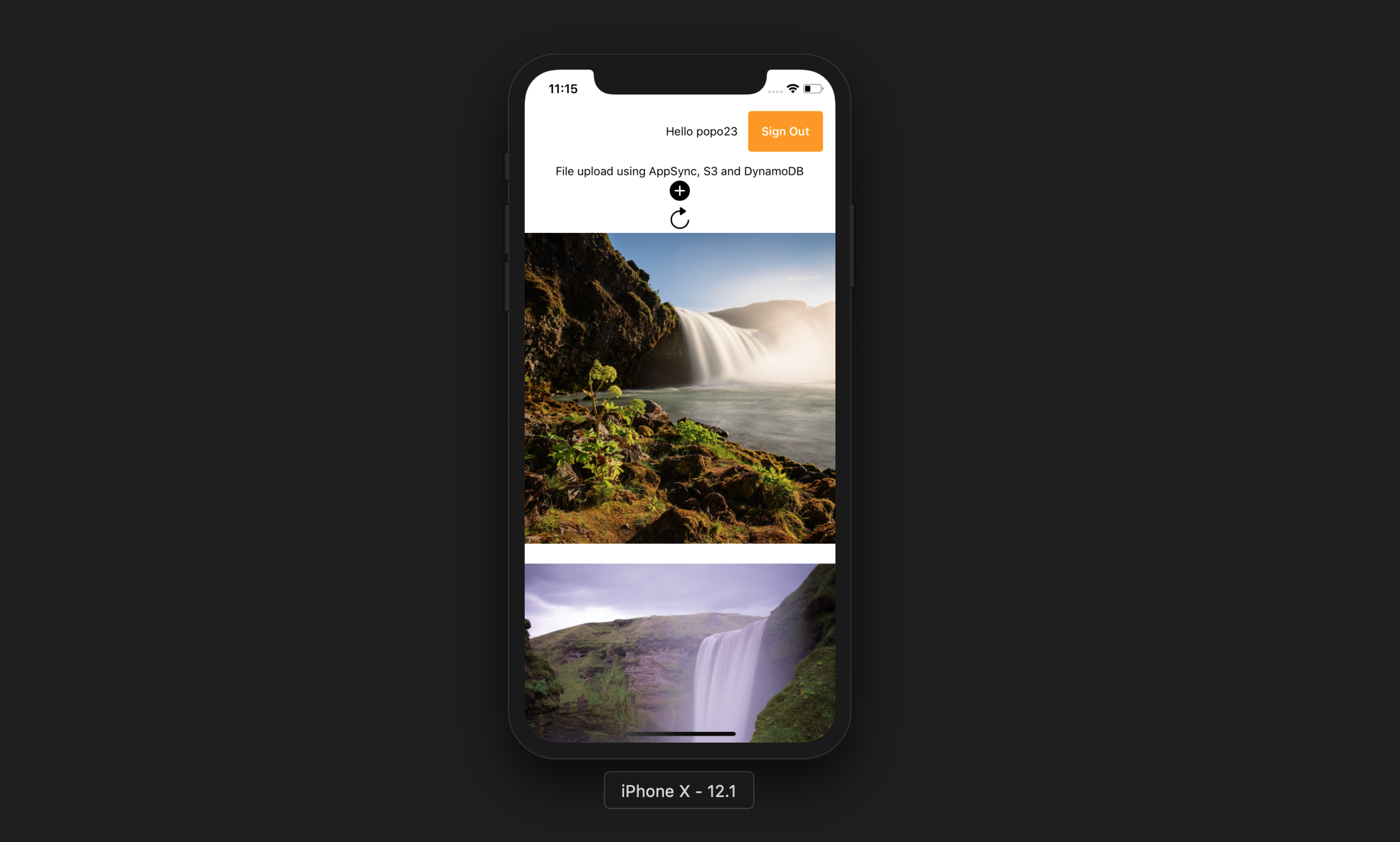
Aplikasi ini memungkinkan pengguna untuk melakukan hal berikut:
Expo Cli
npm install -g expo-cliAkun AWS
Node JS dengan NPM
AWS memperkuat CLI
npm install -g @aws-amplify/cliamplify configure (tautan untuk video langkah demi langkah). git clone https://github.com/yhenni1989/react-native-appsync-s3.git
cd react-native-appsync-s3
 yarn add aws-amplify aws-amplify-react-native

# or

npm install aws-amplify aws-amplify-react-native
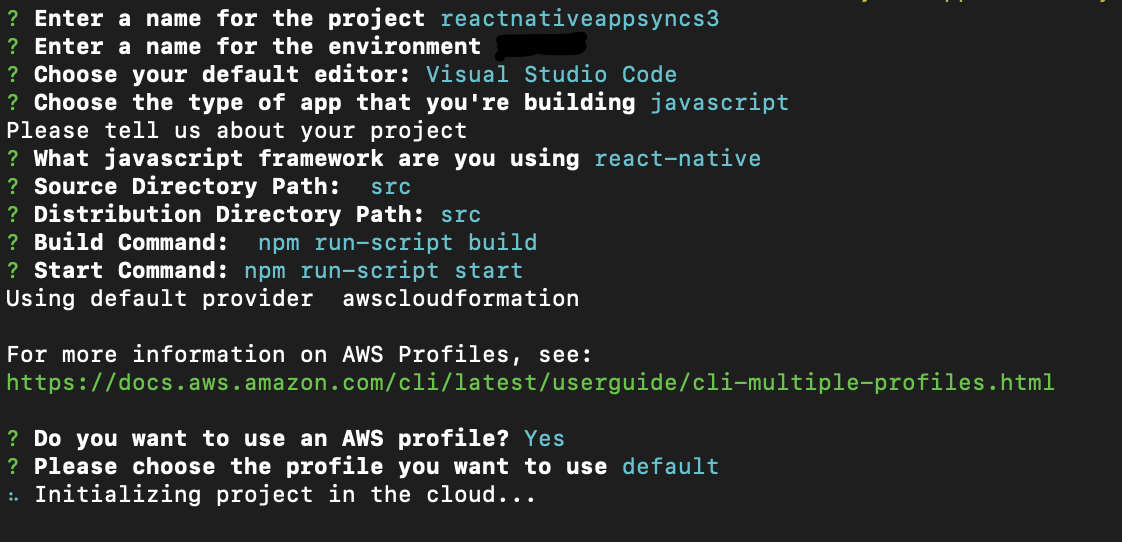
amplify init
Ikuti instruksi yang sama seperti di bawah ini.
 amplify add auth

# When prompt, choose: Yes, use the default configuration.
 amplify add storage

# Choose: Content (Images, audio, video, etc.)
# Give access to only authenticated users.
# Give users read/write acces.
 amplify add api

# Choose GraphQL as the API service.
# Choose an authorization type for the API: Amazon Cognito User Pool
# Do you have an annotated GraphQL schema? Yes
# Provide your schema file path: src/graphQL/schema.graphql
amplify push
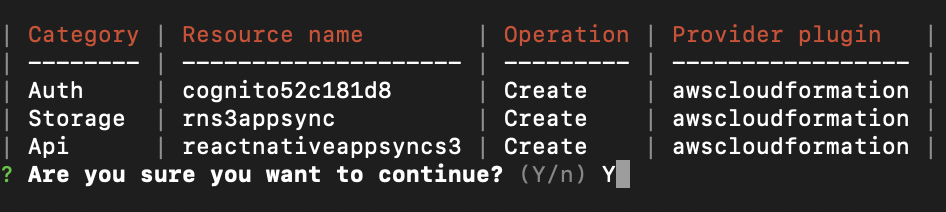
Do you want to generate code for your newly created GraphQL API: No.
AWS Amplify CLI akan membuat kumpulan pengguna Amazon Cognito dan kumpulan identitas, ember Amazon S3 untuk menyimpan setiap foto pengguna dan AWS AppSync GraphQL API yang menggunakan Amazon DynamoDB untuk menyimpan data.
 yarn

# or

npm install
src/myKeys.js dari proyek Anda. const keys = {
accessKey : 'blablabla' ,
secretKey : 'blablabla' ,
}
export default keys ; expo start --ios
# or
expo start --android
Jika aplikasi berjalan dengan sukses, Anda harus dapat menekan tombol Tambah, Izinkan Akses ke Perpustakaan Perangkat, dan pilih gambar dari perangkat Anda. Ini akan mengunggah gambar ke S3 kemudian melakukan panggilan graphql untuk memasukkan catatan ke DynamoDB.
Anda kemudian dapat menekan tombol Refresh untuk menampilkan gambar di layar.





