react native appsync s3
1.0.0

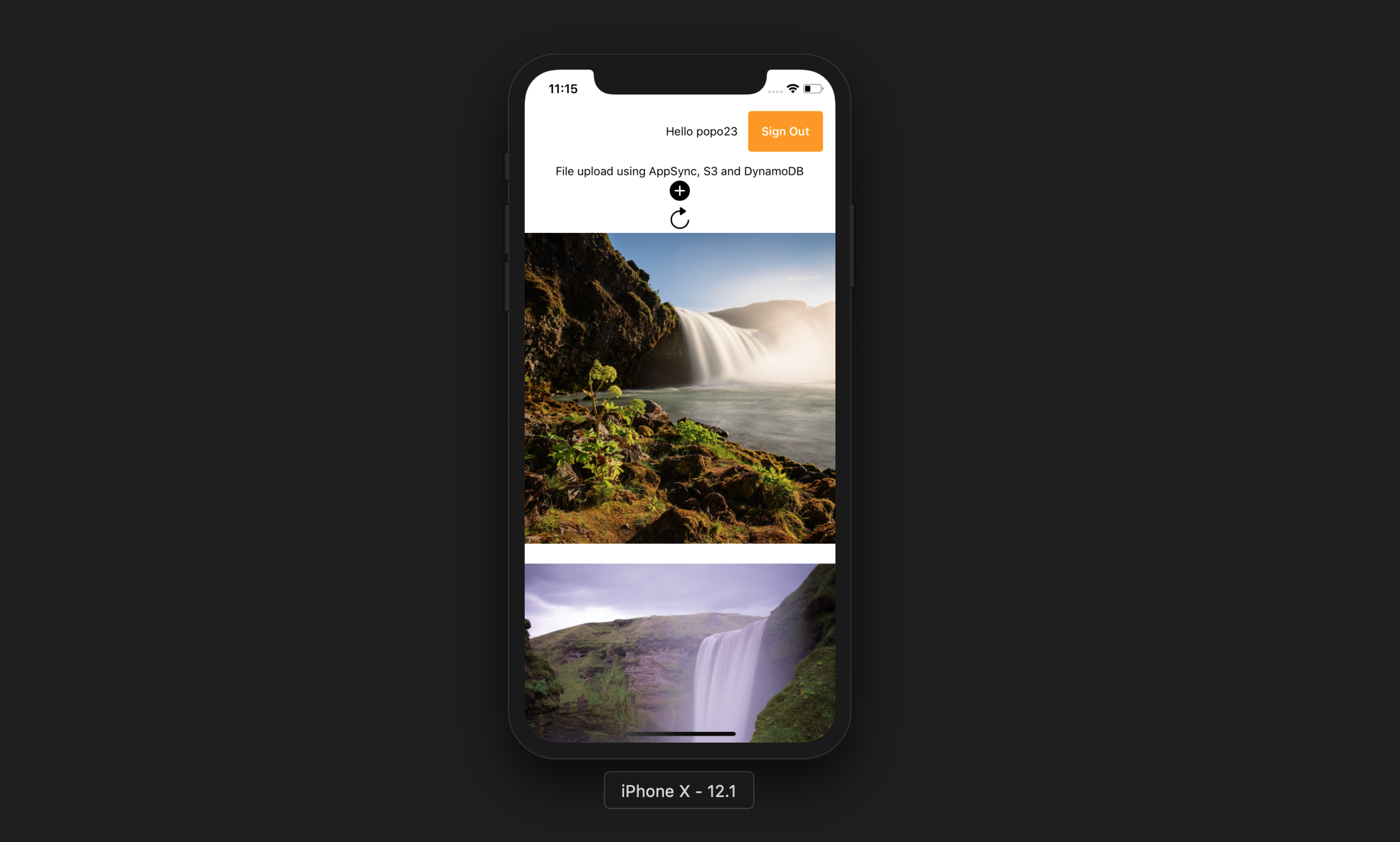
Mit dieser App kann der Benutzer Folgendes machen:
Expo Cli
npm install -g expo-cliAWS -Konto
Knoten JS mit NPM
AWS verstärkt CLI
npm install -g @aws-amplify/cliamplify configure (Link für einen Schritt -für -Schritt -Video). git clone https://github.com/yhenni1989/react-native-appsync-s3.git
cd react-native-appsync-s3
 yarn add aws-amplify aws-amplify-react-native

# or

npm install aws-amplify aws-amplify-react-native
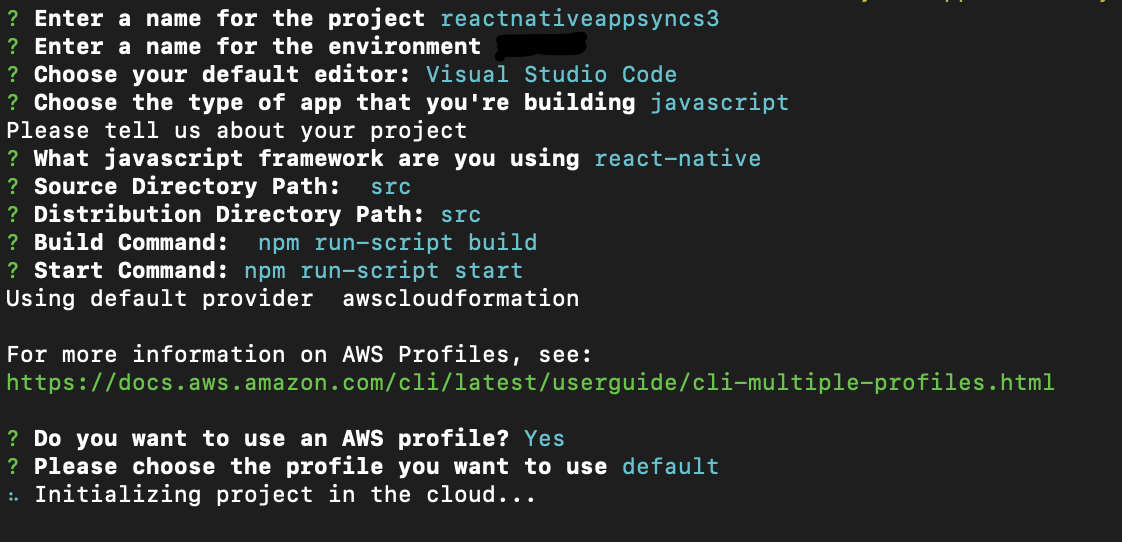
amplify init
Befolgen Sie die gleichen Anweisungen wie unten.
 amplify add auth

# When prompt, choose: Yes, use the default configuration.
 amplify add storage

# Choose: Content (Images, audio, video, etc.)
# Give access to only authenticated users.
# Give users read/write acces.
 amplify add api

# Choose GraphQL as the API service.
# Choose an authorization type for the API: Amazon Cognito User Pool
# Do you have an annotated GraphQL schema? Yes
# Provide your schema file path: src/graphQL/schema.graphql
amplify push
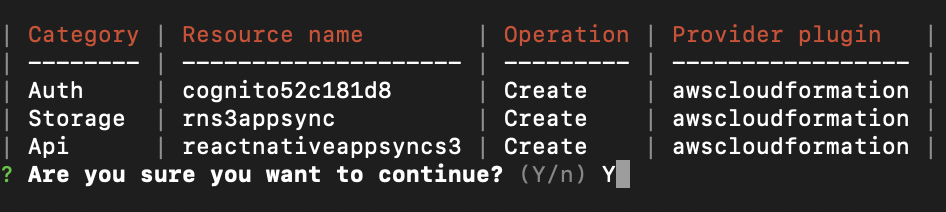
Do you want to generate code for your newly created GraphQL API: No.
Die AWS -Amplify CLI erstellt einen Amazon Cognito -Benutzerpool und einen Identitätspool, einen Amazon S3 -Bucket, mit dem alle Benutzerfotos und eine AWS AppSync GraphQL -API gespeichert werden können, die Amazon DynamoDB zum Speichern von Daten verwendet.
 yarn

# or

npm install
src/myKeys.js Ihres Projekts. const keys = {
accessKey : 'blablabla' ,
secretKey : 'blablabla' ,
}
export default keys ; expo start --ios
# or
expo start --android
Wenn die Anwendung erfolgreich ausgeführt wird, sollten Sie in der Lage sein, die Taste hinzuzufügen, den Zugriff auf die Gerätebibliothek zu ermöglichen und ein Bild von Ihrem Gerät auszuwählen. Dadurch wird das Bild in S3 hochgeladen und dann einen GraphQL -Anruf tätigen, um den Datensatz in DynamoDB einzugeben.
Sie können dann die Taste für Aktualisierung drücken, um das Bild auf dem Bildschirm anzuzeigen.





