Portfolio Demo 1
1.0.0

通过使用扑朔迷离的Web来构建投资组合。
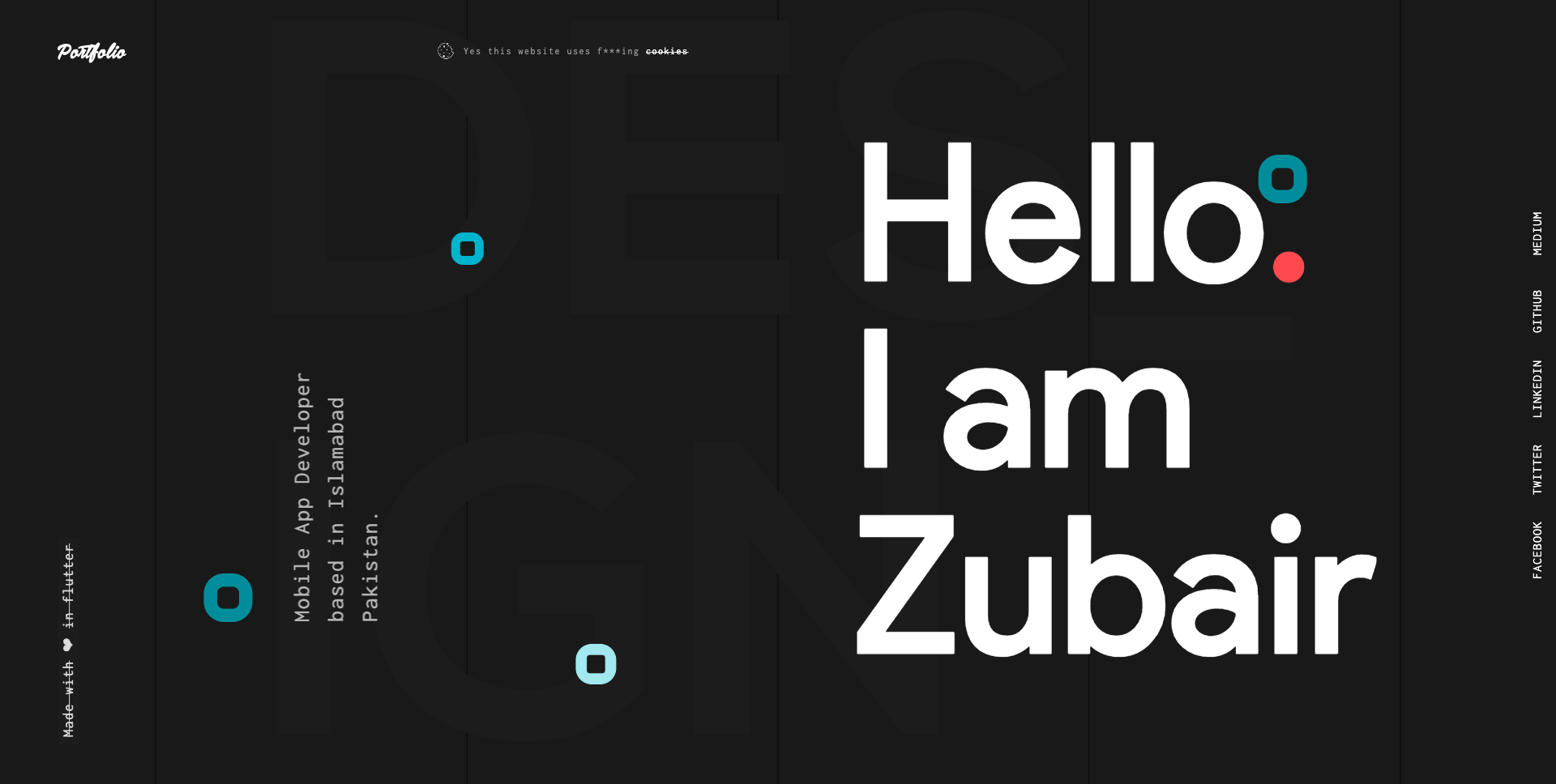
请点击下面的链接,以了解有关如何在Flutter中创建和部署Web应用程序的更多信息。
Web的幻影:创建和运行Web应用程序的完整指南
Web的扑波:部署Web应用程序的完整指南
步骤1:
使用以下链接下载或克隆此存储库:
https://github.com/zubairehman/Portfolio-Demo-1.git
步骤2:
转到项目root并在控制台中执行以下命令,以获取所需的依赖项:
flutter pub get
步骤3:
要与Flutter_Web预览一起使用Flutter SDK,请确保通过从机器上运行Flutter升级来升级至少v1.5.4。请点击链接以了解有关如何配置Web的更多信息:https://medium.com/@zubairehman.work/flutter-for-web-c75011a41956
步骤4:
要运行此应用程序,只需输入以下命令:
flutter packages pub global run webdev serve
这是Flutter提供的核心文件夹结构。
 flutter-app/
|- android
|- build
|- ios
|- lib
|- test
这是我们在此项目中一直使用的文件夹结构
 lib/
|- constants/
|- ui/
|- utils/
|- widgets/
|- main.dart
现在,让我们进入具有应用程序主代码的LIB文件夹。
 1- constants - All the application level constants are defined in this directory with-in their respective files. This directory contains the constants for `theme`, `dimentions`, `api endpoints`, `preferences` and `strings`.
2- ui — Contains all the ui of your project, contains sub directory for each screen.
3- util — Contains the utilities/common functions of your application.
4- widgets — Contains the common widgets for your applications. For example, Button, TextField etc.
5- main.dart - This is the starting point of the application. All the application level configurations are defined in this file i.e, theme, routes, title, orientation etc.
该目录包含所有应用级常数。如下所示,为每种类型创建一个单独的文件:
 constants/
|- assets.dart
|- fonts.dart
|- strings.dart
|- text_styles.dart
该目录包含您应用程序的所有UI。每个屏幕都位于一个单独的文件夹中,使其易于组合与该特定屏幕相关的文件组。如下所示,所有屏幕特定的小部件都将放置在widgets目录中:
 ui/
|- login
   |- login_screen.dart
   |- widgets
      |- login_form.dart
      |- login_button.dart
包含项目中使用的常见文件和实用程序。文件夹结构如下:
 utils/
|- encryption
   |- xxtea.dart
|- date
  |- date_time.dart
包含在多个屏幕上共享的常见小部件。例如,按钮,textfield等
 widgets/
|- app_icon_widget.dart
|- empty_app_bar.dart
|- progress_indicator.dart
这是应用程序的起点。所有应用程序级别的配置都是在此文件中定义的,即主题,路线,标题,方向等。
 import 'package:flutter_web/material.dart';
import 'package:portfolio/ui/home.dart';

import 'package:portfolio/utils/screen/screen_utils.dart';

void main() {
  runApp(MyApp());
}

class MyApp extends StatelessWidget {

  @override
  Widget build(BuildContext context) {

    return MaterialApp(
      debugShowCheckedModeBanner: false,
      theme: ThemeData(
          brightness: Brightness.light,
          primaryColorBrightness: Brightness.light,
          accentColorBrightness: Brightness.light
      ),
      home: MyAppChild(),
    );
  }
}

class MyAppChild extends StatefulWidget {

  @override
  _MyAppChildState createState() => _MyAppChildState();
}

class _MyAppChildState extends State<MyAppChild> {
  @override
  Widget build(BuildContext context) {
    // instantiating ScreenUtil singleton instance, as this will be used throughout
    // the app to get screen size and other stuff
    ScreenUtil.instance = ScreenUtil.getInstance()..init(context);
    return HomePage();
  }
}
如果您喜欢我的作品,请不要忘记出演仓库以表达您的支持。







