Portfolio Demo 1
1.0.0

웹에 Flutter를 사용하여 포트폴리오 빌드.
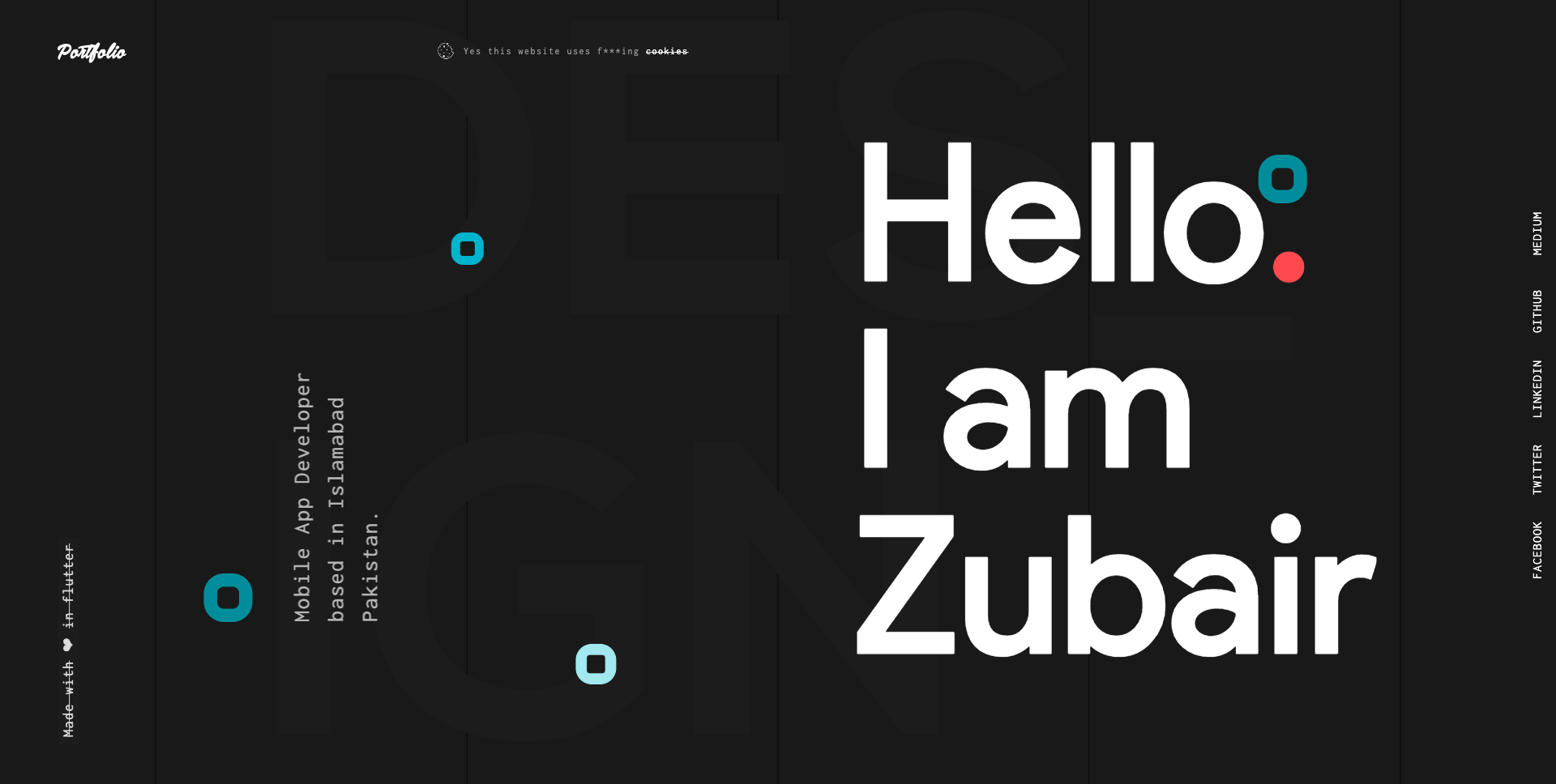
Flutter에서 웹 애플리케이션을 작성하고 배포하는 방법에 대한 자세한 내용은 아래 링크를 참조하십시오.
Flutter for Web : 웹 응용 프로그램 작성 및 실행을위한 완전한 가이드
Flutter for Web : 웹 응용 프로그램 배포를위한 완전한 안내서
Step 1:
아래 링크를 사용 하여이 repo를 다운로드하거나 복제하십시오.
https://github.com/zubairehman/Portfolio-Demo-1.git
Step 2:
프로젝트 루트로 이동하여 콘솔에서 다음 명령을 실행하려면 필요한 종속성을 얻으십시오.
flutter pub get
3 단계 : 3 단계 :
Flutter_web 미리보기와 함께 Flutter SDK를 사용하려면 컴퓨터에서 Flutter 업그레이드를 실행하여 Flutter를 최소 v1.5.4로 업그레이드했는지 확인하십시오. 웹 용 Flutter를 구성하는 방법에 대해 자세히 알아 보려면 https://medium.com/@zubairehman.work/flutter-for-web-c75011a41956
Step 4:
이 응용 프로그램을 실행하려면 간단히 다음 명령을 입력합니다.
flutter packages pub global run webdev serve
다음은 Flutter가 제공하는 핵심 폴더 구조입니다.
 flutter-app/
|- android
|- build
|- ios
|- lib
|- test
이 프로젝트에서 사용했던 폴더 구조는 다음과 같습니다.
 lib/
|- constants/
|- ui/
|- utils/
|- widgets/
|- main.dart
이제 응용 프로그램의 기본 코드가있는 LIB 폴더로 뛰어들 수 있습니다.
 1- constants - All the application level constants are defined in this directory with-in their respective files. This directory contains the constants for `theme`, `dimentions`, `api endpoints`, `preferences` and `strings`.
2- ui — Contains all the ui of your project, contains sub directory for each screen.
3- util — Contains the utilities/common functions of your application.
4- widgets — Contains the common widgets for your applications. For example, Button, TextField etc.
5- main.dart - This is the starting point of the application. All the application level configurations are defined in this file i.e, theme, routes, title, orientation etc.
이 디렉토리에는 모든 응용 프로그램 수준 상수가 포함되어 있습니다. 아래의 예와 같이 각 유형에 대해 별도의 파일이 생성됩니다.
 constants/
|- assets.dart
|- fonts.dart
|- strings.dart
|- text_styles.dart
이 디렉토리에는 응용 프로그램의 모든 UI가 포함되어 있습니다. 각 화면은 별도의 폴더에 위치하여 특정 화면과 관련된 파일 그룹을 쉽게 결합 할 수 있습니다. 모든 화면 특정 위젯은 아래 예제와 같이 widgets 디렉토리에 배치됩니다.
 ui/
|- login
   |- login_screen.dart
   |- widgets
      |- login_form.dart
      |- login_button.dart
프로젝트에 사용되는 공통 파일 및 유틸리티가 포함되어 있습니다. 폴더 구조는 다음과 같습니다.
 utils/
|- encryption
   |- xxtea.dart
|- date
  |- date_time.dart
여러 화면에서 공유되는 일반적인 위젯이 포함되어 있습니다. 예를 들어, 버튼, 텍스트 필드 등
 widgets/
|- app_icon_widget.dart
|- empty_app_bar.dart
|- progress_indicator.dart
이것은 응용 프로그램의 시작점입니다. 모든 응용 프로그램 수준 구성은이 파일, 즉 테마, 경로, 제목, 방향 등에 정의되어 있습니다.
 import 'package:flutter_web/material.dart';
import 'package:portfolio/ui/home.dart';

import 'package:portfolio/utils/screen/screen_utils.dart';

void main() {
  runApp(MyApp());
}

class MyApp extends StatelessWidget {

  @override
  Widget build(BuildContext context) {

    return MaterialApp(
      debugShowCheckedModeBanner: false,
      theme: ThemeData(
          brightness: Brightness.light,
          primaryColorBrightness: Brightness.light,
          accentColorBrightness: Brightness.light
      ),
      home: MyAppChild(),
    );
  }
}

class MyAppChild extends StatefulWidget {

  @override
  _MyAppChildState createState() => _MyAppChildState();
}

class _MyAppChildState extends State<MyAppChild> {
  @override
  Widget build(BuildContext context) {
    // instantiating ScreenUtil singleton instance, as this will be used throughout
    // the app to get screen size and other stuff
    ScreenUtil.instance = ScreenUtil.getInstance()..init(context);
    return HomePage();
  }
}
내 작품이 마음에 들었다면, 당신의 지원을 보여주기 위해 저장소에 출연하는 것을 잊지 마십시오.







