Portfolio Demo 1
1.0.0

Flutter for Webを使用して、ポートフォリオビルドを構築します。
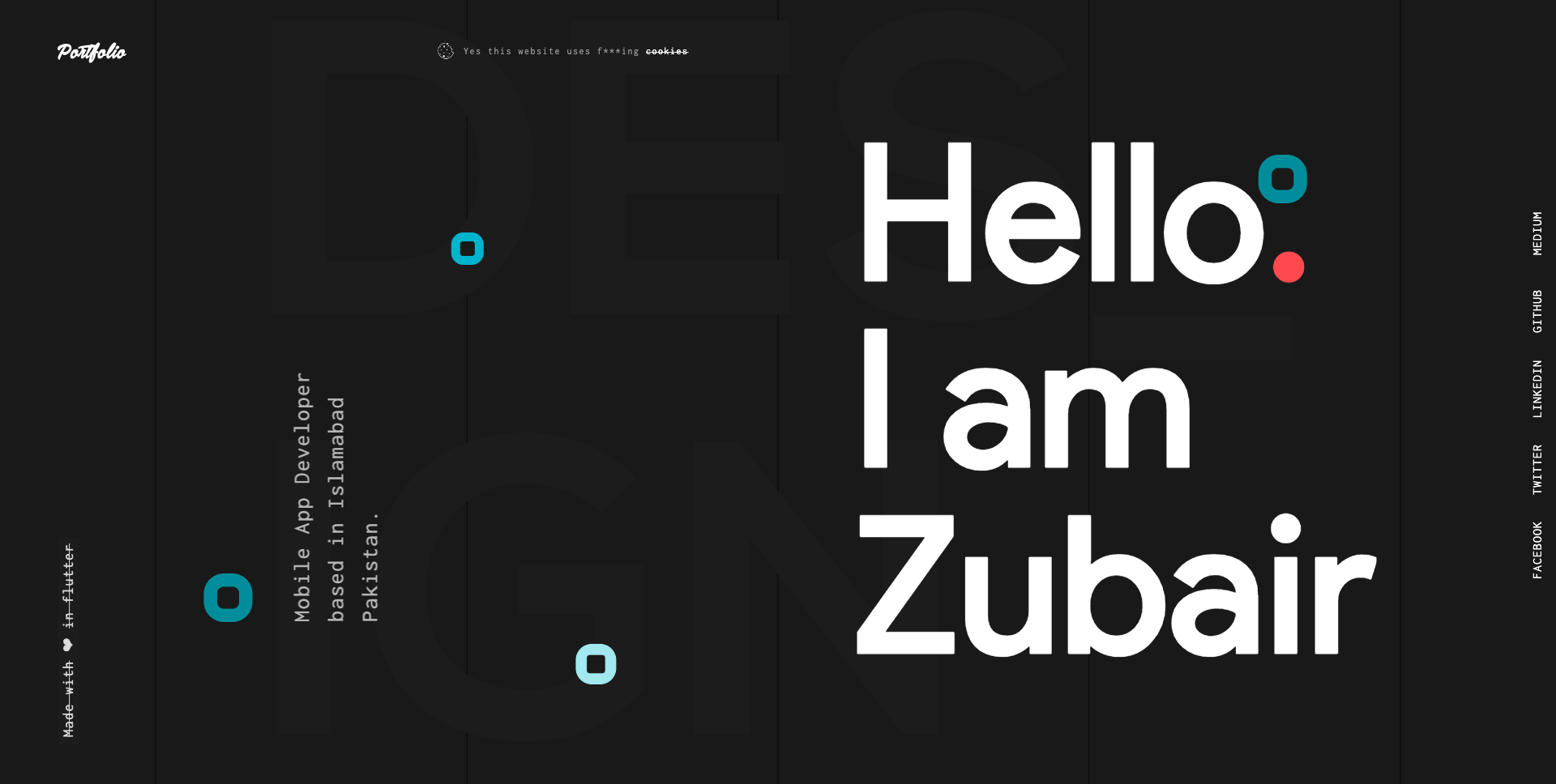
以下のリンクをフォローして、FlutterでWebアプリケーションを作成および展開する方法の詳細をご覧ください。
Flutter for Web:Webアプリケーションを作成および実行するための完全なガイド
Flutter for Web:Webアプリケーションを展開するための完全なガイド
ステップ1:
以下のリンクを使用して、このリポジトリをダウンロードまたはクローンします。
https://github.com/zubairehman/Portfolio-Demo-1.git
ステップ2:
プロジェクトルートに移動し、コンソールで次のコマンドを実行して、必要な依存関係を取得します。
flutter pub get
ステップ3:
Flutter_WebのプレビューでFlutter SDKを使用するには、マシンからフラッターアップグレードを実行して、フラッターを少なくともv1.5.4にアップグレードしたことを確認してください。リンクをフォローして、Flutterの構成方法の詳細については、Web:https://medium.com/@zubairehman.work/flutter-for-web-c75011a41956
ステップ4:
このアプリケーションを実行するには、次のコマンドを入力するだけです。
flutter packages pub global run webdev serve
フラッターが提供するコアフォルダー構造は次のとおりです。
 flutter-app/
|- android
|- build
|- ios
|- lib
|- test
これがこのプロジェクトで使用してきたフォルダー構造です
 lib/
|- constants/
|- ui/
|- utils/
|- widgets/
|- main.dart
次に、アプリケーションのメインコードを備えたLIBフォルダーに飛び込みます。
 1- constants - All the application level constants are defined in this directory with-in their respective files. This directory contains the constants for `theme`, `dimentions`, `api endpoints`, `preferences` and `strings`.
2- ui — Contains all the ui of your project, contains sub directory for each screen.
3- util — Contains the utilities/common functions of your application.
4- widgets — Contains the common widgets for your applications. For example, Button, TextField etc.
5- main.dart - This is the starting point of the application. All the application level configurations are defined in this file i.e, theme, routes, title, orientation etc.
このディレクトリには、すべてのアプリケーションレベル定数が含まれています。以下の例に示すように、各タイプに別のファイルが作成されます。
 constants/
|- assets.dart
|- fonts.dart
|- strings.dart
|- text_styles.dart
このディレクトリには、アプリケーションのすべてのUIが含まれています。各画面は別のフォルダーに配置されているため、その特定の画面に関連するファイルのグループを簡単に組み合わせることができます。すべての画面特定のウィジェットは、以下の例に示すように、 widgetsディレクトリに配置されます。
 ui/
|- login
   |- login_screen.dart
   |- widgets
      |- login_form.dart
      |- login_button.dart
プロジェクトで使用される一般的なファイルとユーティリティが含まれています。フォルダー構造は次のとおりです。
 utils/
|- encryption
   |- xxtea.dart
|- date
  |- date_time.dart
複数の画面で共有される一般的なウィジェットが含まれています。たとえば、ボタン、テキストフィールドなど。
 widgets/
|- app_icon_widget.dart
|- empty_app_bar.dart
|- progress_indicator.dart
これがアプリケーションの出発点です。すべてのアプリケーションレベルの構成は、このファイル、つまりテーマ、ルート、タイトル、オリエンテーションなどで定義されています。
 import 'package:flutter_web/material.dart';
import 'package:portfolio/ui/home.dart';

import 'package:portfolio/utils/screen/screen_utils.dart';

void main() {
  runApp(MyApp());
}

class MyApp extends StatelessWidget {

  @override
  Widget build(BuildContext context) {

    return MaterialApp(
      debugShowCheckedModeBanner: false,
      theme: ThemeData(
          brightness: Brightness.light,
          primaryColorBrightness: Brightness.light,
          accentColorBrightness: Brightness.light
      ),
      home: MyAppChild(),
    );
  }
}

class MyAppChild extends StatefulWidget {

  @override
  _MyAppChildState createState() => _MyAppChildState();
}

class _MyAppChildState extends State<MyAppChild> {
  @override
  Widget build(BuildContext context) {
    // instantiating ScreenUtil singleton instance, as this will be used throughout
    // the app to get screen size and other stuff
    ScreenUtil.instance = ScreenUtil.getInstance()..init(context);
    return HomePage();
  }
}
あなたが私の仕事が好きなら、あなたのサポートを示すためにレポを主演することを忘れないでください。







