Portfolio Demo 1
1.0.0

محفظة بناء باستخدام رفرفة للويب.
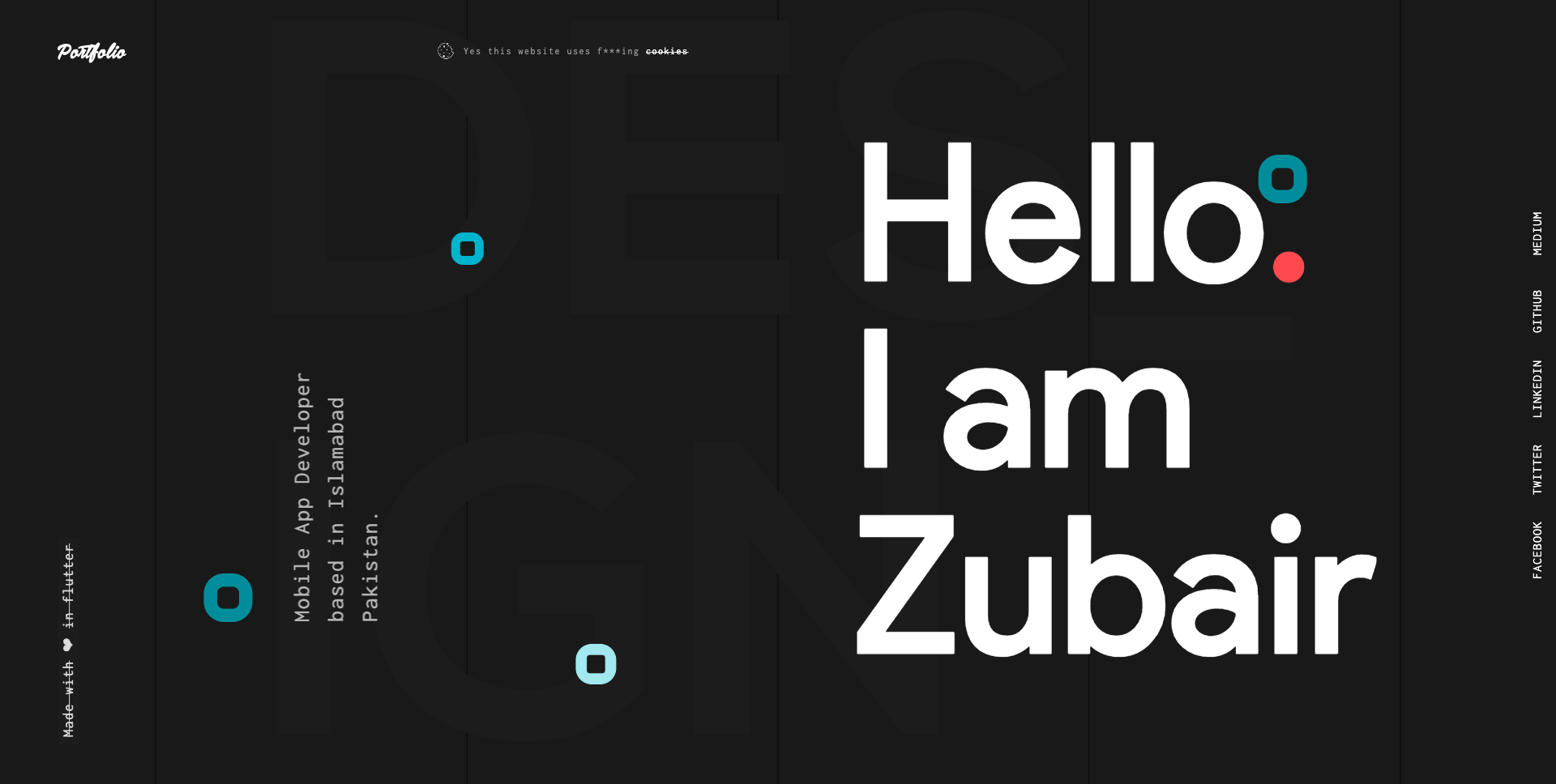
اتبع الروابط أدناه لمعرفة المزيد حول كيفية إنشاء تطبيقات الويب ونشرها في Flutter.
رفرفة على الويب: دليل كامل لإنشاء وتشغيل تطبيق ويب
رفرفة على الويب: دليل كامل لنشر تطبيق الويب
الخطوة 1:
قم بتنزيل أو استنساخ هذا الريبو باستخدام الرابط أدناه:
https://github.com/zubairehman/Portfolio-Demo-1.git
الخطوة 2:
انتقل إلى جذر المشروع وتنفيذ الأمر التالي في وحدة التحكم للحصول على التبعيات المطلوبة:
flutter pub get
الخطوة 3:
لاستخدام sdk flutter مع معاينة flutter_web ، تأكد من ترقية الرفرفة إلى V1.5.4 على الأقل عن طريق تشغيل ترقية الرفرفة من جهازك. اتبع الرابط لمعرفة المزيد حول كيفية تكوين Flutter for Web: https://medium.com/@zubairehman.work/flutter-for-web-c75011a41956
الخطوة 4:
لتشغيل هذا التطبيق ببساطة اكتب في الأمر التالي:
flutter packages pub global run webdev serve
فيما يلي هيكل المجلد الأساسي الذي يوفره الرفرفة.
 flutter-app/
|- android
|- build
|- ios
|- lib
|- test
هنا هي بنية المجلد التي استخدمناها في هذا المشروع
 lib/
|- constants/
|- ui/
|- utils/
|- widgets/
|- main.dart
الآن ، يتيح الغوص في مجلد LIB الذي يحتوي على الكود الرئيسي للتطبيق.
 1- constants - All the application level constants are defined in this directory with-in their respective files. This directory contains the constants for `theme`, `dimentions`, `api endpoints`, `preferences` and `strings`.
2- ui — Contains all the ui of your project, contains sub directory for each screen.
3- util — Contains the utilities/common functions of your application.
4- widgets — Contains the common widgets for your applications. For example, Button, TextField etc.
5- main.dart - This is the starting point of the application. All the application level configurations are defined in this file i.e, theme, routes, title, orientation etc.
يحتوي هذا الدليل على جميع ثوابت مستوى التطبيق. يتم إنشاء ملف منفصل لكل نوع كما هو موضح في المثال أدناه:
 constants/
|- assets.dart
|- fonts.dart
|- strings.dart
|- text_styles.dart
يحتوي هذا الدليل على جميع واجهة المستخدم الخاصة بتطبيقك. توجد كل شاشة في مجلد منفصل مما يجعل من السهل دمج مجموعة من الملفات المتعلقة بهذه الشاشة بالذات. سيتم وضع جميع الأدوات المصغرة الخاصة بالشاشة في دليل widgets كما هو موضح في المثال أدناه:
 ui/
|- login
   |- login_screen.dart
   |- widgets
      |- login_form.dart
      |- login_button.dart
يحتوي على الملفات (الملفات) المشتركة والمرافق المستخدمة في المشروع. هيكل المجلد كما يلي:
 utils/
|- encryption
   |- xxtea.dart
|- date
  |- date_time.dart
يحتوي على الأدوات المشتركة التي يتم مشاركتها عبر شاشات متعددة. على سبيل المثال ، زر ، Textfield وما إلى ذلك
 widgets/
|- app_icon_widget.dart
|- empty_app_bar.dart
|- progress_indicator.dart
هذه هي نقطة انطلاق التطبيق. يتم تعريف جميع تكوينات مستوى التطبيق في هذا الملف أي ، السمة ، المسارات ، العنوان ، الاتجاه ، إلخ.
 import 'package:flutter_web/material.dart';
import 'package:portfolio/ui/home.dart';

import 'package:portfolio/utils/screen/screen_utils.dart';

void main() {
  runApp(MyApp());
}

class MyApp extends StatelessWidget {

  @override
  Widget build(BuildContext context) {

    return MaterialApp(
      debugShowCheckedModeBanner: false,
      theme: ThemeData(
          brightness: Brightness.light,
          primaryColorBrightness: Brightness.light,
          accentColorBrightness: Brightness.light
      ),
      home: MyAppChild(),
    );
  }
}

class MyAppChild extends StatefulWidget {

  @override
  _MyAppChildState createState() => _MyAppChildState();
}

class _MyAppChildState extends State<MyAppChild> {
  @override
  Widget build(BuildContext context) {
    // instantiating ScreenUtil singleton instance, as this will be used throughout
    // the app to get screen size and other stuff
    ScreenUtil.instance = ScreenUtil.getInstance()..init(context);
    return HomePage();
  }
}
إذا كنت تحب عملي ، فلا تنس أن تقوم بدور الريبو لإظهار دعمك.







