wifimenu
1.0.0

สคริปต์ทุบตีเพื่อเชื่อมต่อกับเครือข่าย Wi-Fi โดยใช้ NetworkManager และตัวเรียกใช้งาน
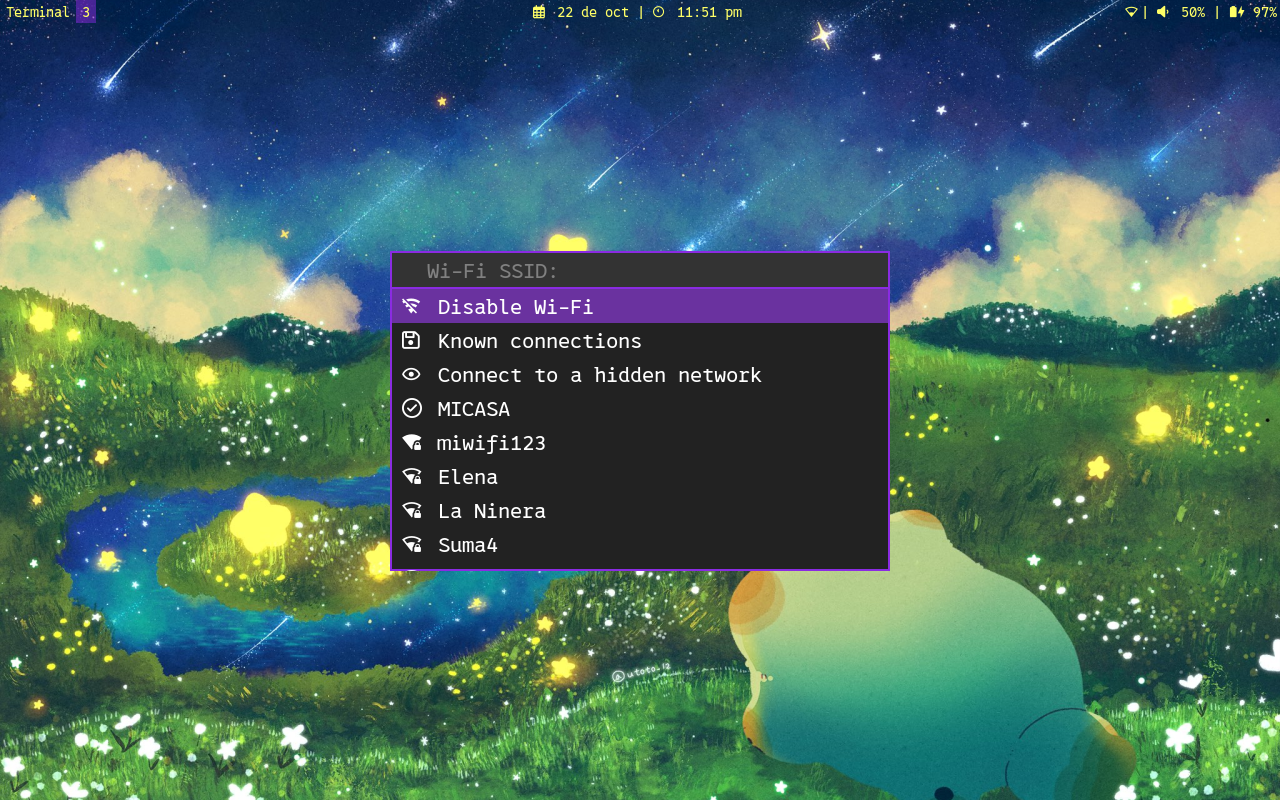
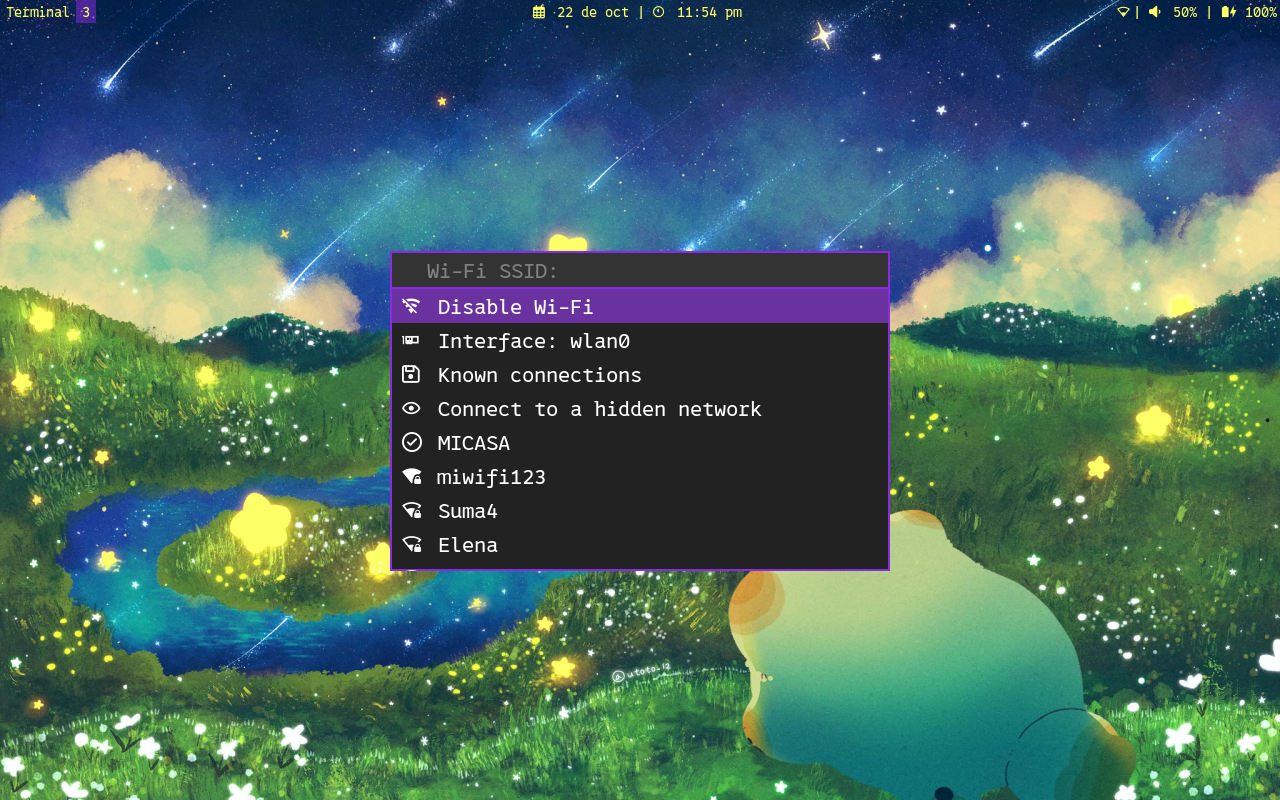
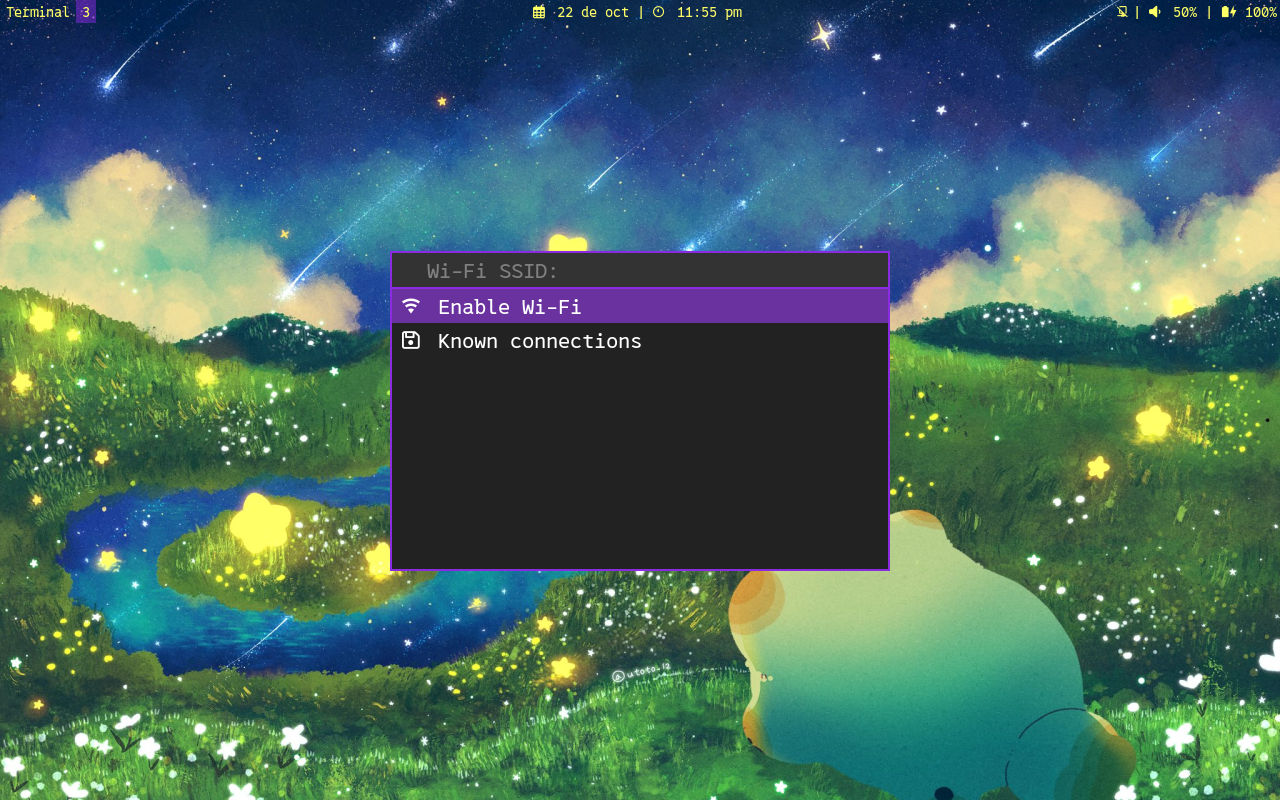
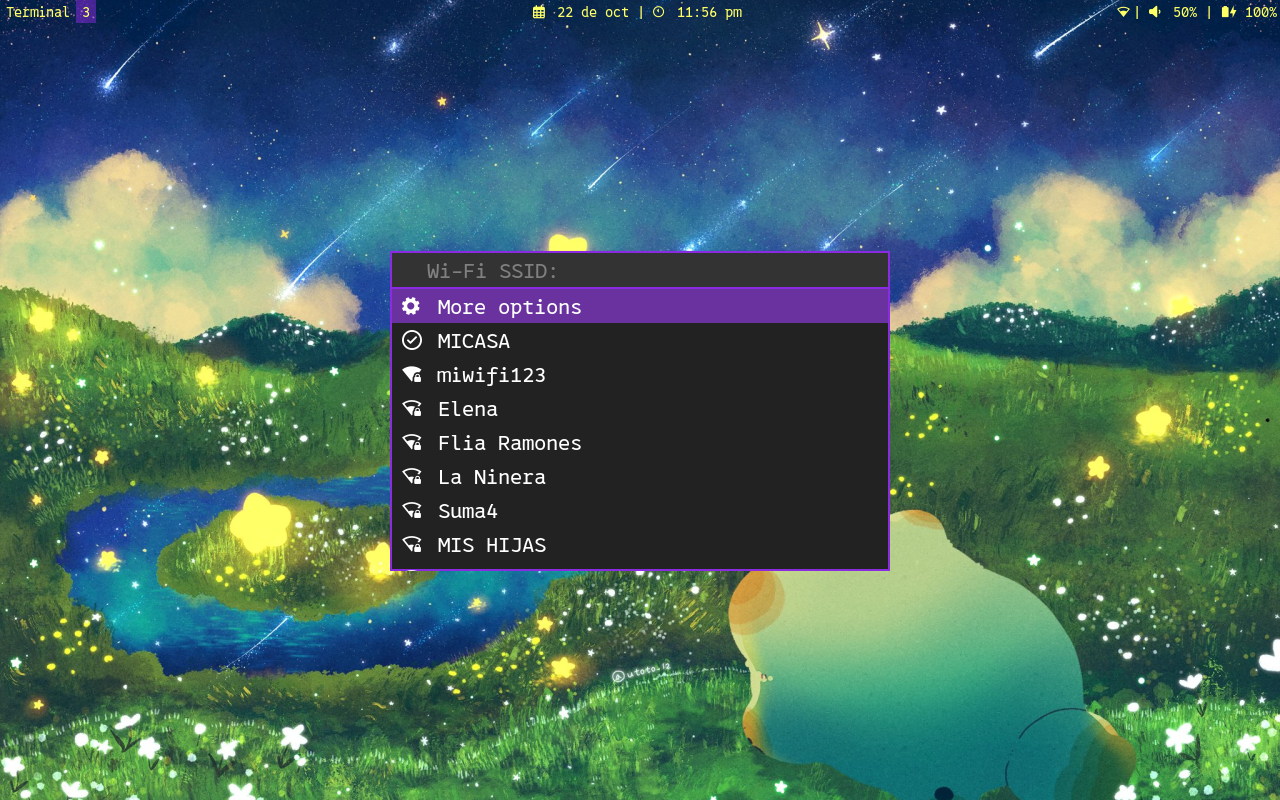
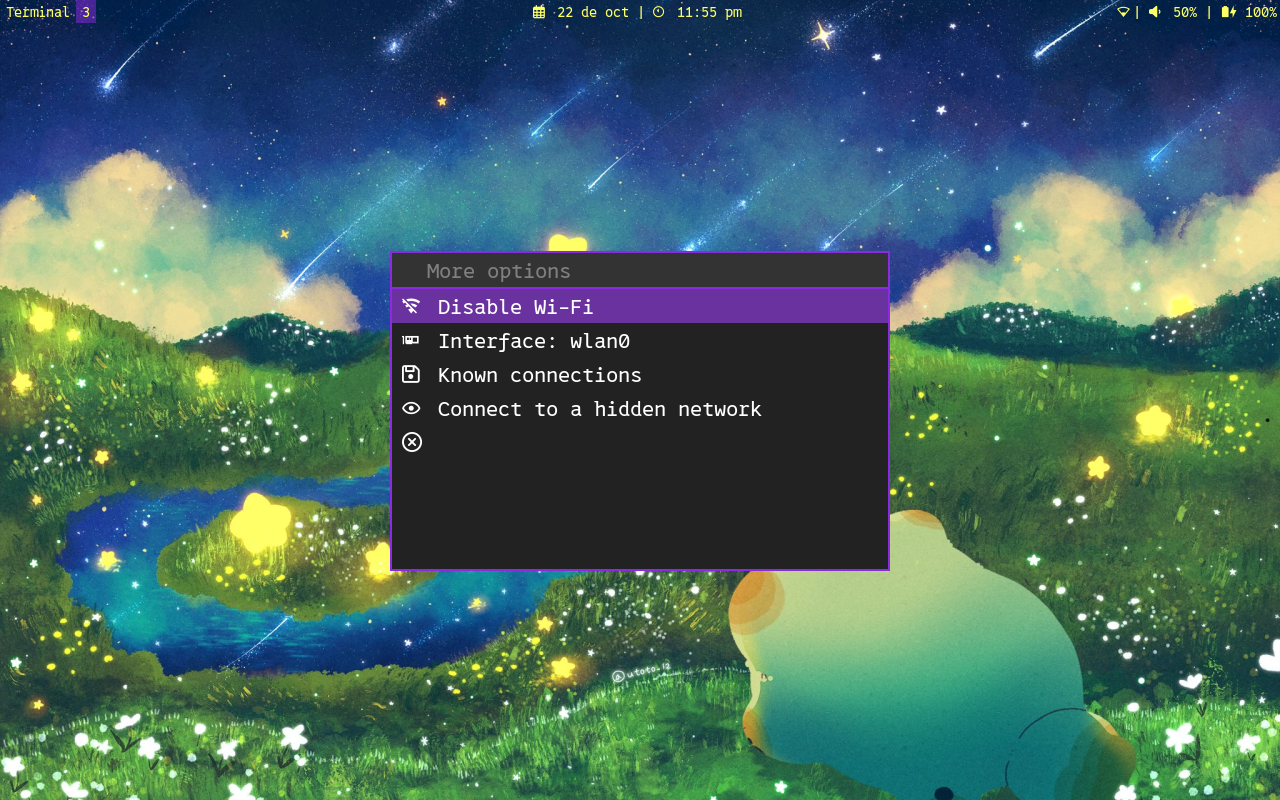
รูปแบบตัวเรียกใช้งานในภาพหน้าจอด้านบนไม่รวม
ไฟล์ต่อไปนี้มีที่มาในลำดับที่สอดคล้องกัน หากพบไฟล์ใดไฟล์หนึ่งไฟล์ต่อไปนี้จะไม่ถูกค้นหา:
ตัวแปร program_name ถูกตั้งค่าเป็น basename $0
การดัดแปลงใด ๆ ของโปรแกรมสามารถทำได้ในไฟล์กำหนดค่าเพื่อหลีกเลี่ยงการสูญเสียการแก้ไขเมื่ออัปเดตสคริปต์ ตัวเลือกบรรทัดคำสั่งเขียนทับไฟล์นี้
ตัวแปรที่น่าสนใจบางอย่างอาจเป็น:
ว่าตัวแปรถูกตั้งค่าหมายความว่ามีค่าที่กำหนดให้กับมัน (ค่าใด ๆ ) ตัวอย่างเช่น:
launcher= ' rofi '    # It's set
submenu=1          # It's set
wireguard=         # It's not set
ตัวแปรต่อไปนี้สามารถเปลี่ยนแปลงได้ในไฟล์กำหนดค่าเพื่อแปลข้อความ:
tr_scanning_networks= ' Scanning networks '
tr_scanning_networks_complete= ' Scanning completed '
tr_submenu_message= ' More options '
tr_disable_message= ' Disable Wi-Fi '
tr_enable_message= ' Enable Wi-Fi '
tr_interface_message= ' Interface: '
tr_known_connections_message= ' Known connections '
tr_autoconnect_message= ' Autoconnect '
tr_ipv4_config_message= ' DHCP configuration '
tr_dns4_message= ' DNS IPv4 '
tr_ipv6_config_message= ' IPv6 configuration '
tr_dns6_message= ' DNS IPv6 '
tr_autoip_message= ' Automatic IP configuration '
tr_autodns_message= ' Automatic DNS '
tr_address_message= ' Addresses '
tr_gateway_message= ' Gateway: '
tr_forget_message= ' Forget connection '
tr_wireguard_message= ' Wireguard connections '
tr_wireguard_enable_message= ' Enable VPN '
tr_rename_connection_message= ' Rename connection '
tr_hidden_message= ' Connect to a hidden network '

tr_main_menu_prompt= ' Wi-Fi SSID: '
tr_select_interface_prompt= ' Interface to use: '
tr_ask_password_prompt= ' Password: '
tr_menu_dns_prompt= ' New DNS: '
tr_menu_dns_sure_prompt_1= ' Remove DNS '
tr_menu_dns_sure_prompt_2= ' ? '
tr_menu_ip_config_addresses_prompt= ' address1/CIDR_mask,address2/CIDR_mask,... '
tr_menu_ip_config_gateway_prompt= ' New gateway: '
tr_menu_addresses_prompt= ' New address: '
tr_menu_addresses_sure_prompt_1= ' Remove address '
tr_menu_addresses_sure_prompt_2= ' ? '
tr_forget_connection_prompt= ' Connection to forget: '
tr_forget_connection_sure_prompt_1= ' Forget '
tr_forget_connection_sure_prompt_2= ' ? '
tr_rename_connection_prompt= ' New name: '
tr_connect_hidden_prompt= ' Network name: '

tr_notice_connected_summary= ' Connected to network '
tr_notice_disconnected_summary= ' Disconnected from network '
tr_notice_error_summary= ' Connection error '
tr_notice_enable_wifi_summary= ' Wi-Fi enabled '
tr_notice_disable_wifi_summary= ' Wi-Fi disabled '
tr_notice_connected_wifi_body= ' Successful connection to Wi-Fi network '
tr_notice_disconnected_wifi_body= ' Successful disconnection from Wi-Fi network '
tr_notice_error_wifi_connection_body= ' An error occurred while trying to connect to the Wi-Fi network '
tr_notice_error_wifi_disconnection_body= ' An error occurred while trying to disconnect to the Wi-Fi network '
tr_notice_connected_vpn_body= ' Successful connection to VPN '
tr_notice_disconnected_vpn_body= ' Successful disconnection from VPN '
tr_notice_error_vpn_connection_body= ' An error occurred while trying to connect to the VPN '
tr_notice_error_vpn_disconnection_body= ' An error occurred while trying to disconnect to the VPN '
tr_notice_enable_wifi_body= ' Wi-Fi was successfully enabled '
tr_notice_disable_wifi_body= ' Wi-Fi was successfully disabled ' การเชื่อมต่อ Wireguard ต้องมีอยู่แล้ว ในการนำเข้าไฟล์โปรไฟล์ wireguard.conf:
sudo nmcli connection import type wireguard file /PATH/TO/FILE.conf แทนที่ /PATH/TO/FILE.conf ด้วยเส้นทางจริงของไฟล์ . confcoleguard ของคุณ
หากต้องการเรียนรู้เพิ่มเติมเกี่ยวกับการกำหนดค่า Wireguard ใน NetworkManager โปรดดู: https://blogs.gnome.org/thaller/2019/03/15/wireguard-in-networkmanager/
Monero:
8C7q6JRYpehXAWotiHhrnQ4PuVKnAJZSVQ1pTM8xXXRtUdS9ofAyrLy6chP5SvmKDN2LWvESLME8W897vdQGf4rM4DQchhwpaypal:
Wifimenu เป็นซอฟต์แวร์ฟรี: คุณสามารถแจกจ่ายซ้ำและ/หรือแก้ไขภายใต้เงื่อนไขของใบอนุญาตสาธารณะ GNU ทั่วไปที่เผยแพร่โดย Free Software Foundation ไม่ว่าจะเป็นรุ่น 3 ของใบอนุญาตหรือ (ตามตัวเลือกของคุณ) รุ่นใหม่ ๆ
Wifimenu มีการแจกจ่ายด้วยความหวังว่ามันจะมีประโยชน์ แต่ไม่มีการรับประกันใด ๆ โดยไม่มีการรับประกันโดยนัยเกี่ยวกับความสามารถในการค้าหรือความเหมาะสมสำหรับวัตถุประสงค์เฉพาะ ดูใบอนุญาตสาธารณะ GNU ทั่วไปสำหรับรายละเอียดเพิ่มเติม
คุณควรได้รับสำเนาใบอนุญาตสาธารณะ GNU ทั่วไปพร้อมกับโปรแกรมนี้ ถ้าไม่ดู https://www.gnu.org/licenses/





