imago
1.0.0

Imago เป็นไลบรารีการจัดการภาพสำหรับ Lisp ทั่วไป รองรับรูปภาพใน PNG, PCX, บิตแมปพกพา (.pnm), truevision TGA (.TGA) และรูปแบบ JPEG คุณสามารถอ่านรูปภาพด้วย imago:read-image และเขียนภาพด้วย imago:write-format ที่ format เป็นหนึ่งใน png , pcx , pnm , tga หรือ jpg
คุณสามารถใช้ไลบรารี libjpeg-turbo ขั้นสูงเพื่อจัดการกับไฟล์ JPEG ได้โดยการโหลดระบบ imago/jpeg-turbo ตรวจสอบให้แน่ใจว่ามีการติดตั้ง libjpeg-turbo ในระบบของคุณ ใช้ imago-jpeg-turbo:read-jpg-turbo และ imago-jpeg-turbo:write-jpg-turbo (หรือเพียงแค่ imago:read-image และ imago:write-image ) เพื่อใช้ฟังก์ชั่นนี้
คุณสามารถใช้ไลบรารี PNGLoad ขั้นสูงและเร็วขึ้นเพื่ออ่านไฟล์ PNG ได้โดยการโหลดระบบ imago/pngio ใช้ imago-pngio:read-png (หรือเพียงแค่ imago:read-image ) เพื่อใช้ฟังก์ชั่นนี้ NB: pngload แปลงภาพสีที่จัดทำดัชนีเป็นภาพ RGB (หรือ ArgB) โดยอัตโนมัติ หากคุณต้องการทำงานกับรูปภาพที่จัดทำดัชนีให้ใช้ PNG Loader เก่าแทน ห้องสมุด zpng (ผ่าน imago-pngio:write-png ) จะใช้สำหรับการบันทึกภาพ PNG
ในการสร้างภาพดูเอกสารสำหรับคลาสรูปภาพ (เช่น imago:rgb-image หรือ imago:grayscale-image ) คุณต้องสร้างอินสแตนซ์ของหนึ่งในคลาสเหล่านั้นโดยผ่าน :w , :h และเป็นทางเลือก :initial-color เพื่อ make-instance หรือคุณสามารถใช้ make-XXX-image และ make-XXX-image-from-pixels : ฟังก์ชั่น:
 ;; Create 100x100 px black grayscale image
(imago:make-grayscale-image 100 100)

;; Create 400x100 px red RGB image
(imago:make-rgb-image 400 100 (imago:make-color 255 0 0))

;; Create 400x100 px half-transparent red RGB image
(imago:make-rgb-image 400 100 (imago:make-color 255 0 0 127))

;; Create an image from an array of pixels
(imago:make-rgb-image-from-pixels
 (make-array '(100 100)
             :element-type 'imago:rgb-pixel
             :initial-element (imago:make-color 0 255 255)))
ตัวอย่างส่วนใหญ่ถูกนำมาจากที่นี่
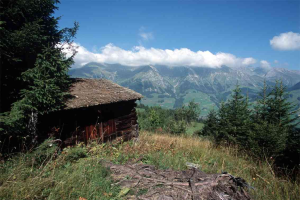
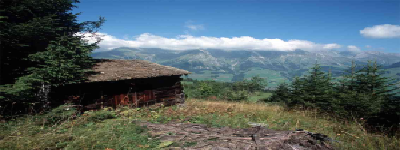
(resize *image* 400 150)
| ต้นฉบับ | ที่ผ่านการประมวลผลแล้ว |
|---|---|
 |  |
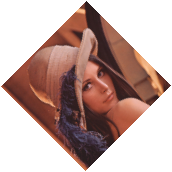
(rotate *image* 45)
| ต้นฉบับ | ที่ผ่านการประมวลผลแล้ว |
|---|---|
 |  |
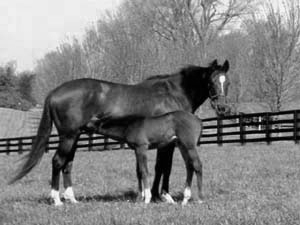
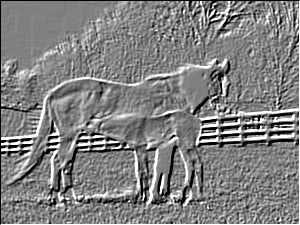
(emboss *image* :angle (* pi 0.75) :depth 1.0)
| ต้นฉบับ | ที่ผ่านการประมวลผลแล้ว |
|---|---|
 |  |
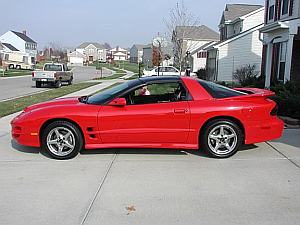
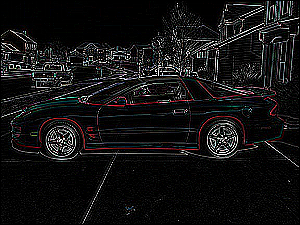
 (let ((kernel #2A((0  0  0  0  0)
                  (0  0  1  0  0)
                  (0  1 -4  1  0)
                  (0  0  1  0  0)
                  (0  0  0  0  0))))
  (convolve *image* kernel 1 0))
| ต้นฉบับ | ที่ผ่านการประมวลผลแล้ว |
|---|---|
 |  |
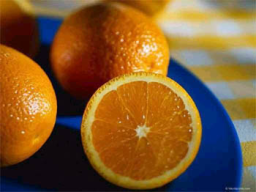
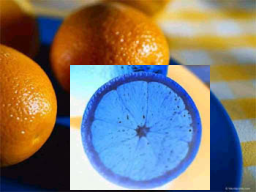
 (do-region-pixels (*image* color x y 70 65 140 125)
  (setf color (invert-color color)))
| ต้นฉบับ | ที่ผ่านการประมวลผลแล้ว |
|---|---|
 |  |
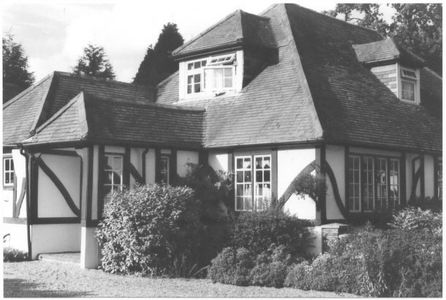
(enhance-contrast *grayscale-image*)
| ต้นฉบับ | ที่ผ่านการประมวลผลแล้ว |
|---|---|
 | 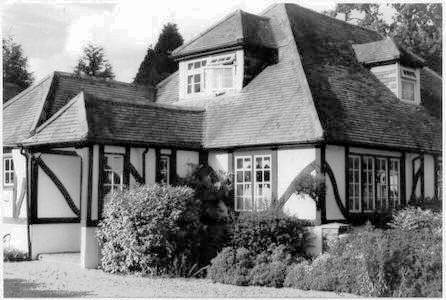 |
 (do-image-pixels (*image* color x y)
  (multiple-value-bind (r g b) (color-rgb color)
    (setf color (make-color b
                            (floor (* g 0.8))
                            r))))
| ต้นฉบับ | ที่ผ่านการประมวลผลแล้ว |
|---|---|
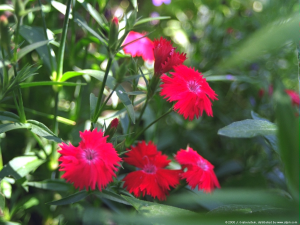 | 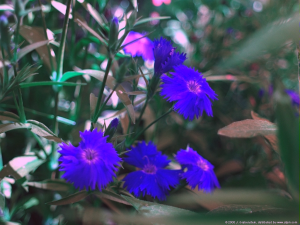 |
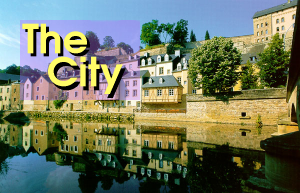
 (let ((operator (default-compose-operator *image1*)))
  (compose nil *image1* *image2* 20 20 operator))
| ต้นฉบับ 1 | ต้นฉบับ 2 | ที่ผ่านการประมวลผลแล้ว |
|---|---|---|
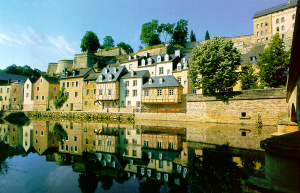 |  |  |
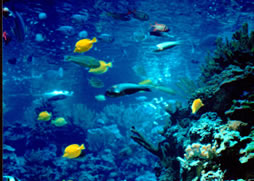
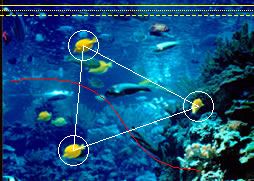
 (let ((points '(83 45 73 150 73 150 198 106 198 106 83 45)))
  (draw-polygon *image* points +white+ :closed t))
(draw-circle *image* 83 45 15 +white+)
(draw-circle *image* 73 150 15 +white+)
(draw-circle *image* 198 106 15 +white+)
(draw-bezier-curve *image* 10 80 150 60 100 170 200 170 +red+)
(draw-line *image* 0 5 254 5 +yellow+)
(draw-line *image* 0 10 254 10 +yellow+ :dash-length 1 :dash-interval 1)
(draw-line *image* 0 15 254 15 +yellow+ :dash-length 4 :dash-interval 2)
| ต้นฉบับ | ที่ผ่านการประมวลผลแล้ว |
|---|---|
 |  |
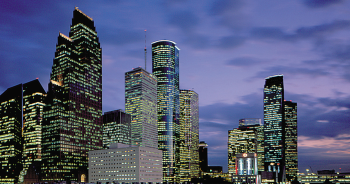
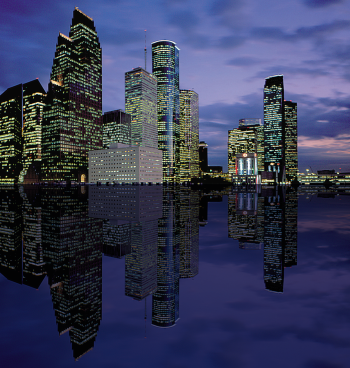
 (defun sea-view (image)
  (let ((image2 (flip nil image :horizontal)))
    (do-image-pixels (image2 color x y)
      (multiple-value-bind (r g b)
          (color-rgb color)
        (setf color (make-color (floor r 3) (floor g 3) (floor b 2)))))
    (let* ((width (image-width image))
           (height (image-height image))
           (result (make-instance (class-of image)
                                  :width width :height (* height 2))))
      (copy result image)
      (copy result image2 :dest-y height)
      result)))
| ต้นฉบับ | ที่ผ่านการประมวลผลแล้ว |
|---|---|
 |  |
ตัวอย่างนี้ต้องใช้ระบบงูและอาร์เรย์ (มีอยู่ใน Quicklisp)
 (defpackage components-example
  (:use #:cl
        #:snakes
        #:imago)
  (:export #:convert-to-image))
(in-package :components-example)

(defgenerator generate-colors ()
  (loop while t do
    (yield (make-color (random 256)
                       (random 256)
                       (random 256)))))

(defgenerator black ()
  (yield (make-color 0 0 0)))

(defun convert-to-image (components)
  (declare (type (simple-array fixnum (* *)) components))
  (let ((colors (take (1+ (reduce #'max (aops:flatten components)))
                      (chain (black)
                             (generate-colors))))
        (image (make-array (array-dimensions components)
                           :element-type 'rgb-pixel)))
    (array-operations/utilities:nested-loop (i j)
        (array-dimensions components)
      (setf (aref image i j)
            (nth (aref components i j) colors)))
    (make-instance 'rgb-image :pixels image)))

(in-package :cl-user)
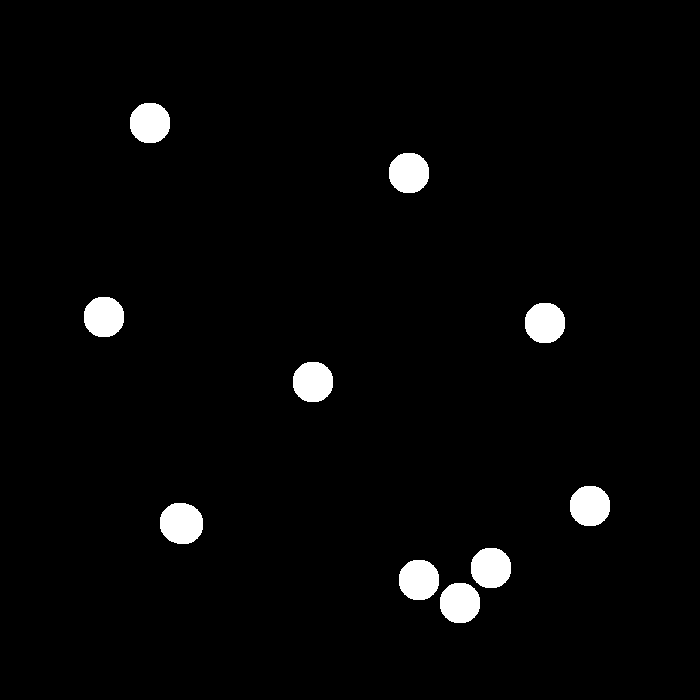
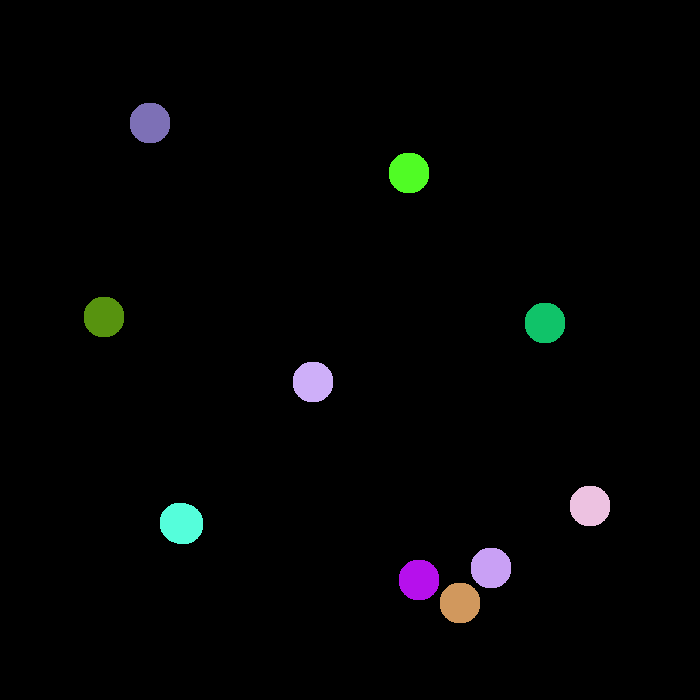
(let* ((image (imago:read-image "~/.quicklisp/local-projects/imago/tests/spheres.png"))
       (components (imago:label-components (imago:convert-to-binary image 1))))
  (components-example:convert-to-image components))
| ต้นฉบับ | ที่ผ่านการประมวลผลแล้ว |
|---|---|
 |  |
การคำนวณการแปลงระยะทางแบบยุคลิดแบบยกกำลังสอง (รวมถึงการแปลงระยะทางของแมนฮัตตัน) ตัวอย่างนี้ต้องใช้ array-operations
 (defun edt-image (image)
  (declare (type imago:binary-image image))
  (let* ((dt (imago:distance-transform image :type :edt))
         (max (reduce #'max (aops:flatten dt)))
         (pixels (make-array (array-dimensions dt) :element-type 'imago:grayscale-pixel)))
    (map-into (aops:flatten pixels)
              (lambda (x) (imago:make-gray (floor (* 255 x) max)))
              (aops:flatten dt))
    (make-instance 'imago:grayscale-image :pixels pixels)))

(edt-image original-image)
| ต้นฉบับ | ที่ผ่านการประมวลผลแล้ว |
|---|---|
 |  |
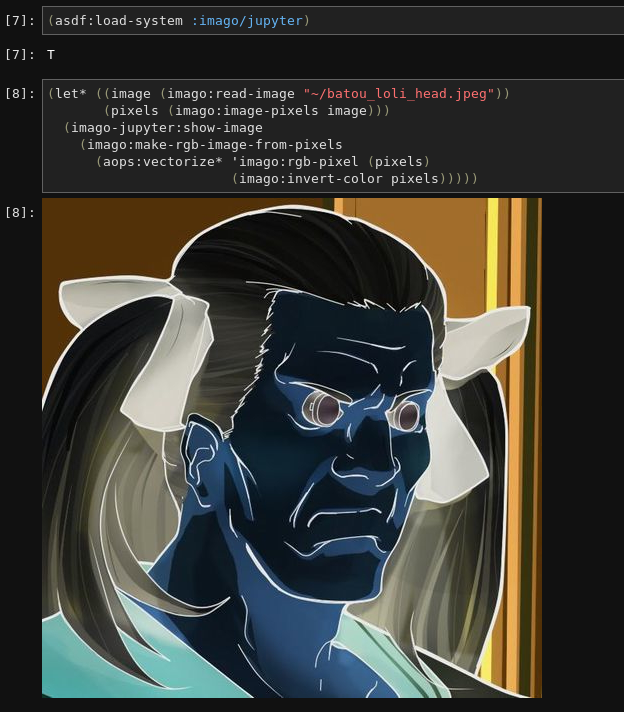
คุณสามารถดูภาพ Imago ใน Jupyter ได้โดยการติดตั้งระบบ imago/jupyter จากนั้นเรียก imago-jupyter:show-image เพื่อแสดงภาพ