imago
1.0.0

Imagoは、一般的なLISPの画像操作ライブラリです。 PNG、PCX、ポータブルビットマップ(.PNM)、TrueVision TGA(.TGA)、JPEG形式の画像をサポートしています。 imago:read-imageで画像を読んで、 imago:write-formatで画像を書くことができます。ここで、 formatはpng 、 pcx 、 pnm 、 tgaまたはjpgの1つです。
より高度なLibJPEG-Turboライブラリを使用して、 imago/jpeg-turboシステムをロードしてJPEGファイルを扱うことができます。 libjpeg-turboがシステムにインストールされていることを確認してください。 imago-jpeg-turbo:read-jpg-turboおよびimago-jpeg-turbo:write-jpg-turbo関数(または単にimago:read-imageとimago:write-image )を使用して、この機能を使用します。
imago/pngioシステムをロードして、より高度で高速なPNGLoadライブラリを使用してPNGファイルを読み取ることができます。 imago-pngio:read-png (または単なるimago:read-image )を使用して、この機能を使用します。 NB: pngloadインデックス付きカラー画像をRGB(またはArgB)画像に自動的に変換します。インデックス付き画像を使用したい場合は、代わりに古いPNGローダーを使用してください。また、ZPNG( imago-pngio:write-png )ライブラリは、PNG画像の保存に使用されます。
画像を作成するには、画像クラスのドキュメントを見てください( imago:rgb-imageまたはimago:grayscale-imageなど)。合格して、これらのクラスの1つのインスタンスを作成する必要があります:w 、 :hおよびオプション: make-instanceへの:initial-colorキーワード引数。または、 make-XXX-imageおよびmake-XXX-image-from-pixels関数を使用できます。
 ;; Create 100x100 px black grayscale image
(imago:make-grayscale-image 100 100)

;; Create 400x100 px red RGB image
(imago:make-rgb-image 400 100 (imago:make-color 255 0 0))

;; Create 400x100 px half-transparent red RGB image
(imago:make-rgb-image 400 100 (imago:make-color 255 0 0 127))

;; Create an image from an array of pixels
(imago:make-rgb-image-from-pixels
 (make-array '(100 100)
             :element-type 'imago:rgb-pixel
             :initial-element (imago:make-color 0 255 255)))
ほとんどの例はここから取られています。
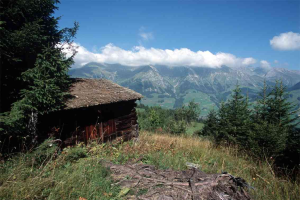
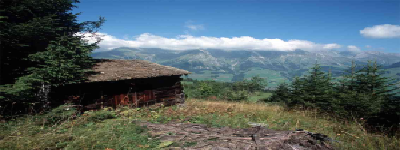
(resize *image* 400 150)
| オリジナル | 処理 |
|---|---|
 |  |
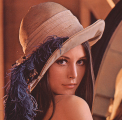
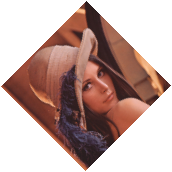
(rotate *image* 45)
| オリジナル | 処理 |
|---|---|
 |  |
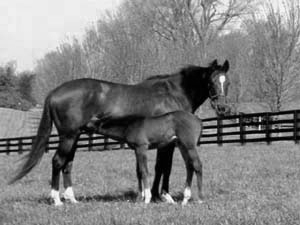
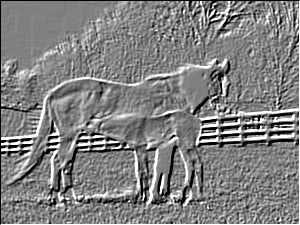
(emboss *image* :angle (* pi 0.75) :depth 1.0)
| オリジナル | 処理 |
|---|---|
 |  |
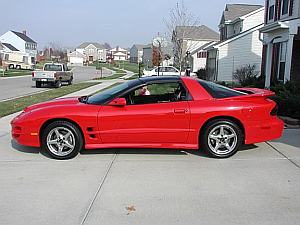
 (let ((kernel #2A((0  0  0  0  0)
                  (0  0  1  0  0)
                  (0  1 -4  1  0)
                  (0  0  1  0  0)
                  (0  0  0  0  0))))
  (convolve *image* kernel 1 0))
| オリジナル | 処理 |
|---|---|
 | 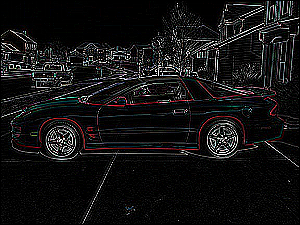 |
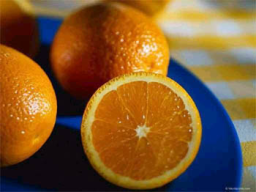
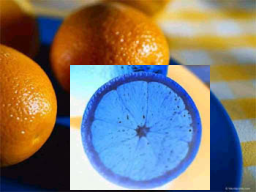
 (do-region-pixels (*image* color x y 70 65 140 125)
  (setf color (invert-color color)))
| オリジナル | 処理 |
|---|---|
 |  |
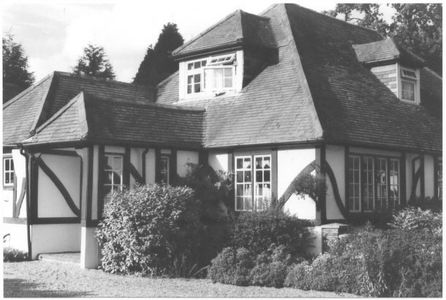
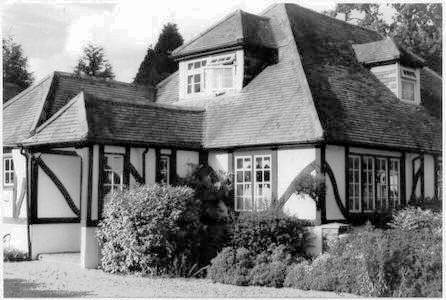
(enhance-contrast *grayscale-image*)
| オリジナル | 処理 |
|---|---|
 |  |
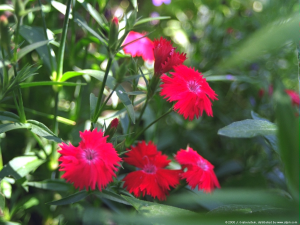
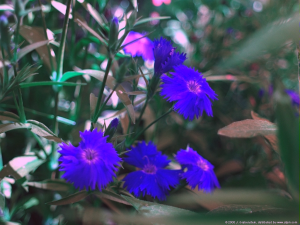
 (do-image-pixels (*image* color x y)
  (multiple-value-bind (r g b) (color-rgb color)
    (setf color (make-color b
                            (floor (* g 0.8))
                            r))))
| オリジナル | 処理 |
|---|---|
 |  |
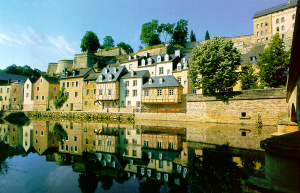
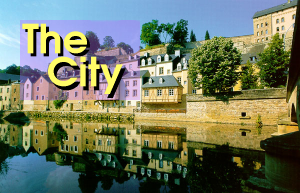
 (let ((operator (default-compose-operator *image1*)))
  (compose nil *image1* *image2* 20 20 operator))
| オリジナル1 | オリジナル2 | 処理 |
|---|---|---|
 |  |  |
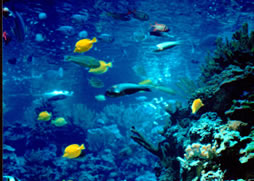
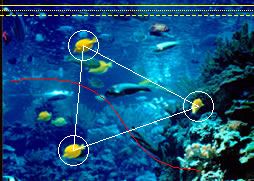
 (let ((points '(83 45 73 150 73 150 198 106 198 106 83 45)))
  (draw-polygon *image* points +white+ :closed t))
(draw-circle *image* 83 45 15 +white+)
(draw-circle *image* 73 150 15 +white+)
(draw-circle *image* 198 106 15 +white+)
(draw-bezier-curve *image* 10 80 150 60 100 170 200 170 +red+)
(draw-line *image* 0 5 254 5 +yellow+)
(draw-line *image* 0 10 254 10 +yellow+ :dash-length 1 :dash-interval 1)
(draw-line *image* 0 15 254 15 +yellow+ :dash-length 4 :dash-interval 2)
| オリジナル | 処理 |
|---|---|
 |  |
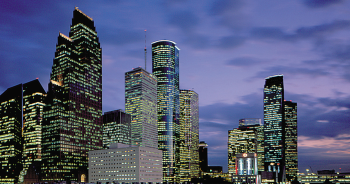
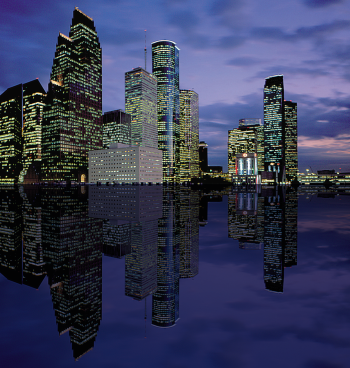
 (defun sea-view (image)
  (let ((image2 (flip nil image :horizontal)))
    (do-image-pixels (image2 color x y)
      (multiple-value-bind (r g b)
          (color-rgb color)
        (setf color (make-color (floor r 3) (floor g 3) (floor b 2)))))
    (let* ((width (image-width image))
           (height (image-height image))
           (result (make-instance (class-of image)
                                  :width width :height (* height 2))))
      (copy result image)
      (copy result image2 :dest-y height)
      result)))
| オリジナル | 処理 |
|---|---|
 |  |
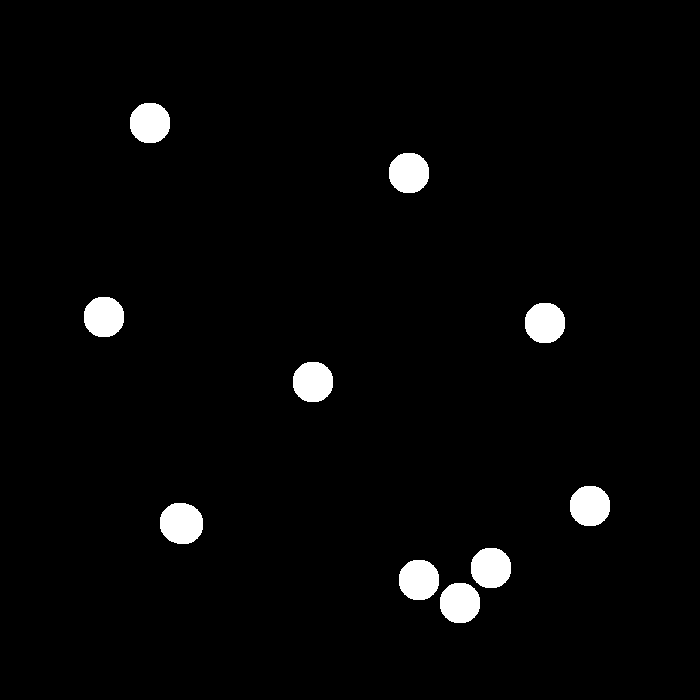
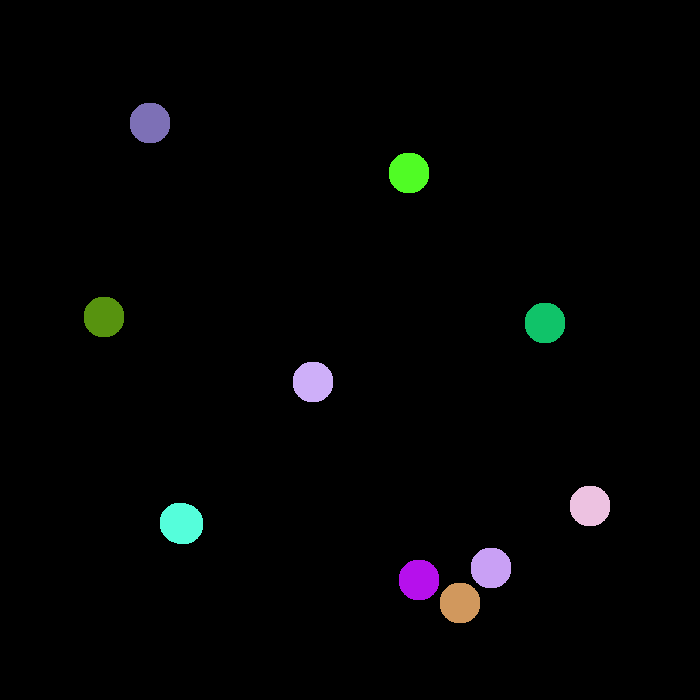
この例では、ヘビとアレイ操作システム(QuickLispで利用可能)が必要です。
 (defpackage components-example
  (:use #:cl
        #:snakes
        #:imago)
  (:export #:convert-to-image))
(in-package :components-example)

(defgenerator generate-colors ()
  (loop while t do
    (yield (make-color (random 256)
                       (random 256)
                       (random 256)))))

(defgenerator black ()
  (yield (make-color 0 0 0)))

(defun convert-to-image (components)
  (declare (type (simple-array fixnum (* *)) components))
  (let ((colors (take (1+ (reduce #'max (aops:flatten components)))
                      (chain (black)
                             (generate-colors))))
        (image (make-array (array-dimensions components)
                           :element-type 'rgb-pixel)))
    (array-operations/utilities:nested-loop (i j)
        (array-dimensions components)
      (setf (aref image i j)
            (nth (aref components i j) colors)))
    (make-instance 'rgb-image :pixels image)))

(in-package :cl-user)
(let* ((image (imago:read-image "~/.quicklisp/local-projects/imago/tests/spheres.png"))
       (components (imago:label-components (imago:convert-to-binary image 1))))
  (components-example:convert-to-image components))
| オリジナル | 処理 |
|---|---|
 |  |
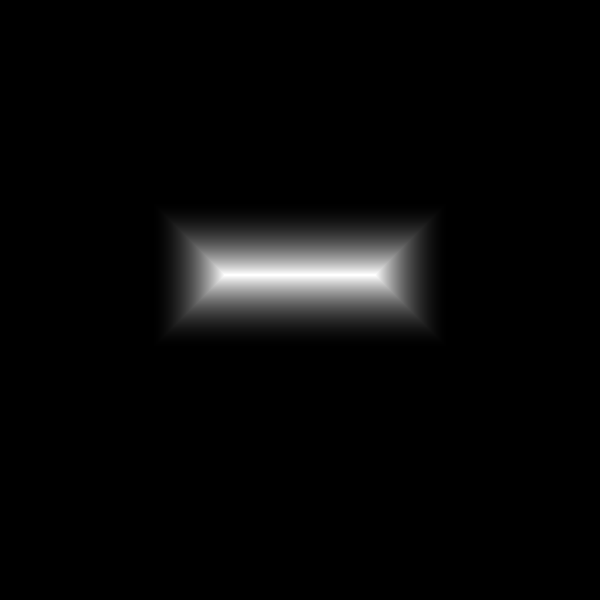
2乗ユークリッド距離変換の計算(マンハッタンの距離変換も利用できます)。この例ではarray-operationsが必要です。
 (defun edt-image (image)
  (declare (type imago:binary-image image))
  (let* ((dt (imago:distance-transform image :type :edt))
         (max (reduce #'max (aops:flatten dt)))
         (pixels (make-array (array-dimensions dt) :element-type 'imago:grayscale-pixel)))
    (map-into (aops:flatten pixels)
              (lambda (x) (imago:make-gray (floor (* 255 x) max)))
              (aops:flatten dt))
    (make-instance 'imago:grayscale-image :pixels pixels)))

(edt-image original-image)
| オリジナル | 処理 |
|---|---|
 |  |
imago/jupyterシステムをインストールすることにより、Jupyterでイメージョ画像を表示できます。次に、 imago-jupyter:show-image関数を呼び出して画像を表示します。