imago
1.0.0

imago는 공통 LISP의 이미지 조작 라이브러리입니다. PNG, PCX, 휴대용 비트 맵 (.pnm), TrueVision TGA (.TGA) 및 JPEG 형식의 이미지를 지원합니다. imago:read-image 로 이미지를 읽고 imago:write-format format png , pcx , pnm , tga 또는 jpg 중 하나 인 이미지를 쓸 수 있습니다.
더 고급 Libjpeg-Turbo 라이브러리를 사용하여 imago/jpeg-turbo 시스템을로드하여 JPEG 파일을 처리 할 수 있습니다. libjpeg-turbo 시스템에 설치되어 있는지 확인하십시오. imago-jpeg-turbo:read-jpg-turbo 및 imago-jpeg-turbo:write-jpg-turbo 함수 (또는 imago:read-image and imago:write-image )를 사용 하여이 기능을 사용하십시오.
imago/pngio 시스템을로드하여 PNG 파일을 읽기 위해보다 고급 및 빠른 PNGLOAD 라이브러리를 사용하여 PNG 파일을 읽을 수 있습니다. 이 기능을 사용하려면 imago-pngio:read-png (또는 imago:read-image )를 사용하십시오. NB : pngload 인덱스 된 색상 이미지를 RGB (또는 ARGB) 이미지로 자동 변환합니다. 인덱스 된 이미지로 작업하려면 대신 오래된 PNG 로더를 사용하십시오. 또한 ZPNG ( imago-pngio:write-png ) 라이브러리는 PNG 이미지를 저장하는 데 사용됩니다.
이미지를 만들려면 이미지 클래스의 문서를보십시오 ( imago:rgb-image 또는 imago:grayscale-image ). :w , :h 및 선택적으로 :initial-color 키워드 인수를 통해 해당 클래스 중 하나의 인스턴스를 make-instance 합니다. 또는 make-XXX-image 및 make-XXX-image-from-pixels 기능을 사용할 수 있습니다.
 ;; Create 100x100 px black grayscale image
(imago:make-grayscale-image 100 100)

;; Create 400x100 px red RGB image
(imago:make-rgb-image 400 100 (imago:make-color 255 0 0))

;; Create 400x100 px half-transparent red RGB image
(imago:make-rgb-image 400 100 (imago:make-color 255 0 0 127))

;; Create an image from an array of pixels
(imago:make-rgb-image-from-pixels
 (make-array '(100 100)
             :element-type 'imago:rgb-pixel
             :initial-element (imago:make-color 0 255 255)))
대부분의 예는 여기에서 가져옵니다.
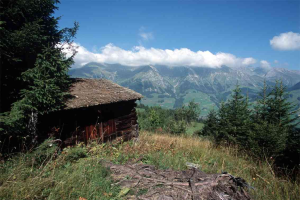
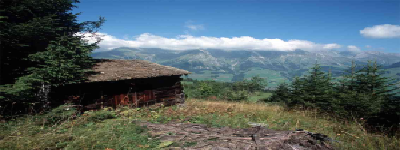
(resize *image* 400 150)
| 원래의 | 가공 |
|---|---|
 |  |
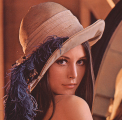
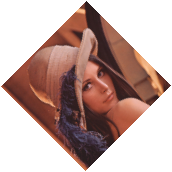
(rotate *image* 45)
| 원래의 | 가공 |
|---|---|
 |  |
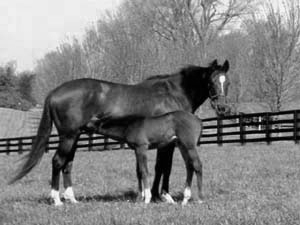
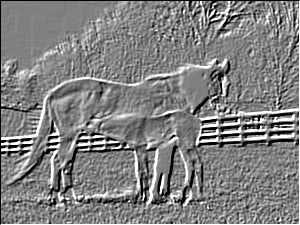
(emboss *image* :angle (* pi 0.75) :depth 1.0)
| 원래의 | 가공 |
|---|---|
 |  |
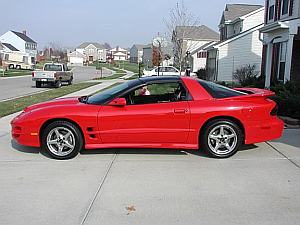
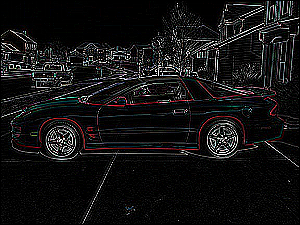
 (let ((kernel #2A((0  0  0  0  0)
                  (0  0  1  0  0)
                  (0  1 -4  1  0)
                  (0  0  1  0  0)
                  (0  0  0  0  0))))
  (convolve *image* kernel 1 0))
| 원래의 | 가공 |
|---|---|
 |  |
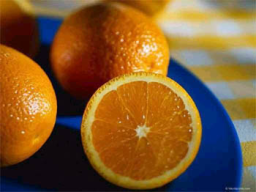
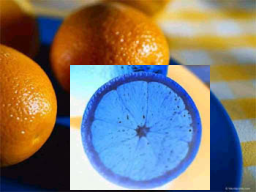
 (do-region-pixels (*image* color x y 70 65 140 125)
  (setf color (invert-color color)))
| 원래의 | 가공 |
|---|---|
 |  |
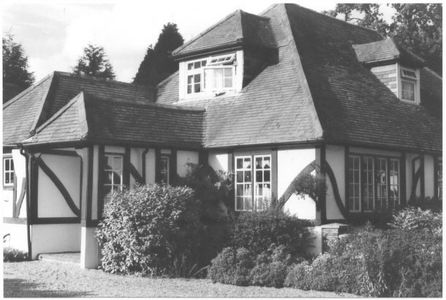
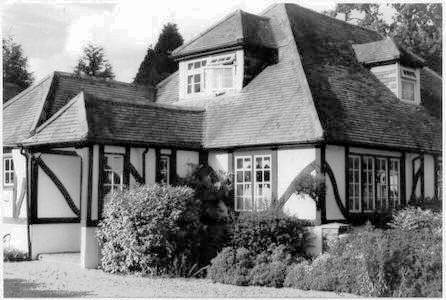
(enhance-contrast *grayscale-image*)
| 원래의 | 가공 |
|---|---|
 |  |
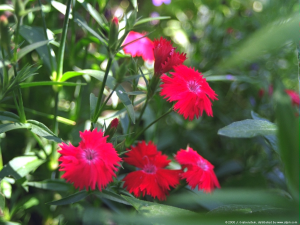
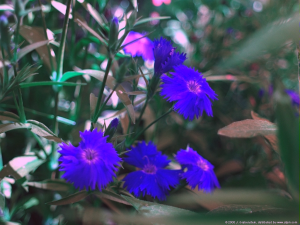
 (do-image-pixels (*image* color x y)
  (multiple-value-bind (r g b) (color-rgb color)
    (setf color (make-color b
                            (floor (* g 0.8))
                            r))))
| 원래의 | 가공 |
|---|---|
 |  |
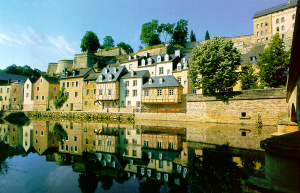
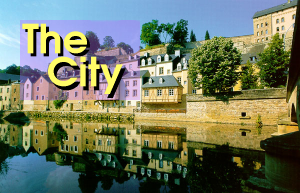
 (let ((operator (default-compose-operator *image1*)))
  (compose nil *image1* *image2* 20 20 operator))
| 원본 1 | 원래 2 | 가공 |
|---|---|---|
 |  |  |
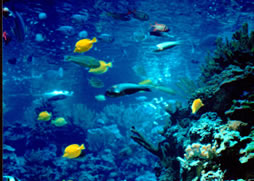
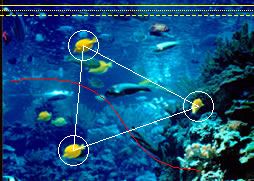
 (let ((points '(83 45 73 150 73 150 198 106 198 106 83 45)))
  (draw-polygon *image* points +white+ :closed t))
(draw-circle *image* 83 45 15 +white+)
(draw-circle *image* 73 150 15 +white+)
(draw-circle *image* 198 106 15 +white+)
(draw-bezier-curve *image* 10 80 150 60 100 170 200 170 +red+)
(draw-line *image* 0 5 254 5 +yellow+)
(draw-line *image* 0 10 254 10 +yellow+ :dash-length 1 :dash-interval 1)
(draw-line *image* 0 15 254 15 +yellow+ :dash-length 4 :dash-interval 2)
| 원래의 | 가공 |
|---|---|
 |  |
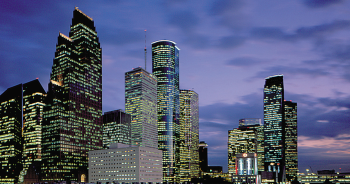
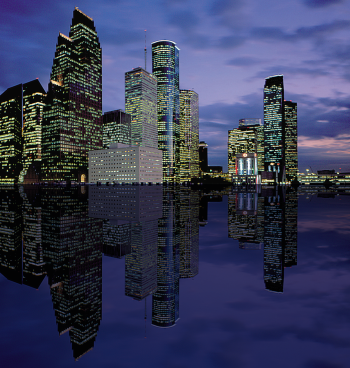
 (defun sea-view (image)
  (let ((image2 (flip nil image :horizontal)))
    (do-image-pixels (image2 color x y)
      (multiple-value-bind (r g b)
          (color-rgb color)
        (setf color (make-color (floor r 3) (floor g 3) (floor b 2)))))
    (let* ((width (image-width image))
           (height (image-height image))
           (result (make-instance (class-of image)
                                  :width width :height (* height 2))))
      (copy result image)
      (copy result image2 :dest-y height)
      result)))
| 원래의 | 가공 |
|---|---|
 |  |
이 예제에는 뱀과 배열 작동 시스템 (QuickLisp에서 사용 가능)이 필요합니다.
 (defpackage components-example
  (:use #:cl
        #:snakes
        #:imago)
  (:export #:convert-to-image))
(in-package :components-example)

(defgenerator generate-colors ()
  (loop while t do
    (yield (make-color (random 256)
                       (random 256)
                       (random 256)))))

(defgenerator black ()
  (yield (make-color 0 0 0)))

(defun convert-to-image (components)
  (declare (type (simple-array fixnum (* *)) components))
  (let ((colors (take (1+ (reduce #'max (aops:flatten components)))
                      (chain (black)
                             (generate-colors))))
        (image (make-array (array-dimensions components)
                           :element-type 'rgb-pixel)))
    (array-operations/utilities:nested-loop (i j)
        (array-dimensions components)
      (setf (aref image i j)
            (nth (aref components i j) colors)))
    (make-instance 'rgb-image :pixels image)))

(in-package :cl-user)
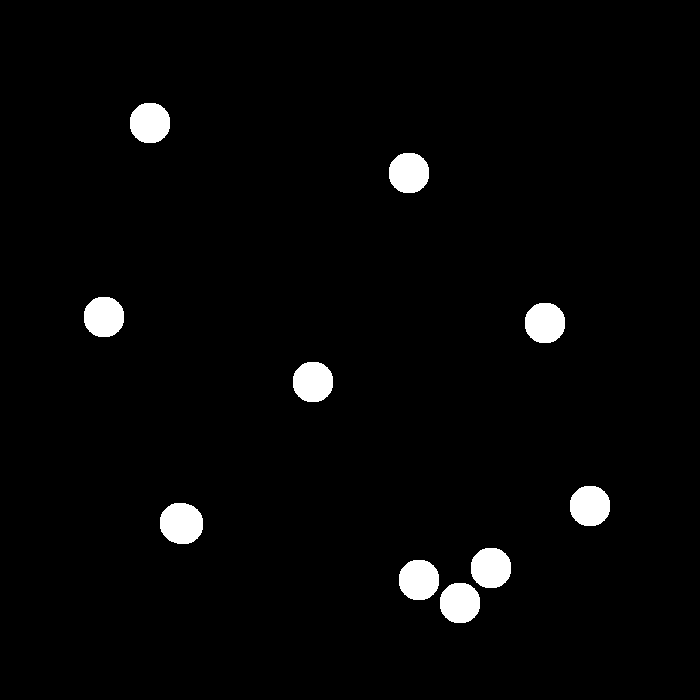
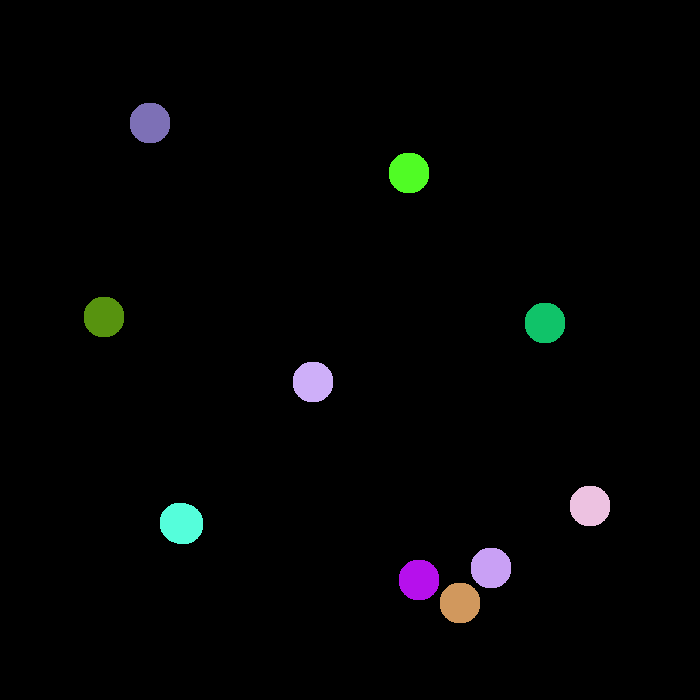
(let* ((image (imago:read-image "~/.quicklisp/local-projects/imago/tests/spheres.png"))
       (components (imago:label-components (imago:convert-to-binary image 1))))
  (components-example:convert-to-image components))
| 원래의 | 가공 |
|---|---|
 |  |
제곱 유클리드 거리 변환 계산 (맨해튼 거리 변환도 사용할 수 있음). 이 예제에는 array-operations 필요합니다.
 (defun edt-image (image)
  (declare (type imago:binary-image image))
  (let* ((dt (imago:distance-transform image :type :edt))
         (max (reduce #'max (aops:flatten dt)))
         (pixels (make-array (array-dimensions dt) :element-type 'imago:grayscale-pixel)))
    (map-into (aops:flatten pixels)
              (lambda (x) (imago:make-gray (floor (* 255 x) max)))
              (aops:flatten dt))
    (make-instance 'imago:grayscale-image :pixels pixels)))

(edt-image original-image)
| 원래의 | 가공 |
|---|---|
 |  |
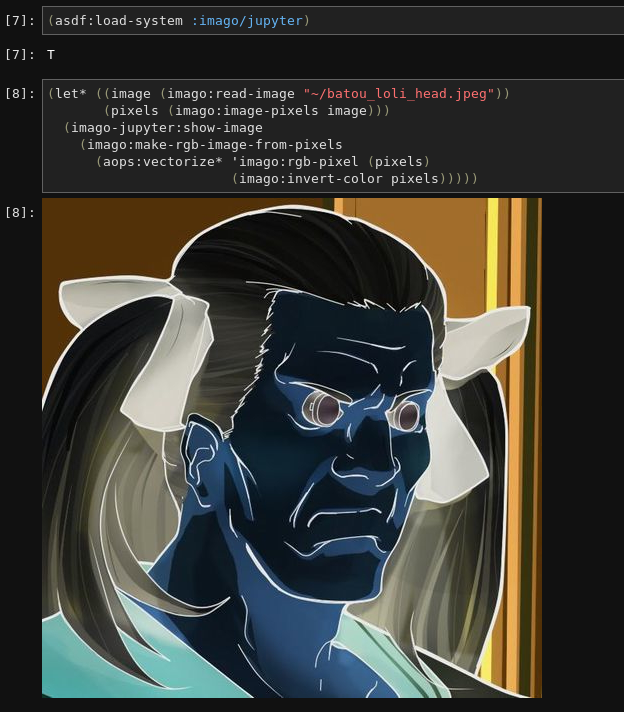
imago/jupyter 시스템을 설치하여 Jupyter에서 imago 이미지를 볼 수 있습니다. 그런 다음 imago-jupyter:show-image 함수를 호출하여 이미지를 보여줍니다.