timeline_list
1.0.0

사용자 정의 마커, 아이콘 및 유연한 위치 옵션이있는 수직 타임 라인을 표시하기위한 고도로 사용자 정의 가능한 플러터 위젯.
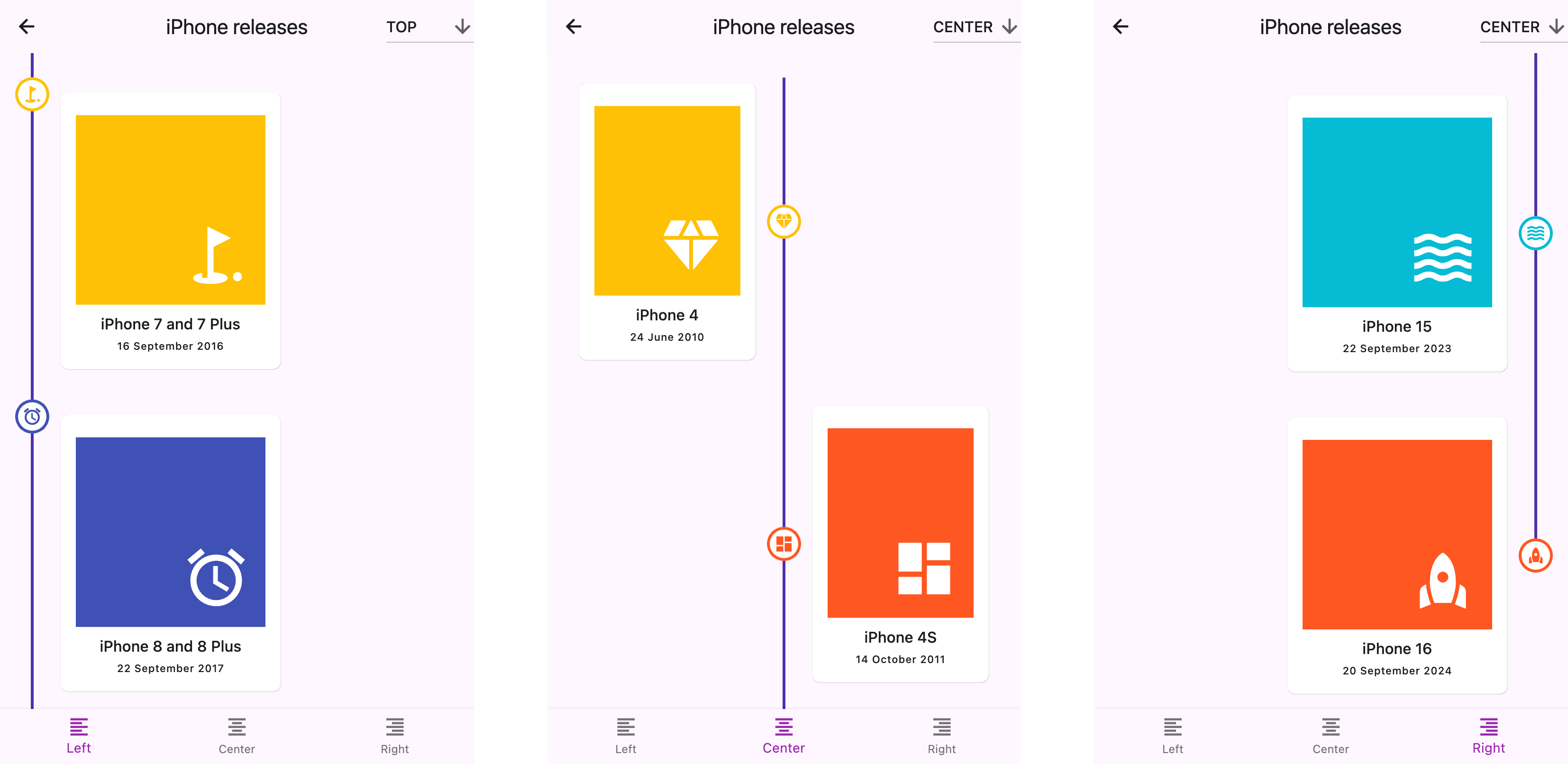
경고
? 문서는 LLM을 사용하여 작성되었습니다. 오류 또는 오타가 표시되면 풀 요청을 제출하거나 문제를 만듭니다.
start (왼쪽), center 또는 end (오른쪽)top , center 또는 bottom 패키지의 pubspec.yaml 파일에 이것을 추가하십시오.
 dependencies :
timeline_list : ^0.1.0 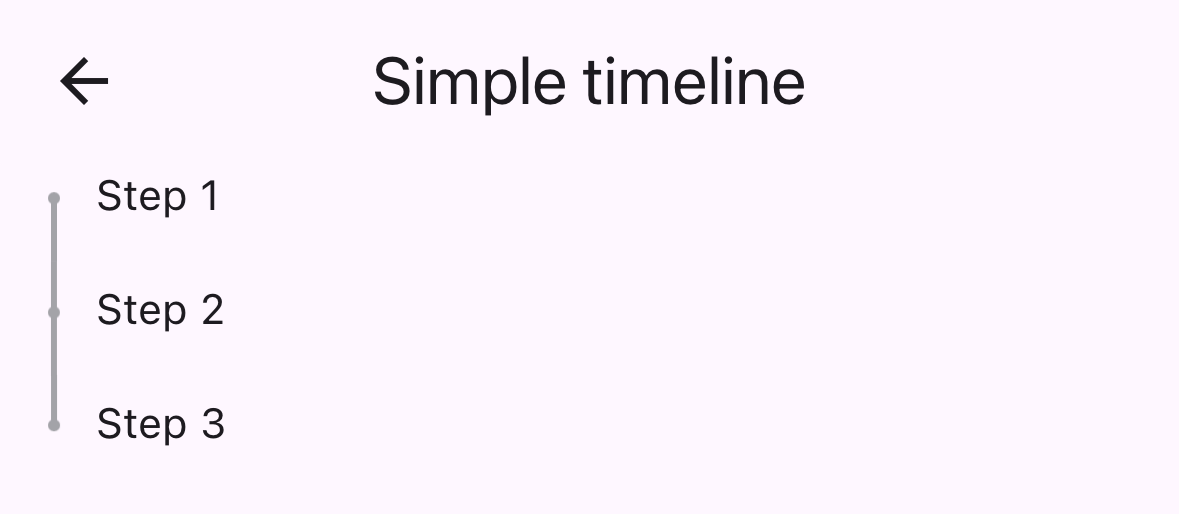
 import 'package:timeline_list/timeline_list.dart' ;

Timeline (
  children : [
    Marker (child : Text ( "Step 1" )),
    Marker (child : Text ( "Step 2" )),
    Marker (child : Text ( "Step 3" ))
  ],
)다음은 사용자 정의 아이콘이있는 온 보딩 타임 라인을 보여주는 고급 예입니다.
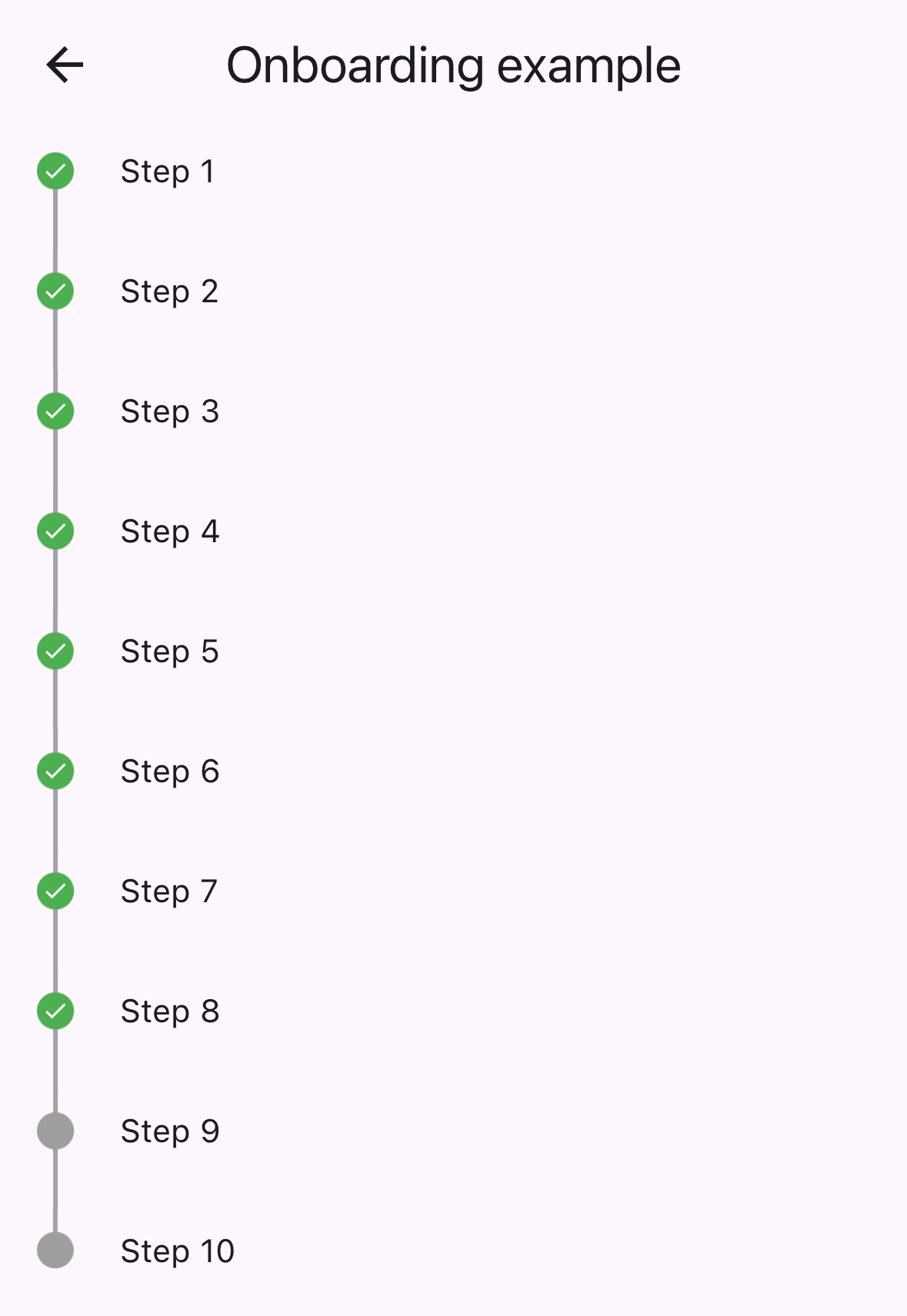
 var checkIcon = Container (
    width : 16 ,
    height : 16 ,
    decoration : BoxDecoration (shape : BoxShape .circle, color : Colors .green),
    child : Icon ( Icons .check, color : Colors .white, size : 12 ));
var emptyIcon = Container (
    width : 16 ,
    height : 16 ,
    decoration : BoxDecoration (shape : BoxShape .circle, color : Colors .grey));
return Scaffold (
    appBar : AppBar (title : const Text ( "Onboarding example" )),
    body : Column (children : [
      Timeline . builder (
        context : context,
        markerCount : 10 ,
        properties : TimelineProperties (
            iconAlignment : MarkerIconAlignment .center,
            iconSize : 16 ,
            timelinePosition : TimelinePosition .start),
        markerBuilder : (context, index) => Marker (
          child : Padding (
            padding : const EdgeInsets . all ( 8.0 ),
            child : Text ( "Step ${ index + 1 }" ),
          ),
          icon : index >= 8 ? emptyIcon : checkIcon,
          position : MarkerPosition .left,
        ),
      ),
]));timelinePosition : 전체 타임 라인 위치를 제어합니다 ( start , center , end )iconAlignment : 마커 컨텐츠에 대한 아이콘 정렬을 설정합니다iconSize : 마커 아이콘의 크기를 정의합니다lineWidth : 연결선의 너비를 설정합니다lineColor : 연결 라인의 색상을 사용자 정의합니다itemGap : 마커 간의 간격을 제어합니다iconGap : 아이콘과 마커 컨텐츠 사이의 간격을 설정합니다child : 마커의 주요 콘텐츠 위젯icon : 옵션 사용자 정의 아이콘 위젯position : 중앙 타임 라인의 마커 위치 ( left , right )onTap : 마커 탭 이벤트의 선택적 콜백maxWidth : 마커 컨텐츠의 최대 너비 제약 조건 다음을 포함한 완전한 샘플 응용 프로그램은 example/ 폴더를 확인하십시오.
이 저장소는 관리자를 찾고 있습니다. 기부금을 환영합니다! 풀 요청을 제출하십시오.
모든 기고자들에게 감사합니다!
후원자 :







