timeline_list
1.0.0

วิดเจ็ต flutter ที่ปรับแต่งได้สูงสำหรับการแสดงระยะเวลาแนวตั้งด้วยเครื่องหมายที่กำหนดเองไอคอนและตัวเลือกการวางตำแหน่งที่ยืดหยุ่น
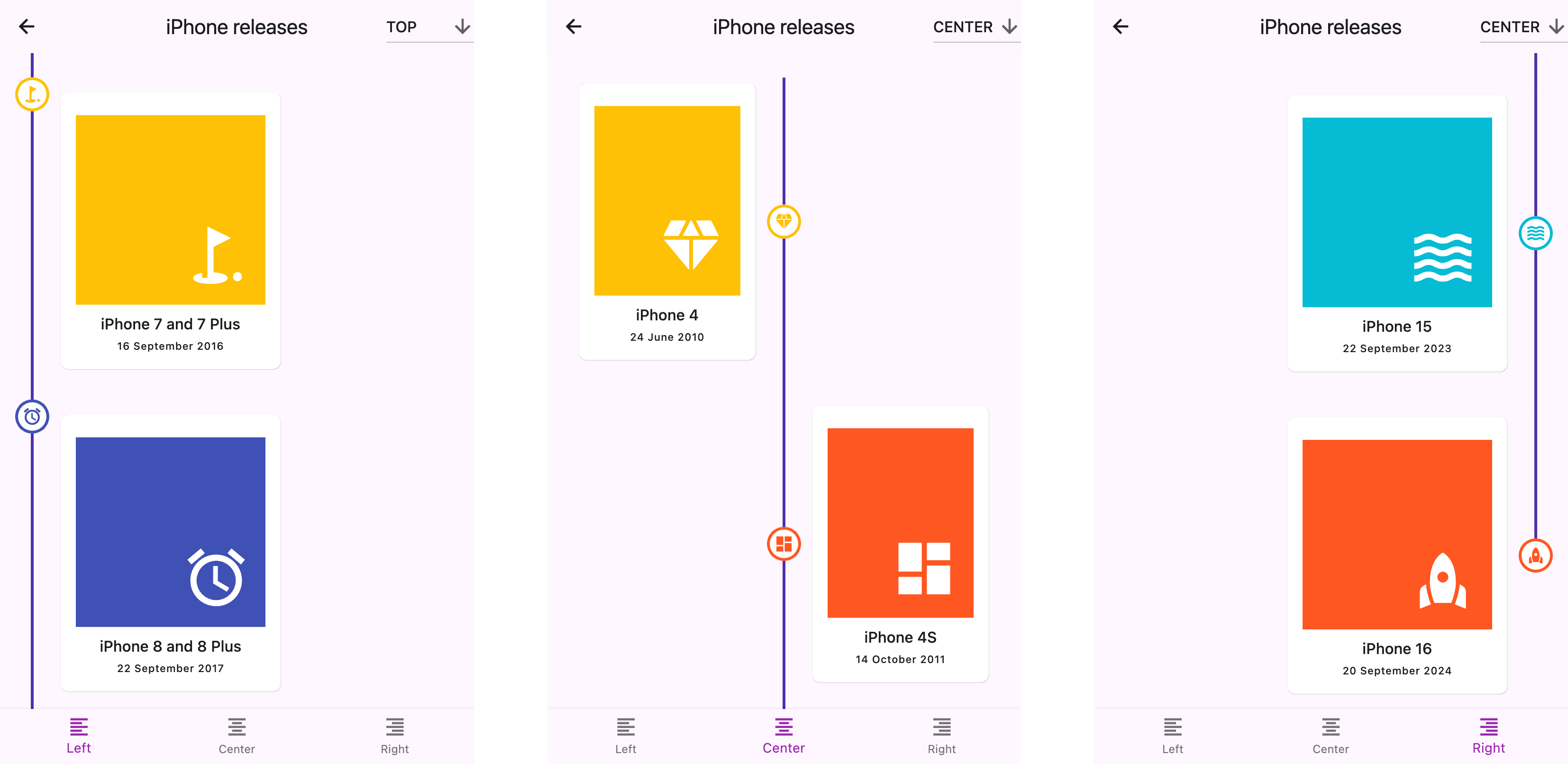
คำเตือน
- เอกสารถูกสร้างขึ้นโดยใช้ LLMS หากคุณสังเกตเห็นข้อผิดพลาดหรือการพิมพ์ผิดโปรดส่งคำขอดึงหรือสร้างปัญหา
start (ซ้าย), center หรือ end (ขวา)top center หรือ bottom ของเครื่องหมาย เพิ่มสิ่งนี้ลงในไฟล์ pubspec.yaml ของแพ็คเกจของคุณ:
 dependencies :
timeline_list : ^0.1.0 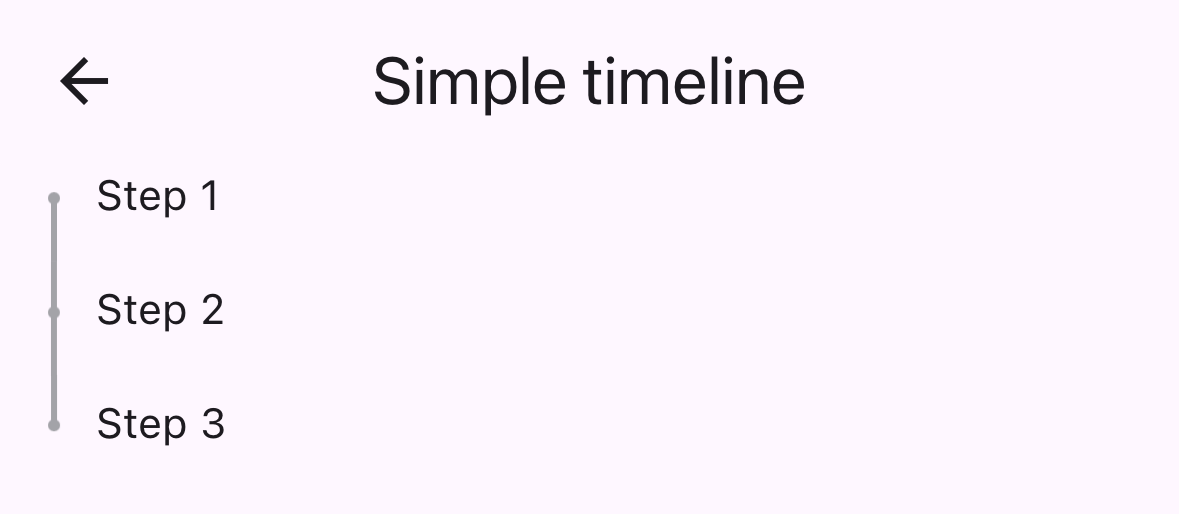
 import 'package:timeline_list/timeline_list.dart' ;

Timeline (
  children : [
    Marker (child : Text ( "Step 1" )),
    Marker (child : Text ( "Step 2" )),
    Marker (child : Text ( "Step 3" ))
  ],
)นี่คือตัวอย่างขั้นสูงที่แสดงไทม์ไลน์ onboarding พร้อมไอคอนที่กำหนดเอง:
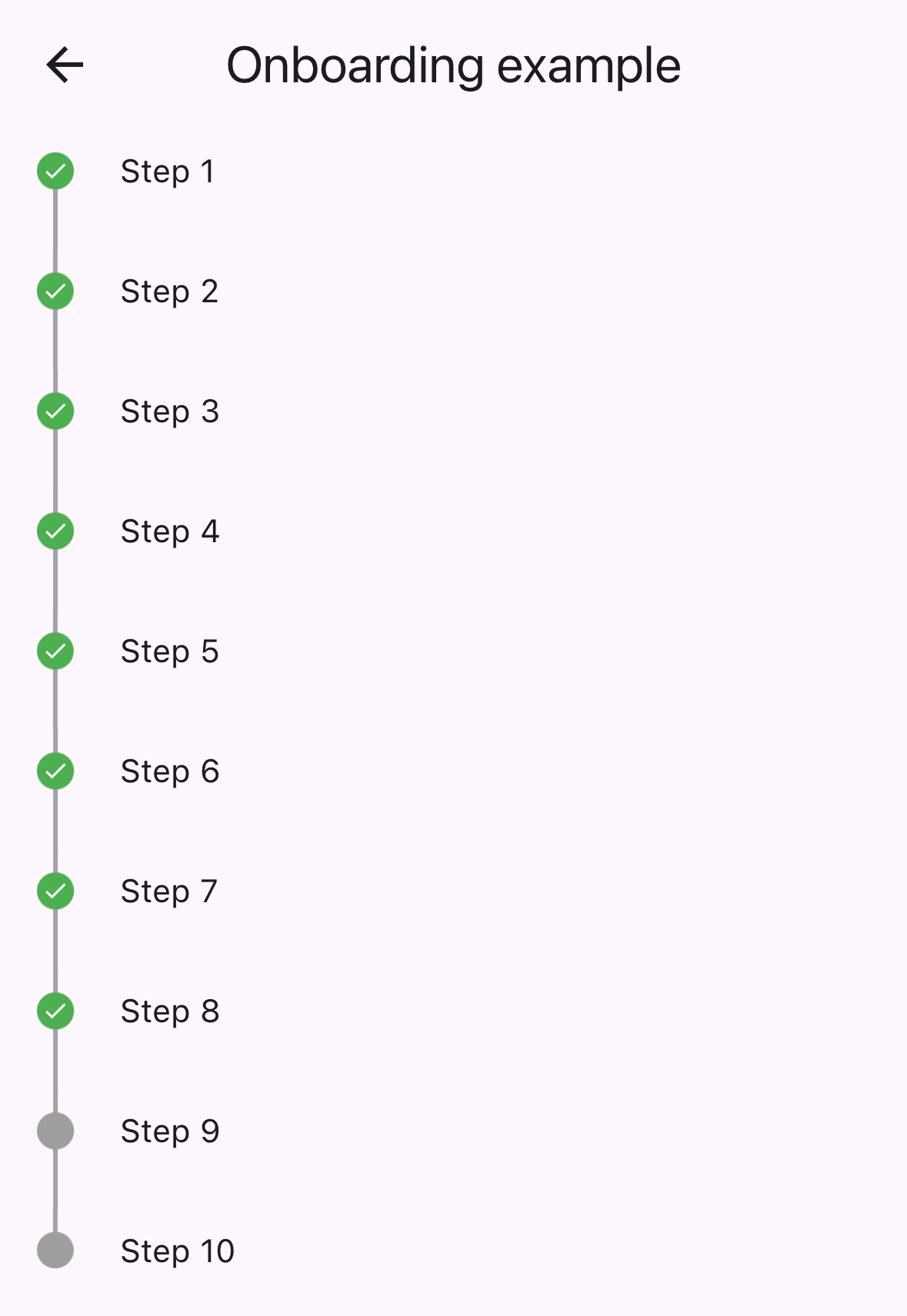
 var checkIcon = Container (
    width : 16 ,
    height : 16 ,
    decoration : BoxDecoration (shape : BoxShape .circle, color : Colors .green),
    child : Icon ( Icons .check, color : Colors .white, size : 12 ));
var emptyIcon = Container (
    width : 16 ,
    height : 16 ,
    decoration : BoxDecoration (shape : BoxShape .circle, color : Colors .grey));
return Scaffold (
    appBar : AppBar (title : const Text ( "Onboarding example" )),
    body : Column (children : [
      Timeline . builder (
        context : context,
        markerCount : 10 ,
        properties : TimelineProperties (
            iconAlignment : MarkerIconAlignment .center,
            iconSize : 16 ,
            timelinePosition : TimelinePosition .start),
        markerBuilder : (context, index) => Marker (
          child : Padding (
            padding : const EdgeInsets . all ( 8.0 ),
            child : Text ( "Step ${ index + 1 }" ),
          ),
          icon : index >= 8 ? emptyIcon : checkIcon,
          position : MarkerPosition .left,
        ),
      ),
]));timelinePosition : ควบคุมตำแหน่งไทม์ไลน์โดยรวม ( start center end )iconAlignment : ตั้งค่าการจัดตำแหน่งไอคอนที่สัมพันธ์กับเนื้อหาเครื่องหมายiconSize : กำหนดขนาดของไอคอนเครื่องหมายlineWidth : ตั้งค่าความกว้างของเส้นเชื่อมต่อlineColor : ปรับแต่งสีของเส้นเชื่อมต่อitemGap : ควบคุมระยะห่างระหว่างเครื่องหมายiconGap : ตั้งค่าช่องว่างระหว่างไอคอนและเนื้อหาเครื่องหมายchild : วิดเจ็ตเนื้อหาหลักของเครื่องหมายicon : วิดเจ็ตไอคอนแบบกำหนดเองเสริมposition : ตำแหน่งเครื่องหมายสำหรับระยะเวลาที่อยู่ตรงกลาง ( left , right )onTap : การโทรกลับสำหรับกิจกรรมการแตะเครื่องหมายmaxWidth : ข้อ จำกัด ความกว้างสูงสุดสำหรับเนื้อหาเครื่องหมาย ตรวจสอบ example/ โฟลเดอร์สำหรับแอปพลิเคชันตัวอย่างที่สมบูรณ์รวมถึง:
repo นี้กำลังมองหาผู้ดูแล ยินดีต้อนรับ! โปรดส่งคำขอดึง
ขอบคุณสำหรับผู้มีส่วนร่วมทุกคน!
สนับสนุนโดย:







