timeline_list
1.0.0

カスタムマーカー、アイコン、柔軟なポジショニングオプションを備えた垂直タイムラインを表示するための高度にカスタマイズ可能なフラッターウィジェット。
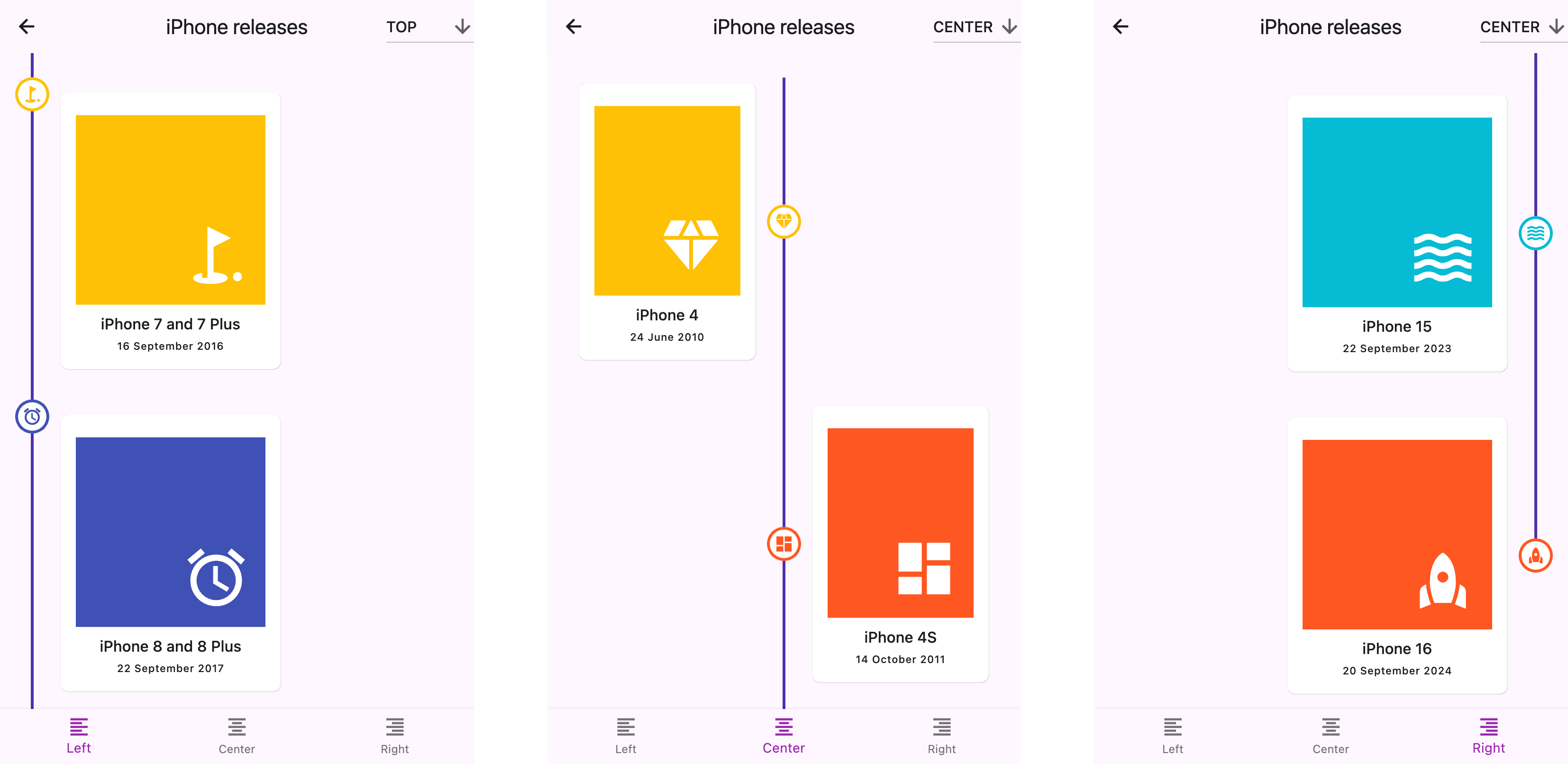
警告
?ドキュメントはLLMSを使用して作成されました。エラーやタイプミスに気付いた場合は、プルリクエストを送信するか、問題を作成してください。
start (左)、 center 、またはend (右)top 、 center 、またはbottomこれをパッケージのpubspec.yamlファイルに追加します:
 dependencies :
timeline_list : ^0.1.0 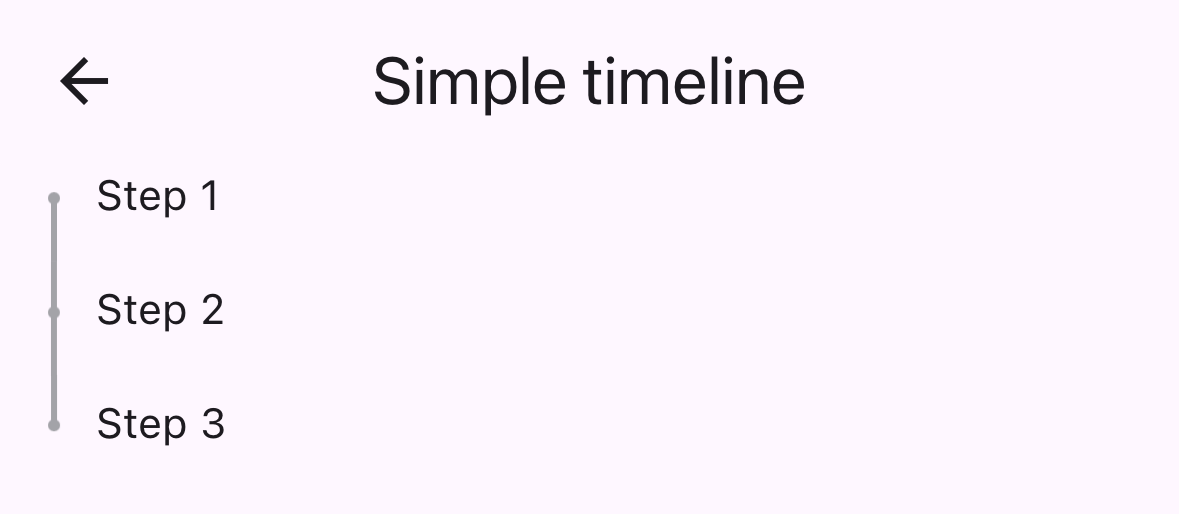
 import 'package:timeline_list/timeline_list.dart' ;

Timeline (
  children : [
    Marker (child : Text ( "Step 1" )),
    Marker (child : Text ( "Step 2" )),
    Marker (child : Text ( "Step 3" ))
  ],
)カスタムアイコンを備えたオンボーディングタイムラインを示すより高度な例を次に示します。
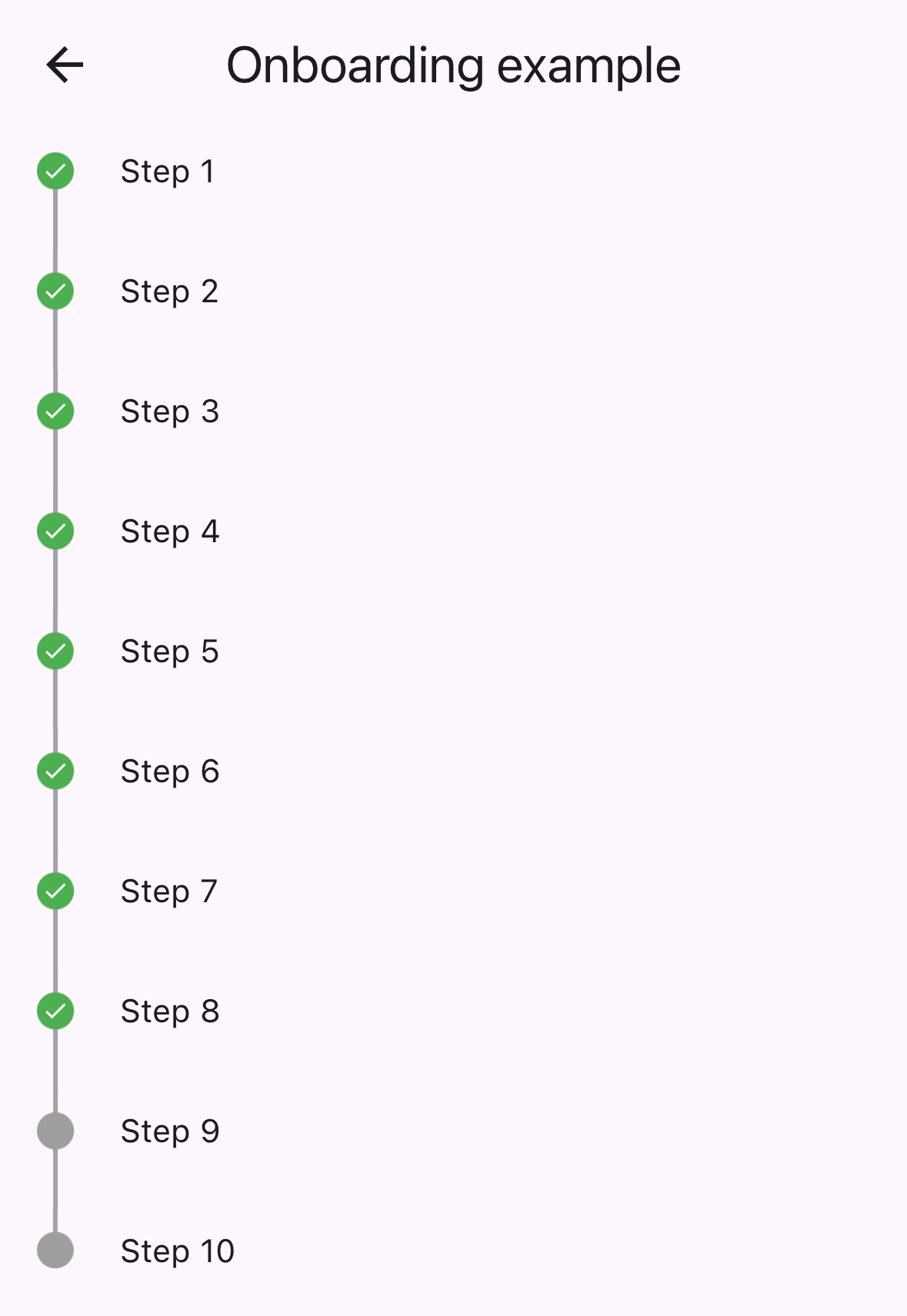
 var checkIcon = Container (
    width : 16 ,
    height : 16 ,
    decoration : BoxDecoration (shape : BoxShape .circle, color : Colors .green),
    child : Icon ( Icons .check, color : Colors .white, size : 12 ));
var emptyIcon = Container (
    width : 16 ,
    height : 16 ,
    decoration : BoxDecoration (shape : BoxShape .circle, color : Colors .grey));
return Scaffold (
    appBar : AppBar (title : const Text ( "Onboarding example" )),
    body : Column (children : [
      Timeline . builder (
        context : context,
        markerCount : 10 ,
        properties : TimelineProperties (
            iconAlignment : MarkerIconAlignment .center,
            iconSize : 16 ,
            timelinePosition : TimelinePosition .start),
        markerBuilder : (context, index) => Marker (
          child : Padding (
            padding : const EdgeInsets . all ( 8.0 ),
            child : Text ( "Step ${ index + 1 }" ),
          ),
          icon : index >= 8 ? emptyIcon : checkIcon,
          position : MarkerPosition .left,
        ),
      ),
]));timelinePosition :全体的なタイムラインの位置を制御します( start 、 center 、 end )iconAlignment :マーカーコンテンツに対するアイコンアライメントを設定しますiconSize :マーカーアイコンのサイズを定義しますlineWidth :接続線の幅を設定しますlineColor :接続線の色をカスタマイズしますitemGap :マーカー間の間隔を制御しますiconGap :アイコンとマーカーコンテンツの間にギャップを設定しますchild :マーカーのメインコンテンツウィジェットicon :オプションのカスタムアイコンウィジェットposition :中央タイムラインのマーカー位置( left 、 right )onTap :マーカータップイベントのオプションのコールバックmaxWidth :マーカー含有量の最大幅の制約以下を含む完全なサンプルアプリケーションについては、 example/フォルダーをご覧ください。
このレポはメンテナーを探しています。貢献は大歓迎です!プルリクエストをお気軽に送信してください。
すべての貢献者をありがとう!
スポンサー:







