timeline_list
1.0.0

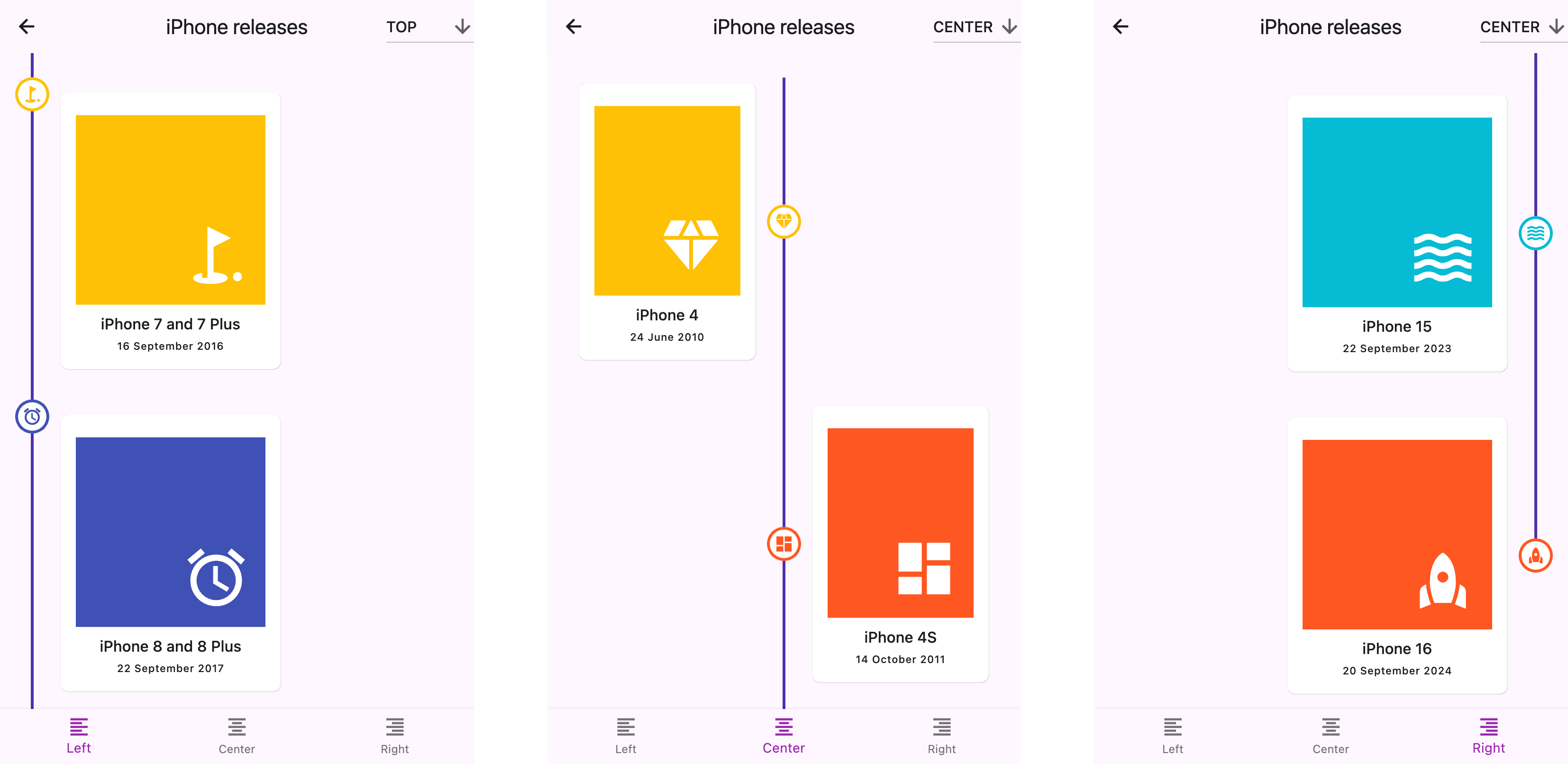
一個高度可定制的繪製小部件,用於顯示具有自定義標記,圖標和靈活定位選項的垂直時間表。
警告
?該文檔是使用LLMS創建的。如果您注意到任何錯誤或錯別字,請提交拉動請求或創建問題。
start (左), center或end (右)top , center或標記bottom將其添加到包裝的pubspec.yaml文件中:
 dependencies :
timeline_list : ^0.1.0 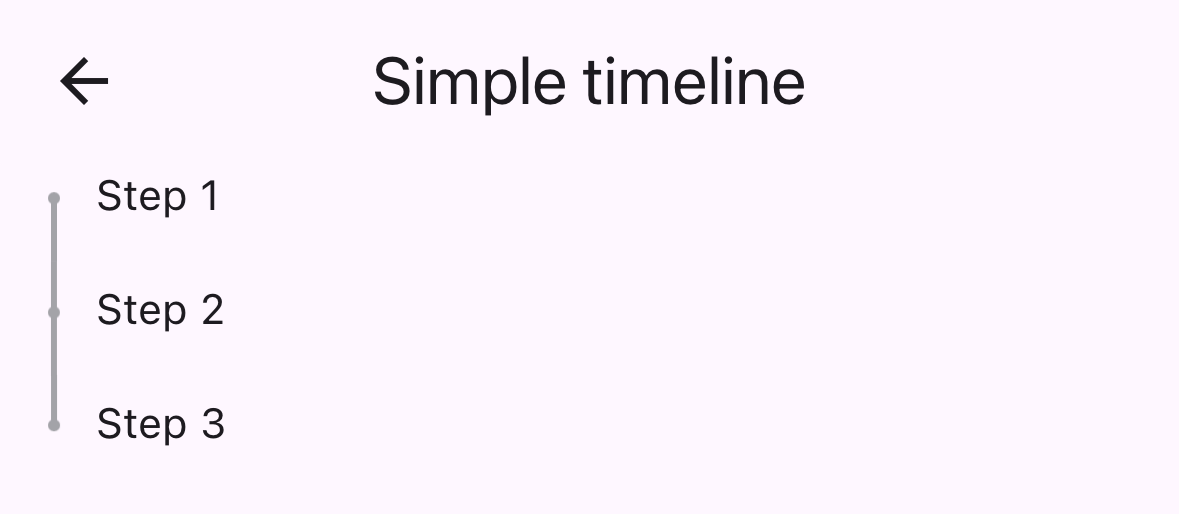
 import 'package:timeline_list/timeline_list.dart' ;

Timeline (
  children : [
    Marker (child : Text ( "Step 1" )),
    Marker (child : Text ( "Step 2" )),
    Marker (child : Text ( "Step 3" ))
  ],
)這是一個更高級的示例,顯示具有自定義圖標的入職時間軸:
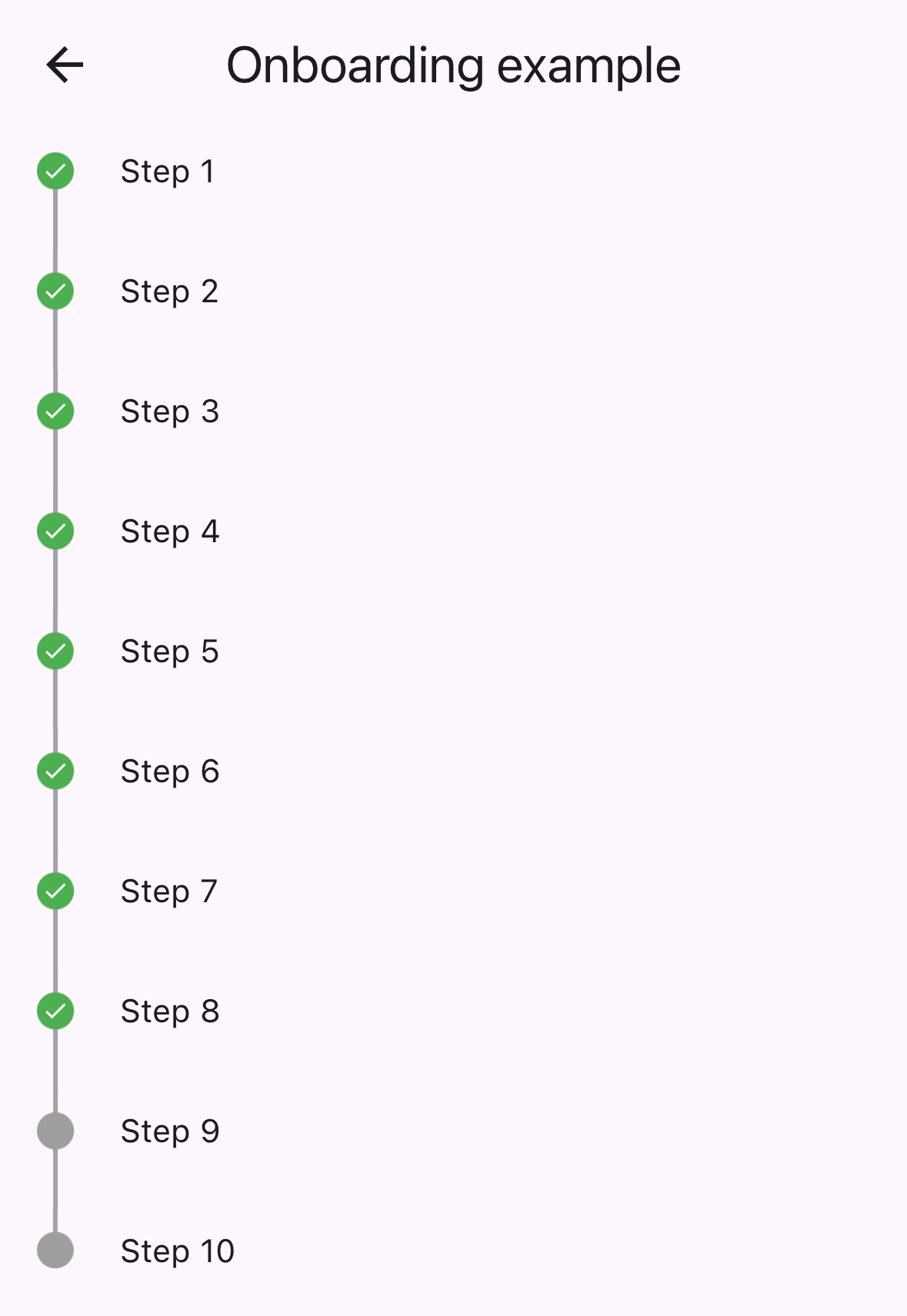
 var checkIcon = Container (
    width : 16 ,
    height : 16 ,
    decoration : BoxDecoration (shape : BoxShape .circle, color : Colors .green),
    child : Icon ( Icons .check, color : Colors .white, size : 12 ));
var emptyIcon = Container (
    width : 16 ,
    height : 16 ,
    decoration : BoxDecoration (shape : BoxShape .circle, color : Colors .grey));
return Scaffold (
    appBar : AppBar (title : const Text ( "Onboarding example" )),
    body : Column (children : [
      Timeline . builder (
        context : context,
        markerCount : 10 ,
        properties : TimelineProperties (
            iconAlignment : MarkerIconAlignment .center,
            iconSize : 16 ,
            timelinePosition : TimelinePosition .start),
        markerBuilder : (context, index) => Marker (
          child : Padding (
            padding : const EdgeInsets . all ( 8.0 ),
            child : Text ( "Step ${ index + 1 }" ),
          ),
          icon : index >= 8 ? emptyIcon : checkIcon,
          position : MarkerPosition .left,
        ),
      ),
]));timelinePosition :控制整個時間軸位置( start , center , end )iconAlignment :將圖標對準相對於標記內容iconSize :定義標記圖標的大小lineWidth :設置連接線的寬度lineColor :自定義連接線的顏色itemGap :控制標記之間的間距iconGap :設置圖標和標記內容之間的差距child :標記的主要內容小部件icon :可選的自定義圖標小部件position :集中時間表的標記位置( left , right )onTap :標記點擊事件的可選回調maxWidth :標記內容的最大寬度約束查看example/文件夾以獲取完整的示例應用程序,包括:
此存儲庫正在尋找維護者。歡迎捐款!請隨時提交拉動請求。
謝謝您的所有貢獻者!
贊助人:







