LLM Pandoras
1.0.0


English | 简体中文 |
LLM-Workbench is a toolkit for training, fine-tuning, and visualizing language models using Streamlit. It is very suitable for researchers and AI enthusiasts.
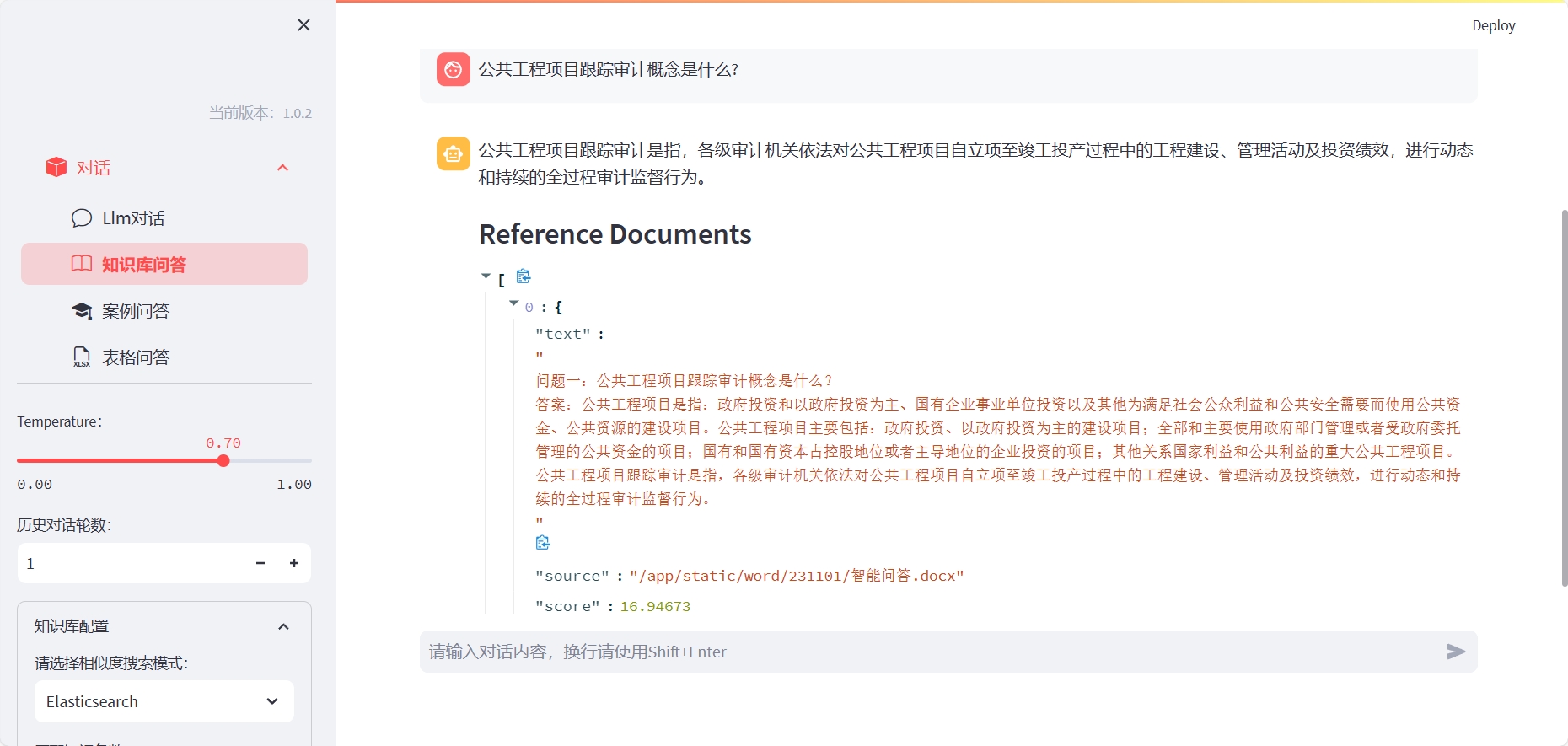
Install ElasticSearch (please open the corresponding server port according to the docker-compose file, or customize it):
cd docker/es
docker-compose up -d
To use the knowledge base Q&A, you need to build the corresponding index:
Method one: You can install LLM-Workbench with the following command:
cd LLM-Workbench
docker-compose up -d
For the case of using excel table Q&A, you need to enter the container and specify the kernel interpreter:
ipython kernel install --name llm --user
Where, llm corresponds to the conda environment name.
Method two: After installing LLM-Workbench, you can start it with the following command:
pip install -r requirements.txt
streamlit run chat-box.py
Then, you can open the displayed URL in your browser to start using LLM-Workbench.
We welcome any form of contribution! If you have any questions or suggestions, feel free to raise them on GitHub.
LLM-Workbench is released under the MIT license. For more details, please see the LICENSE file.
If you have any questions or suggestions, feel free to ask us via email or GitHub.







