pocket gen
1.0.0


Pocket-Gen is a prompt generator application using Python, Flet library, and Ollama LLM. This tool helps users generate and manage prompts efficiently.
pocket-gen/
├── init.py
├── assets/
│ ├── fonts/
│ │ ├── alfont_com_SFProAR_semibold.ttf
│ │ └── SF-Pro-Text-Medium.otf
│ └── icons/
│ └── Asset.png
├── file.py
├── Logic/
│ ├── init.py
│ └── llm_logic.py
├── main.py
├── Model_Create/
│ ├── init.py
│ └── model_create.py
├── README.md
├── requirements.txt
├── strings_/
│ ├── init.py
│ └── strings.py
└── views/
├── image2txt_view.py
└── text2text_view.pyTo get started with Pocket-Gen, follow these steps:
Clone the repository:
git clone https://github.com/yourusername/pocket-gen.git
cd pocket-gen
Create a virtual environment (optional but recommended):
python -m venv venv
source venv/bin/activate  # On Windows use `venvScriptsactivate`
Install the required dependencies:
pip install -r requirements.txtInstall Ollama: Follow the instructions on the Ollama website to install Ollama on your machine.
Install Llava and Llama2 LLM models: Follow the documentation for Llava and Llama2 to install these models on your machine.
Configure the app models:
Run the create_model.py script to configure the models for the application:
python Model_Create/model_create.pyAfter installing the dependencies and configuring the models, you can run the application using:
flet run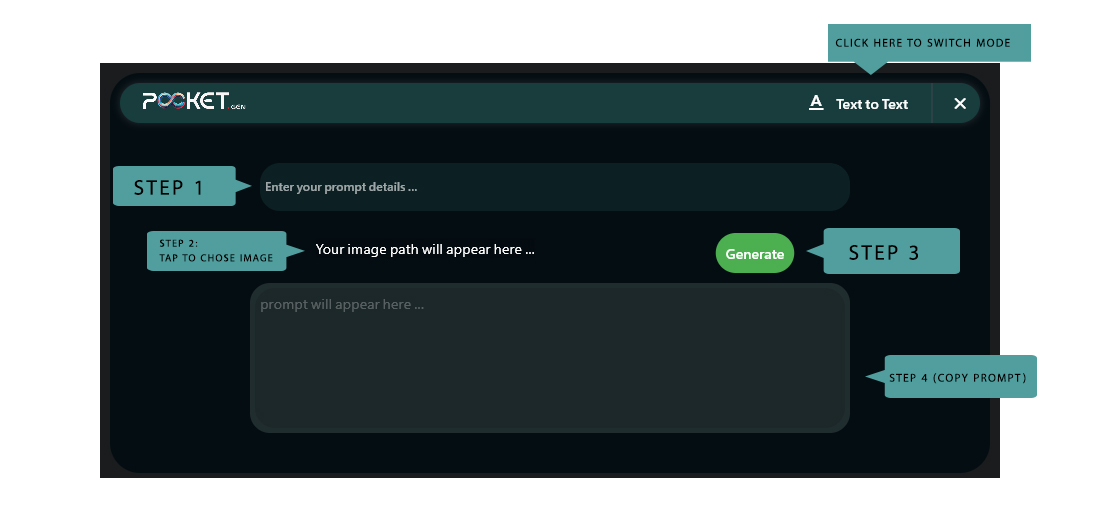
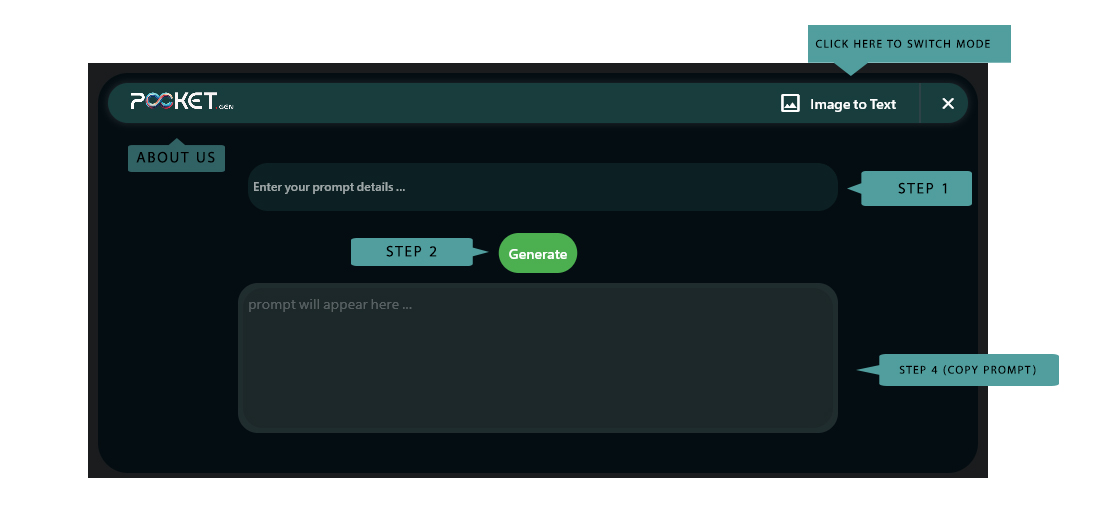
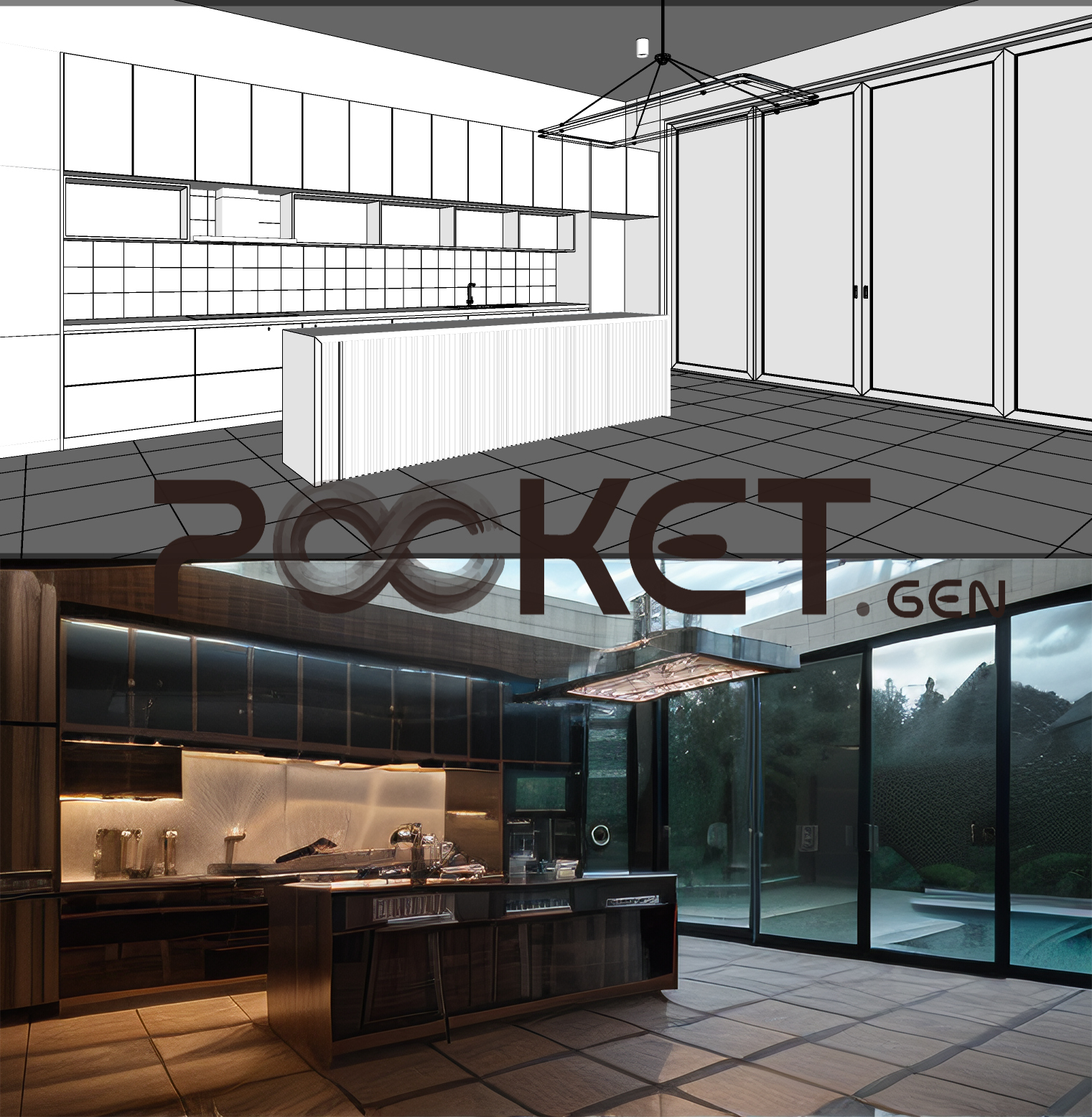
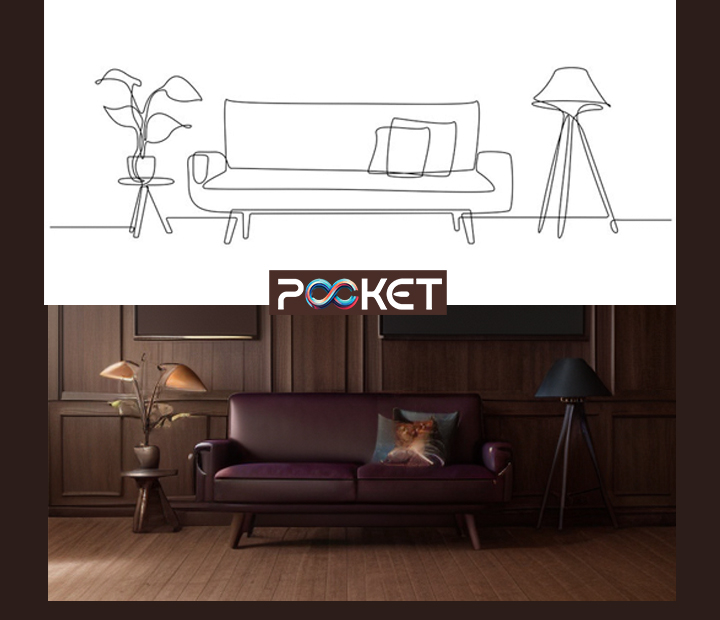
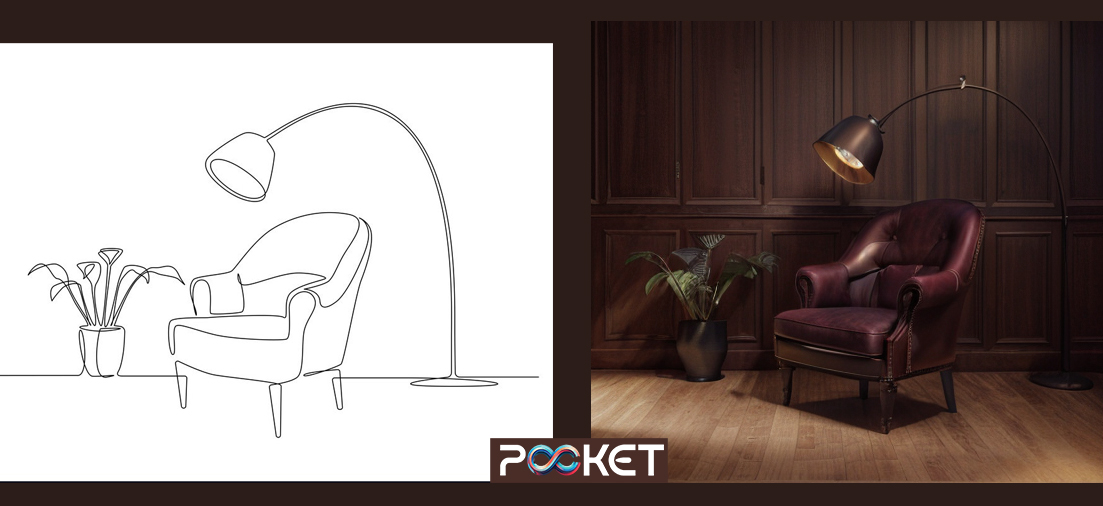
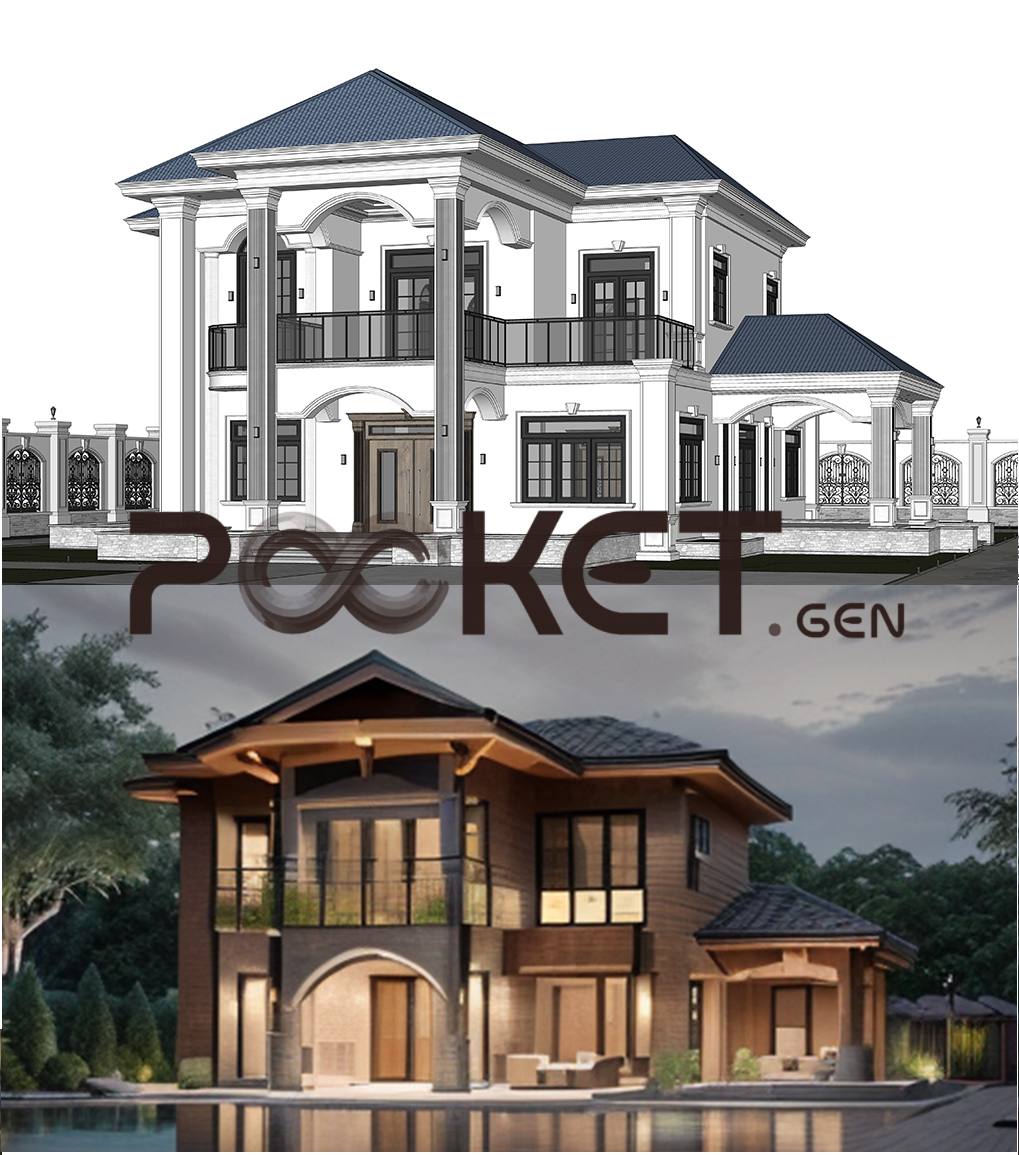
The main.py script sets up a graphical user interface for the Pocket-Gen application using the Flet library. The main features include:
/text_prompt and /image2txt).assets/fonts directory.views directory.Ensure that all dependencies are installed as per the requirements.txt file. Additionally, make sure that Ollama, Llava, and Llama2 LLM models are installed and configured properly.
If you would like to contribute to this project, please follow these steps:
git checkout -b feature-foo).git commit -am 'Add feature foo').git push origin feature-foo).This project is licensed under the MIT License. See the LICENSE file for more details.
If you have any questions or feedback, feel free to contact me at [email protected].







