NextJs Messenger Clone
1.0.0

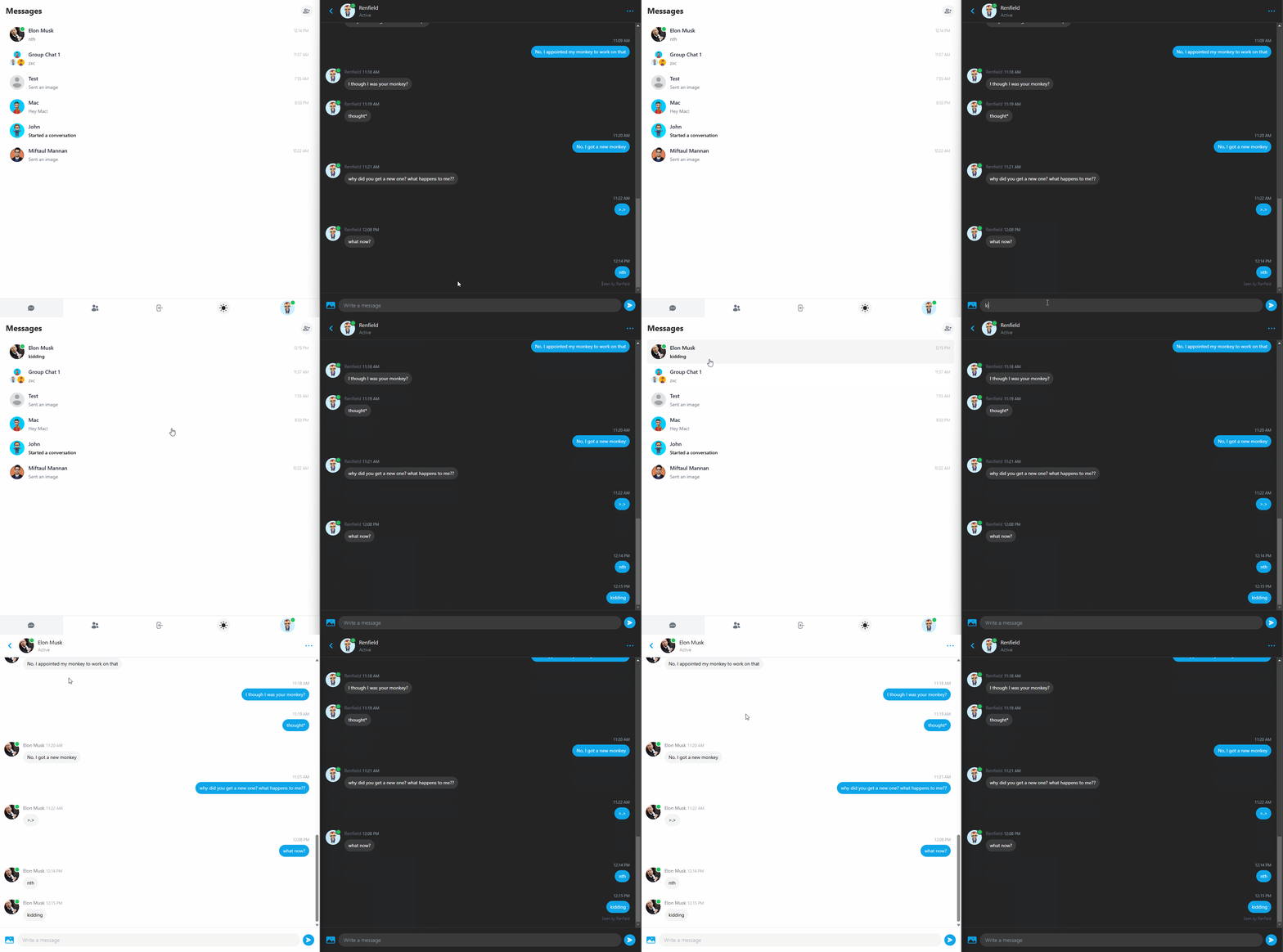
A fully responsive real-time chat app made with NextJs 13 (app router), MongoDB, Tailwind CSS, Pusher, Next-Auth and Cloudinary.
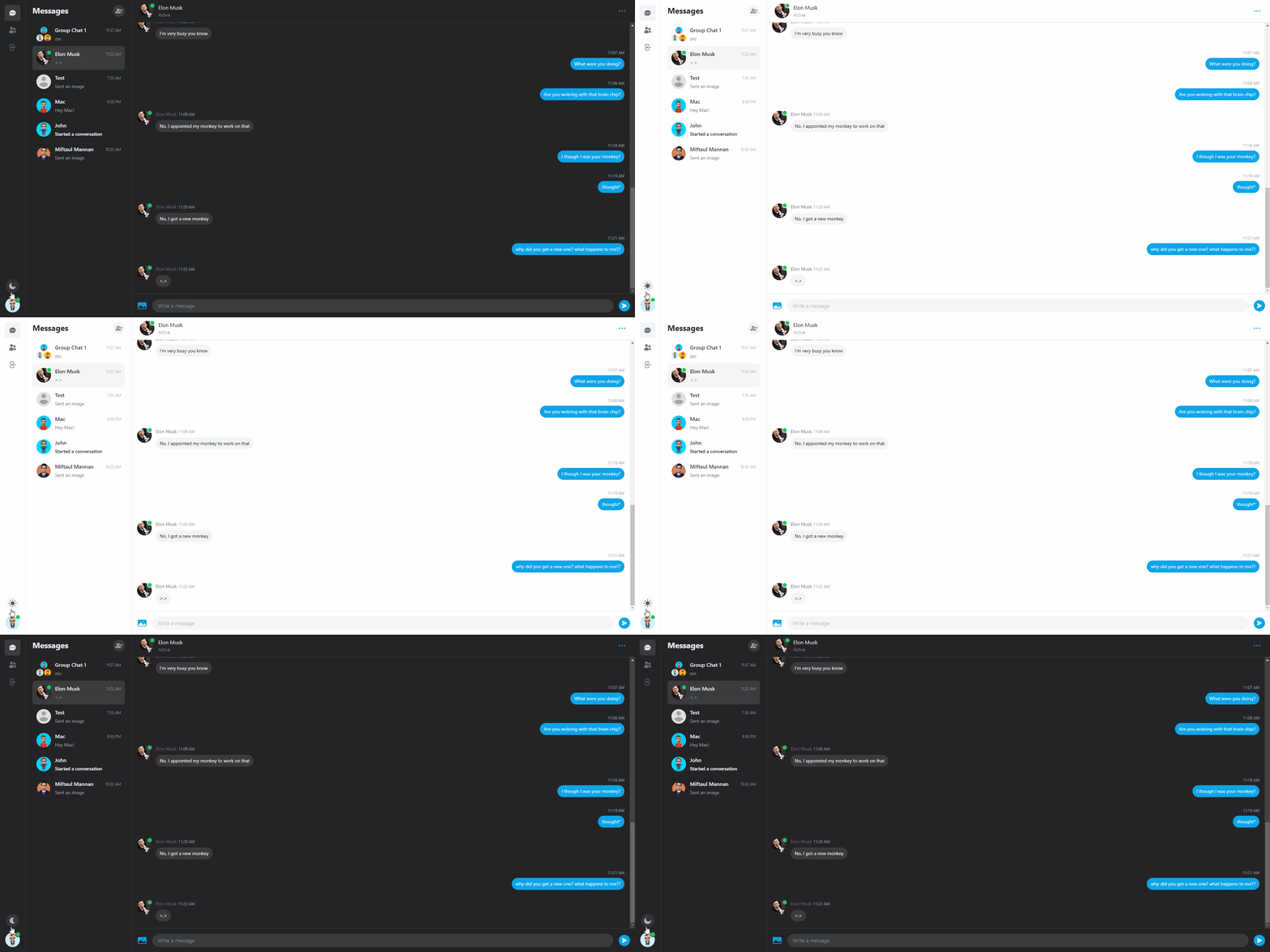
See a live demo on Vercel

Navigate to https://www.mongodb.com/atlas/database and register
Find and Select Build a Database
Select the Free tier and press on Create at the bottom

Create a user (note down the password)
Scroll down to Add entries to your IP Access List
Enter 0.0.0.0/0 and press Add Entry
Press Go to Databases
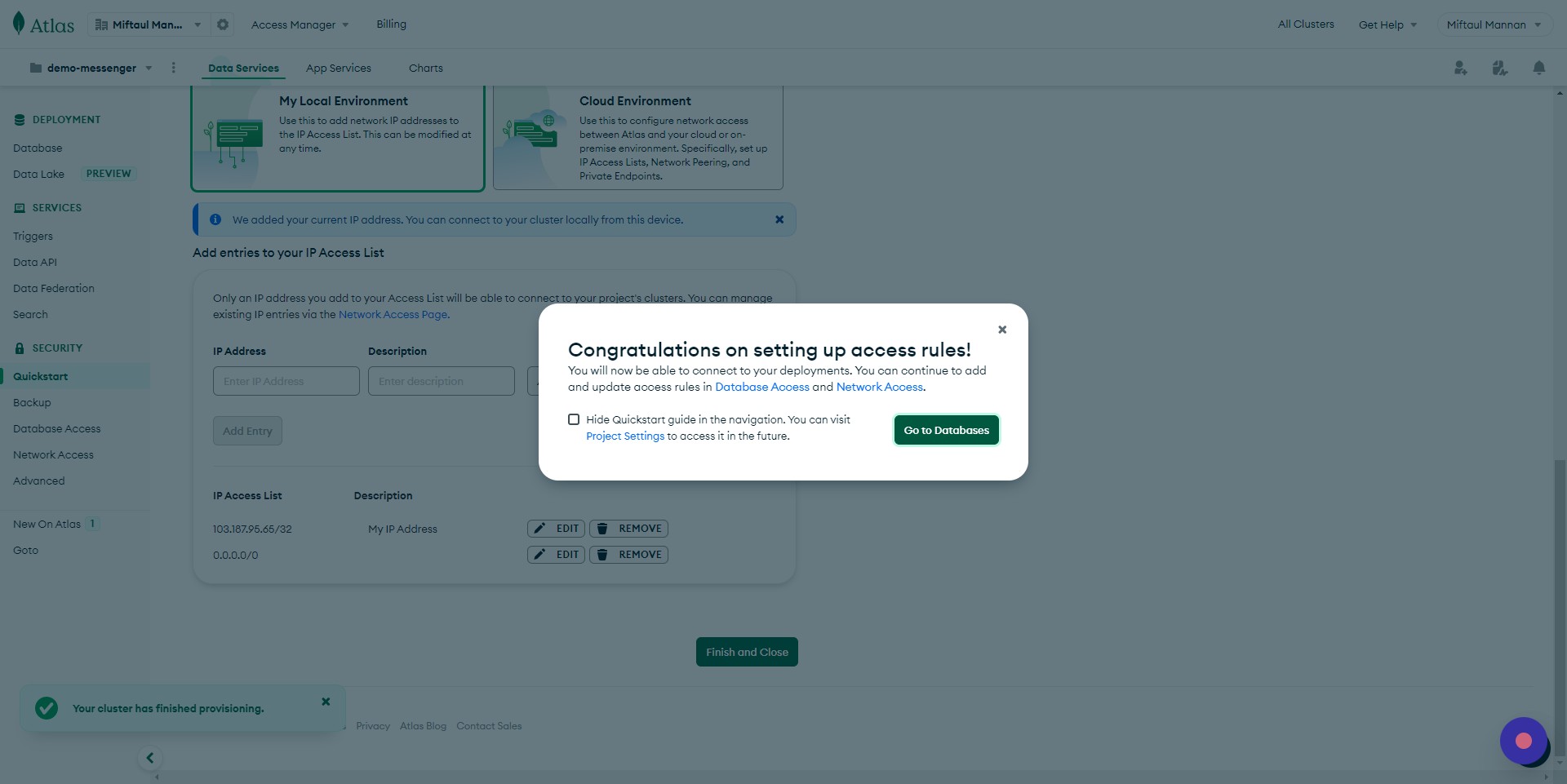

Click on Connect and select MongoDB for VSCode
Copy the connection string and save it in a notepad
Replace <password> with your password set on step 3
Add test at the end of the connection string (ex. connectionstring/test)

Navigate to https://github.com/
Click on your profile dropdown on the top right
Click Settings

Click Developer settings
Click OAuth Apps
Click New OAuth App
Give a name to your app
Type http://localhost:3020/ in the Homepage URL and Authorization callback URL fields.
Click "Register application"

Copy the Client Id and note it down

Click on Generate a new client secret, copy and note it down
Navigate to https://console.cloud.google.com and create a new project

Navigate to the newly created project and search for API & Services

Go to OAuth consent screen
Click the External field
Click CREATE

Click the App name field and give it a name
On User Mail field, select your email
Scroll down to Developer contact information and type your email
Click SAVE AND CONTINUE until you're on the Summary step

Go to Credentials
Click CREATE CREDENTIALS
Select OAuth client ID

Select Web application as Application Type
Scroll down to Authorized redirect URIs and add http://localhost:3020/api/auth/callback/google
Click CREATE
Copy the CLient ID and Client Secret and note it down
Navigate to https://console.cloudinary.com and login
Go to Dashboard and note down the Cloud name
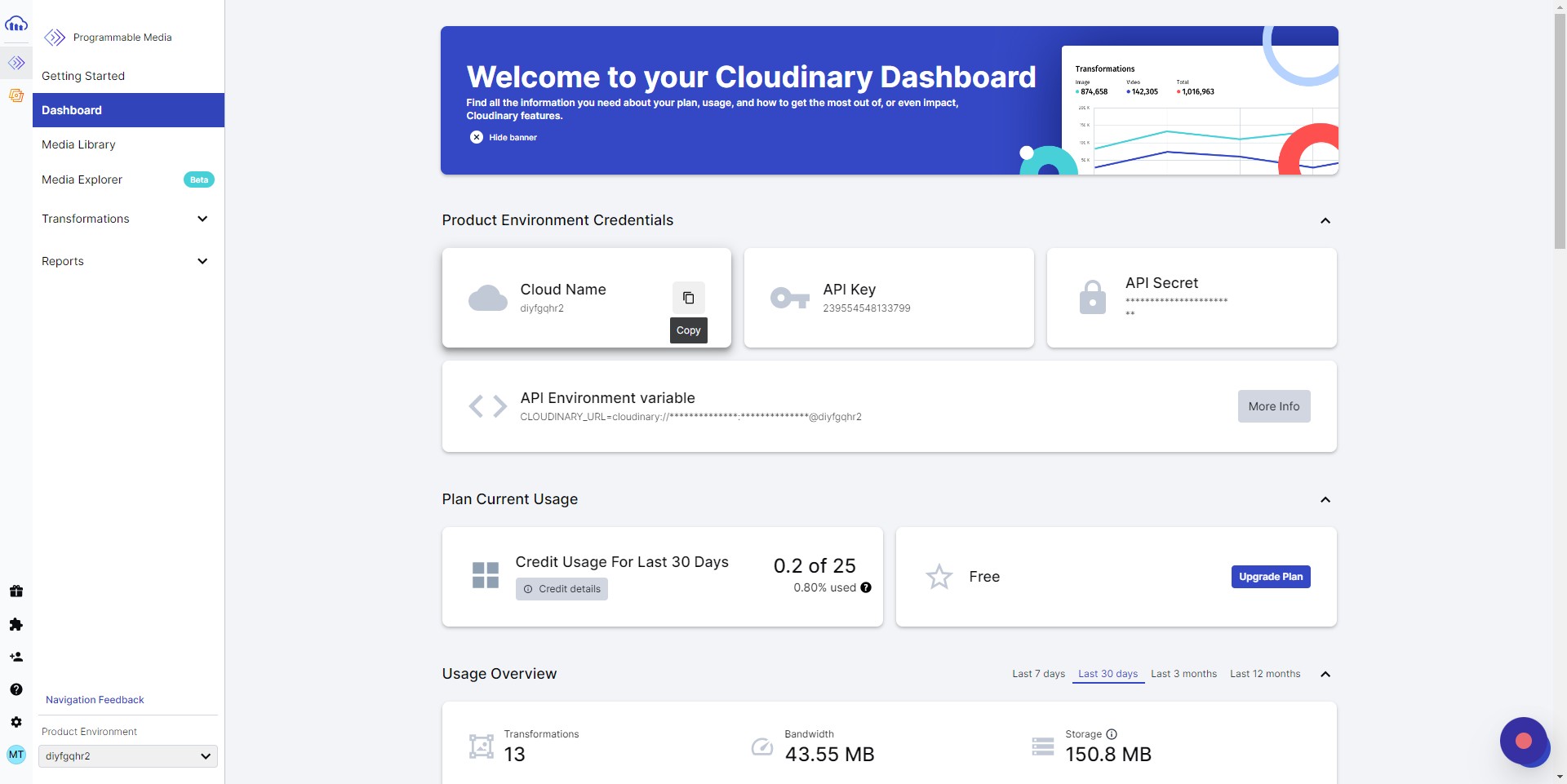
Go to settings
Then go to Upload

Click Add upload preset
Change Signing Mode to Unsigned
Click Save
Copy the newly added preset name and note it down

Navigate to https://dashboard.pusher.com/channels
Click Create app (or Get Started)
Give the app a name
Select React for Frontend and Node.js for Backend
Create the app

Go to App Keys
Note down values
cp env.example .env.local
.env.local file, add the MongoDB, Pusher, Cloudinary, GitHub and Google keys from the previous stepsyarn install to install the dependencies (run npm install yarn if you don't have yarn installed)yarn prisma db push to create the DB collectionsprisma generate to create the prisma clientDevelopment
yarn dev
Production
yarn build
yarn start
/.next/All commands
| Command | Description |
|---|---|
yarn dev |
Build app continuously (HMR enabled) |
yarn build |
Build app once (HMR disabled) to /.next/ |
yarn start |
Run production build |







