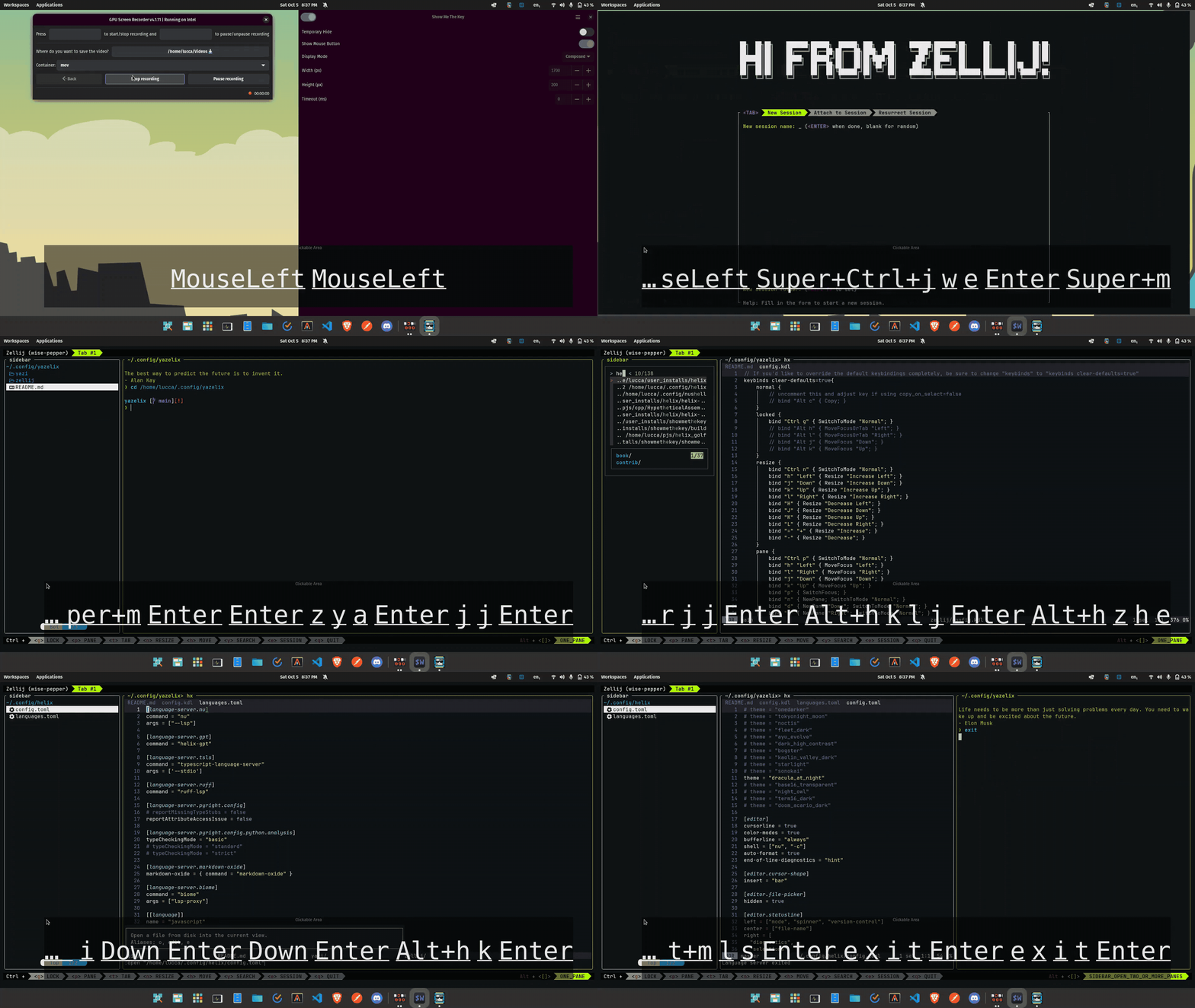
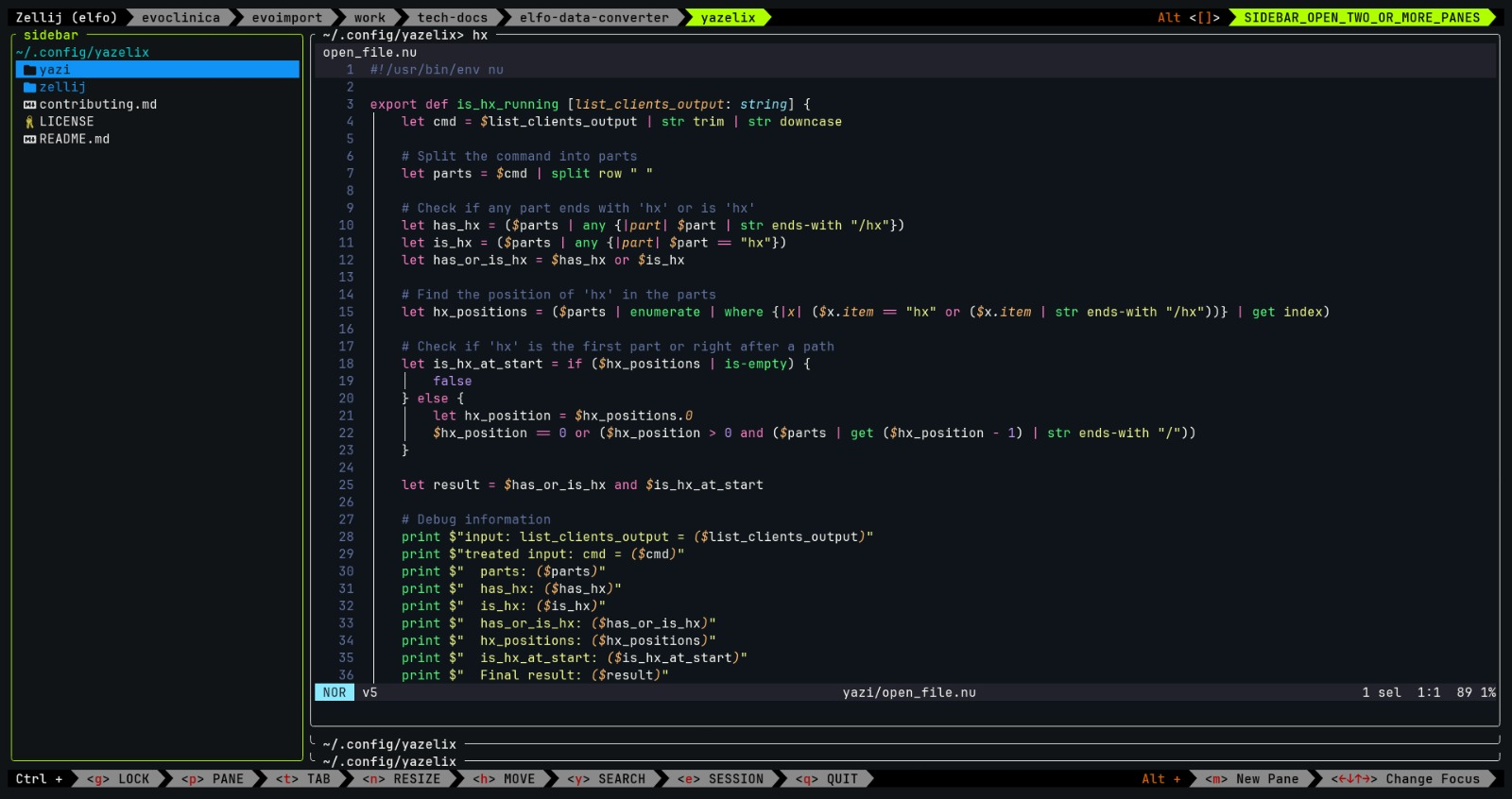
yazelix
1.0.0

Yazelix集成了Yazi,Zellij和Helix,因此,知道了嗎?
alt ]和alt [ )打開和關閉側邊欄ctrl p + f或alt f )ctrl p然後r以向右側拆分ctrl p然後d在“向下”方向上分開ctrl h並用k向上移動確保安裝Yazi,Zellij,Helix和Nushell並在您的路徑中
只需在您的~/.config dir中克隆此倉庫
配置wezterm:
一個。創建或打開您的~/.wezterm.lua文件
b。添加以下內容:
 -- Pull in the wezterm API
local wezterm = require ' wezterm '
-- This will hold the configuration.
local config = wezterm . config_builder ()
-- This is where you actually apply your config choices
-- For example, changing the color scheme:
config . color_scheme = ' Abernathy '
-- Spawn a nushell shell in login mode
config . default_prog = { ' nu ' , ' -c ' , " zellij -l welcome --config-dir ~/.config/yazelix/zellij options --layout-dir ~/.config/yazelix/zellij/layouts " }
-- Others
config . hide_tab_bar_if_only_one_tab = true
config . window_decorations = " NONE "
-- and finally, return the configuration to wezterm
return config
筆記:
nu -c "zellij -l welcome --config-dir ~/.config/yazelix/zellij options --layout-dir ~/.config/yazelix/zellij/layouts"zellij -l welcome --config-dir ~/.config/yazelix/zellij options --layout-dir ~/.config/yazelix/zellij/layout (但是無論如何您仍然需要nu )就是這樣,並隨意打開問題和公關
| 新的zellij鑰匙扣 | 以前的鍵鍵 | 使用以前的密鑰的螺旋動作 | Zellij的動作重新翻了 |
|---|---|---|---|
| Ctrl e | ctrl o | 跳躍_backward | switchTomode“ session” |
| ctrl y | Ctrl s | save_selection | switchTomode“滾動” |
| alt w | alt i | Shrink_selection | movetab“左” |
| alt q | alt o | Expand_Selection | movetab“右” |
| Alt M | alt n | select_next_sibling | 紐潘恩 |
| alt 2 | Ctrl b | move_page_up | SwitchTomode“ Tmux” |
如果發現衝突,請打開問題。但是請記住,與TMUX模式的兼容性不是該項目的目標。
~這顯示了所有關鍵框架和命令(按alt f以使Yazi Pane Fullscreen)tutor ,可以閱讀https://www.nushell.sh/book/,您可以運行help commands | find regex (例如,如果您想了解Regex,但可能是什麼ctrl r ,它打開了交互式歷史搜索alt f以使您的窗格全屏(和背面)ctrl p t r以向右分開ctrl p然後d在“向下”方向上分開z型使用Zoxide(模糊發現到已知路徑)Z類型使用FZF(模糊查找到未知路徑)SPACE選擇文件y yank和Y到unyank (取消副本)x型cut , X uncut (取消切割)a add文件( filename.ext )或文件夾( foldername/ ) layouts中的KDL文件,根據需要添加更多交換佈局。env YAZI_CONFIG_HOME=~/.config/yazelix/yazi/sidebar yazi將其恢復原狀在這種情況下,學習如何首先使用Zellij。然後是Yazi。然後重新閱讀README。
請參閱此處的貢獻