Comment.nvim
v0.8.0 - Stable as a Rock

Neovim的智能和強大的評論插件⚡
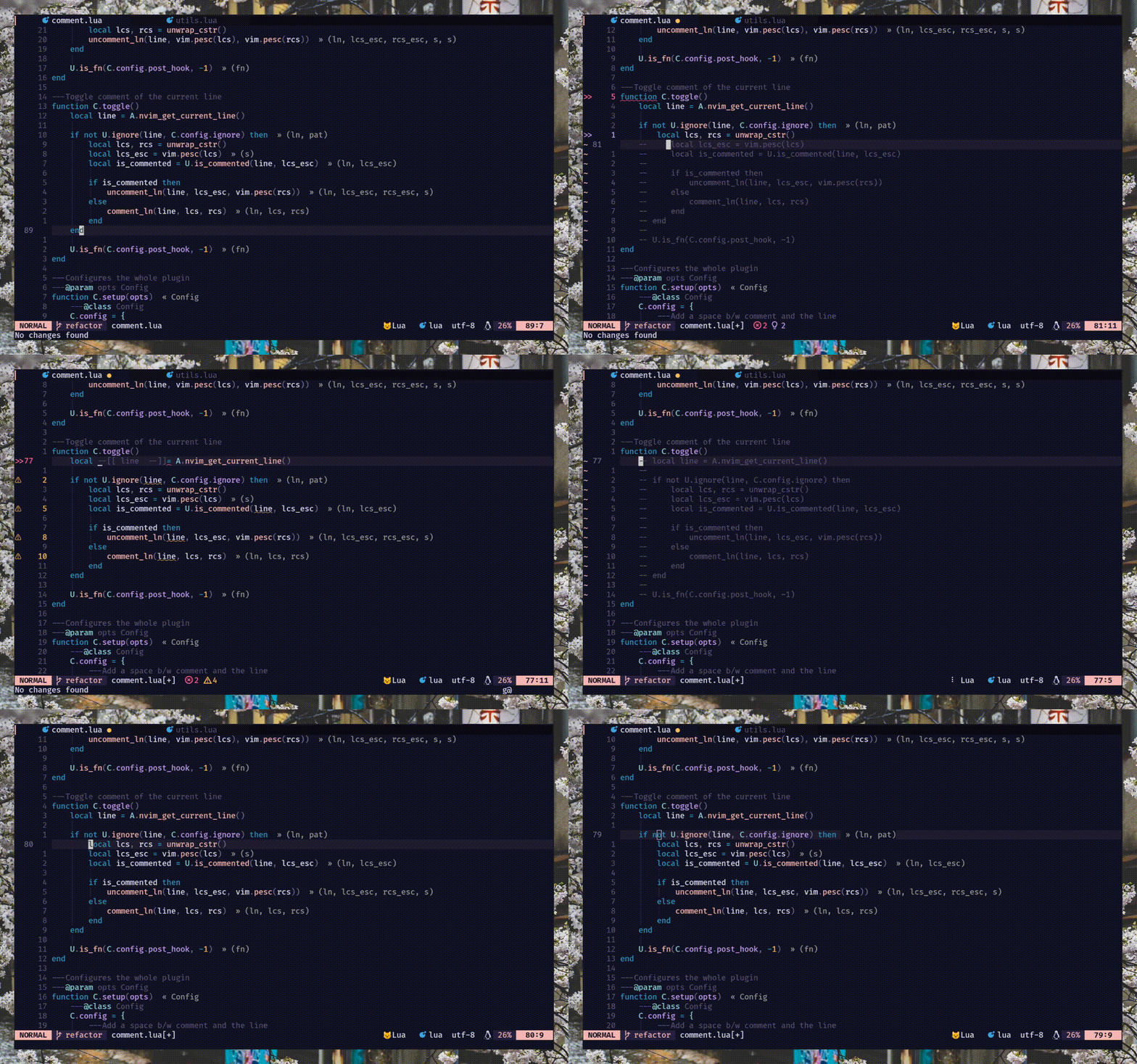
commentstring 。閱讀:h comment.commentstring// )和塊( /* */ )註釋. )重複支持gcc , gbc和朋友[count]gcc和[count]gbcgcw gc$ )和上下( gc2j gc4k )運動gci{ gbat ) -- add this to your lua/plugins.lua, lua/plugins/init.lua, or the file you keep your other plugins:
{
' numToStr/Comment.nvim ' ,
opts = {
-- add any options here
}
}
 use {
    ' numToStr/Comment.nvim ' ,
    config = function ()
        require ( ' Comment ' ). setup ()
    end
}Plug ' numToStr/Comment.nvim '
" Somewhere after plug#end()
lua require ( ' Comment ' ). setup ()Comment.nvim提供可以通過運行訪問的:help comment-nvim
首先,您需要調用setup()方法來創建默認映射。
注意- 如果您面對鑰匙凸的映射,但它們沒有解決問題,請嘗試一下
require ( ' Comment ' ). setup () lua << EOF
require ( ' Comment ' ). setup ()
EOF以下是setup()的默認配置。如果要覆蓋,只需修改所需的選項,然後將其與默認配置合併。閱讀:h comment.config以獲取更多信息。
{
    --- Add a space b/w comment and the line
    padding = true ,
    --- Whether the cursor should stay at its position
    sticky = true ,
    --- Lines to be ignored while (un)comment
    ignore = nil ,
    --- LHS of toggle mappings in NORMAL mode
    toggler = {
        --- Line-comment toggle keymap
        line = ' gcc ' ,
        --- Block-comment toggle keymap
        block = ' gbc ' ,
    },
    --- LHS of operator-pending mappings in NORMAL and VISUAL mode
    opleader = {
        --- Line-comment keymap
        line = ' gc ' ,
        --- Block-comment keymap
        block = ' gb ' ,
    },
    --- LHS of extra mappings
    extra = {
        --- Add comment on the line above
        above = ' gcO ' ,
        --- Add comment on the line below
        below = ' gco ' ,
        --- Add comment at the end of line
        eol = ' gcA ' ,
    },
    --- Enable keybindings
    --- NOTE: If given `false` then the plugin won't create any mappings
    mappings = {
        --- Operator-pending mapping; `gcc` `gbc` `gc[count]{motion}` `gb[count]{motion}`
        basic = true ,
        --- Extra mapping; `gco`, `gcO`, `gcA`
        extra = true ,
    },
    --- Function to call before (un)comment
    pre_hook = nil ,
    --- Function to call after (un)comment
    post_hook = nil ,
}當您調用setup()方法時, Comment.nvim設置了一些基本映射,這些映射可在正常和視覺模式下使用,以使您開始發表評論內容的樂趣。
默認情況下啟用了這些映射。 (配置: mappings.basic )
 `gcc` - Toggles the current line using linewise comment
`gbc` - Toggles the current line using blockwise comment
`[ count ]gcc` - Toggles the number of line given as a prefix-count using linewise
`[ count ]gbc` - Toggles the number of line given as a prefix-count using blockwise
`gc[ count ]{motion}` - (Op-pending) Toggles the region using linewise comment
`gb[ count ]{motion}` - (Op-pending) Toggles the region using blockwise comment `gc` - Toggles the region using linewise comment
`gb` - Toggles the region using blockwise comment默認情況下啟用了這些映射。 (配置: mappings.extra )
 `gco` - Insert comment to the next line and enters INSERT mode
`gcO` - Insert comment to the previous line and enters INSERT mode
`gcA` - Insert comment to end of the current line and enters INSERT mode# Linewise
`gcw` - Toggle from the current cursor position to the next word
`gc $ ` - Toggle from the current cursor position to the end of line
`gc}` - Toggle until the next blank line
`gc5j` - Toggle 5 lines after the current cursor position
`gc8k` - Toggle 8 lines before the current cursor position
`gcip` - Toggle inside of paragraph
`gca}` - Toggle around curly brackets
# Blockwise
`gb2}` - Toggle until the 2 next blank line
`gbaf` - Toggle comment around a function (w/ LSP/treesitter support)
`gbac` - Toggle comment around a class (w/ LSP/treesitter support)該插件具有本機treeTitter支持計算評論的本機,該commentstring正在用於多種(注射/嵌入式)語言(如Vue或Markdown)。但是由於解析樹的性質,該實現具有一些已知的局限性。
jsx/tsx支持。它的實施非常複雜。對於提前用例,請使用nvim-ts-context-commentstring。有關集成,請參見pre_hook部分。
注意- 此插件不取決於nvim-treesitter,但是建議您輕鬆安裝樹木 - sitter解析器。
有兩種掛鉤方法,即pre_hook和post_hook ,分別在評論和評論之後被調用。兩者都應在setup()期間提供。
pre_hook在(un)註釋之前,請使用ctx參數(讀:h comment.utils.CommentCtx )。可以選擇返回用於(聯合)評論的commentstring 。 {
pre_hook = function ( ctx )
if ctx . range . srow == ctx . range . erow then
-- do something with the current line
else
-- do something with lines range
end
end ,
}您還可以使用pre_hook集成NVIM-TS-context-commentstring,以輕鬆評論tsx/jsx文件。
注意-
Comment.nvim已經支持除tsx/jsx以外的所有語言的treesitter即用。
{
    pre_hook = require ( ' ts_context_commentstring.integrations.comment_nvim ' ). create_pre_hook (),
}post_hook此方法在(聯合)評論後調用。它接收到與pre_hook相同的ctx (讀:h comment.utils.CommentCtx )。 {
post_hook = function ( ctx )
if ctx . range . srow == ctx . range . erow then
-- do something with the current line
else
-- do something with lines range
end
end ,
}可以實施post_hook以涵蓋一些利基用例,如以下內容:
#if 0在C中評論代碼。在這裡查看一個示例。pre_hook )並將光標移至下一個塊(使用post_hook )。看到這個。注意:按下
gc,gb和Friends時,pre_hook內部的cmode(註釋模式)將始終切換,因為當調用Pre-Hook時,在那一刻,我們不知道gc還是gb是否會評論或不調查行。但幸運的是,我們確實在post_hook之前就知道這一點,這將始終會收到評論或不可食用狀態
您可以ignore在評論/不註釋期間忽略某些行。它可以佔用LUA REGEX字符串或返回正則弦字符串的函數,應在setup()期間提供。
注意:僅在linewise評論時忽略工作。這是設計。因為忽略塊註釋中的行是沒有多大意義的。
string -- ignores empty lines
ignore = ' ^$ '
-- ignores line that starts with `local` (excluding any leading whitespace)
ignore = ' ^(%s*)local '
-- ignores any lines similar to arrow function
ignore = ' ^const(.*)=(%s?)%((.*)%)(%s?)=> 'function {
ignore = function ()
-- Only ignore empty lines for lua files
if vim . bo . filetype == ' lua ' then
return ' ^$ '
end
end ,
}大多數語言/filetypes都通過commentstring對註釋的本地支持,但可能不支持FILETYPE。有兩種方法可以評論不受支持的Filetypes:
commentstring 。閱讀:h commentstring以獲取更多信息。 vim . bo . commentstring = ' //%s '
-- or
vim . api . nvim_command ( ' set commentstring=//%s ' )commentstring的更強大版本。閱讀:h comment.ft以獲取更多信息。 local ft = require ( ' Comment.ft ' )
-- 1. Using set function
ft
-- Set only line comment
. set ( ' yaml ' , ' #%s ' )
-- Or set both line and block commentstring
. set ( ' javascript ' , { ' //%s ' , ' /*%s*/ ' })
-- 2. Metatable magic
ft . javascript = { ' //%s ' , ' /*%s*/ ' }
ft . yaml = ' #%s '
-- Multiple filetypes
ft ({ ' go ' , ' rust ' }, ft . get ( ' c ' ))
ft ({ ' toml ' , ' graphql ' }, ' #%s ' )歡迎PR(S)在插件中添加更多評論
有多種方法可以貢獻報告/修復錯誤,功能請求。您還可以通過更新ft.lua和發送PR提交該插件的評論。
/**%s*/ (js), ///%s (rust) ---- ------------------
-- This is a header --
---- ------------------




