Comment.nvim
v0.8.0 - Stable as a Rock

neovimのスマートで強力なコメントプラグイン⚡
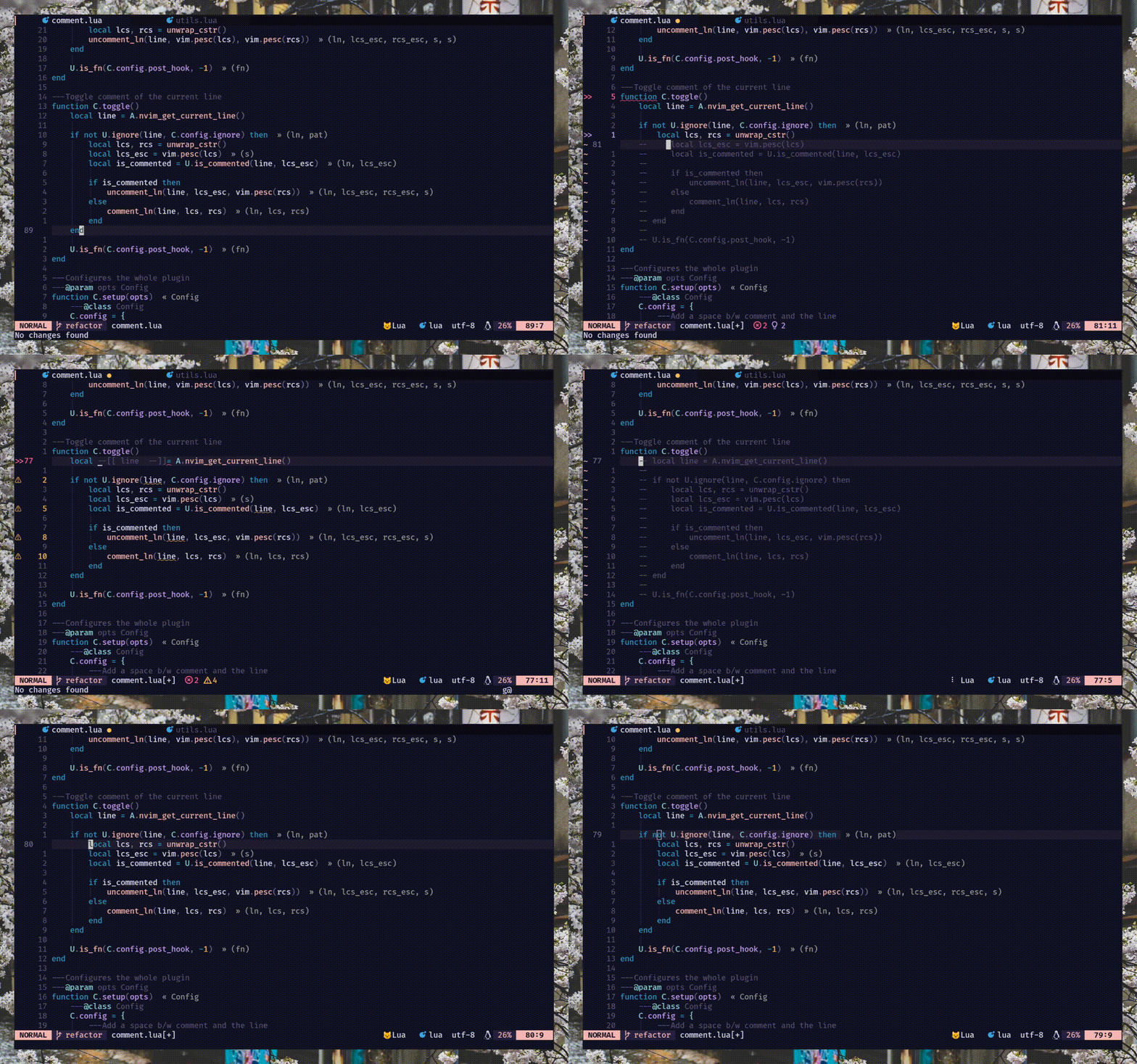
commentstringをサポートします。読む:h comment.commentstring// )およびブロック( /* */ )コメントをサポートします. ) gcc 、 gbc 、および友人のサポートを繰り返す[count]gccおよび[count]gbcのカウントサポートgcw gc$ )およびアップダウン( gc2j gc4k )モーションgci{ gbat )で使用する -- add this to your lua/plugins.lua, lua/plugins/init.lua, or the file you keep your other plugins:
{
' numToStr/Comment.nvim ' ,
opts = {
-- add any options here
}
}
 use {
    ' numToStr/Comment.nvim ' ,
    config = function ()
        require ( ' Comment ' ). setup ()
    end
}Plug ' numToStr/Comment.nvim '
" Somewhere after plug#end()
lua require ( ' Comment ' ). setup ()Comment.nvim 、実行してアクセスできるヘルプドキュメントを提供します:help comment-nvim
まず、デフォルトのマッピングを作成するには、 setup()メソッドを呼び出す必要があります。
注-キーバインディングがマッピングされているが、それらが機能していない場合は、これを試してみてください
require ( ' Comment ' ). setup () lua << EOF
require ( ' Comment ' ). setup ()
EOF以下はsetup()のデフォルト設定です。オーバーライドする場合は、必要なオプションを変更するだけで、デフォルトの構成とマージされます。読む:h comment.config詳細については。
{
    --- Add a space b/w comment and the line
    padding = true ,
    --- Whether the cursor should stay at its position
    sticky = true ,
    --- Lines to be ignored while (un)comment
    ignore = nil ,
    --- LHS of toggle mappings in NORMAL mode
    toggler = {
        --- Line-comment toggle keymap
        line = ' gcc ' ,
        --- Block-comment toggle keymap
        block = ' gbc ' ,
    },
    --- LHS of operator-pending mappings in NORMAL and VISUAL mode
    opleader = {
        --- Line-comment keymap
        line = ' gc ' ,
        --- Block-comment keymap
        block = ' gb ' ,
    },
    --- LHS of extra mappings
    extra = {
        --- Add comment on the line above
        above = ' gcO ' ,
        --- Add comment on the line below
        below = ' gco ' ,
        --- Add comment at the end of line
        eol = ' gcA ' ,
    },
    --- Enable keybindings
    --- NOTE: If given `false` then the plugin won't create any mappings
    mappings = {
        --- Operator-pending mapping; `gcc` `gbc` `gc[count]{motion}` `gb[count]{motion}`
        basic = true ,
        --- Extra mapping; `gco`, `gcO`, `gcA`
        extra = true ,
    },
    --- Function to call before (un)comment
    pre_hook = nil ,
    --- Function to call after (un)comment
    post_hook = nil ,
}setup()メソッドを呼び出すと、 Comment.nvim 、通常モードと視覚モードで使用できる基本的なマッピングを設定して、コメントをコメントすることができます。
これらのマッピングはデフォルトで有効になります。 (config: mappings.basic )
 `gcc` - Toggles the current line using linewise comment
`gbc` - Toggles the current line using blockwise comment
`[ count ]gcc` - Toggles the number of line given as a prefix-count using linewise
`[ count ]gbc` - Toggles the number of line given as a prefix-count using blockwise
`gc[ count ]{motion}` - (Op-pending) Toggles the region using linewise comment
`gb[ count ]{motion}` - (Op-pending) Toggles the region using blockwise comment `gc` - Toggles the region using linewise comment
`gb` - Toggles the region using blockwise commentこれらのマッピングはデフォルトで有効になります。 (config: mappings.extra )
 `gco` - Insert comment to the next line and enters INSERT mode
`gcO` - Insert comment to the previous line and enters INSERT mode
`gcA` - Insert comment to end of the current line and enters INSERT mode# Linewise
`gcw` - Toggle from the current cursor position to the next word
`gc $ ` - Toggle from the current cursor position to the end of line
`gc}` - Toggle until the next blank line
`gc5j` - Toggle 5 lines after the current cursor position
`gc8k` - Toggle 8 lines before the current cursor position
`gcip` - Toggle inside of paragraph
`gca}` - Toggle around curly brackets
# Blockwise
`gb2}` - Toggle until the 2 next blank line
`gbaf` - Toggle comment around a function (w/ LSP/treesitter support)
`gbac` - Toggle comment around a class (w/ LSP/treesitter support)このプラグインは、VUEやマークダウンなどの複数の(注入/埋め込み)言語で機能するcommentstringを計算するためのネイティブツリーシッターサポートを備えています。しかし、解析された木の性質により、この実装にはいくつかの既知の制限があります。
jsx/tsxサポートはありません。その実装は非常に複雑でした。事前ユースケースには、NVIM-TS-Context-CommentStringを使用します。統合については、 pre_hookセクションを参照してください。
注- このプラグインはNVIM-Treesitterに依存しませんが、ツリーシッターパーサーを簡単にインストールするために推奨されます。
コメントの前とコメントの後にそれぞれ呼び出される2つのフックメソッド、つまりpre_hookとpost_hookがあります。どちらもsetup()中に提供する必要があります。
pre_hook -(un)commentの前にctx引数(read :h comment.utils.CommentCtx )で呼び出されました。オプションで、コメントに使用するcommentstringを返すことができます。 {
pre_hook = function ( ctx )
if ctx . range . srow == ctx . range . erow then
-- do something with the current line
else
-- do something with lines range
end
end ,
} pre_hookを使用してNVIM-TS-Context-Commenttringを統合して、 tsx/jsxファイルを簡単にコメントすることもできます。
注-
Comment.nvim、tsx/jsxを除くすべての言語のboxの外でtreesitterを既にサポートしています。
{
    pre_hook = require ( ' ts_context_commentstring.integrations.comment_nvim ' ). create_pre_hook (),
}post_hookこのメソッドは、(un)コメントの後に呼び出されます。 pre_hookと同じctx (read :h comment.utils.CommentCtx )の引数を受信します。 {
post_hook = function ( ctx )
if ctx . range . srow == ctx . range . erow then
-- do something with the current line
else
-- do something with lines range
end
end ,
} post_hook実装して、次のようなニッチなユースケースをカバーすることができます。
#if 0でCのコードをコメントするために、パディングの代わりにnewLinesを使用します。こちらの例を参照してください。pre_hookを使用)を複製し、カーソルを次のブロック( post_hookを使用して)に移動します。これを参照してください。注:
gc、gb、および友人を押すと、pre_hook内のcmode(コメントモード)は常に切り替えられます。なぜなら、プリフックが呼び出されたとき、gcまたはgbラインにコメントするか除外されるかはわかりません。しかし、幸いなことに、私たちはpost_hookの前にこれを知っています、そして、これは常にコメントまたはuncommentステータスのいずれかを受け取ります
コメント/除外中に特定の行を無視するためにignore使用できます。 lua regex stringまたはregex文字列を返す関数を使用することができ、 setup()中に提供される必要があります。
注:LineWiseコメントでのみ機能します。これは設計によるものです。ブロックコメントで行を無視することはそれほど意味がありません。
string付き -- ignores empty lines
ignore = ' ^$ '
-- ignores line that starts with `local` (excluding any leading whitespace)
ignore = ' ^(%s*)local '
-- ignores any lines similar to arrow function
ignore = ' ^const(.*)=(%s?)%((.*)%)(%s?)=> 'function付き{
ignore = function ()
-- Only ignore empty lines for lua files
if vim . bo . filetype == ' lua ' then
return ' ^$ '
end
end ,
}ほとんどの言語/フィルタイプは、 commentstringを介してコメントをネイティブサポートしていますが、サポートされていないファイルタイプがある場合があります。サポートされていないフィルタイプのコメントを有効にするには、次の2つの方法があります。
commentstringを設定できます。読む:h commentstring 。 vim . bo . commentstring = ' //%s '
-- or
vim . api . nvim_command ( ' set commentstring=//%s ' )commentstringのより強力なバージョンとして扱うことができます。詳細については、読む:h comment.ft 。 local ft = require ( ' Comment.ft ' )
-- 1. Using set function
ft
-- Set only line comment
. set ( ' yaml ' , ' #%s ' )
-- Or set both line and block commentstring
. set ( ' javascript ' , { ' //%s ' , ' /*%s*/ ' })
-- 2. Metatable magic
ft . javascript = { ' //%s ' , ' /*%s*/ ' }
ft . yaml = ' #%s '
-- Multiple filetypes
ft ({ ' go ' , ' rust ' }, ft . get ( ' c ' ))
ft ({ ' toml ' , ' graphql ' }, ' #%s ' )PR(s)は、プラグイン内にコメントを追加することを歓迎します
バグ、機能のリクエストをレポート/修正する方法は複数あります。 Ft.luaを更新してPRを送信することにより、このプラグインにコメントストリングを送信することもできます。
/**%s*/ (js)、 ///%s (錆) ---- ------------------
-- This is a header --
---- ------------------




