Comment.nvim
v0.8.0 - Stable as a Rock

⚡ Complemento de comentarios inteligente y potente para Neovim ⚡
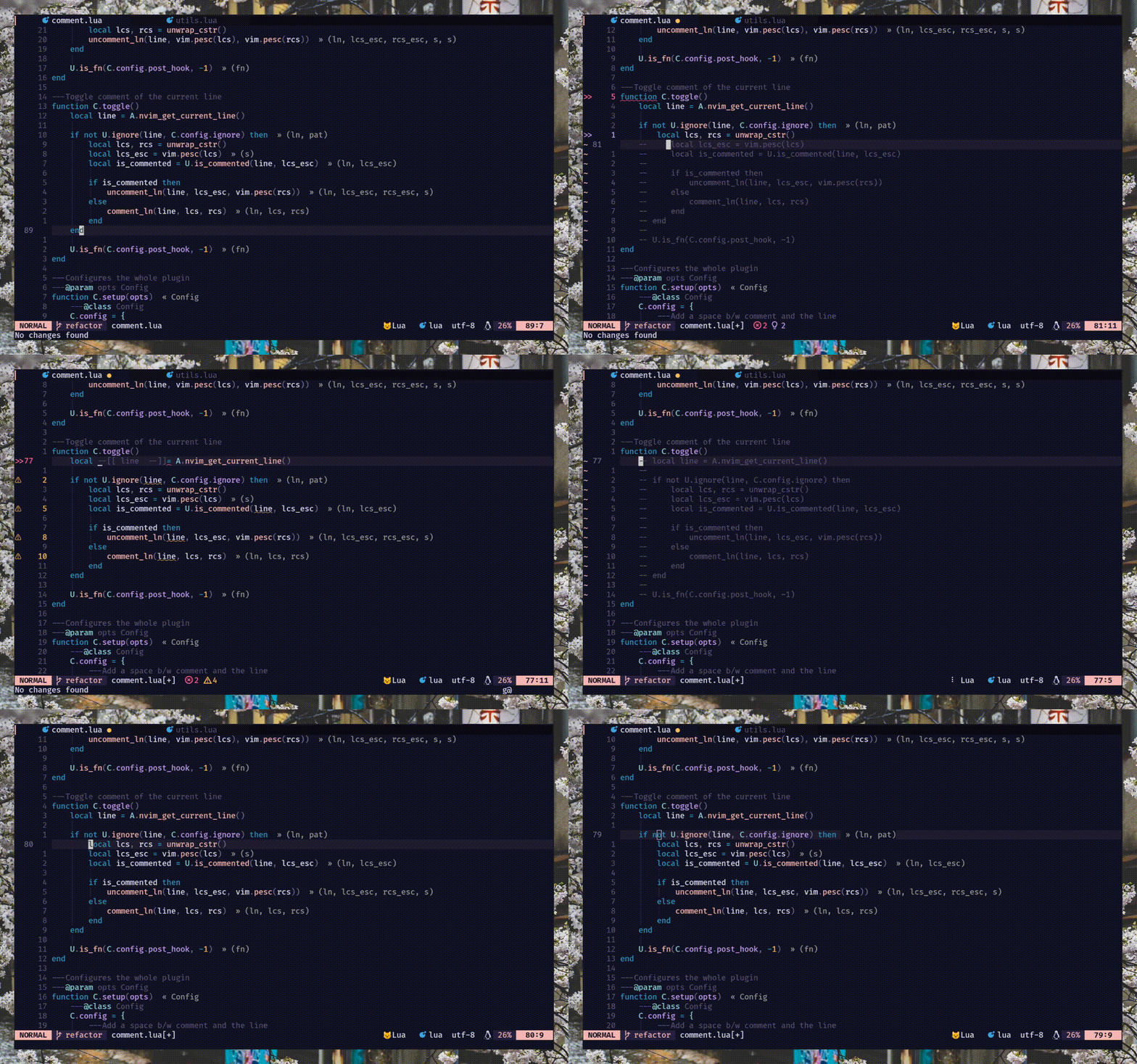
commentstring . Leer :h comment.commentstring// ) y bloque ( /* */ ). ) Repita el apoyo para gcc , gbc y amigos[count]gcc y [count]gbcgcw gc$ ) y movimientos hacia arriba ( gc2j gc4k )gci{ gbat ) -- add this to your lua/plugins.lua, lua/plugins/init.lua, or the file you keep your other plugins:
{
' numToStr/Comment.nvim ' ,
opts = {
-- add any options here
}
}
 use {
    ' numToStr/Comment.nvim ' ,
    config = function ()
        require ( ' Comment ' ). setup ()
    end
}Plug ' numToStr/Comment.nvim '
" Somewhere after plug#end()
lua require ( ' Comment ' ). setup () Comment.nvim proporciona documentos de ayuda a los que se puede acceder ejecutando :help comment-nvim
Primero debe llamar al método setup() para crear las asignaciones predeterminadas.
Nota : si se enfrenta a las mechones de teclas, pero no están funcionando el problema, intente esto
require ( ' Comment ' ). setup () lua << EOF
require ( ' Comment ' ). setup ()
EOF Las siguientes son la configuración predeterminada para la setup() . Si desea anular, simplemente modifique la opción que desea, se fusionará con la configuración predeterminada. Leer :h comment.config para obtener más información.
{
    --- Add a space b/w comment and the line
    padding = true ,
    --- Whether the cursor should stay at its position
    sticky = true ,
    --- Lines to be ignored while (un)comment
    ignore = nil ,
    --- LHS of toggle mappings in NORMAL mode
    toggler = {
        --- Line-comment toggle keymap
        line = ' gcc ' ,
        --- Block-comment toggle keymap
        block = ' gbc ' ,
    },
    --- LHS of operator-pending mappings in NORMAL and VISUAL mode
    opleader = {
        --- Line-comment keymap
        line = ' gc ' ,
        --- Block-comment keymap
        block = ' gb ' ,
    },
    --- LHS of extra mappings
    extra = {
        --- Add comment on the line above
        above = ' gcO ' ,
        --- Add comment on the line below
        below = ' gco ' ,
        --- Add comment at the end of line
        eol = ' gcA ' ,
    },
    --- Enable keybindings
    --- NOTE: If given `false` then the plugin won't create any mappings
    mappings = {
        --- Operator-pending mapping; `gcc` `gbc` `gc[count]{motion}` `gb[count]{motion}`
        basic = true ,
        --- Extra mapping; `gco`, `gcO`, `gcA`
        extra = true ,
    },
    --- Function to call before (un)comment
    pre_hook = nil ,
    --- Function to call after (un)comment
    post_hook = nil ,
} Cuando llame al método setup() , Comment.nvim configura un mapeo básico que se puede usar en modo normal y visual para comenzar con el placer de comentar cosas.
Estas asignaciones están habilitadas de forma predeterminada. (config: mappings.basic )
 `gcc` - Toggles the current line using linewise comment
`gbc` - Toggles the current line using blockwise comment
`[ count ]gcc` - Toggles the number of line given as a prefix-count using linewise
`[ count ]gbc` - Toggles the number of line given as a prefix-count using blockwise
`gc[ count ]{motion}` - (Op-pending) Toggles the region using linewise comment
`gb[ count ]{motion}` - (Op-pending) Toggles the region using blockwise comment `gc` - Toggles the region using linewise comment
`gb` - Toggles the region using blockwise comment Estas asignaciones están habilitadas de forma predeterminada. (config: mappings.extra )
 `gco` - Insert comment to the next line and enters INSERT mode
`gcO` - Insert comment to the previous line and enters INSERT mode
`gcA` - Insert comment to end of the current line and enters INSERT mode# Linewise
`gcw` - Toggle from the current cursor position to the next word
`gc $ ` - Toggle from the current cursor position to the end of line
`gc}` - Toggle until the next blank line
`gc5j` - Toggle 5 lines after the current cursor position
`gc8k` - Toggle 8 lines before the current cursor position
`gcip` - Toggle inside of paragraph
`gca}` - Toggle around curly brackets
# Blockwise
`gb2}` - Toggle until the 2 next blank line
`gbaf` - Toggle comment around a function (w/ LSP/treesitter support)
`gbac` - Toggle comment around a class (w/ LSP/treesitter support) Este complemento cuenta con soporte de árboles nativos para calcular commentstring que funcionan para múltiples idiomas (inyectados/incrustados) como Vue o Markdown. Pero debido a la naturaleza del árbol analizado, esta implementación tiene algunas limitaciones conocidas.
jsx/tsx . Su implementación fue bastante complicada. Para los casos de uso anticipado, use NVIM-TS-Context-Commentstring. Consulte la sección pre_hook para la integración.
Nota : este complemento no depende de NVIMReesitter, sin embargo, se recomienda instalar fácilmente los analizadores de la hermana del árbol.
Hay dos métodos de gancho, es decir, pre_hook y post_hook que se llaman antes del comentario y después del comentario respectivamente. Ambos deben proporcionarse durante setup() .
pre_hook : llamado con un argumento ctx (léase :h comment.utils.CommentCtx ) antes (un) comentario. Opcionalmente, puede devolver un commentstring para ser utilizado para (un) comentar. {
pre_hook = function ( ctx )
if ctx . range . srow == ctx . range . erow then
-- do something with the current line
else
-- do something with lines range
end
end ,
} También puede integrar NVIM-TS-Context-Commentstring usando pre_hook para comentar fácilmente archivos tsx/jsx .
Nota -
Comment.nvimya es compatible contreesitterfuera de la caja para todos los idiomas, exceptotsx/jsx.
{
    pre_hook = require ( ' ts_context_commentstring.integrations.comment_nvim ' ). create_pre_hook (),
}
post_hook : este método se llama después (un) comentario. Recibe el mismo argumento ctx (léase :h comment.utils.CommentCtx ) como pre_hook . {
post_hook = function ( ctx )
if ctx . range . srow == ctx . range . erow then
-- do something with the current line
else
-- do something with lines range
end
end ,
} El post_hook se puede implementar para cubrir algunos casos de uso de nicho como los siguientes:
#if 0 . Vea un ejemplo aquí.pre_hook ) y mover el cursor al siguiente bloque (usando post_hook ). Ver esto.Nota: Al presionar
gc,gby Friends,cmode(modo de comentarios) dentro depre_hooksiempre se alternará porque cuando se llama a Pre-Hook, en ese momento no sabemos sigcogbcomentarán o desencadenará las líneas. Pero afortunadamente, sí lo sabemos antes depost_hooky esto siempre recibirá un estado de comentario o sin consulta
Puede usar ignore para ignorar ciertas líneas durante el comentario/incomment. Puede tomar una cadena Lua Regex o una función que devuelve una cadena regex y debe proporcionarse durante setup() .
Nota: Ignorar solo funciona cuando con comentarios lineales. Esto es por diseño. Ya que ignorar las líneas en los comentarios de bloque no tiene tanto sentido.
string -- ignores empty lines
ignore = ' ^$ '
-- ignores line that starts with `local` (excluding any leading whitespace)
ignore = ' ^(%s*)local '
-- ignores any lines similar to arrow function
ignore = ' ^const(.*)=(%s?)%((.*)%)(%s?)=> 'function {
ignore = function ()
-- Only ignore empty lines for lua files
if vim . bo . filetype == ' lua ' then
return ' ^$ '
end
end ,
} La mayoría de los idiomas/filetipos tienen soporte nativo para comentarios a través commentstring pero puede haber un tipo de archivo que no sea compatible. Hay dos formas de habilitar el comentario para los filetipos no compatibles:
commentstring para ese tipo de archivo en particular como el siguiente. Leer :h commentstring para obtener más información. vim . bo . commentstring = ' //%s '
-- or
vim . api . nvim_command ( ' set commentstring=//%s ' )commentstring . LEA :h comment.ft para obtener más información. local ft = require ( ' Comment.ft ' )
-- 1. Using set function
ft
-- Set only line comment
. set ( ' yaml ' , ' #%s ' )
-- Or set both line and block commentstring
. set ( ' javascript ' , { ' //%s ' , ' /*%s*/ ' })
-- 2. Metatable magic
ft . javascript = { ' //%s ' , ' /*%s*/ ' }
ft . yaml = ' #%s '
-- Multiple filetypes
ft ({ ' go ' , ' rust ' }, ft . get ( ' c ' ))
ft ({ ' toml ' , ' graphql ' }, ' #%s ' )PR (s) son bienvenidos a agregar más comentarios que se encuentran dentro del complemento
Hay múltiples formas de contribuir con informes/arreglos de errores, solicitudes de funciones. También puede enviar comentarios de comentarios a este complemento actualizando ft.lua y enviando Pr.
/**%s*/ (js), ///%s (óxido) ---- ------------------
-- This is a header --
---- ------------------




