Comment.nvim
v0.8.0 - Stable as a Rock

⚡ Plugin komentar yang cerdas dan kuat untuk Neovim ⚡
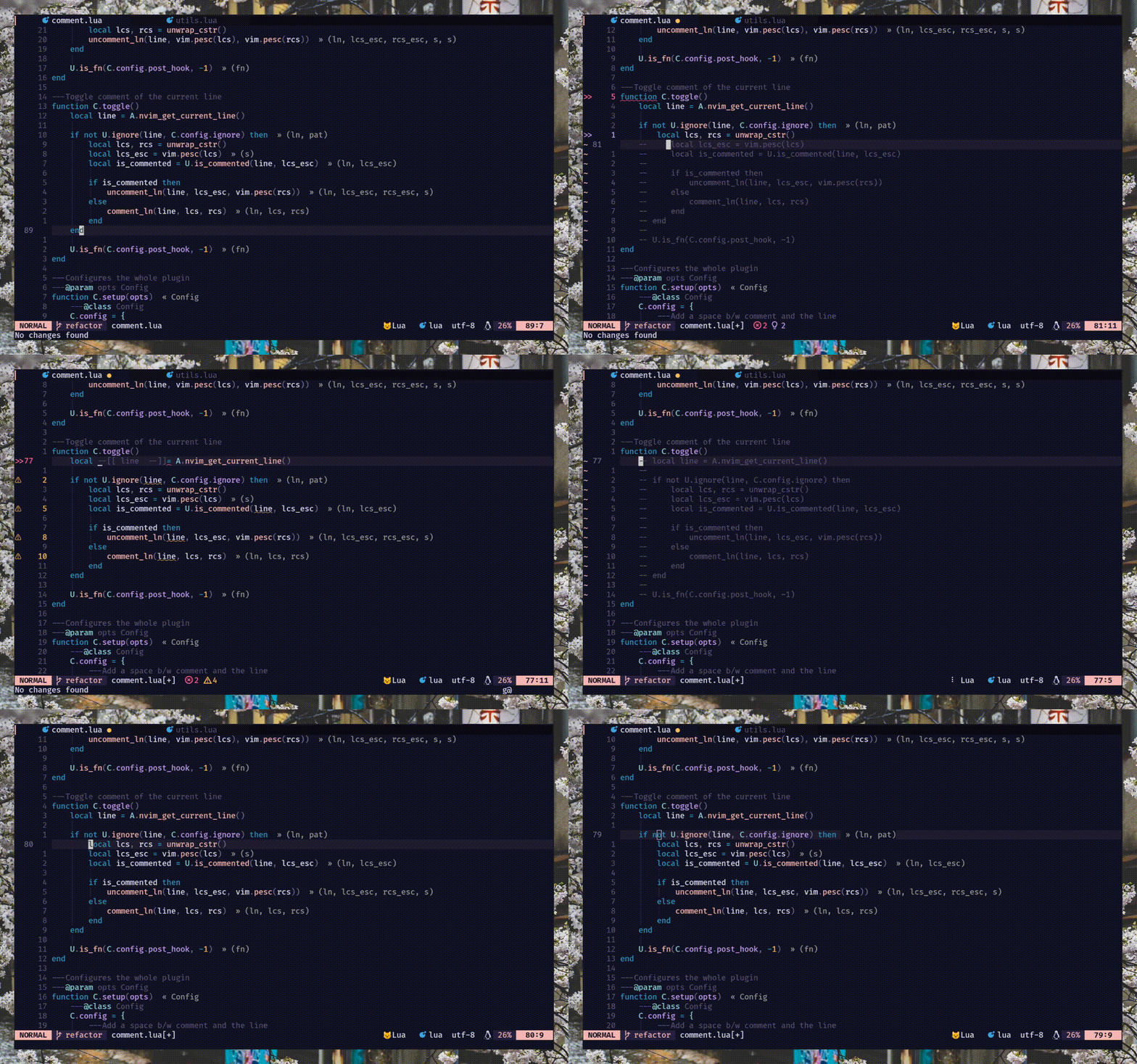
commentstring . BACA :h comment.commentstring// ) dan blok ( /* */ ) komentar. ) Ulangi dukungan untuk gcc , gbc dan teman -teman[count]gcc dan [count]gbcgcw gc$ ) dan up-down ( gc2j gc4k )gci{ gbat ) -- add this to your lua/plugins.lua, lua/plugins/init.lua, or the file you keep your other plugins:
{
' numToStr/Comment.nvim ' ,
opts = {
-- add any options here
}
}
 use {
    ' numToStr/Comment.nvim ' ,
    config = function ()
        require ( ' Comment ' ). setup ()
    end
}Plug ' numToStr/Comment.nvim '
" Somewhere after plug#end()
lua require ( ' Comment ' ). setup () Comment.nvim menyediakan dokumen bantuan yang dapat diakses dengan menjalankan :help comment-nvim
Pertama, Anda perlu memanggil metode setup() untuk membuat pemetaan default.
CATATAN - Jika Anda menghadapi inti key dipetakan tetapi tidak ada masalah, silakan coba ini
require ( ' Comment ' ). setup () lua << EOF
require ( ' Comment ' ). setup ()
EOF Berikut ini adalah konfigurasi default untuk setup() . Jika Anda ingin mengganti, cukup ubah opsi yang Anda inginkan maka itu akan digabungkan dengan konfigurasi default. BACA :h comment.config untuk info lebih lanjut.
{
    --- Add a space b/w comment and the line
    padding = true ,
    --- Whether the cursor should stay at its position
    sticky = true ,
    --- Lines to be ignored while (un)comment
    ignore = nil ,
    --- LHS of toggle mappings in NORMAL mode
    toggler = {
        --- Line-comment toggle keymap
        line = ' gcc ' ,
        --- Block-comment toggle keymap
        block = ' gbc ' ,
    },
    --- LHS of operator-pending mappings in NORMAL and VISUAL mode
    opleader = {
        --- Line-comment keymap
        line = ' gc ' ,
        --- Block-comment keymap
        block = ' gb ' ,
    },
    --- LHS of extra mappings
    extra = {
        --- Add comment on the line above
        above = ' gcO ' ,
        --- Add comment on the line below
        below = ' gco ' ,
        --- Add comment at the end of line
        eol = ' gcA ' ,
    },
    --- Enable keybindings
    --- NOTE: If given `false` then the plugin won't create any mappings
    mappings = {
        --- Operator-pending mapping; `gcc` `gbc` `gc[count]{motion}` `gb[count]{motion}`
        basic = true ,
        --- Extra mapping; `gco`, `gcO`, `gcA`
        extra = true ,
    },
    --- Function to call before (un)comment
    pre_hook = nil ,
    --- Function to call after (un)comment
    post_hook = nil ,
} Saat Anda menelepon metode setup() , Comment.nvim mengatur beberapa pemetaan dasar yang dapat digunakan dalam mode normal dan visual untuk memulai dengan kesenangan mengomentari barang.
Pemetaan ini diaktifkan secara default. (config: mappings.basic )
 `gcc` - Toggles the current line using linewise comment
`gbc` - Toggles the current line using blockwise comment
`[ count ]gcc` - Toggles the number of line given as a prefix-count using linewise
`[ count ]gbc` - Toggles the number of line given as a prefix-count using blockwise
`gc[ count ]{motion}` - (Op-pending) Toggles the region using linewise comment
`gb[ count ]{motion}` - (Op-pending) Toggles the region using blockwise comment `gc` - Toggles the region using linewise comment
`gb` - Toggles the region using blockwise comment Pemetaan ini diaktifkan secara default. (config: mappings.extra )
 `gco` - Insert comment to the next line and enters INSERT mode
`gcO` - Insert comment to the previous line and enters INSERT mode
`gcA` - Insert comment to end of the current line and enters INSERT mode# Linewise
`gcw` - Toggle from the current cursor position to the next word
`gc $ ` - Toggle from the current cursor position to the end of line
`gc}` - Toggle until the next blank line
`gc5j` - Toggle 5 lines after the current cursor position
`gc8k` - Toggle 8 lines before the current cursor position
`gcip` - Toggle inside of paragraph
`gca}` - Toggle around curly brackets
# Blockwise
`gb2}` - Toggle until the 2 next blank line
`gbaf` - Toggle comment around a function (w/ LSP/treesitter support)
`gbac` - Toggle comment around a class (w/ LSP/treesitter support) Plugin ini memiliki dukungan Treesitter asli untuk menghitung commentstring yang berfungsi untuk beberapa bahasa (disuntikkan/tertanam) seperti Vue atau Markdown. Tetapi karena sifat pohon parsed, implementasi ini memiliki beberapa keterbatasan yang diketahui.
jsx/tsx . Implementasinya cukup rumit. Untuk kasus penggunaan di muka, gunakan NVIM-TS-Context-CommentString. Lihat bagian pre_hook untuk integrasi.
CATATAN -Plugin ini tidak bergantung pada NVIM-Treesitter namun disarankan untuk dengan mudah memasang parser pengasuh pohon.
Ada dua metode pengait yaitu pre_hook dan post_hook yang dipanggil sebelum komentar dan setelah komentar masing -masing. Keduanya harus disediakan selama setup() .
pre_hook - Dipanggil dengan argumen ctx (baca :h comment.utils.CommentCtx ) Sebelum (un) komentar. Dapat secara opsional mengembalikan commentstring untuk digunakan untuk komentar (PBB). {
pre_hook = function ( ctx )
if ctx . range . srow == ctx . range . erow then
-- do something with the current line
else
-- do something with lines range
end
end ,
} Anda juga dapat mengintegrasikan NVIM-TS-Context-CommentString menggunakan pre_hook untuk dengan mudah mengomentari file tsx/jsx .
Catatan -
Comment.nvimsudah mendukungtreesitterdi luar kotak untuk semua bahasa kecualitsx/jsx.
{
    pre_hook = require ( ' ts_context_commentstring.integrations.comment_nvim ' ). create_pre_hook (),
}
post_hook - Metode ini dipanggil setelah (un) berkomentar. Ini menerima argumen ctx (baca :h comment.utils.CommentCtx ) yang sama sebagai pre_hook . {
post_hook = function ( ctx )
if ctx . range . srow == ctx . range . erow then
-- do something with the current line
else
-- do something with lines range
end
end ,
} post_hook dapat diimplementasikan untuk mencakup beberapa kasus penggunaan khusus seperti berikut:
#if 0 . Lihat contoh di sini.pre_hook ) dan memindahkan kursor ke blok berikutnya (menggunakan post_hook ). Lihat ini.CATATAN: Saat menekan
gc,gbdan teman-teman,cmode(mode komentar) di dalampre_hookakan selalu beralih karena ketika pra-hook dipanggil, pada saat itu kita tidak tahu apakahgcataugbakan berkomentar atau membatalkan komentar di baris. Tapi untungnya, kami tahu ini sebelumpost_hookdan ini akan selalu menerima komentar atau status uncomment
Anda dapat menggunakan ignore untuk mengabaikan baris tertentu selama komentar/ketidaksentuhan. Dibutuhkan string Lua Regex atau fungsi yang mengembalikan string regex dan harus disediakan selama setup() .
Catatan: Abaikan hanya berfungsi saat dengan komentar linewise. Ini dengan desain. Karena mengabaikan garis dalam komentar blok tidak masuk akal.
string -- ignores empty lines
ignore = ' ^$ '
-- ignores line that starts with `local` (excluding any leading whitespace)
ignore = ' ^(%s*)local '
-- ignores any lines similar to arrow function
ignore = ' ^const(.*)=(%s?)%((.*)%)(%s?)=> 'function {
ignore = function ()
-- Only ignore empty lines for lua files
if vim . bo . filetype == ' lua ' then
return ' ^$ '
end
end ,
} Sebagian besar bahasa/tipe file memiliki dukungan asli untuk komentar melalui commentstring tetapi mungkin ada filetype yang tidak didukung. Ada dua cara untuk memungkinkan berkomentar untuk filetypes yang tidak didukung:
commentstring untuk filetype tertentu seperti berikut ini. BACA :h commentstring untuk info lebih lanjut. vim . bo . commentstring = ' //%s '
-- or
vim . api . nvim_command ( ' set commentstring=//%s ' )commentstring . BACA :h comment.ft untuk info lebih lanjut. local ft = require ( ' Comment.ft ' )
-- 1. Using set function
ft
-- Set only line comment
. set ( ' yaml ' , ' #%s ' )
-- Or set both line and block commentstring
. set ( ' javascript ' , { ' //%s ' , ' /*%s*/ ' })
-- 2. Metatable magic
ft . javascript = { ' //%s ' , ' /*%s*/ ' }
ft . yaml = ' #%s '
-- Multiple filetypes
ft ({ ' go ' , ' rust ' }, ft . get ( ' c ' ))
ft ({ ' toml ' , ' graphql ' }, ' #%s ' )Pr (s) dipersilakan untuk menambahkan lebih banyak komentar di dalam plugin
Ada beberapa cara untuk menyumbangkan pelaporan/memperbaiki bug, permintaan fitur. Anda juga dapat mengirimkan Commentstring ke plugin ini dengan memperbarui Ft.lua dan mengirim PR.
/**%s*/ (JS), ///%s (Rust) ---- ------------------
-- This is a header --
---- ------------------




