musiccaps
1.0.0

使用Vector數據庫Pinecone和Google AI的MusicCaps數據集的語義搜索演示。
逐步瀏覽筆記本initionpinecone-index.ipynb到
筆記:
YOUR_API_KEY和YOUR_REGION替換為從Pinecone控制台中的API鍵選項卡所示的值。筆記本末尾有一個示例查詢。替換query值,以通過Musiccaps數據集進行語義搜索實驗。
 query = 'lively eastern european folk music with strings outdoors'
search_pinecone ( query )
{ 'matches' : [{ 'id' : '5327' ,
'metadata' : { 'aspect_list' : "['romanian folk music', 'live "
"performance', 'instrumental', "
"'accordion', 'upright bass', "
"'acoustic guitar', 'percussion', "
"'fiddle', 'lively', 'upbeat', "
"'joyful']" ,
'audioset_positive_labels' : '/m/0mkg' ,
'author_id' : 9.0 ,
'caption' : 'This is the live performance of a '
'Romanian folk music piece. It is '
'instrumental. There is an accordion '
'playing the leading melody while the '
'fiddle, acoustic guitar and the upright '
'bass play in the background. There is a '
'percussive element in the rhythmic '
'background. The atmosphere is lively '
'and joyful.' ,
'end_s' : 30.0 ,
'is_audioset_eval' : False ,
'is_balanced_subset' : False ,
'start_s' : 20.0 ,
'ytid' : 'xR2p3UED4VU' },
'score' : 0.658422887 ,
'values' : []},
...
],
'namespace' : '' }您會了解結果閱讀caption字段並註意score 。 ytid是YouTube視頻ID, start_s定義了相關視頻的起點。
streamlit run search-app.py 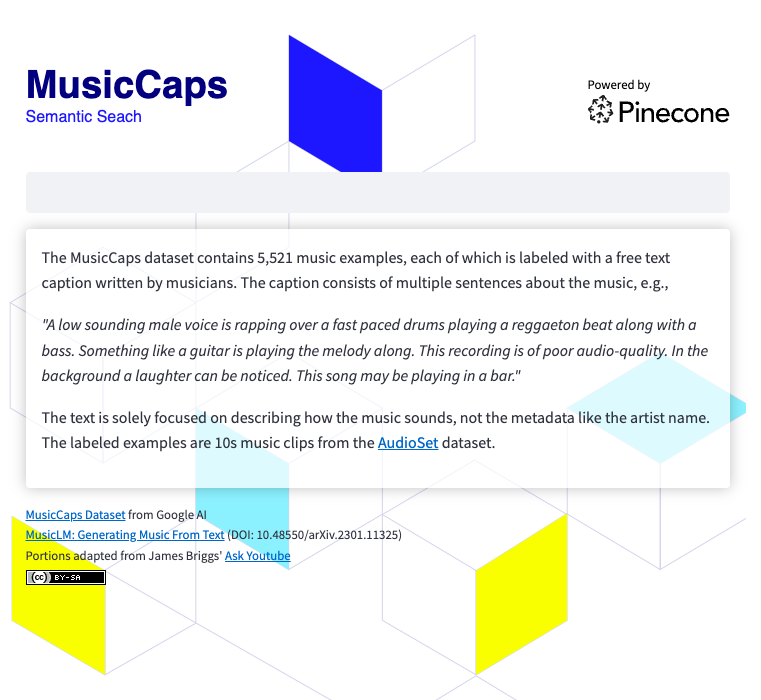
要運行搜索應用程序,您需要
 git clone https://github.com/ben-ogden/musiccaps.git
cd musiccaps
pipenv shell
pipenv install pinecone-client streamlit
streamlit version
...
Streamlit, version 1.22.0在〜/.streamlit/secrets.toml中創建一個秘密文件並設置您的PINECONE_KEY和PINECONE_ENV
PINECONE_KEY = "..." streamlit run search-app.py 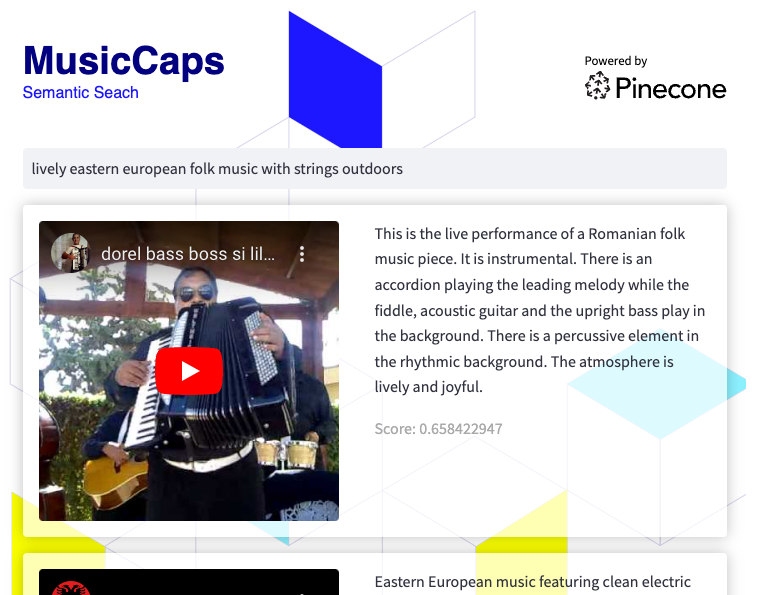
該數據集可能是實驗混合搜索或使用metadata aspect_list中的值作為關鍵字中的值的元數據過濾的好候選者。





