musiccaps
1.0.0

A demonstration of semantic search using the vector database Pinecone and the MusicCaps Dataset from Google AI.
Step through the Notebook init-pinecone-index.ipynb to
Notes:
YOUR_API_KEY and YOUR_REGION with the values shown from the API Keys tab in the Pinecone console.There is a sample query at the end of the notebook. Replace the query value to experiment with semantic search across the MusicCaps Dataset.
query = 'lively eastern european folk music with strings outdoors'
search_pinecone(query){'matches': [{'id': '5327',
'metadata': {'aspect_list': "['romanian folk music', 'live "
"performance', 'instrumental', "
"'accordion', 'upright bass', "
"'acoustic guitar', 'percussion', "
"'fiddle', 'lively', 'upbeat', "
"'joyful']",
'audioset_positive_labels': '/m/0mkg',
'author_id': 9.0,
'caption': 'This is the live performance of a '
'Romanian folk music piece. It is '
'instrumental. There is an accordion '
'playing the leading melody while the '
'fiddle, acoustic guitar and the upright '
'bass play in the background. There is a '
'percussive element in the rhythmic '
'background. The atmosphere is lively '
'and joyful.',
'end_s': 30.0,
'is_audioset_eval': False,
'is_balanced_subset': False,
'start_s': 20.0,
'ytid': 'xR2p3UED4VU'},
'score': 0.658422887,
'values': []},
...
],
'namespace': ''}You'll get a sense for the results reading the caption field and noting the score. The ytid is the YouTube video id and start_s defines the starting point for the relevant video.
streamlit run search-app.py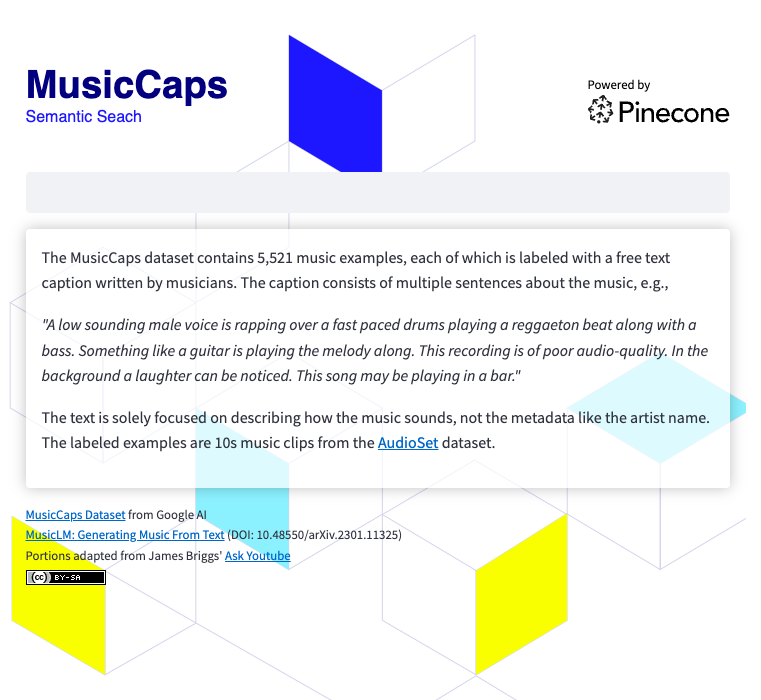
To run the search app, you'll need to
git clone https://github.com/ben-ogden/musiccaps.git
cd musiccaps
pipenv shell
pipenv install pinecone-client streamlit
streamlit version
...
Streamlit, version 1.22.0
Create a secrets file in ~/.streamlit/secrets.toml and set your PINECONE_KEY and PINECONE_ENV
PINECONE_KEY = "..."streamlit run search-app.py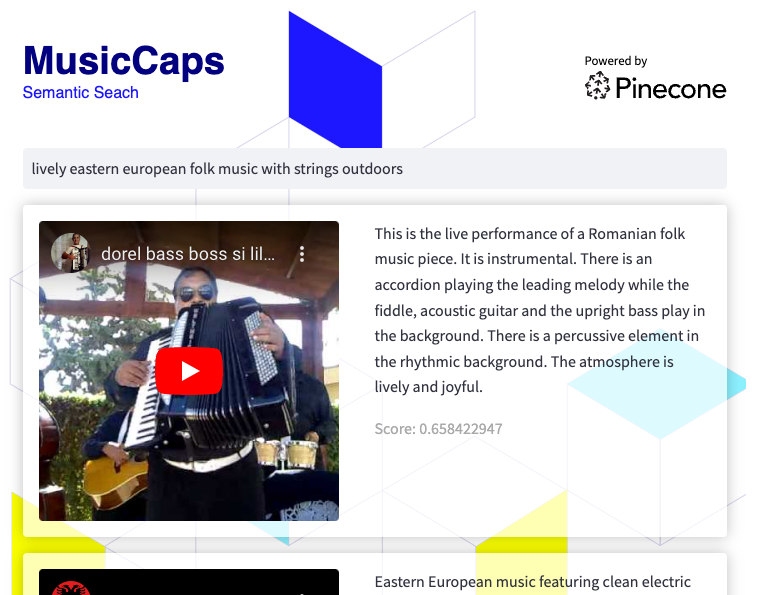
This dataset could be a good candidate for experimenting with Hybrid Search or using Metadata Filtering using the values in the metadata aspect_list as keywords.





