musiccaps
1.0.0

Google AI의 Vector Database Pinecone 및 MusicCaps 데이터 세트를 사용한 시맨틱 검색 데모.
노트북 init-pinecone-index.ipynb to를 통과하십시오
참고 :
YOUR_API_KEY 및 YOUR_REGION 교체해야합니다. 노트북 끝에 샘플 쿼리가 있습니다. MusicCaps 데이터 세트에서 시맨틱 검색으로 실험으로 query 값을 바꾸십시오.
 query = 'lively eastern european folk music with strings outdoors'
search_pinecone ( query )
{ 'matches' : [{ 'id' : '5327' ,
'metadata' : { 'aspect_list' : "['romanian folk music', 'live "
"performance', 'instrumental', "
"'accordion', 'upright bass', "
"'acoustic guitar', 'percussion', "
"'fiddle', 'lively', 'upbeat', "
"'joyful']" ,
'audioset_positive_labels' : '/m/0mkg' ,
'author_id' : 9.0 ,
'caption' : 'This is the live performance of a '
'Romanian folk music piece. It is '
'instrumental. There is an accordion '
'playing the leading melody while the '
'fiddle, acoustic guitar and the upright '
'bass play in the background. There is a '
'percussive element in the rhythmic '
'background. The atmosphere is lively '
'and joyful.' ,
'end_s' : 30.0 ,
'is_audioset_eval' : False ,
'is_balanced_subset' : False ,
'start_s' : 20.0 ,
'ytid' : 'xR2p3UED4VU' },
'score' : 0.658422887 ,
'values' : []},
...
],
'namespace' : '' } caption 필드를 읽고 score 기록한 결과에 대해 이해할 수 있습니다. ytid 는 YouTube 비디오 ID이며 start_s 관련 비디오의 시작점을 정의합니다.
streamlit run search-app.py 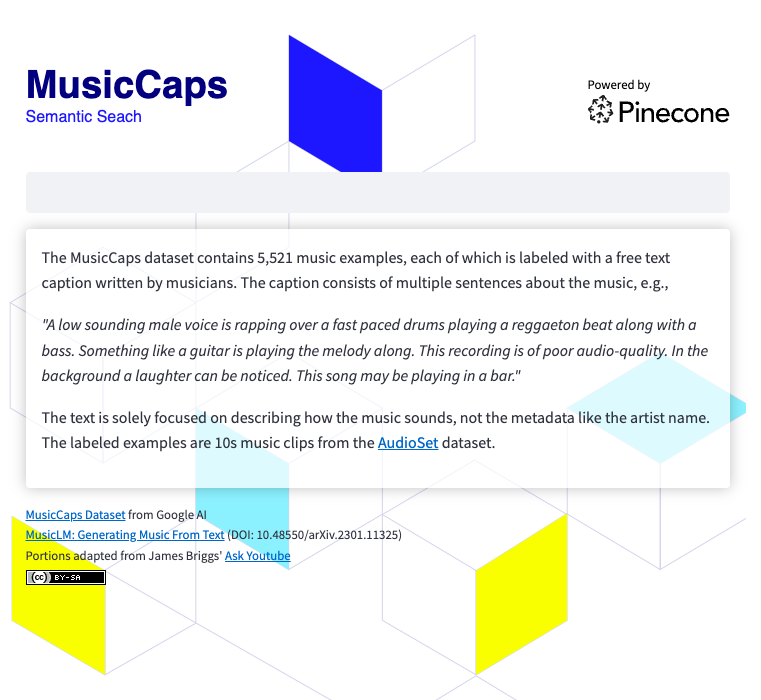
검색 앱을 실행하려면 필요합니다
 git clone https://github.com/ben-ogden/musiccaps.git
cd musiccaps
pipenv shell
pipenv install pinecone-client streamlit
streamlit version
...
Streamlit, version 1.22.0
~/.streamlit/secrets.toml에서 비밀 파일을 만들고 PINECONE_KEY 및 PINECONE_ENV 설정하십시오.
PINECONE_KEY = "..." streamlit run search-app.py 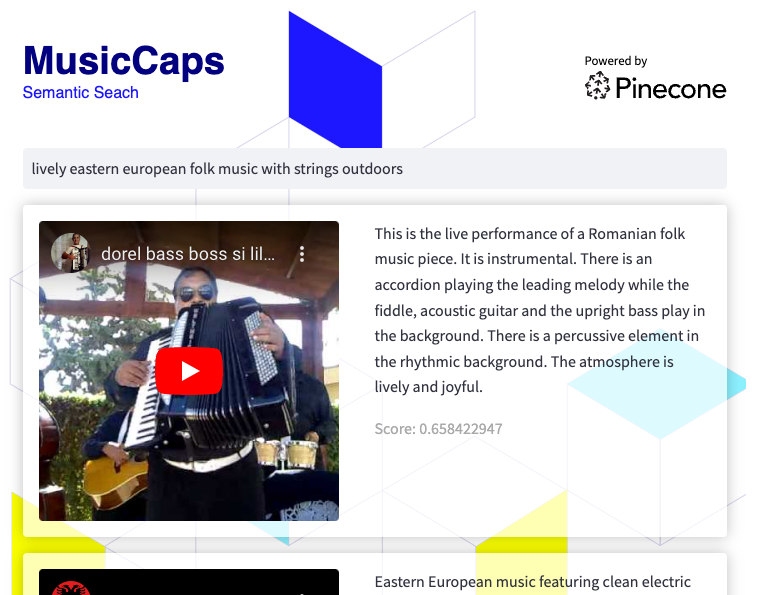
이 데이터 세트는 하이브리드 검색 실험을 실험하거나 metadata aspect_list 의 값을 키워드로 사용하여 메타 데이터 필터링을 사용하는 좋은 후보가 될 수 있습니다.





