musiccaps
1.0.0

Google AIのVectorデータベースPineconeとMusicCapsデータセットを使用したセマンティック検索のデモンストレーション。
ノートブックinit-pinecone-index.ipynbをステップします
注:
YOUR_API_KEYおよびYOUR_REGIONを置き換える必要があります。ノートブックの最後にサンプルクエリがあります。 query値を交換して、MusicCapsデータセット全体でセマンティック検索で実験します。
 query = 'lively eastern european folk music with strings outdoors'
search_pinecone ( query )
{ 'matches' : [{ 'id' : '5327' ,
'metadata' : { 'aspect_list' : "['romanian folk music', 'live "
"performance', 'instrumental', "
"'accordion', 'upright bass', "
"'acoustic guitar', 'percussion', "
"'fiddle', 'lively', 'upbeat', "
"'joyful']" ,
'audioset_positive_labels' : '/m/0mkg' ,
'author_id' : 9.0 ,
'caption' : 'This is the live performance of a '
'Romanian folk music piece. It is '
'instrumental. There is an accordion '
'playing the leading melody while the '
'fiddle, acoustic guitar and the upright '
'bass play in the background. There is a '
'percussive element in the rhythmic '
'background. The atmosphere is lively '
'and joyful.' ,
'end_s' : 30.0 ,
'is_audioset_eval' : False ,
'is_balanced_subset' : False ,
'start_s' : 20.0 ,
'ytid' : 'xR2p3UED4VU' },
'score' : 0.658422887 ,
'values' : []},
...
],
'namespace' : '' } captionフィールドを読み、 scoreに注目する結果が得られるという感覚が得られます。 ytidはYouTubeビデオIDであり、 start_s関連するビデオの開始点を定義します。
streamlit run search-app.py 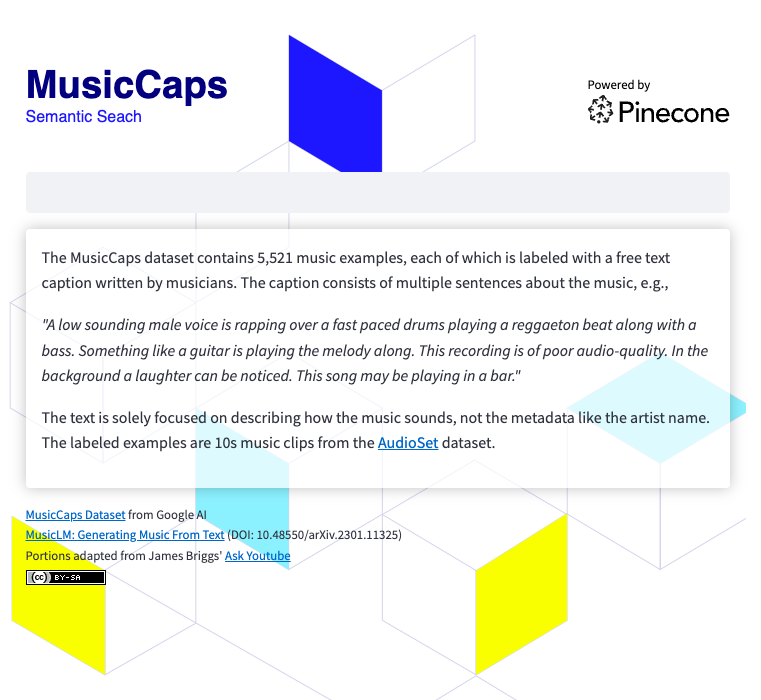
検索アプリを実行するには、する必要があります
 git clone https://github.com/ben-ogden/musiccaps.git
cd musiccaps
pipenv shell
pipenv install pinecone-client streamlit
streamlit version
...
Streamlit, version 1.22.0
〜/.streamlit/secrets.tomlでシークレットファイルを作成し、 PINECONE_KEYとPINECONE_ENVを設定します
PINECONE_KEY = "..." streamlit run search-app.py 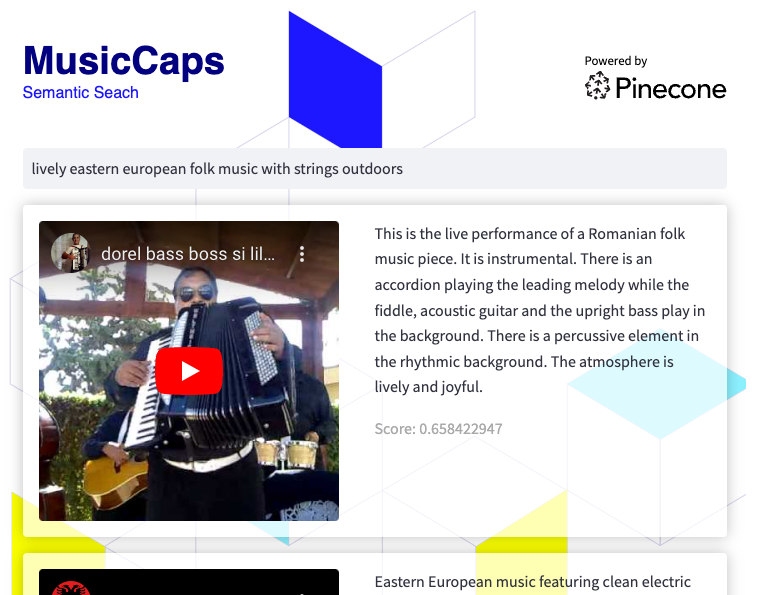
このデータセットは、ハイブリッド検索の実験や、キーワードとしてmetadata aspect_listの値を使用してメタデータフィルタリングを使用するための適切な候補になる可能性があります。





