mern chart app
1.0.0

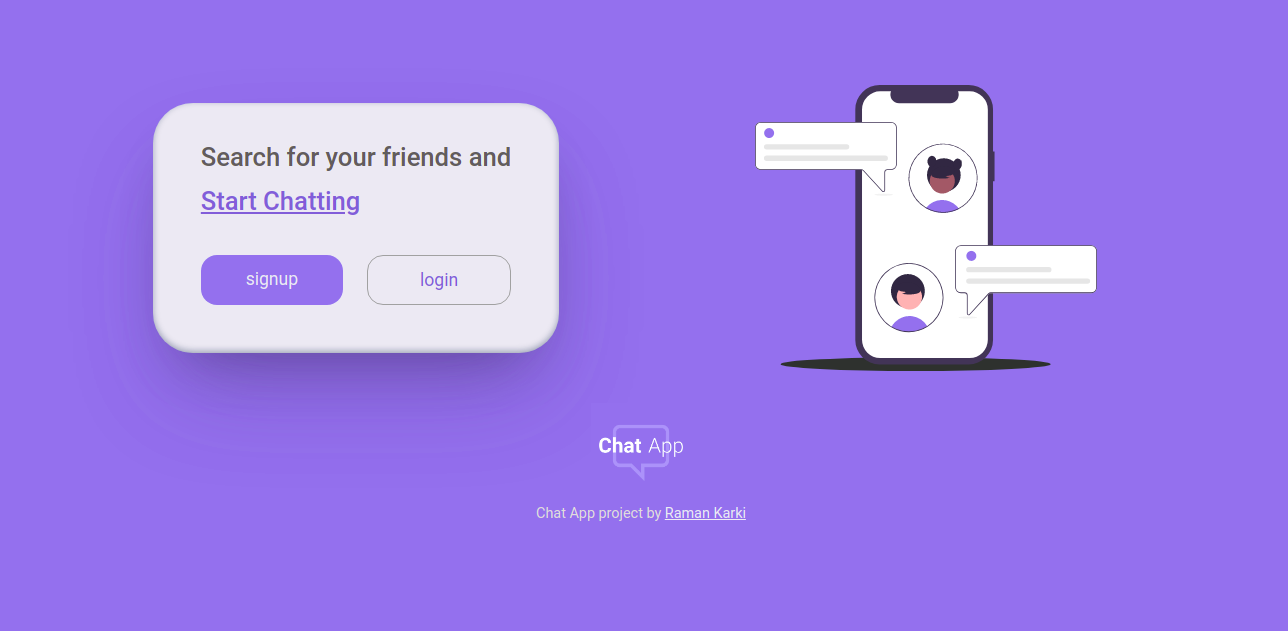
这是一个像其他任何应用程序一样普通的Web应用程序。完全响应,移动的第一次侵犯。使用Mern堆栈构建。托管Netlify。
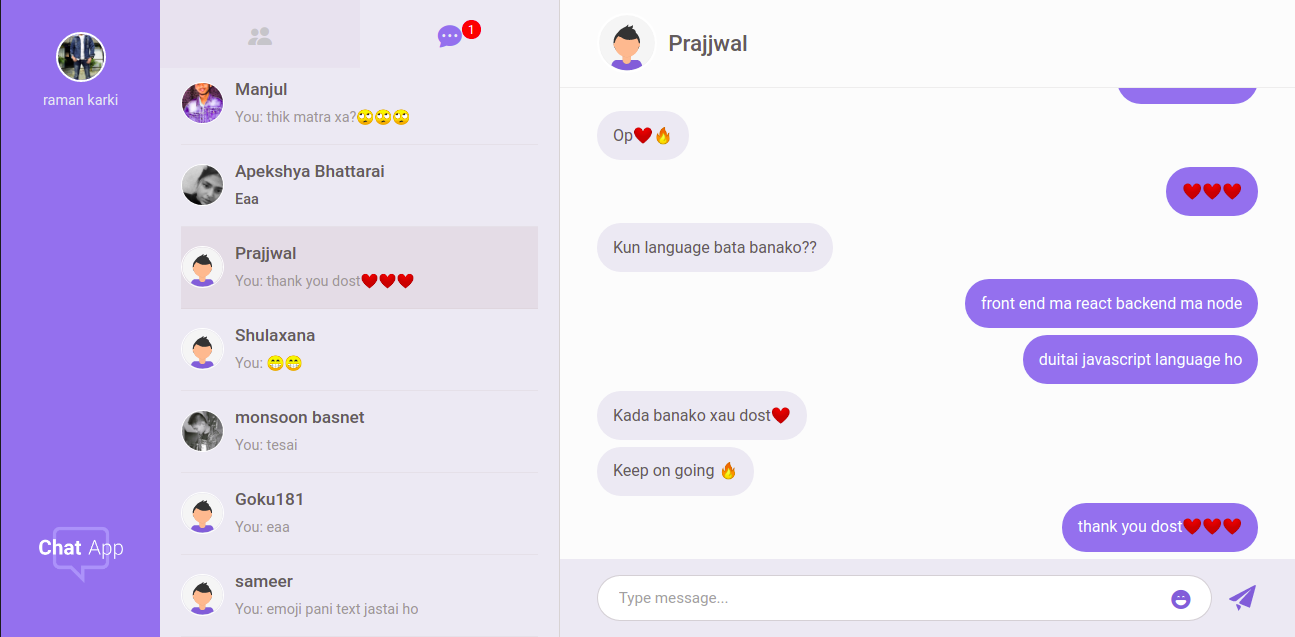
您可以在这里看到这个项目。
这些是该项目中使用的主要技术。
其他一些技术是
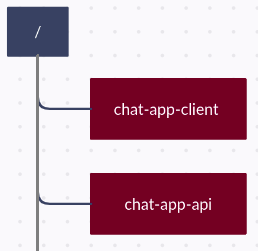
客户端和服务器具有单独的存储库,因此将在不同的根级目录同时运行两个服务器。因此,将它们分开。
安装节点,npm和git。
 git clone https://github.com/ramankarki/chat-app-api.git

cd chat-app-api

npm install nodemon -g

npm install
在root中创建一个config.env文件,并添加一些env变量。
 NODE_ENV=development
DB_STRING=your mongodb database string

// I have used sendgrid to send emails,
// create a sendgrid account and after your setup is done add your credentials here

SENDGRID_USERNAME=your sendgrid username
SENDGRID_PW=your sendgrid password
EMAIL_FROM=email from which you are sending mails.

JWT_SECRET=any random string you want (preferred min 32 strings)
JWT_EXPIRES_IN=expiry date for your jwt tokens
JWT_COOKIE_EXPIRES_IN=expiry date for your cookies

// I have used pusher to make this app real time
// create a pusher account and after your setup is done add your credentials here

PUSHER_APP_ID=your pusher app id
PUSHER_KEY=your pusher app key
PUSHER_SECRET_KEY=your pusher secret key
PUSHER_CLUSTER=your pusher app cluster
现在您已经完成了,可以启动开发服务器
npm run dev
git clone https://github.com/ramankarki/chat-app-client.git

cd chat-app-client

npm install
在root中创建.env文件并添加一个Env变量,因为我已经使用了SASS。
SASS_PATH=node_modules:src/*
在 /src文件夹内创建一个配置文件夹,然后在配置文件夹中创建dev.js文件以添加一些秘密键。
 module.exports = {
  PUSHER_KEY: "YOUR PUSHER KEY FOR CLIENT SIDE",
  PUSHER_CLUSTER: "YOUR PUSHER CLUTER",
};
现在您也已经为客户端完成了,并且可以启动您的React开发服务器
npm run dev