mern chart app
1.0.0

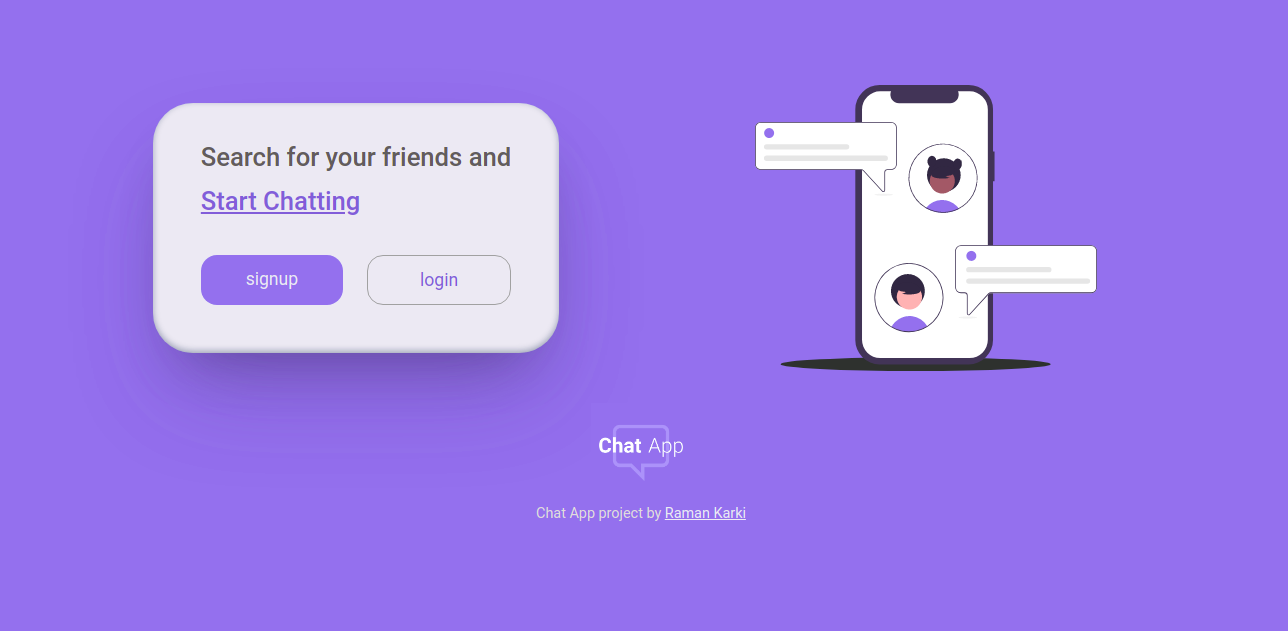
다른 앱과 마찬가지로 일반 채팅 웹 앱입니다. 완전 반응 형 Mobile First Aproach. Mern Stack으로 빌드하십시오. NetLify와 함께 호스팅됩니다.
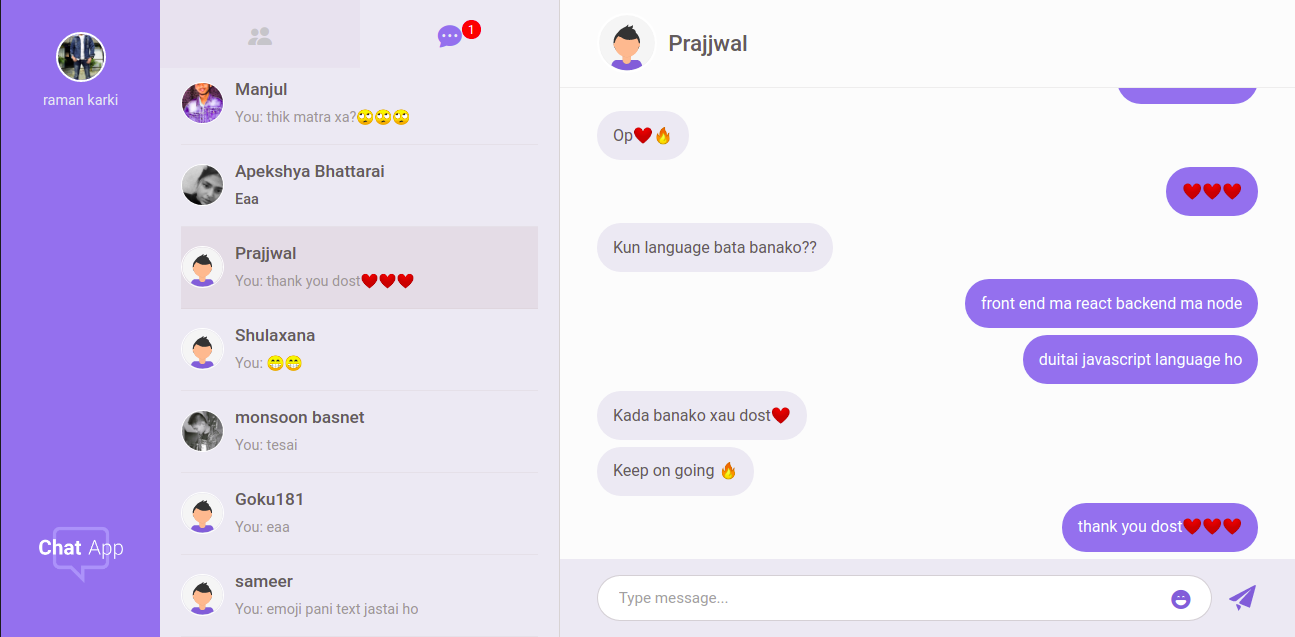
이 프로젝트가 여기에 있다는 것을 볼 수 있습니다.
이것들은이 프로젝트에 사용 된 주요 기술이었습니다.
다른 기술은
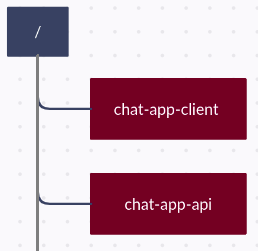
클라이언트와 서버에는 별도의 저장소가 있으므로 두 개의 서버가 다른 루트 레벨 디렉토리에서 동시에 실행됩니다. 따라서 별도로 유지하십시오.
노드, NPM 및 GIT를 설치하십시오.
 git clone https://github.com/ramankarki/chat-app-api.git

cd chat-app-api

npm install nodemon -g

npm install
루트에서 config.env 파일을 만들고 일부 ENV 변수를 추가하십시오.
 NODE_ENV=development
DB_STRING=your mongodb database string

// I have used sendgrid to send emails,
// create a sendgrid account and after your setup is done add your credentials here

SENDGRID_USERNAME=your sendgrid username
SENDGRID_PW=your sendgrid password
EMAIL_FROM=email from which you are sending mails.

JWT_SECRET=any random string you want (preferred min 32 strings)
JWT_EXPIRES_IN=expiry date for your jwt tokens
JWT_COOKIE_EXPIRES_IN=expiry date for your cookies

// I have used pusher to make this app real time
// create a pusher account and after your setup is done add your credentials here

PUSHER_APP_ID=your pusher app id
PUSHER_KEY=your pusher app key
PUSHER_SECRET_KEY=your pusher secret key
PUSHER_CLUSTER=your pusher app cluster
이제 완료되었고 개발 서버를 시작할 수 있습니다.
npm run dev
git clone https://github.com/ramankarki/chat-app-client.git

cd chat-app-client

npm install
sass를 사용 했으므로 root에서 .env 파일을 만들고 ENV 변수를 추가하십시오.
SASS_PATH=node_modules:src/*
/src 폴더 내부의 구성 폴더를 만들고 config 폴더 내부에서 dev.js 파일을 만들어 비밀 키를 추가하십시오.
 module.exports = {
  PUSHER_KEY: "YOUR PUSHER KEY FOR CLIENT SIDE",
  PUSHER_CLUSTER: "YOUR PUSHER CLUTER",
};
이제 클라이언트 측을 위해 완료되었으며 React Development Server를 시작할 수 있습니다.
npm run dev