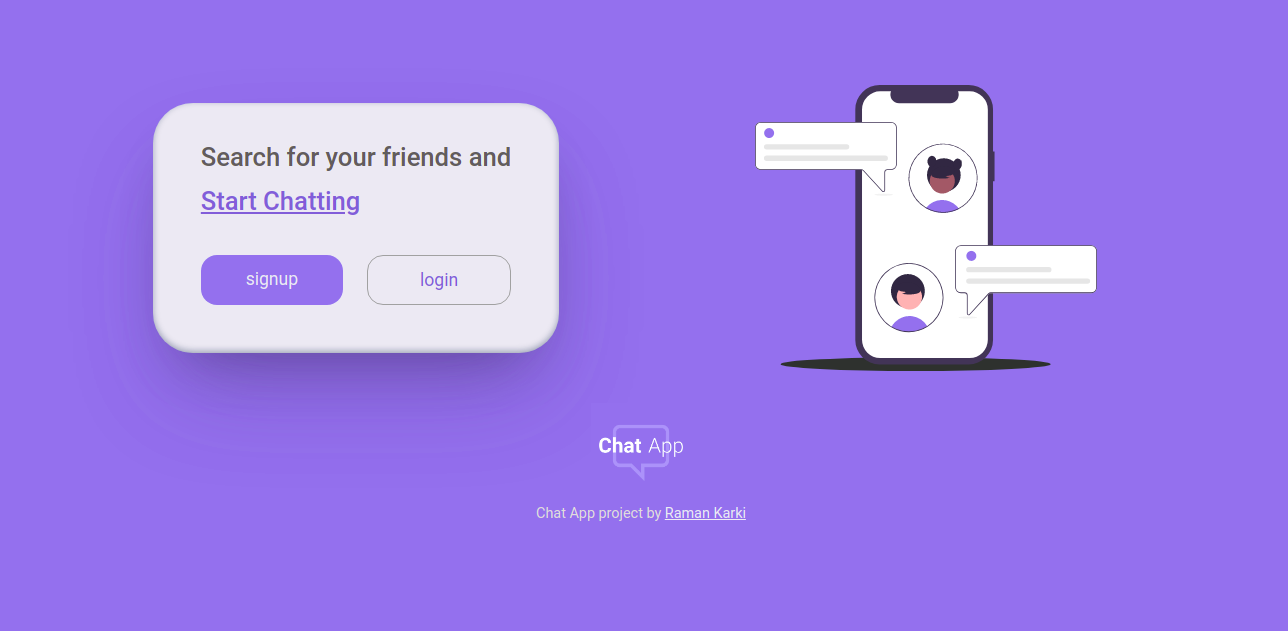
mern chart app
1.0.0

Es una aplicación web de chat normal como cualquier otra aplicación. Totalmente receptivo, móvil, primer apoyo. Construye con Mern Stack. Organizado con Netlify.
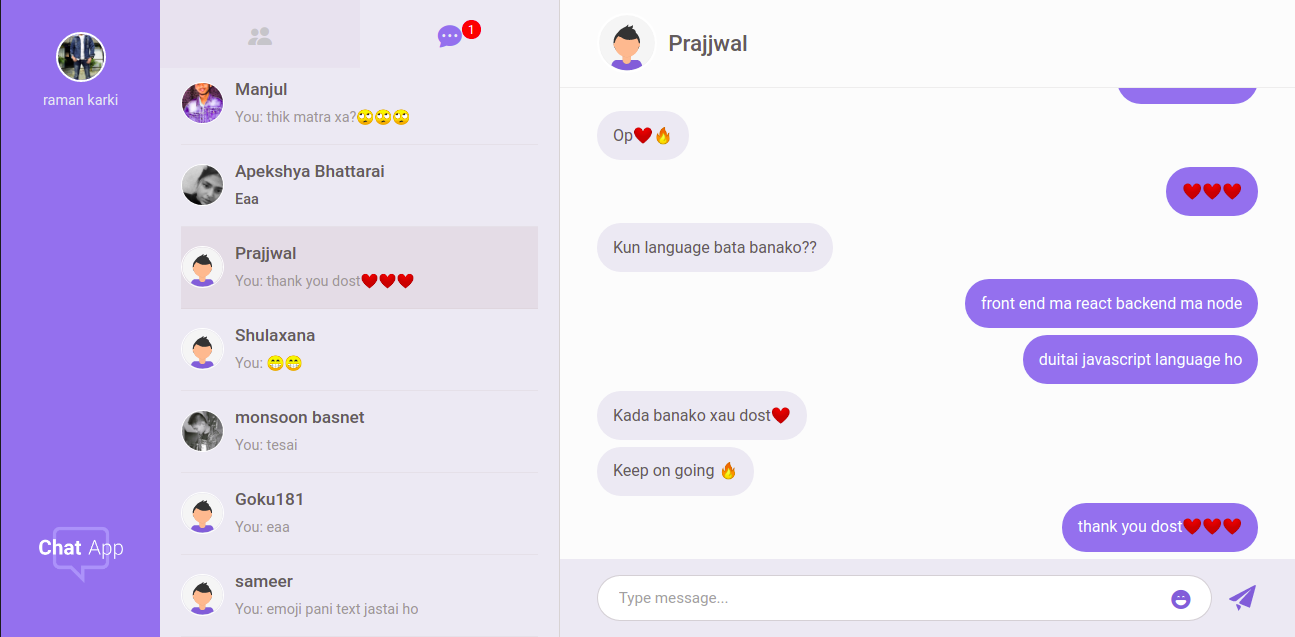
Puedes ver este proyecto en vivo aquí.
Estas fueron las principales tecnologías utilizadas en este proyecto.
Algunas otras tecnologías son,
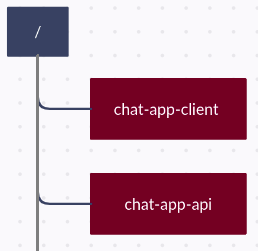
El cliente y el servidor tienen un repositorio separado y, por lo tanto, dos servidores se ejecutarán al mismo tiempo en un directorio de nivel raíz diferente. Entonces, manténgalos por separado.
Instale el nodo, npm y git.
 git clone https://github.com/ramankarki/chat-app-api.git

cd chat-app-api

npm install nodemon -g

npm install
Cree un archivo config.env en root y agregue algunas variables ENV.
 NODE_ENV=development
DB_STRING=your mongodb database string

// I have used sendgrid to send emails,
// create a sendgrid account and after your setup is done add your credentials here

SENDGRID_USERNAME=your sendgrid username
SENDGRID_PW=your sendgrid password
EMAIL_FROM=email from which you are sending mails.

JWT_SECRET=any random string you want (preferred min 32 strings)
JWT_EXPIRES_IN=expiry date for your jwt tokens
JWT_COOKIE_EXPIRES_IN=expiry date for your cookies

// I have used pusher to make this app real time
// create a pusher account and after your setup is done add your credentials here

PUSHER_APP_ID=your pusher app id
PUSHER_KEY=your pusher app key
PUSHER_SECRET_KEY=your pusher secret key
PUSHER_CLUSTER=your pusher app cluster
Ahora ya está terminado y puede iniciar su servidor de desarrollo
npm run dev
git clone https://github.com/ramankarki/chat-app-client.git

cd chat-app-client

npm install
Cree un archivo .env en la raíz y agregue una variable ENV, ya que he usado SASS.
SASS_PATH=node_modules:src/*
Cree una carpeta de configuración dentro de la carpeta /SRC y cree el archivo Dev.js dentro de la carpeta de configuración para agregar algunas teclas secretas.
 module.exports = {
  PUSHER_KEY: "YOUR PUSHER KEY FOR CLIENT SIDE",
  PUSHER_CLUSTER: "YOUR PUSHER CLUTER",
};
Ahora ya ha terminado para el lado del cliente y puede iniciar su servidor React Development
npm run dev