mXtract
CLI Update

Mxtract是一种基于OpenSource Linux的工具,可分析和转储内存。它是作为pentration测试工具开发的,其主要目的是使用Regexes扫描私钥,IP和密码。请记住,您的结果仅与您的言论一样好。
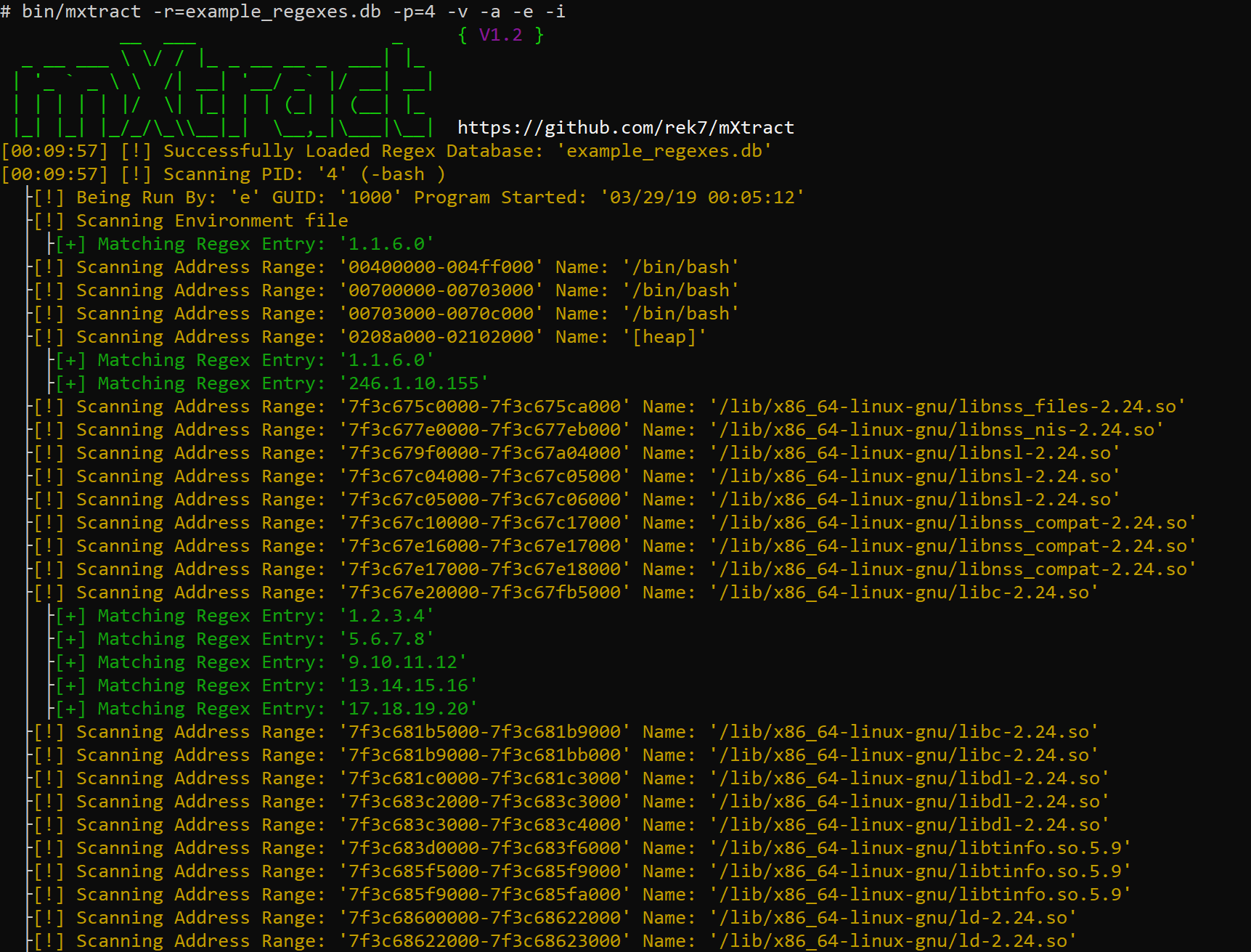
用冗长的IP正则扫描,扫描每个数据段,显示过程信息和扫描环境文件。 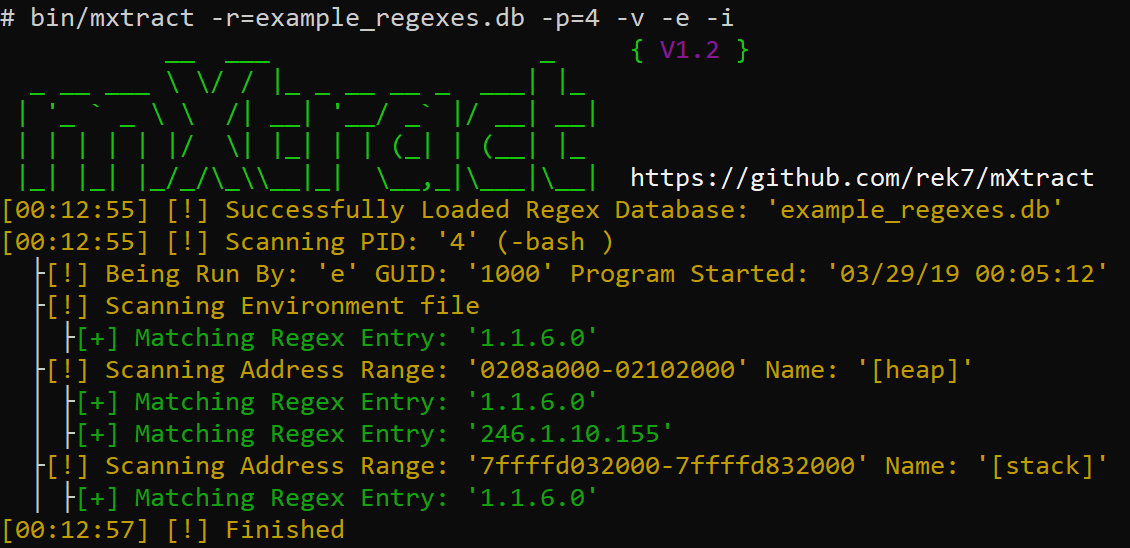
用冗长的IP正则扫描,仅扫描堆和堆栈,显示过程信息和扫描环境文件。 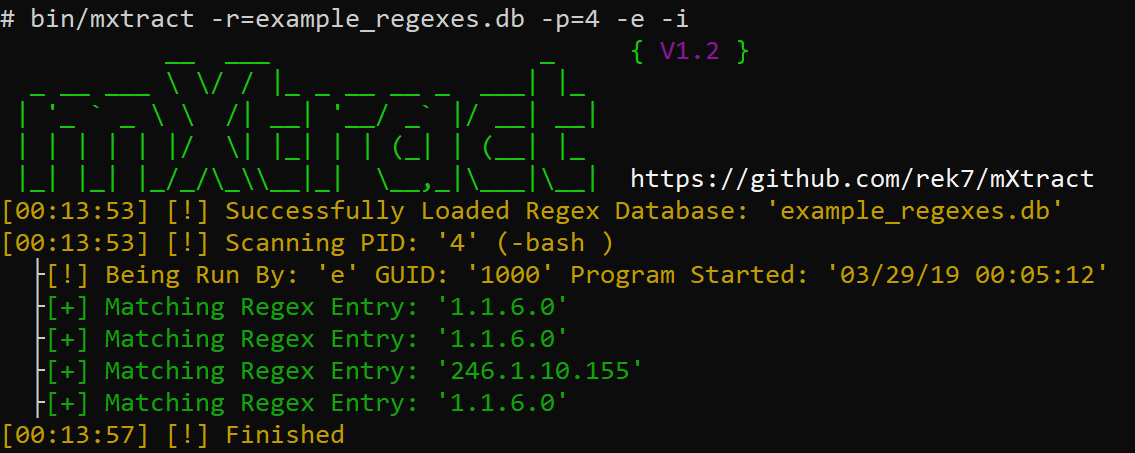
扫描无详细的扫描,并具有简单的IP正则扫描,显示过程信息和扫描环境文件。
在大多数Linux环境中,用户可以访问进程的内存,这允许攻击者收获凭据,私钥或任何不可能看到的东西,但正在用清晰文本进行程序处理。
git clone https://github.com/rek7/mXtractcd mXtract && sh compile.sh这将创建目录bin/并将二进制文件编译为mxtract 。
$ ./mxtract -h
           __  ___                  _     { V1.2 }
  _ __ ___  / / | _ _ __ __ _  ___ | | _
 | ' _ ` _    /| __| ' __/ _ ` | / __ | __ |
 | | | | | | /  | | _ | | | (_ | | (__ | | _
 | _ | | _ | | _/_/ _\ __ | _ |  _ _,_ | _ __ | _ _ |  https://github.com/rek7/mXtract
Usage: ./mxtract [args]
General:
        -v      Enable Verbose Output
        -s      Suppress Banner
        -h      Help
        -c      Suppress Colored Output
Target and Regex:
        -i      Show Detailed Process/User Info
        -a      Scan all Memory Ranges not just Heap/Stack
        -e      Scan Process Environment Files
        -w      Check if Memory Range is Writable
        -r=     Regex Database to Use
        -p=     Specify Single PID to Scan
Output:
        -x      Format Regex Results to XML
        -r      Format Regex Results to an HTML Document
        -wm     Write Raw Memory to File Default Directory is: ' pid/ '
        -wi     Write Process Info to Beginning of File (Used in Conjunction with -wm)
        -wr     Write Regex Output to File (Will Appear in the Output Directory)
        -f=     Regex Results Filename Default is: ' regex_results.txt '
        -d=     Custom Ouput Directory
Either -r= or -wm needed $ ./mxtract -wm -wr -e -i -d=/tmp/output/ -r=example_regexes.db






