hydralit
1.0.14


Hydralit 패키지는 래핑 및 템플릿 프로젝트로 여러 독립 (또는 다소 의존적) 간소화 애플리케이션을 다중 페이지 애플리케이션으로 결합합니다.
현재 프로젝트는 호스트 응용 프로그램 HydraApp을 구현하고 각 어린이 응용 프로그램은 단순히 HydraheAdApp 클래스에서 파생 된 클래스이어야하며 최대 이익을 위해 단일의 간단한 방법 인 run ()을 구현하거나 기능에 플라스크 스타일 데코레이터를 사용하여 분리 된 간소화 페이지로 직접 추가 할 수 있습니다.
기존 애플리케이션을 변환 할 때 기존 코드를 Run () 메소드 내에 효과적으로 넣고 HydraheAdapp에서 파생 된 래퍼 클래스를 만들거나 기능 위에 데코레이터를 넣을 수 있습니다. 그런 다음 HydraApp의 인스턴스로 상위 앱을 작성하고 자녀 앱을 추가하고 (예제 Secure_app.py 예제 참조) 몇 줄의 코드 만 있으면 모든 것이 마술처럼 모입니다.
Hydralit은 PYPI에서 설치할 수 있습니다.
pip install -U hydralit #when we import hydralit, we automatically get all of Streamlit
import hydralit as hy
app = hy . HydraApp ( title = 'Simple Multi-Page App' )
@ app . addapp ()
def my_home ():
hy . info ( 'Hello from app1' )
@ app . addapp ()
def app2 ():
hy . info ( 'Hello from app 2' )
#Run the whole lot, we get navbar, state management and app isolation, all with this tiny amount of work.
app . run ()이 소량의 코드는 메뉴에서 선택하여 대상 기능을 호출 할 때 렌더링하는 메뉴와 페이지를 생성합니다.
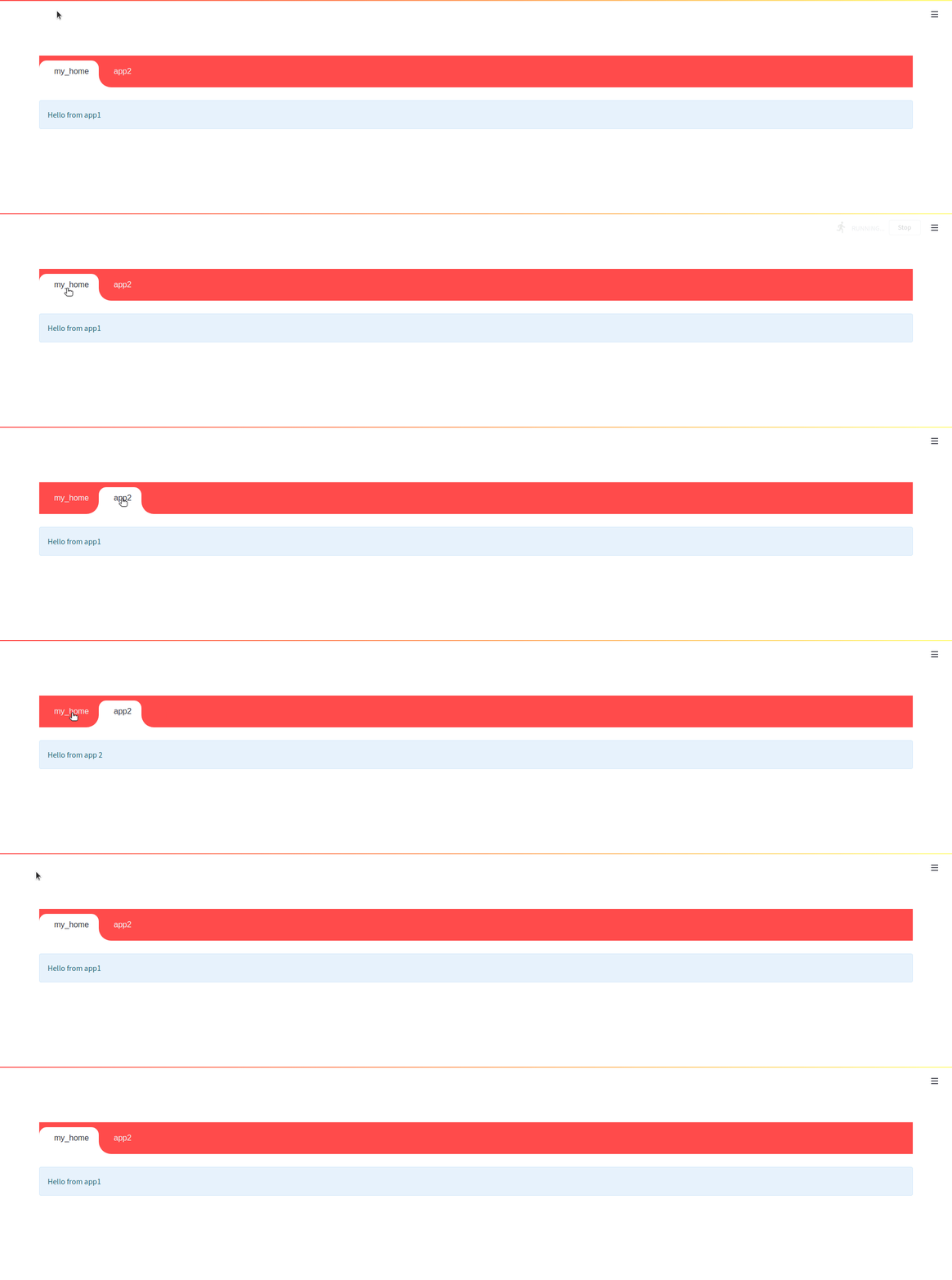


<br
유선형 실행 모델로 인해 NAVBAR을 사용할 때는 하위 앱에서 내부 NAV 링크를 사용하는 기능이 1 샷입니다. 즉, 내부 링크가 자식으로 리디렉션되지만 스크립트가 자식 앱 내에서 스크립트를 재실행하면 (예 : 위젯 값을 변경) NAV가 호출 앱으로 다시 반사됩니다. Navbar를 비활성화 할 수 있으며 Streamlit Core 구성 요소 NAV 메뉴가 나타나고 내부 링크가 예상대로 작동합니다.
app = HydraApp ( title = 'Secure Hydralit Data Explorer' , favicon = "?" , hide_streamlit_markers = True , use_navbar = True , navbar_sticky = True )Hydralit Navbar는 완전히 통합되고 테마 인식 및 애니메이션이 있습니다 (원하는 경우 꺼질 수 있음). 자녀 앱을 추가하고 이동하면 Navbar가 자동으로 나타납니다.
상자에서 앱/페이지 사이를 탐색 할 때 멋진 로더/스피너가 생깁니다. 또한 자신만의 로더 앱을 만들고 외모와로드 시점의 모든 부분을 완전히 사용자 정의 할 수 있으며 대상 응용 프로그램에 따라 다른 효과를 생성 할 수도 있습니다. Hydralit 보안 예제 코드를 참조하여 가능한 것이 무엇인지 확인하십시오.
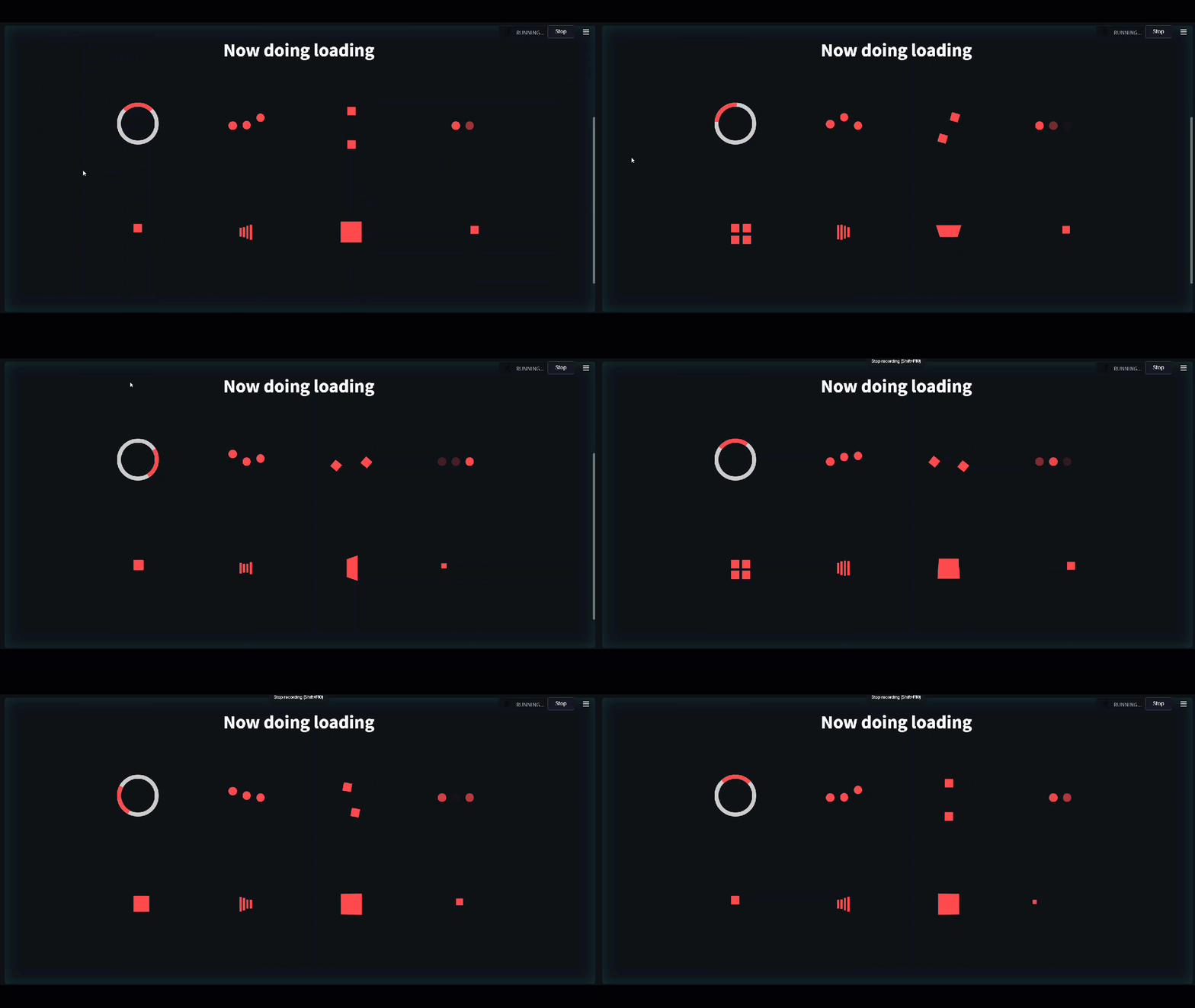
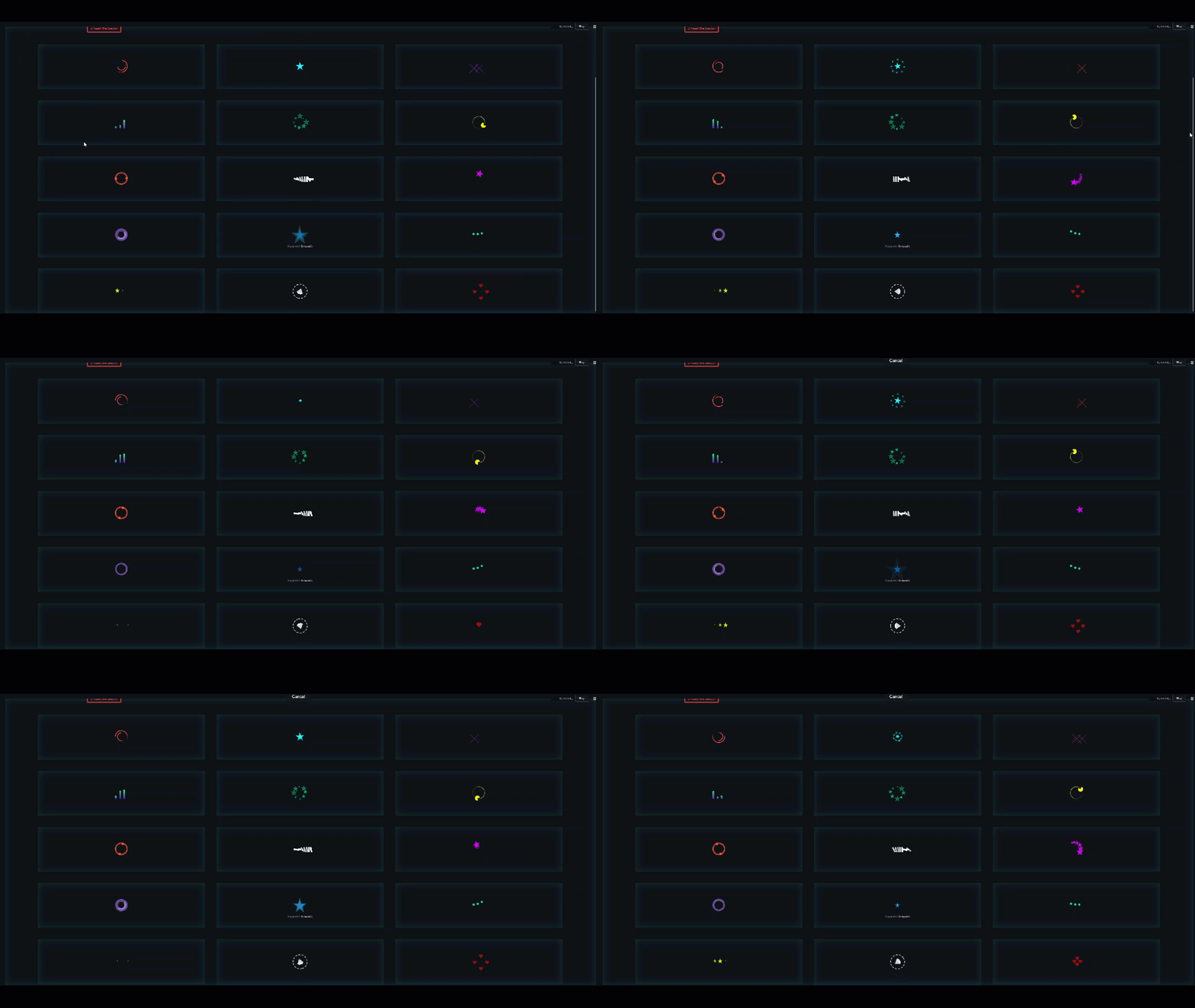
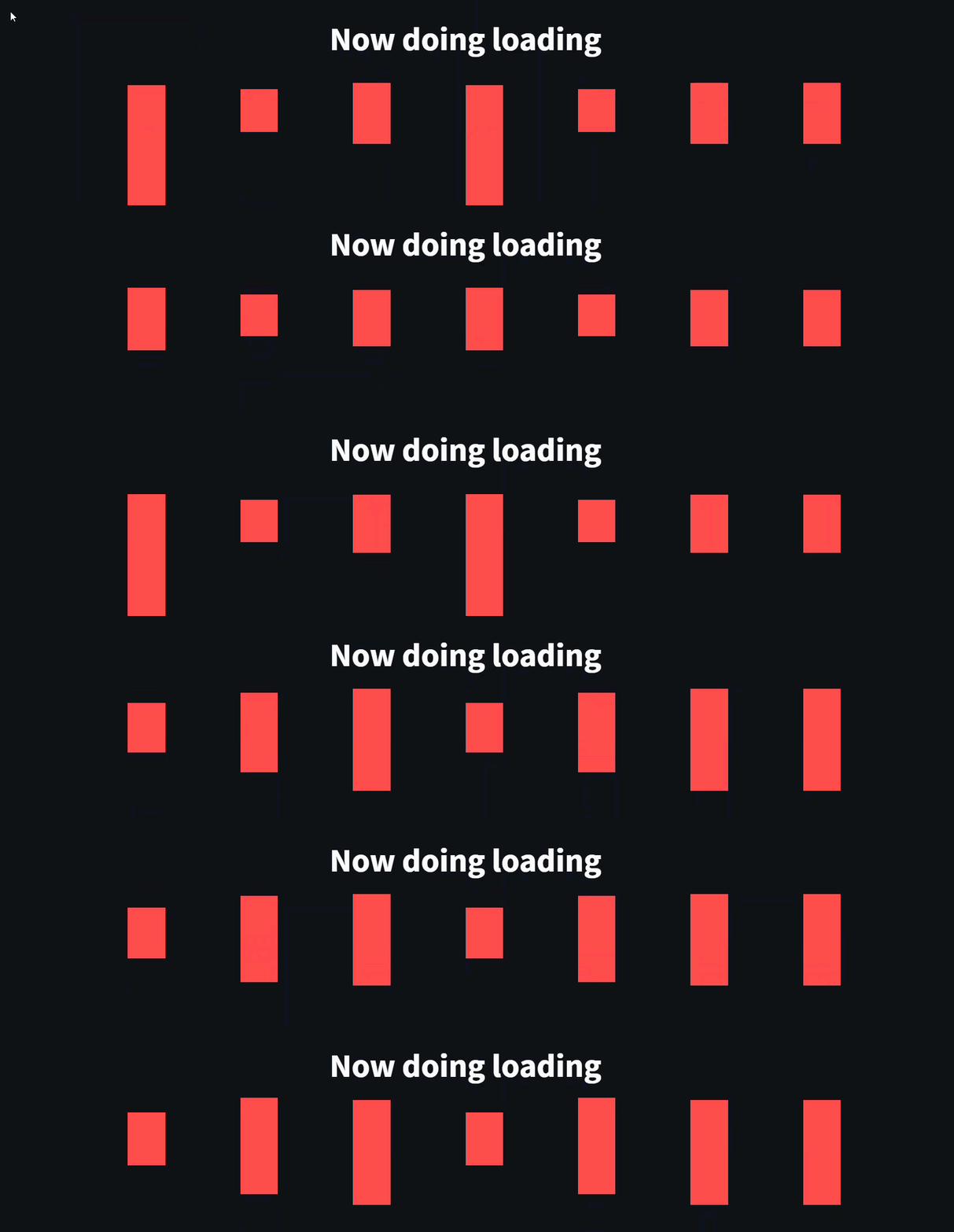
기능이 있고 별도의 페이지처럼 실행되기를 원한다면 기능을 통해 플라스크 스타일 데코레이터로 빠르게 갈 수 있습니다.
 #when we import hydralit, we automatically get all of Streamlit
import hydralit as hy

app = hy . HydraApp ( title = 'Simple Multi-Page App' )

@ app . addapp ( is_home = True )
def my_home ():
 hy . info ( 'Hello from Home!' )

@ app . addapp ()
def app2 ():
 hy . info ( 'Hello from app 2' )

@ app . addapp ( title = 'The Best' , icon = "?" )
def app3 ():
 hy . info ( 'Hello from app 3, A.K.A, The Best ?' )

#Run the whole lot, we get navbar, state management and app isolation, all with this tiny amount of work.
app . run ()
이 소량의 코드는 아래와 같이 멋진 사용자 정의 멀티 페이지 앱을 만듭니다.
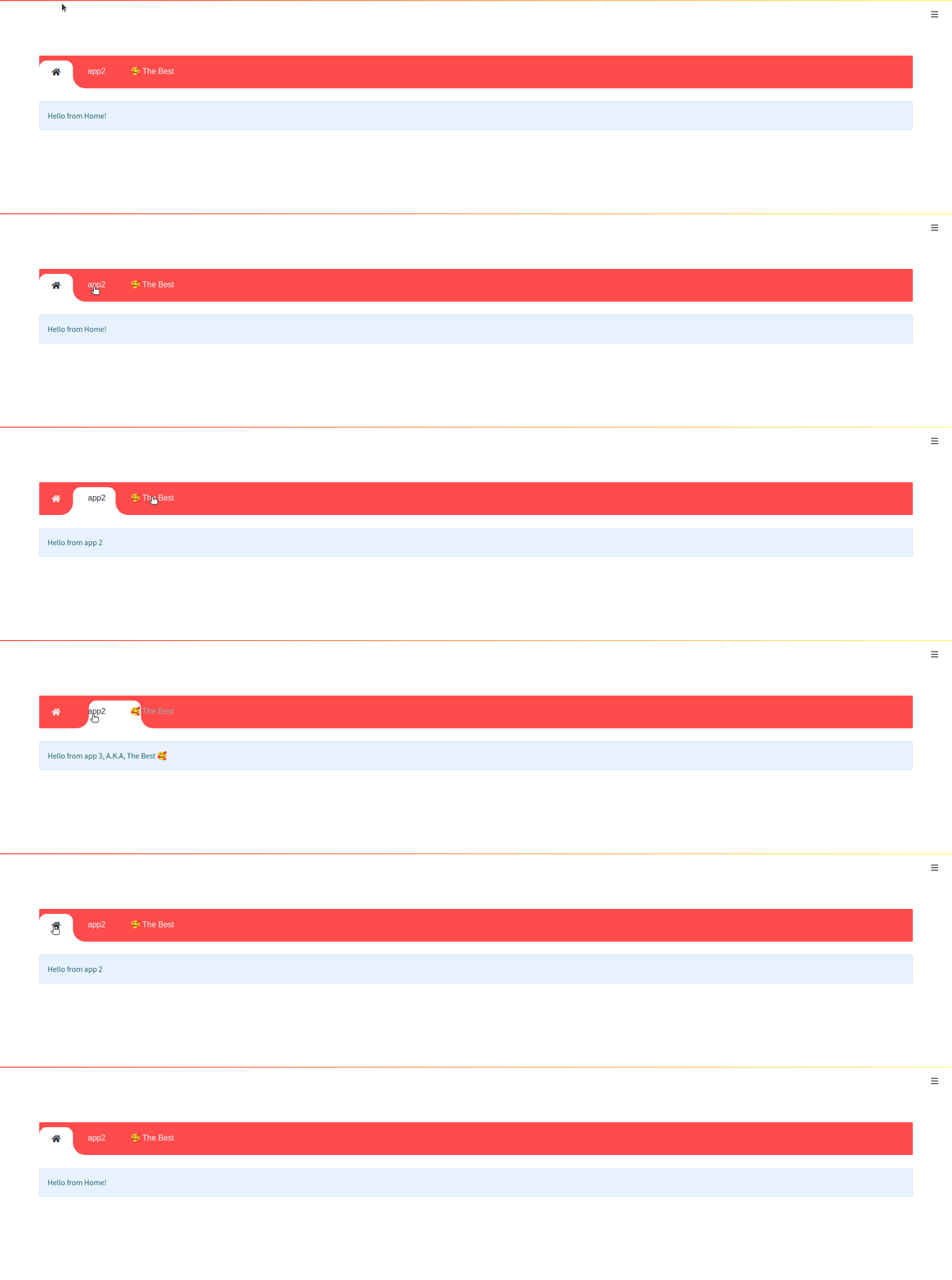
Hydralit-example 저장소에있는 자녀와 함께 두 샘플 응용 프로그램을 실행하여 시도해 볼 수 있습니다.
hydralit_example > pip install -r requirements.txt

hydralit_example > streamlit run secure.app
이 코드 샘플은 Streamlit 예제 데이터 탐색기에서 직접 제공됩니다.
 import streamlit as st
import pandas as pd
import numpy as np

st . title ( 'Uber pickups in NYC' )

DATE_COLUMN = 'date/time'
DATA_URL = ( 'https://s3-us-west-2.amazonaws.com/'
            'streamlit-demo-data/uber-raw-data-sep14.csv.gz' )

@ st . cache
def load_data ( nrows ):
    data = pd . read_csv ( DATA_URL , nrows = nrows )
    lowercase = lambda x : str ( x ). lower ()
    data . rename ( lowercase , axis = 'columns' , inplace = True )
    data [ DATE_COLUMN ] = pd . to_datetime ( data [ DATE_COLUMN ])
    return data

data_load_state = st . text ( 'Loading data...' )
data = load_data ( 10000 )
data_load_state . text ( "Done! (using st.cache)" )

if st . checkbox ( 'Show raw data' ):
    st . subheader ( 'Raw data' )
    st . write ( data )

st . subheader ( 'Number of pickups by hour' )
hist_values = np . histogram ( data [ DATE_COLUMN ]. dt . hour , bins = 24 , range = ( 0 , 24 ))[ 0 ]
st . bar_chart ( hist_values )

# Some number in the range 0-23
hour_to_filter = st . slider ( 'hour' , 0 , 23 , 17 )
filtered_data = data [ data [ DATE_COLUMN ]. dt . hour == hour_to_filter ]

st . subheader ( 'Map of all pickups at %s:00' % hour_to_filter )
st . map ( filtered_data )
위의 데모와 결합하기 위해 간단한 응용 프로그램을 사용해 봅시다.
 import streamlit as st
import numpy as np
import pandas as pd
from data . create_data import create_table

def app ():
    st . title ( 'Small Application with a table and chart.' )

    st . write ( "See `apps/simple.py` to know how to use it." )

    st . markdown ( "### Plot" )
    df = create_table ()

    st . line_chart ( df )
HydraheadApp에서 파생 된 클래스에서 HydraheadApp에서 각각을 랩핑하고 모든 코드를 run () 메소드에 넣음으로써 Hydralit 내에서 사용할 수있는이 앱을 쉽게 변환 할 수 있습니다.
위의 유선형 데모 애플리케이션의 경우, 필요한 모든 것이 약간 수정되며 파일 샘플 _app.py를 만듭니다.
 import streamlit as st
import pandas as pd
import numpy as np

#add an import to Hydralit
from hydralit import HydraHeadApp

#create a wrapper class
class MySampleApp ( HydraHeadApp ):

#wrap all your code in this method and you should be done
    def run ( self ):
        #-------------------existing untouched code------------------------------------------
        st . title ( 'Uber pickups in NYC' )

        DATE_COLUMN = 'date/time'
        DATA_URL = ( 'https://s3-us-west-2.amazonaws.com/'
                    'streamlit-demo-data/uber-raw-data-sep14.csv.gz' )

        @ st . cache
        def load_data ( nrows ):
            data = pd . read_csv ( DATA_URL , nrows = nrows )
            lowercase = lambda x : str ( x ). lower ()
            data . rename ( lowercase , axis = 'columns' , inplace = True )
            data [ DATE_COLUMN ] = pd . to_datetime ( data [ DATE_COLUMN ])
            return data

        data_load_state = st . text ( 'Loading data...' )
        data = load_data ( 10000 )
        data_load_state . text ( "Done! (using st.cache)" )

        if st . checkbox ( 'Show raw data' ):
            st . subheader ( 'Raw data' )
            st . write ( data )

        st . subheader ( 'Number of pickups by hour' )
        hist_values = np . histogram ( data [ DATE_COLUMN ]. dt . hour , bins = 24 , range = ( 0 , 24 ))[ 0 ]
        st . bar_chart ( hist_values )

        # Some number in the range 0-23
        hour_to_filter = st . slider ( 'hour' , 0 , 23 , 17 )
        filtered_data = data [ data [ DATE_COLUMN ]. dt . hour == hour_to_filter ]

        st . subheader ( 'Map of all pickups at %s:00' % hour_to_filter )
        st . map ( filtered_data )
        #-------------------existing untouched code------------------------------------------
다른 작은 응용 프로그램의 경우, HydraheAdapp에서 파생 된 클래스에서 HydraheAdapp에서 파생 된 클래스로 랩핑하고 모든 코드를 run () 메소드에 넣어서 다시 쉽게 변환 할 수 있습니다. 파일 Small_app.py를 생성하고 추가합니다.
 import streamlit as st
import numpy as np
import pandas as pd
from data . create_data import create_table

#add an import to Hydralit
from hydralit import HydraHeadApp

#create a wrapper class
class MySmallApp ( HydraHeadApp ):

#wrap all your code in this method and you should be done
    def run ( self ):
        #-------------------existing untouched code------------------------------------------
        st . title ( 'Small Application with a table and chart.' )

        st . markdown ( "### Plot" )
        df = create_table ()

        st . line_chart ( df )
이들은 이제 Hydralit Application 내에서 사용할 준비가되었습니다. HydraApp 클래스에서 파생 된 간단한 호스트 애플리케이션을 작성하면 어린이를 추가하면 완료됩니다! 우리는 host_app.py 파일을 만듭니다.
 from hydralit import HydraApp
import streamlit as st
from sample_app import MySampleApp
from small_app import MySmallApp


if __name__ == '__main__' :

    #this is the host application, we add children to it and that's it!
    app = HydraApp ( title = 'Sample Hydralit App' , favicon = "?" )

    #add all your application classes here
    app . add_app ( "Small App" , icon = "?" , app = MySmallApp ())
    app . add_app ( "Sample App" , icon = "?" , app = MySampleApp ())

    #run the whole lot
app . run ()이 매우 간단한 예제는 3 개의 파일로 만들어집니다.
 hydralit sample project
│   host_app.py
│   small_app.py
│   sample_app.py
hydralit sample project > pip install hydralit

hydralit sample project > streamlit run host.app로그인 앱으로 보호되는 호스트 애플리케이션 코드는 아래에 표시되어 있으며 전체 예제는 Hydralit-Amexample 저장소에 있습니다.
 from hydralit import HydraApp
import streamlit as st
import apps


if __name__ == '__main__' :
    over_theme = { 'txc_inactive' : '#FFFFFF' }
    #this is the host application, we add children to it and that's it!
    app = HydraApp (
        title = 'Secure Hydralit Data Explorer' ,
        favicon = "?" ,
        hide_streamlit_markers = False ,
        #add a nice banner, this banner has been defined as 5 sections with spacing defined by the banner_spacing array below.
        use_banner_images = [ "./resources/hydra.png" , None ,{ 'header' : "<h1 style='text-align:center;padding: 0px 0px;color:black;font-size:200%;'>Secure Hydralit Explorer</h1><br>" }, None , "./resources/lock.png" ],
        banner_spacing = [ 5 , 30 , 60 , 30 , 5 ],
        use_navbar = True ,
        navbar_sticky = False ,
        navbar_theme = over_theme
    )

    #Home button will be in the middle of the nav list now
    app . add_app ( "Home" , icon = "?" , app = apps . HomeApp ( title = 'Home' ), is_home = True )

    #add all your application classes here
    app . add_app ( "Cheat Sheet" , icon = "" , app = apps . CheatApp ( title = "Cheat Sheet" ))
    app . add_app ( "Sequency Denoising" , icon = "?" , app = apps . WalshApp ( title = "Sequency Denoising" ))
    app . add_app ( "Sequency (Secure)" , icon = "?" , app = apps . WalshAppSecure ( title = "Sequency (Secure)" ))
    app . add_app ( "Solar Mach" , icon = "?️" , app = apps . SolarMach ( title = "Solar Mach" ))
    app . add_app ( "Spacy NLP" , icon = "⌨️" , app = apps . SpacyNLP ( title = "Spacy NLP" ))
    app . add_app ( "Uber Pickups" , icon = "?" , app = apps . UberNYC ( title = "Uber Pickups" ))
    app . add_app ( "Solar Mach" , icon = "?️" , app = apps . SolarMach ( title = "Solar Mach" ))

    #we have added a sign-up app to demonstrate the ability to run an unsecure app
    #only 1 unsecure app is allowed
    app . add_app ( "Signup" , icon = "?️" , app = apps . SignUpApp ( title = 'Signup' ), is_unsecure = True )

    #we want to have secure access for this HydraApp, so we provide a login application
    #optional logout label, can be blank for something nicer!
    app . add_app ( "Login" , apps . LoginApp ( title = 'Login' ), is_login = True )

    #specify a custom loading app for a custom transition between apps, this includes a nice custom spinner
    app . add_loader_app ( apps . MyLoadingApp ( delay = 5 ))
    #app.add_loader_app(apps.QuickLoaderApp())

    #we can inject a method to be called everytime a user logs out
    @ app . logout_callback
    def mylogout_cb ():
        print ( 'I was called from Hydralit at logout!' )

    #we can inject a method to be called everytime a user logs in
    @ app . login_callback
    def mylogin_cb ():
        print ( 'I was called from Hydralit at login!' )

    #if we want to auto login a guest but still have a secure app, we can assign a guest account and go straight in
    app . enable_guest_access ()

    #--------------------------------------------------------------------------------------------------------------------
    #if the menu is looking shit, use some sections
    #check user access level to determine what should be shown on the menu
    user_access_level , username = app . check_access ()

    # If the menu is cluttered, just rearrange it into sections!
    # completely optional, but if you have too many entries, you can make it nicer by using accordian menus
    if user_access_level > 1 :
        complex_nav = {
            'Home' : [ 'Home' ],
            'Intro ?' : [ 'Cheat Sheet' , "Solar Mach" ],
            'Hotstepper ' : [ "Sequency Denoising" , "Sequency (Secure)" ],
            'Clustering' : [ "Uber Pickups" ],
            'NLP' : [ "Spacy NLP" ],
        }
    elif user_access_level == 1 :
        complex_nav = {
            'Home' : [ 'Home' ],
            'Intro ?' : [ 'Cheat Sheet' , "Solar Mach" ],
            'Hotstepper ' : [ "Sequency Denoising" ],
            'Clustering' : [ "Uber Pickups" ],
            'NLP' : [ "Spacy NLP" ],
        }
    else :
        complex_nav = {
            'Home' : [ 'Home' ],
        }


    #and finally just the entire app and all the children.
    app . run ( complex_nav )

    #(DEBUG) print user movements and current login details used by Hydralit
    #---------------------------------------------------------------------
    user_access_level , username = app . check_access ()
    prev_app , curr_app = app . get_nav_transition ()
    print ( prev_app , '- >' , curr_app )
    print ( int ( user_access_level ), '- >' , username )
    #---------------------------------------------------------------------
Hydralit-example 저장소에있는 자녀와 함께 두 샘플 응용 프로그램을 실행하여 시도해 볼 수 있습니다.
hydralit_example > pip install -r requirements.txt

hydralit_example > streamlit run secure.app






