hydralit
1.0.14


Hydralit軟件包是一個包裝和模板項目,可將多個獨立(或有些依賴)簡化應用程序組合到多頁應用程序中。
當前,該項目實現了主機應用程序HydraApp,每個兒童應用程序只需要是源自Hydraheadapp類而衍生的類,並實現單個簡單的方法,run()以獲得最大的利潤,或者您可以在功能上使用燒瓶樣式的裝飾器即可直接添加它們作為單獨的簡化頁面。
轉換現有應用程序時,您可以有效地將所有現有代碼放入Run()方法中,並創建源自Hydraheadapp的包裝類別或在功能上放置裝飾器。然後,您將父應用程序創建為HydraApp實例,將您的孩子應用程序添加到其中(請參閱示例Secure_app.py),並且只有幾行代碼將神奇地融合在一起。
可以從PYPI中安裝水療法:
pip install -U hydralit #when we import hydralit, we automatically get all of Streamlit
import hydralit as hy
app = hy . HydraApp ( title = 'Simple Multi-Page App' )
@ app . addapp ()
def my_home ():
hy . info ( 'Hello from app1' )
@ app . addapp ()
def app2 ():
hy . info ( 'Hello from app 2' )
#Run the whole lot, we get navbar, state management and app isolation, all with this tiny amount of work.
app . run ()當目標函數從菜單中選擇該菜單和頁面時,這種少量代碼會創建一個菜單和頁面。
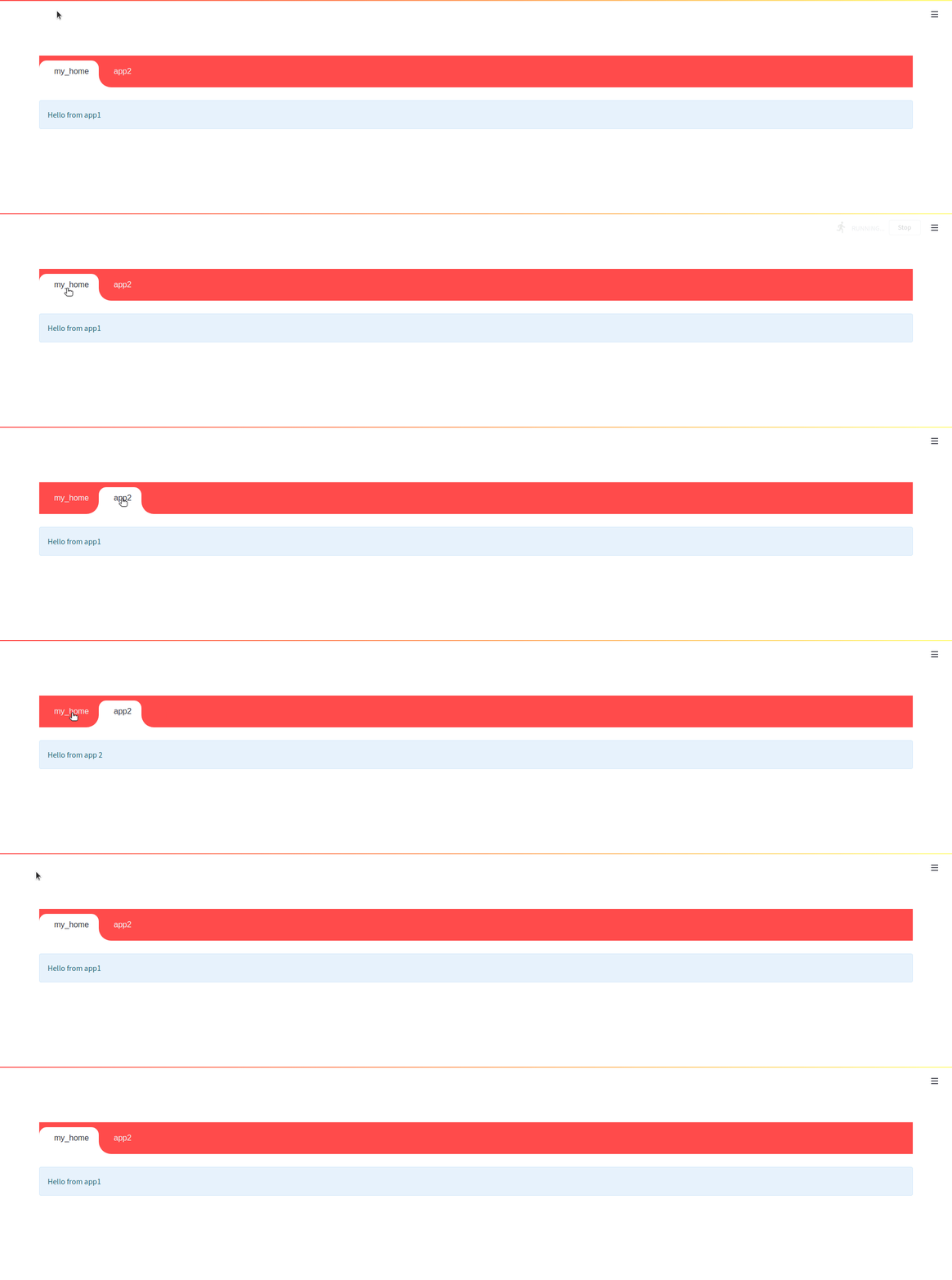


<br
由於簡化的執行模型,使用NAVBAR時使用內部NAV鏈接的能力是一擊。這意味著內部鏈接將重定向到子女,但是,如果在兒童應用程序中提出了腳本重新運行請求(例如,更改小部件的值),則導航會反彈回到調用應用程序。您可以禁用Navbar,並且將出現簡化的核心組件nav菜單,並且內部鏈接將按預期工作。
app = HydraApp ( title = 'Secure Hydralit Data Explorer' , favicon = "?" , hide_streamlit_markers = True , use_navbar = True , navbar_sticky = True )Hydralit Navbar已完全集成,主題意識和動畫(如果願意,可以將其關閉),只需添加您的孩子應用程序然後去,Navbar將自動出現。
開箱即用,在應用程序/頁面之間導航時,您會得到一個不錯的裝載機/旋轉器。您還可以創建自己的加載程序應用程序,並完全自定義其外觀和加載時的每個部分,甚至根據目標應用程序創建不同的效果。請參閱Hydralit安全示例代碼以查看可能的方法。
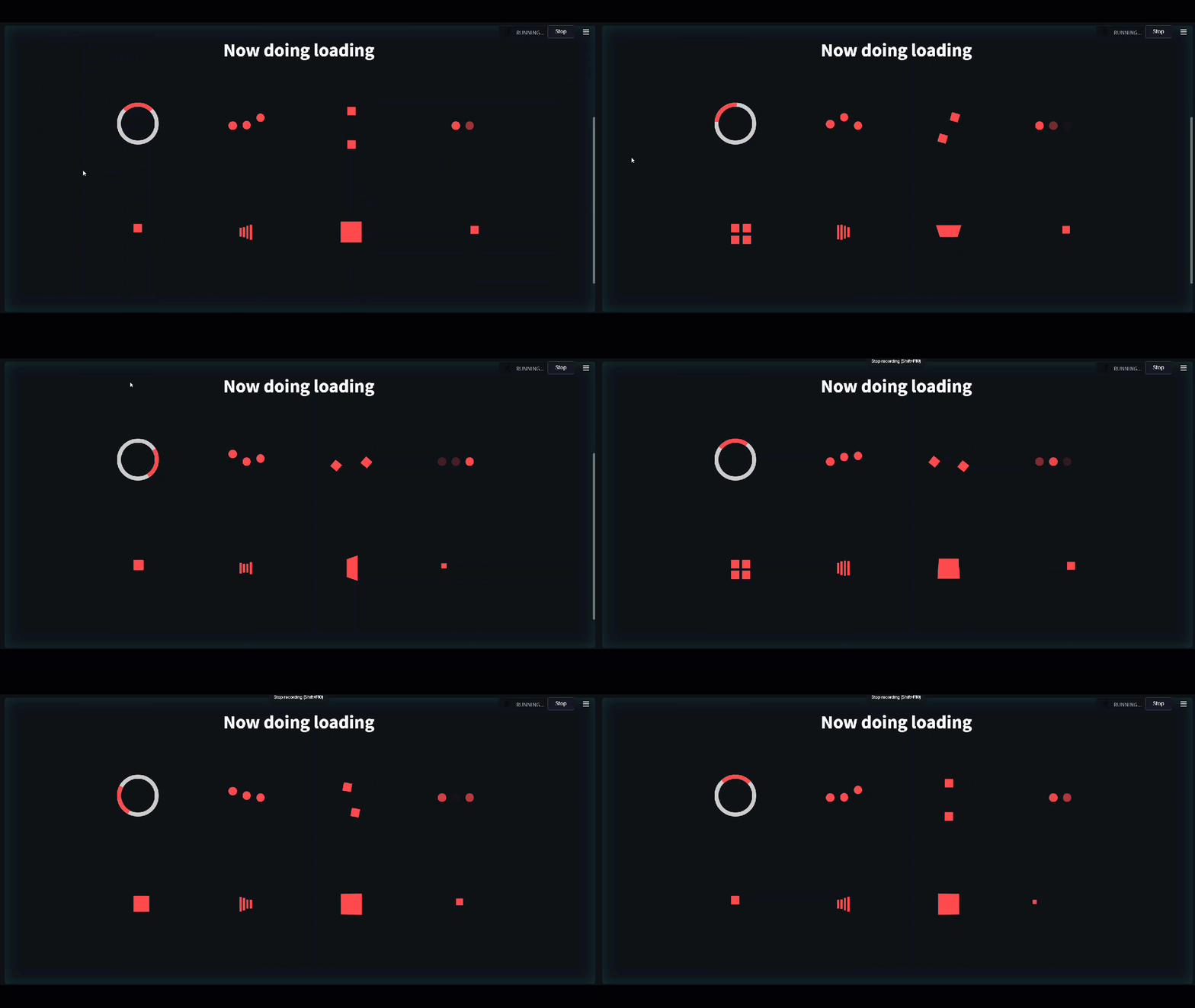
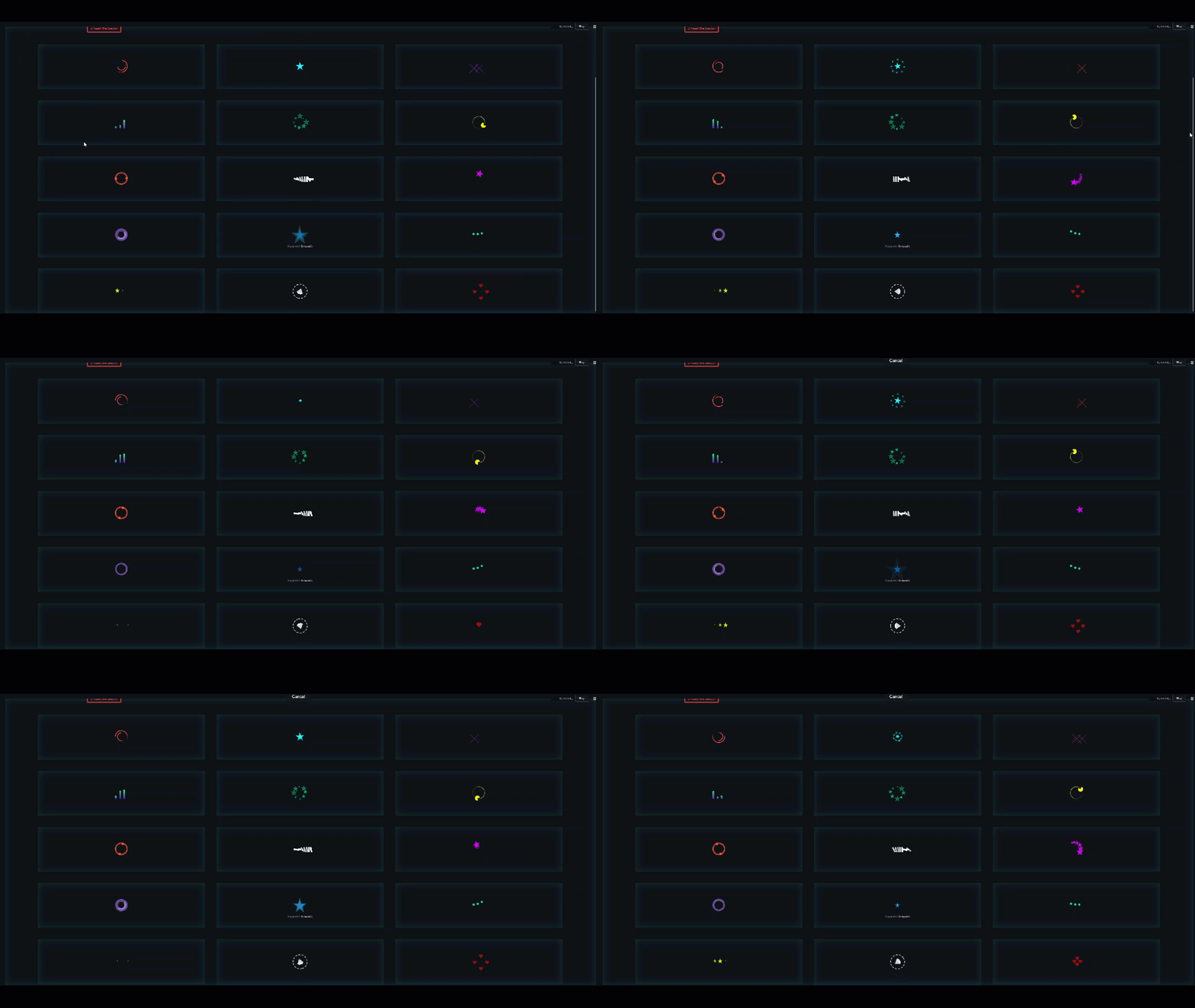
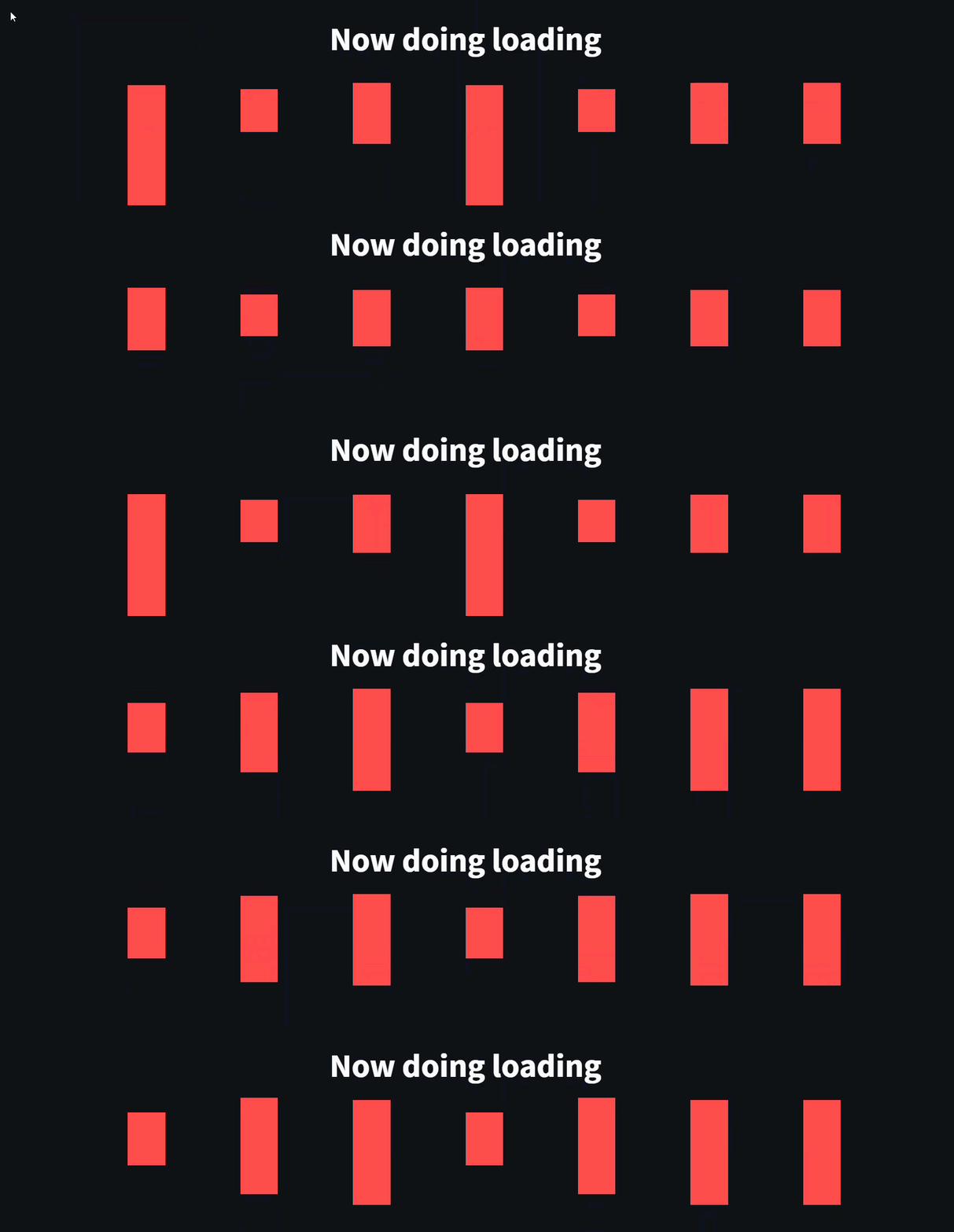
如果您有一些功能,並且希望它們像單獨的頁面一樣運行,則可以在功能上快速使用燒瓶樣式的裝飾符。
 #when we import hydralit, we automatically get all of Streamlit
import hydralit as hy

app = hy . HydraApp ( title = 'Simple Multi-Page App' )

@ app . addapp ( is_home = True )
def my_home ():
 hy . info ( 'Hello from Home!' )

@ app . addapp ()
def app2 ():
 hy . info ( 'Hello from app 2' )

@ app . addapp ( title = 'The Best' , icon = "?" )
def app3 ():
 hy . info ( 'Hello from app 3, A.K.A, The Best ?' )

#Run the whole lot, we get navbar, state management and app isolation, all with this tiny amount of work.
app . run ()
這種少量的代碼創建了一個不錯的自定義多頁應用,如下所示。
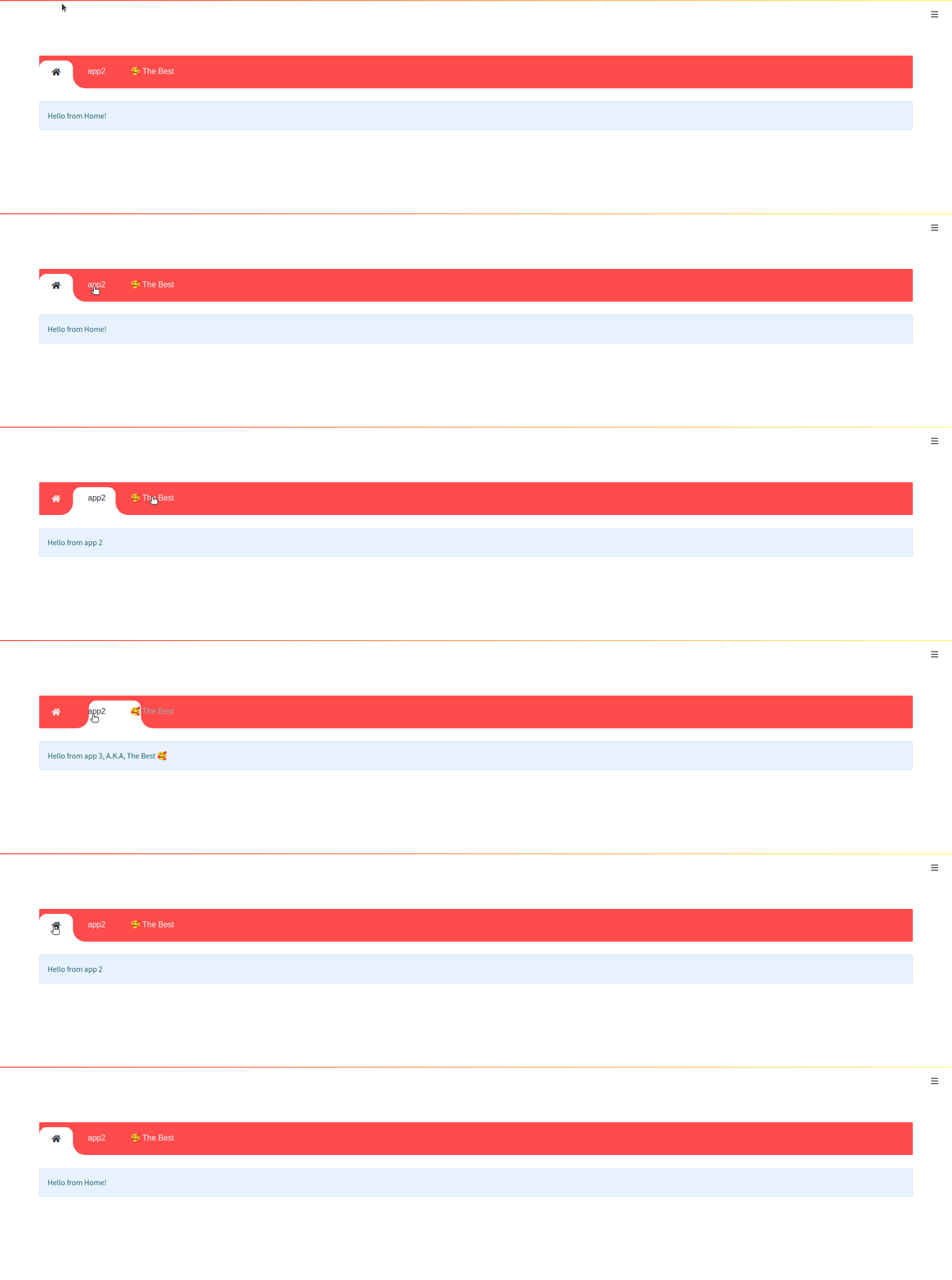
您可以通過與位於Hydralit-示例存儲庫中的孩子一起運行兩個示例應用程序來嘗試一下。
hydralit_example > pip install -r requirements.txt

hydralit_example > streamlit run secure.app此代碼示例直接來自簡化示例數據資源管理器
 import streamlit as st
import pandas as pd
import numpy as np

st . title ( 'Uber pickups in NYC' )

DATE_COLUMN = 'date/time'
DATA_URL = ( 'https://s3-us-west-2.amazonaws.com/'
            'streamlit-demo-data/uber-raw-data-sep14.csv.gz' )

@ st . cache
def load_data ( nrows ):
    data = pd . read_csv ( DATA_URL , nrows = nrows )
    lowercase = lambda x : str ( x ). lower ()
    data . rename ( lowercase , axis = 'columns' , inplace = True )
    data [ DATE_COLUMN ] = pd . to_datetime ( data [ DATE_COLUMN ])
    return data

data_load_state = st . text ( 'Loading data...' )
data = load_data ( 10000 )
data_load_state . text ( "Done! (using st.cache)" )

if st . checkbox ( 'Show raw data' ):
    st . subheader ( 'Raw data' )
    st . write ( data )

st . subheader ( 'Number of pickups by hour' )
hist_values = np . histogram ( data [ DATE_COLUMN ]. dt . hour , bins = 24 , range = ( 0 , 24 ))[ 0 ]
st . bar_chart ( hist_values )

# Some number in the range 0-23
hour_to_filter = st . slider ( 'hour' , 0 , 23 , 17 )
filtered_data = data [ data [ DATE_COLUMN ]. dt . hour == hour_to_filter ]

st . subheader ( 'Map of all pickups at %s:00' % hour_to_filter )
st . map ( filtered_data )
我們還使用一個簡單的應用程序與上面的演示結合。
 import streamlit as st
import numpy as np
import pandas as pd
from data . create_data import create_table

def app ():
    st . title ( 'Small Application with a table and chart.' )

    st . write ( "See `apps/simple.py` to know how to use it." )

    st . markdown ( "### Plot" )
    df = create_table ()

    st . line_chart ( df )
您可以通過簡單地將每個應用程序包裝在氫吸收器中的類中,然後將所有代碼放入Run()方法中。
對於上述簡化演示應用程序,這意味著所需的只是稍作修改,我們創建一個文件sample_app.py並添加;
 import streamlit as st
import pandas as pd
import numpy as np

#add an import to Hydralit
from hydralit import HydraHeadApp

#create a wrapper class
class MySampleApp ( HydraHeadApp ):

#wrap all your code in this method and you should be done
    def run ( self ):
        #-------------------existing untouched code------------------------------------------
        st . title ( 'Uber pickups in NYC' )

        DATE_COLUMN = 'date/time'
        DATA_URL = ( 'https://s3-us-west-2.amazonaws.com/'
                    'streamlit-demo-data/uber-raw-data-sep14.csv.gz' )

        @ st . cache
        def load_data ( nrows ):
            data = pd . read_csv ( DATA_URL , nrows = nrows )
            lowercase = lambda x : str ( x ). lower ()
            data . rename ( lowercase , axis = 'columns' , inplace = True )
            data [ DATE_COLUMN ] = pd . to_datetime ( data [ DATE_COLUMN ])
            return data

        data_load_state = st . text ( 'Loading data...' )
        data = load_data ( 10000 )
        data_load_state . text ( "Done! (using st.cache)" )

        if st . checkbox ( 'Show raw data' ):
            st . subheader ( 'Raw data' )
            st . write ( data )

        st . subheader ( 'Number of pickups by hour' )
        hist_values = np . histogram ( data [ DATE_COLUMN ]. dt . hour , bins = 24 , range = ( 0 , 24 ))[ 0 ]
        st . bar_chart ( hist_values )

        # Some number in the range 0-23
        hour_to_filter = st . slider ( 'hour' , 0 , 23 , 17 )
        filtered_data = data [ data [ DATE_COLUMN ]. dt . hour == hour_to_filter ]

        st . subheader ( 'Map of all pickups at %s:00' % hour_to_filter )
        st . map ( filtered_data )
        #-------------------existing untouched code------------------------------------------
對於另一個小應用程序,我們可以通過將源自hydralit的hydraheadapp衍生的類包裝並將所有代碼放入Run()方法中,可以很容易地轉換為此,我們創建了一個file small_app.py並添加;
 import streamlit as st
import numpy as np
import pandas as pd
from data . create_data import create_table

#add an import to Hydralit
from hydralit import HydraHeadApp

#create a wrapper class
class MySmallApp ( HydraHeadApp ):

#wrap all your code in this method and you should be done
    def run ( self ):
        #-------------------existing untouched code------------------------------------------
        st . title ( 'Small Application with a table and chart.' )

        st . markdown ( "### Plot" )
        df = create_table ()

        st . line_chart ( df )
這些現在可以在Hydralit應用中使用。我們只需要創建一個簡單的主機應用程序,該應用程序來自Hydralit的Hydraapp類,添加孩子,我們就完成了!我們創建一個文件host_app.py並添加;
 from hydralit import HydraApp
import streamlit as st
from sample_app import MySampleApp
from small_app import MySmallApp


if __name__ == '__main__' :

    #this is the host application, we add children to it and that's it!
    app = HydraApp ( title = 'Sample Hydralit App' , favicon = "?" )

    #add all your application classes here
    app . add_app ( "Small App" , icon = "?" , app = MySmallApp ())
    app . add_app ( "Sample App" , icon = "?" , app = MySampleApp ())

    #run the whole lot
app . run ()這個超簡單的示例是由3個文件組成的。
 hydralit sample project
│   host_app.py
│   small_app.py
│   sample_app.py
hydralit sample project > pip install hydralit

hydralit sample project > streamlit run host.app下面顯示了使用登錄應用程序確保的主機應用程序的代碼,整個示例位於hydralit-示例存儲庫中。
 from hydralit import HydraApp
import streamlit as st
import apps


if __name__ == '__main__' :
    over_theme = { 'txc_inactive' : '#FFFFFF' }
    #this is the host application, we add children to it and that's it!
    app = HydraApp (
        title = 'Secure Hydralit Data Explorer' ,
        favicon = "?" ,
        hide_streamlit_markers = False ,
        #add a nice banner, this banner has been defined as 5 sections with spacing defined by the banner_spacing array below.
        use_banner_images = [ "./resources/hydra.png" , None ,{ 'header' : "<h1 style='text-align:center;padding: 0px 0px;color:black;font-size:200%;'>Secure Hydralit Explorer</h1><br>" }, None , "./resources/lock.png" ],
        banner_spacing = [ 5 , 30 , 60 , 30 , 5 ],
        use_navbar = True ,
        navbar_sticky = False ,
        navbar_theme = over_theme
    )

    #Home button will be in the middle of the nav list now
    app . add_app ( "Home" , icon = "?" , app = apps . HomeApp ( title = 'Home' ), is_home = True )

    #add all your application classes here
    app . add_app ( "Cheat Sheet" , icon = "" , app = apps . CheatApp ( title = "Cheat Sheet" ))
    app . add_app ( "Sequency Denoising" , icon = "?" , app = apps . WalshApp ( title = "Sequency Denoising" ))
    app . add_app ( "Sequency (Secure)" , icon = "?" , app = apps . WalshAppSecure ( title = "Sequency (Secure)" ))
    app . add_app ( "Solar Mach" , icon = "?️" , app = apps . SolarMach ( title = "Solar Mach" ))
    app . add_app ( "Spacy NLP" , icon = "⌨️" , app = apps . SpacyNLP ( title = "Spacy NLP" ))
    app . add_app ( "Uber Pickups" , icon = "?" , app = apps . UberNYC ( title = "Uber Pickups" ))
    app . add_app ( "Solar Mach" , icon = "?️" , app = apps . SolarMach ( title = "Solar Mach" ))

    #we have added a sign-up app to demonstrate the ability to run an unsecure app
    #only 1 unsecure app is allowed
    app . add_app ( "Signup" , icon = "?️" , app = apps . SignUpApp ( title = 'Signup' ), is_unsecure = True )

    #we want to have secure access for this HydraApp, so we provide a login application
    #optional logout label, can be blank for something nicer!
    app . add_app ( "Login" , apps . LoginApp ( title = 'Login' ), is_login = True )

    #specify a custom loading app for a custom transition between apps, this includes a nice custom spinner
    app . add_loader_app ( apps . MyLoadingApp ( delay = 5 ))
    #app.add_loader_app(apps.QuickLoaderApp())

    #we can inject a method to be called everytime a user logs out
    @ app . logout_callback
    def mylogout_cb ():
        print ( 'I was called from Hydralit at logout!' )

    #we can inject a method to be called everytime a user logs in
    @ app . login_callback
    def mylogin_cb ():
        print ( 'I was called from Hydralit at login!' )

    #if we want to auto login a guest but still have a secure app, we can assign a guest account and go straight in
    app . enable_guest_access ()

    #--------------------------------------------------------------------------------------------------------------------
    #if the menu is looking shit, use some sections
    #check user access level to determine what should be shown on the menu
    user_access_level , username = app . check_access ()

    # If the menu is cluttered, just rearrange it into sections!
    # completely optional, but if you have too many entries, you can make it nicer by using accordian menus
    if user_access_level > 1 :
        complex_nav = {
            'Home' : [ 'Home' ],
            'Intro ?' : [ 'Cheat Sheet' , "Solar Mach" ],
            'Hotstepper ' : [ "Sequency Denoising" , "Sequency (Secure)" ],
            'Clustering' : [ "Uber Pickups" ],
            'NLP' : [ "Spacy NLP" ],
        }
    elif user_access_level == 1 :
        complex_nav = {
            'Home' : [ 'Home' ],
            'Intro ?' : [ 'Cheat Sheet' , "Solar Mach" ],
            'Hotstepper ' : [ "Sequency Denoising" ],
            'Clustering' : [ "Uber Pickups" ],
            'NLP' : [ "Spacy NLP" ],
        }
    else :
        complex_nav = {
            'Home' : [ 'Home' ],
        }


    #and finally just the entire app and all the children.
    app . run ( complex_nav )

    #(DEBUG) print user movements and current login details used by Hydralit
    #---------------------------------------------------------------------
    user_access_level , username = app . check_access ()
    prev_app , curr_app = app . get_nav_transition ()
    print ( prev_app , '- >' , curr_app )
    print ( int ( user_access_level ), '- >' , username )
    #---------------------------------------------------------------------
您可以通過與位於Hydralit-示例存儲庫中的孩子一起運行兩個示例應用程序來嘗試一下。
hydralit_example > pip install -r requirements.txt

hydralit_example > streamlit run secure.app






