react native custom fonts
1.0.0

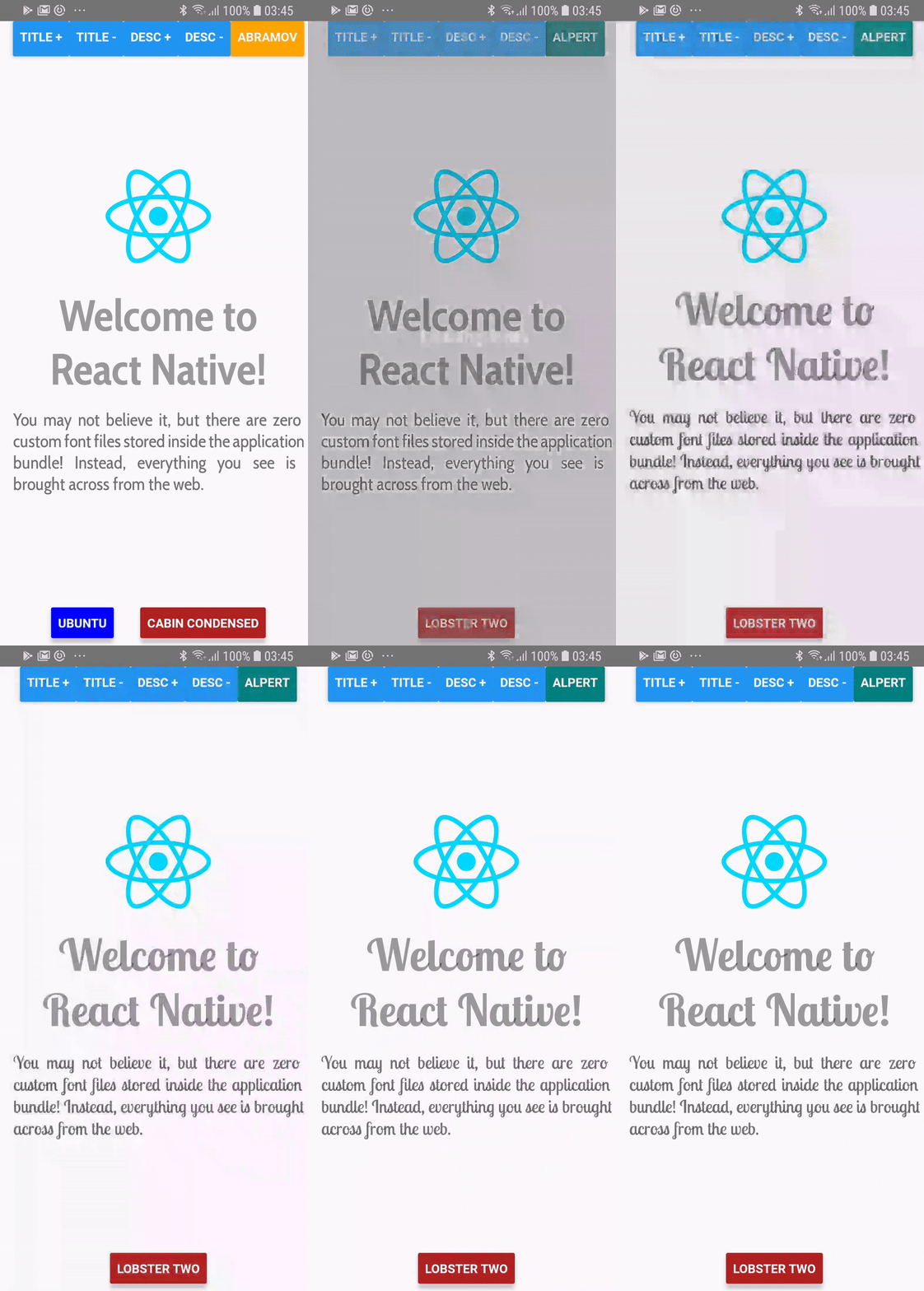
Gunakan font dinamis yang ditentukan melalui lokasi jaringan, alih -alih mengelolanya di build asli Anda!
> = 0.60.0
yarn add react-native-custom-fonts # or npm install --save react-native-custom-fonts Lalu membangun kembali aplikasi Anda. Di iOS, pastikan untuk pod install cocoapod Anda di direktori aplikasi /ios Anda.
<= 0,59.x
Menggunakan yarn :
yarn add react-native-custom-fonts
react-native link react-native-custom-fontsfontFaces telah diubah menjadi objek fontFaces , yang kuncinya adalah nama gaya font yang ingin Anda referensi di aplikasi Anda.fontFace , Anda harus menentukan nama dalam panggilan ke useCustomFont(name:String) . Silakan periksa contoh proyek untuk demonstrasi lengkap. Cukup cd ke dalam direktori, gunakan npm atau yarn untuk menginstal dependensi, lalu jalankan aplikasi menggunakan yang berikut:
react-native run-android # run on android
react-native run-ios # run on ios import React from "react" ;
import PropTypes from "prop-types" ;
import { View , Text } from "react-native" ;
import CustomFontsProvider , { useCustomFont } from "react-native-custom-fonts" ;
const fontFaces = {
// XXX: Specify the local name of your font. You'll use this to refer to it via the useCustomFont hook.
'UbuntuBold' : {
uri : 'https://github.com/google/fonts/raw/master/ufl/ubuntu/Ubuntu-Bold.ttf' ,
fontFamily : 'Ubuntu' ,
fontWeight : 'bold' ,
// XXX: You can also specify additional font styling.
color : 'blue' ,
} ,
} ;
const SomeComponent = ( ) => {
// Fetch the desired font by name. When the font has been cached, it will automatically update the View.
const { ... fontProps } = useCustomFont ( 'UbuntuBold' ) ;
return (
< Text
{ ... fontProps }
children = "Hello, world!"
/>
) ;
} ;
export default ( ) => (
< CustomFontsProvider
fontFaces = { fontFaces }
>
< SomeComponent />
</ CustomFontsProvider >
) ; react-native-custom-fonts menangkap prop ref dari komponen Text untuk membuat penugasan properti runtime. Anda masih dapat mengakses wasit, dalam salah satu dari dua cara:
Anda dapat memasok ref :
 const ref = useRef ( ) ;
const { ... fontProps } = useCustomFont ( 'UbuntuBold' , ref ) ;
return (
  < Text
    ref = { ref }
    { ... fontProps }
  />
) ;
Atau Anda dapat menggunakan referensi yang disediakan :
 const { ref , ... fontProps } = useCustomFont ( 'UbuntuBold' ) ;
return (
  < Text
    ref = { ref }
    { ... fontProps }
  />
) ; Dimungkinkan untuk melakukan ini juga. Cukup mengambil prop style dari panggilan ke useCustomFont :
 const { style , ... fontProps } = useCustomFont ( 'UbuntuBold' ) ;
return (
  < TextInput
    style = { [ style , { fontColor : 'blue' } ] }
    { ... fontProps }
  />
) ; CustomFontsProvider Ini adalah penyedia konteks bereaksi untuk semua anak yang dibungkus dengan panggilan untuk ReactNativeCustomFonts.withCustomFont . Mengelola caching dan penugasan font jarak jauh untuk anak -anak.
| Nama prop | Tipe data | Diperlukan | Bawaan | Keterangan |
|---|---|---|---|---|
fontFaces | PropTypes.Shape ({}) | PALSU | {} | Mendefinisikan konfigurasi font jarak jauh. |
fallback | PropTypes.Shape ({}) | PALSU | {Color: 'Red', FontWeight: 'Bold'} | Gaya untuk digunakan saat unduhan font gagal. |
onDownloadDidStart | PropTypes.func | PALSU | () => null | Callback untuk saat penyedia mulai mengunduh fontfaces. |
onDownloadDidEnd | PropTypes.func | PALSU | () => null | Callback ketika penyedia telah selesai mengunduh fontfaces. |
onDownloadDidError | PropTypes.func | PALSU | () => null | Dipanggil saat kesalahan telah dilemparkan saat mengunduh fontfaces. |
Harap laporkan masalah apa pun yang Anda temui, dan jangan ragu untuk mengirimkan permintaan tarik jika Anda ingin menambahkan peningkatan apa pun. Untuk melakukan perubahan apa pun, Anda bisa bercabang dari master .
Mit








